manuals.online logo
Brands
  1. Home
  2. •
  3. Brands
  4. •
  5. RIOTEC
  6. •
  7. Barcode Reader
  8. •
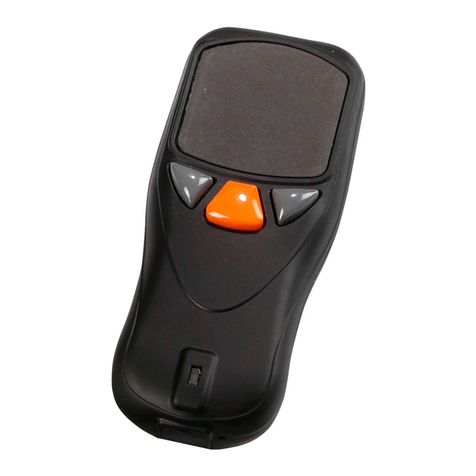
  9. RIOTEC OM7220L User manual

RIOTEC OM7220L User manual

Other RIOTEC Barcode Reader manuals
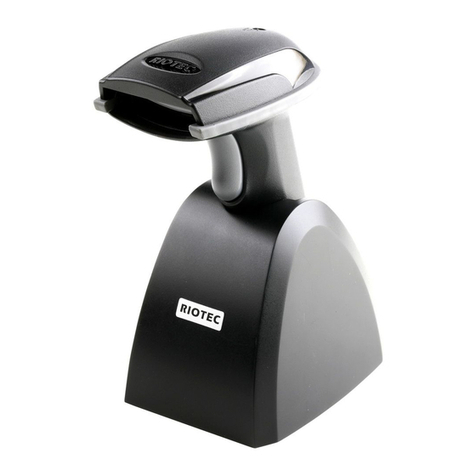
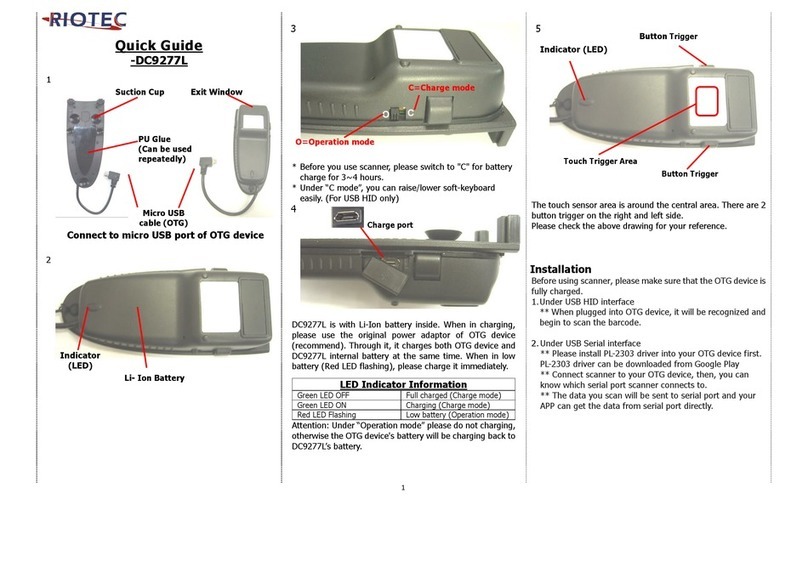
RIOTEC iLS6300VBU User manual

RIOTEC

RIOTEC iLS6300VBU User manual

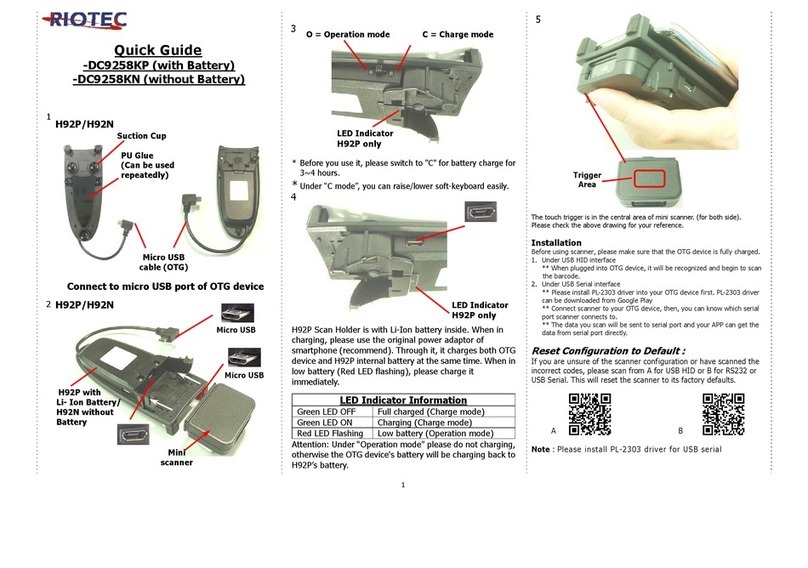
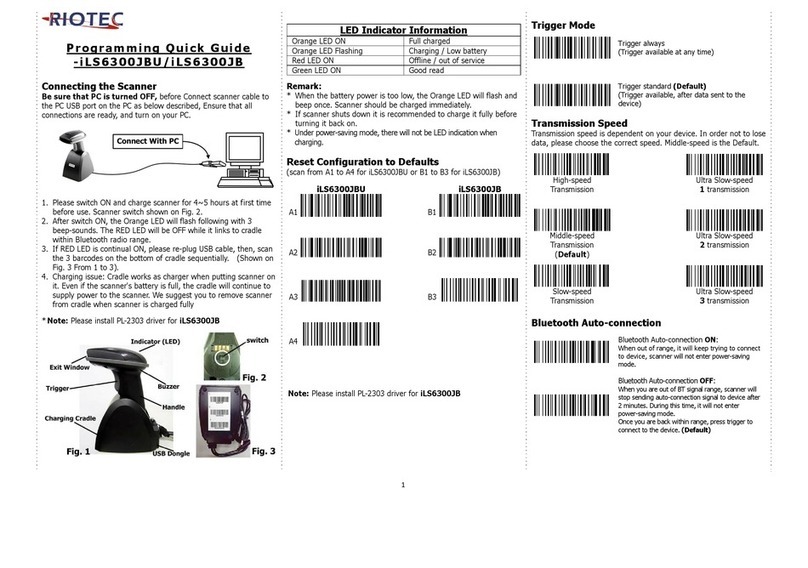
RIOTEC iDC9602A User manual

RIOTEC

RIOTEC iDC9602A User manual

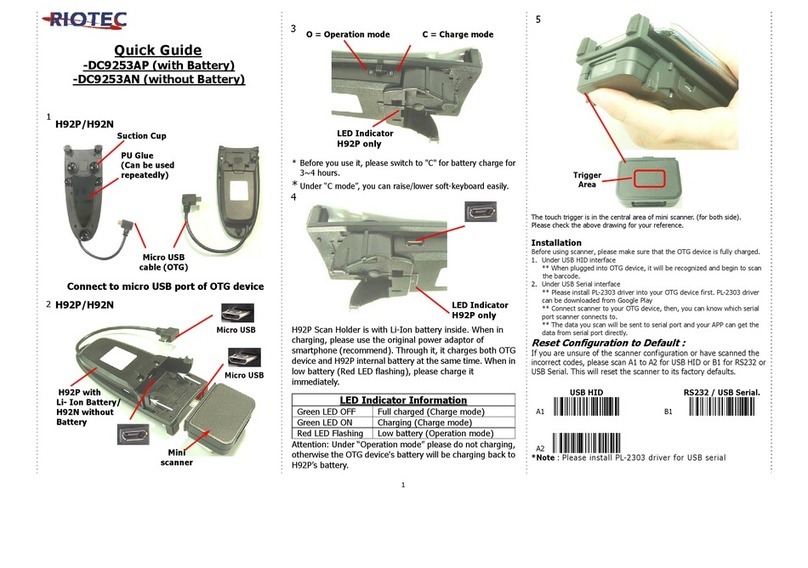
RIOTEC iDC9607LW User manual

RIOTEC

RIOTEC iDC9607LW User manual

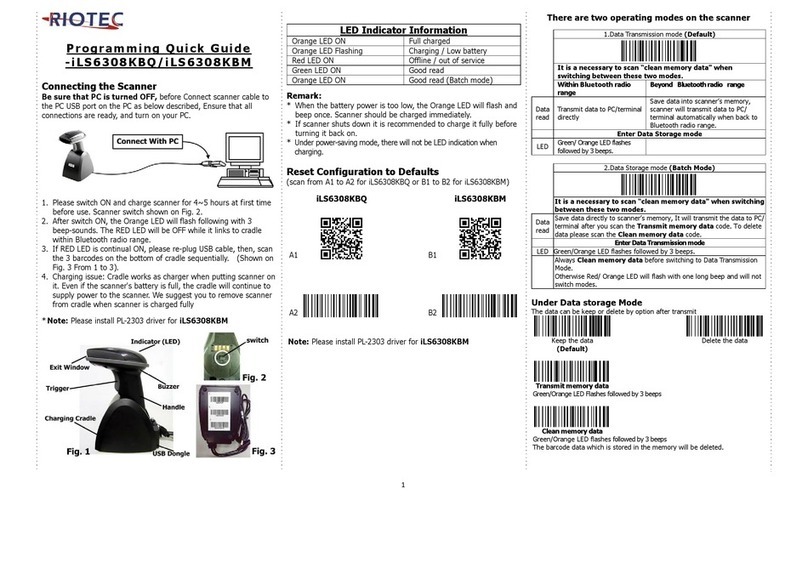
RIOTEC iLS6302J/KBU User manual

RIOTEC

RIOTEC iLS6302J/KBU User manual

RIOTEC iDC9273A User manual

RIOTEC

RIOTEC iDC9273A User manual

RIOTEC LS6308K User manual

RIOTEC

RIOTEC LS6308K User manual

RIOTEC RIOSCAN iLS6300JS User manual

RIOTEC

RIOTEC RIOSCAN iLS6300JS User manual

RIOTEC iLS6302KS User manual

RIOTEC

RIOTEC iLS6302KS User manual

RIOTEC OM7220J User manual

RIOTEC

RIOTEC OM7220J User manual

RIOTEC iLS6303ABQ User manual

RIOTEC

RIOTEC iLS6303ABQ User manual

RIOTEC iLS6308KBQ User manual

RIOTEC

RIOTEC iLS6308KBQ User manual

RIOTEC FS5102N User manual

RIOTEC

RIOTEC FS5102N User manual

RIOTEC iDC9602NW User manual

RIOTEC

RIOTEC iDC9602NW User manual

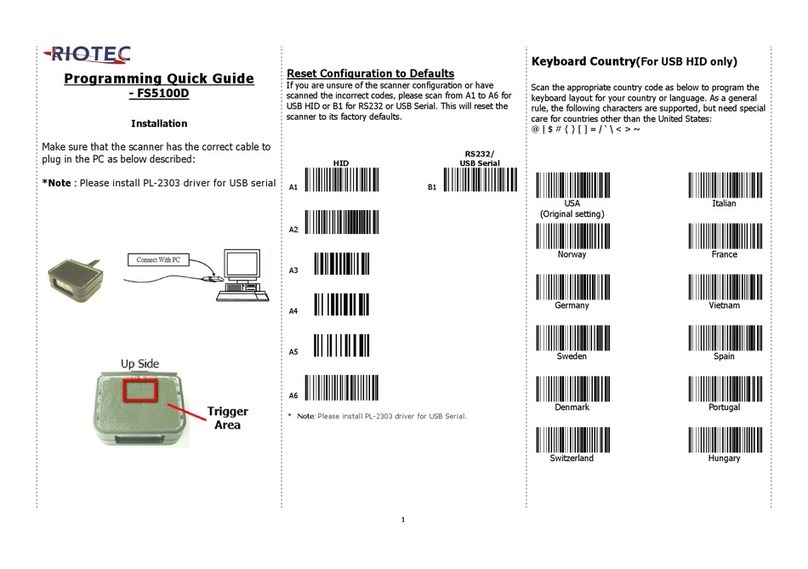
RIOTEC FS5100D User manual

RIOTEC

RIOTEC FS5100D User manual

RIOTEC iLS6303XBQ User manual

RIOTEC

RIOTEC iLS6303XBQ User manual

RIOTEC LS6322A User manual

RIOTEC

RIOTEC LS6322A User manual

RIOTEC iLS6302NBU User manual

RIOTEC

RIOTEC iLS6302NBU User manual

RIOTEC iDC9607AW User manual

RIOTEC

RIOTEC iDC9607AW User manual

RIOTEC DC9270 User manual

RIOTEC

RIOTEC DC9270 User manual

RIOTEC iDC9507L User manual

RIOTEC

RIOTEC iDC9507L User manual
RIOTEC LS6307 USB User manual

RIOTEC

RIOTEC LS6307 USB User manual

RIOTEC iLS6308KBU User manual

RIOTEC

RIOTEC iLS6308KBU User manual

RIOTEC OM7520M User manual

RIOTEC

RIOTEC OM7520M User manual

RIOTEC iLS6307LBM User manual

RIOTEC

RIOTEC iLS6307LBM User manual

Popular Barcode Reader manuals by other brands

Microscan HS-2D user manual

Microscan

Microscan HS-2D user manual

SICK CLV62x Online help

SICK

SICK CLV62x Online help

Datalogic Gryphon GBT4200 Quick reference guide

Datalogic

Datalogic Gryphon GBT4200 Quick reference guide

WaveMark SmartWand SW1500 manual

WaveMark

WaveMark SmartWand SW1500 manual

Zebex Z-3191BT Quick connection guide

Zebex

Zebex Z-3191BT Quick connection guide

RTscan RT211 Integration guide

RTscan

RTscan RT211 Integration guide

Motorola SYMBOL DS6707 Product reference guide

Motorola

Motorola SYMBOL DS6707 Product reference guide

Godex BP300 user manual

Godex

Godex BP300 user manual

Godex RT800i Series user manual

Godex

Godex RT800i Series user manual

Generalscan X Series quick start guide

Generalscan

Generalscan X Series quick start guide

POSMicro Datalogic PowerScan D7100 manual

POSMicro

POSMicro Datalogic PowerScan D7100 manual

NCR RealPOS user guide

NCR

NCR RealPOS user guide

Motorola SE3300 Integration guide

Motorola

Motorola SE3300 Integration guide

Nordson CBC 5100 manual

Nordson

Nordson CBC 5100 manual

Motorola Symbol LS3008 Product reference guide

Motorola

Motorola Symbol LS3008 Product reference guide

Meec tools OBD-II / VAG operating instructions

Meec tools

Meec tools OBD-II / VAG operating instructions

SICK CLP 100 operating instructions

SICK

SICK CLP 100 operating instructions

Royal Tag SA I-Read user manual

Royal Tag SA

Royal Tag SA I-Read user manual

manuals.online logo
manuals.online logoBrands
  • About & Mission
  • Contact us
  • Privacy Policy
  • Terms and Conditions

Copyright 2025 Manuals.Online. All Rights Reserved.

1
*
Programming Quick Guide
-OM7220L
Installation
Make sure that the scanner has the correct cable to plug in the PC as
below described:
*Note : Please install PL-2303 driver for USB serial
Reset Configuration to Defaults
If you are unsure of the scanner configuration or have scanned the
incorrect codes, please scan from A1 to A3 for USB HID or B1 to B5 for
RS232 or USB Serial. This will reset the scanner to its factory defaults.
A1
0006010
B1
0006010
A2
0001160
B2
0001160
A3
0006000
B3
1100000
B4
0310020
B5
0006000
**Note: Please install PL-2303 driver for USB Serial.
Barcode Configuration Method:
(Flow chart for setup procedure :)
Start
Configuration
End
Configuration
0006010
0006000
Keyboard Country (For USB HID only)
Scan the appropriate country code as below to program the keyboard
layout for your country or language. As a general rule, the following
characters are supported, but need special care for countries other
than the United States: @ | $ # { } [ ] = / ‘ \ < > ~
1103001
1103002
USA
Japan
1103003
1103004
Denmark
Finland
1103005
1103227
France
UK
1103007
1103008
Italy
Norway
1103006
1103226
Turkey F
Turkey Q
Keyboard Country (For USB HID only)
Scan the appropriate country code as below to program the keyboard
layout for your country or language. As a general rule, the following
characters are supported, but need special care for countries other
than the United States: @ | $ # { } [ ] = / ‘ \ < > ~
1103202
1103222
Belgium
Spain
1103209
1103220
Germany
Austria
Russia
1103223
1103218
Sweden
Portugal
1D Symbologies –1
ENABLE
EAN-8
DISABLE
0401020
0401010
ENABLE
EAN-13
DISABLE
0402020
0402010
ENABLE
ISSN
DISABLE
0421020
0421010
ENABLE
ISBN
DISABLE
0416020
0416010
ENABLE
Codabar
DISABLE
0409020
0409010
2
Barcode Configuration Method:
(Flow chart for setup procedure :)
Start
Configuration
End
Configuration
0006010
0006000
1D Symbologies –2
ENABLE
Code 39
DISABLE
0408020
0408010
ENABLE
Code 93
DISABLE
0410020
0410010
1D Symbologies –3
ENABLE
GS1-Databar
(RSS)
DISABLE
0413020
0413010
ENABLE
UPC-E
DISABLE
0403020
0403010
ENABLE
UPC-A
DISABLE
0404020
0404010
ENABLE
Interleaved
2 of 5
DISABLE
0405020
0405010
ENABLE
Code 128
DISABLE
0400020
0400010
ENABLE
GS1-128
UCC/EAN-128
DISABLE
0412020
0412010
2D Symbologies
ENABLE
Data
Matrix
DISABLE
0504020
0504010
ENABLE
QR Code
DISABLE
0502020
0502010
ENABLE
Micro
QR Code
DISABLE
0502110
0502100
ENABLE
PDF 417
DISABLE
0501020
0501010
Inter-Keystroke Delay (For USB HID only)
This parameter specifies the delay between emulated keystrokes.
No Delay
1103050
Short Delay
(20ms)
Long Delay
(40ms)
1103051
1103052
Information in this document is subject to change without notice.
For more information, please visit:
www.riotec.com.tw
R_180716_01