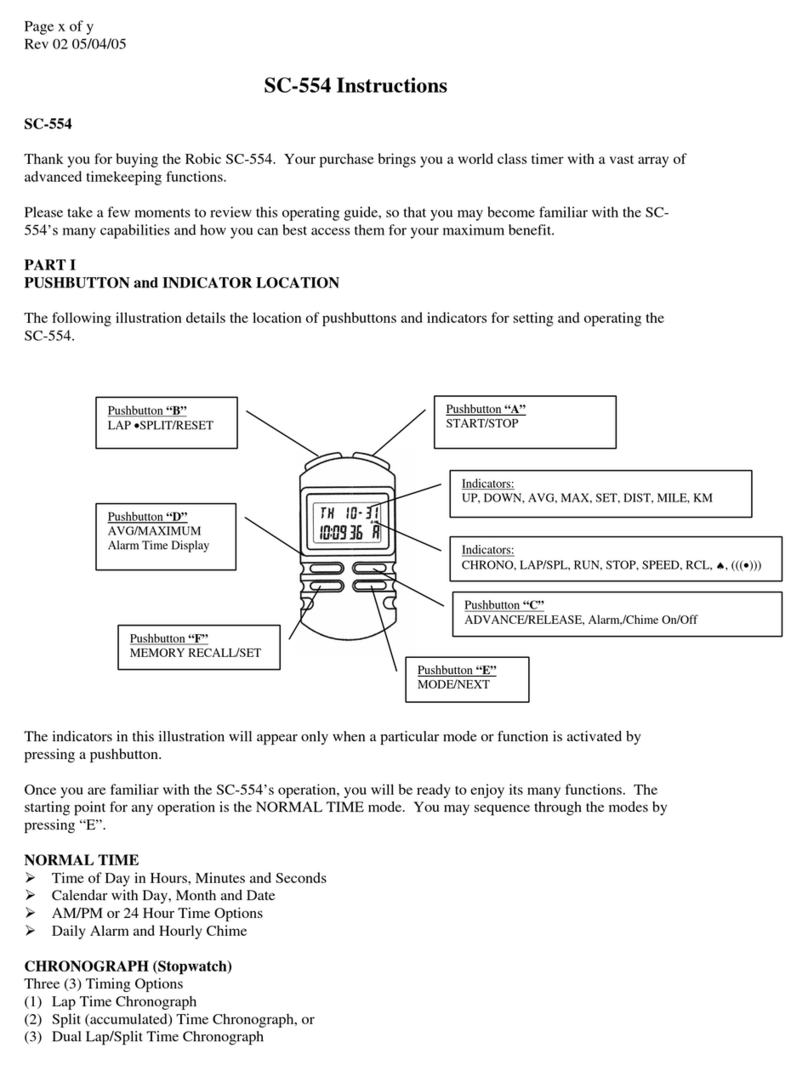
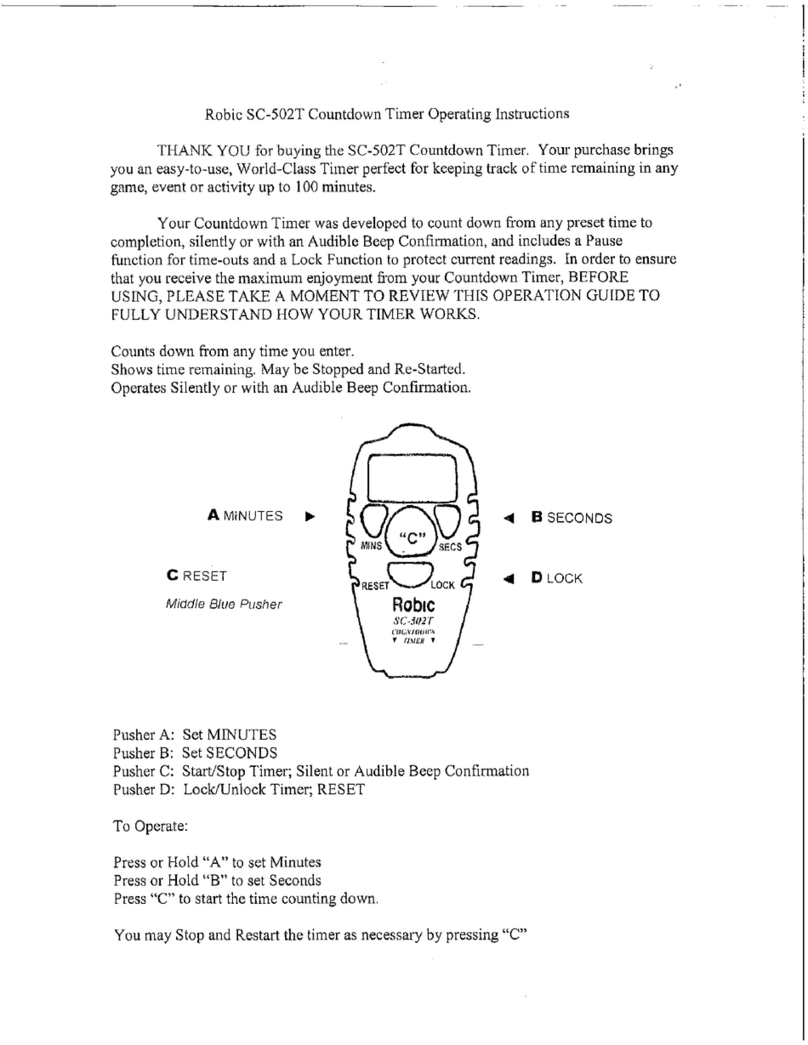
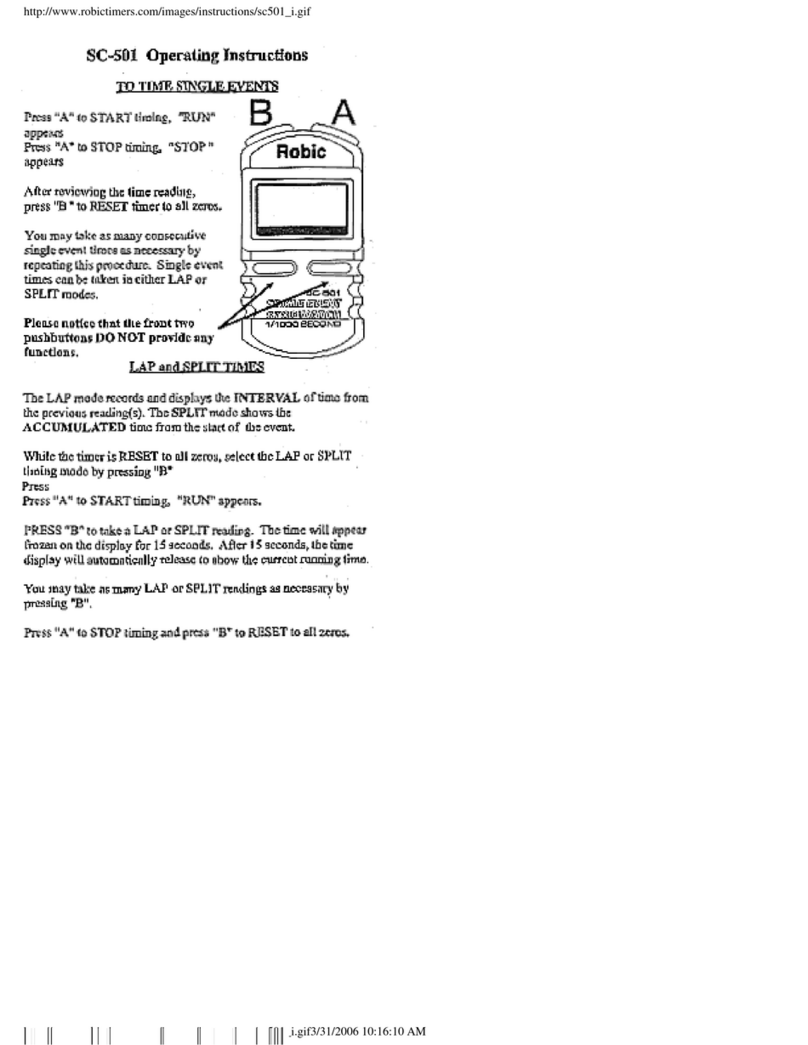
Robic SC-522 User manual

Robic SC-522 Count up & Countdown Timer Operating Instructions
THANK YOU for buying the SC-522 Count Up and Countdown Timer. Your
purchase brings you a versatile, World-Class Timer with three separate modes, perfect for
all Field and Court Sports.
Your Count Up or Countdown Timer was developed to provide two separate
Timers that can be operated silently or with an Audible Beep Confirmation, plus a
convenient Time of Day Clock. In order to ensure that you receive the maximum
enjoyment from your Count Up and Countdown Timer, BEFORE USING, PLEASE
TAKE A MOMENT TO REVIEW THIS OPERATION GUIDE TO FULLY
UNDERSTAND HOW YOUR TIMER WORKS.
Three Separate modes: Countdown timer (preset a time and counts down to zero); Time
of day clock (AM/PM or 24 hour display) and Count up timer from zero. Silent or
Audible Beep Confirmation operation.
ASET ►◄BRESET
CSTART/STOP/ADVANC
E
Middle Grey Pusher ◄DMODE/LOCK
Pusher A: “SET”
Pusher B: “RESET”
Pusher C: Start/Stop/Advance (Middle Grey Pusher)
Pusher D: “MODE LOCK”
Press and Hold both A and B to select beep tone--((●))—or silent operation.
Please note the SC-522 will sound beep tones to indicate completion of the Countdown
Time whether Beep or Silent operation is selected.

Select the Mode by pressing “D”: Countdown ▼→ Time of Day→Count up ▲
Countdown ▼: You may countdown in seconds from 99 minutes 59 seconds or in
minutes from 9999 minutes. With the time value set at all zeros, press A to select
minutes or seconds (colon “:” appears). Enter the time by pressing and holding A > 3
seconds. The digit on the far right appears flashing. Advance the value by pressing C.
Then, press A to set and press C to advance each successive digit. Press D to load your
time and exit the setting process.
After entering the preset time, press C to start counting down. You may press C to stop
(STOP appears) and restart the timing as required. Single Pre alert beeps sound with 30,
3, 2 and 1 seconds remaining. Upon completion, the SC-522 will sound a rapid beep tone
and reset to the preset time.
You may set a new Preset time upon completion by Pressing and Holding A for > 3
seconds and proceeding as described above after Countdown ▼.
Time of Day Clock: Press D from the Countdown Timer to enter the Time of Day mode.
Set the time of day by pressing and holding A > 3 seconds. Minutes appear flashing.
Advance the minutes by pressing or holding C. Then press A again to set Hours and
AM/PM or 24 hour time display. If AM/PM is selected and “A” or “P” will appear in the
display. “H” will appear in the 24 hour format. Press D at any time to exit the setting
process.
Count Up Timer ▲: Press D from Time of Day to enter the Count Up mode. Start the
timer counting up in seconds by pressing C. Press C again to stop timing (STOP
appears). Upon completion, Press B > 3 seconds to Reset to all zeros.
Please note you may Stop and Re-Start the Up timer as often as necessary.
LOCK feature: The SC-522 will Lock a time into place at anytime the timer is not active
(running) by pressing D > 3 seconds. The “lock” icon appears in the display. Locking the
timer prevents all operation and accidently resetting the time.
The Countdown and Count up timers can be operated simultaneously.
LIMITED WARRANTY
OUR BASIC POLICY
Marshall –Browning International Corporation (MBI Corp.) warrants to the original
owner, this timepiece (excluding battery, lanyard, clip, band or strap) for the period of
one year from the original purchase date. This limited warranty is given by MBI Corp.
and not by the dealer from whom the timepiece was purchased.
______________________________________________________________________

THE WARRANTY PROCESS – WHAT IS COVERED BY THE WARRANTY
If the timepiece develops a manufacturing defect within the one year limited warranty
period, it will be either repaired or replaced (at MBI Corp.’s option) with a timepiece of
equal value, providing the original owner submits the following:
1. Proof of purchase, i.e. a validated store receipt showing date of purchase.
2. A check or money order (no cash, please) in the amount of $7.50 to cover the cost of
shipping and handling
WHAT IS NOT COVERED BY THE WARRANTY
A. MBI Corp. will not repair defects of damages caused by or showing evidence of:
1. Improper or unauthorized service.
2. Misuse, tampering, abuse or mistreatment of the timepiece.
3. Damage to the case or viable cracking of the lens.
4. Moisture damage, if the product is a non-water-resistant timepiece.
B. If we find that the battery is the cause of the defect, MBI Corp. reserves the right to
charge your ($7.50) for a new replacement.
MBI Corp. is not liable for incidental or consequential damages. Some states do not
allow the exclusion or limitation of incidental or consequential damages, so the above
limitation may not apply to you.
YOUR RIGHTS UNDER IMPLIED WARRANTIES AND STATE LAW.
MBI Corp. limits the duration of any warrant implied by state law, including the implied
warrant of merchantability, to one year from the date of original purchase. Some states
do not allow limitations on how long an implied warranty lasts, so the above limitation
may not apply to you. This warranty gives you specific legal rights, and you may also
have other rights which vary from state to state.
CARING FOR YOUR TIMEPIECE SC-522
Proper care of your timepiece will provide many years of enjoyment. We recommend that:
1The battery be replaced at once when it becomes depleted. Please ask your local
retailer to replace the battery for you using LR44 or equivalent.
2. The lens be replaced immediately if it becomes damaged, as contamination from dust,
moisture, and other foreign substances will damage the module.
3. If the timepiece is not marked “water-resistant,” avoid immersing or exposing it to
water, steam, or other forms of moisture.
WHEN YOU REQUIRE SERVICE
If your timepiece ever requires factory servicing, you can send it directly to:
MBI CORP, 115 HURLEY RD, BLDG. 1-A, OXFORD, CT 06478
We strongly recommend that when sending it through the mail, you send the product
insured, return receipt requested, so that if a problem in shipping arises, you can trace it
through the originating post office. You will be billed for all services deemed out of
warranty; and since we reserve the right to substitute with a replacement product of equal
or greater value, NEVER include a personal item, such as a watchband, with the repair
request.
Robic…Timers & pedometers for champions at every level! Please call (203) 264-2702
for a free catalog. www.RobicTimers.com

Table of contents
Other Robic Timer manuals

Robic
Robic SC-606W User manual

Robic
Robic SC-848W User manual

Robic
Robic SC-501 User manual

Robic
Robic SC-554 User manual

Robic
Robic SC-888 User manual

Robic
Robic SC-544 Manual

Robic
Robic SC-502T User manual

Robic
Robic EL BACKLIGHT SC-800 EL User manual

Robic
Robic SC-502T User manual

Robic
Robic M903 User manual