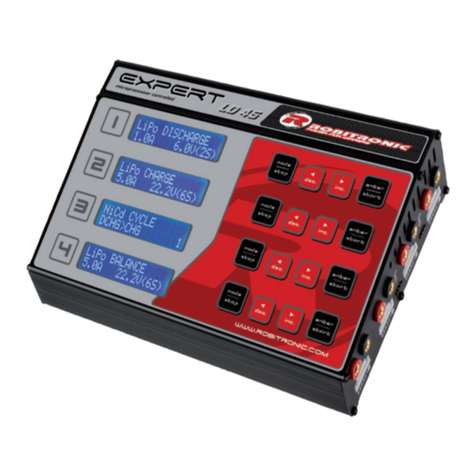
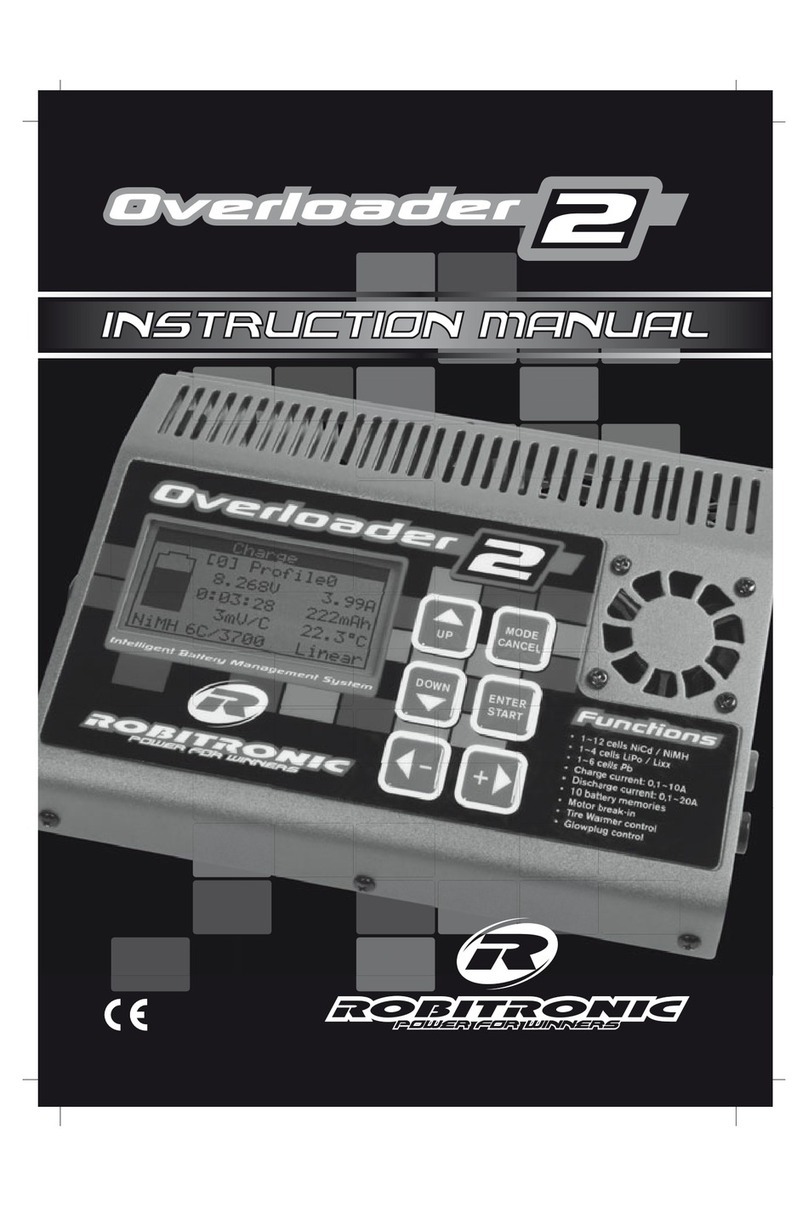
Robitronic Pro-2000 Operating instructions
4
SETUP - setting charging parameters
Pressing the Mode key switches the charger from charging mode to setup
mode; thereupon the charger displays the current settings for the charging
parameters (setup display). Each additional pressing of the Mode key
advances the cursor (a line under the character) to the next parameter. The
Plus and Minus keys allow modification of the parameter selected by the
cursor.
To persistently save the charging parameters in the charger, keep the Mode
pressed and simultaneously press the Start key. The charger reports
successful storage of the parameters with a signal tone. Thereafter, each
time the charger is turned on, it loads the stored charging parameters.
To avoid storing the charging parameters persistently, press only the Start
key after setting the parameters.
Setting temperature charging mode
When the temperature charging mode Temp is shown at the bottom left of
the setup display, the cut-off temperature and the maximum charged
capacity can be set. This means that charging terminates either when the
set battery temperature or the set charged capacity has been reached. The
maximum charging capacity option largely protects batteries against
overcharging when the temperature probe is missing. The charging
capacity must be set to the type of battery used; several test charges can
help determine this value, and the highest possible value is entered.
Values from experience for Sanyo batteries are ca. 2500-2800 mAh and for
Panasonic batteries ca. 2600-3000 mAh.