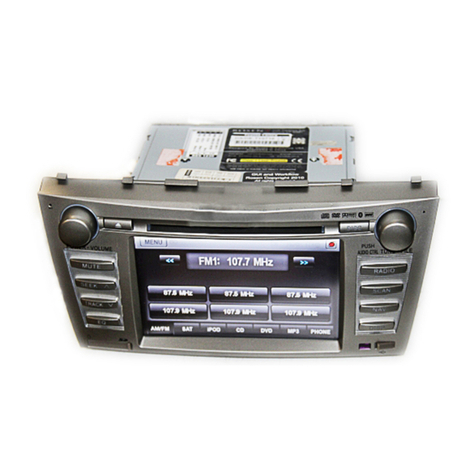
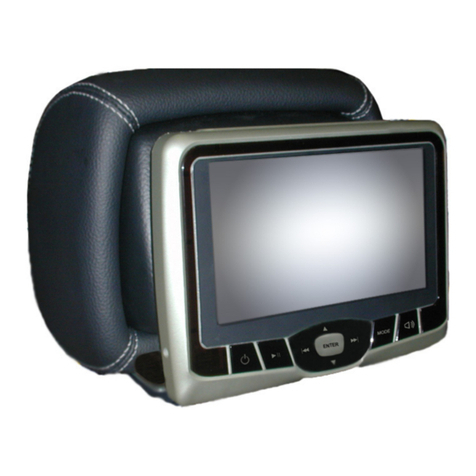
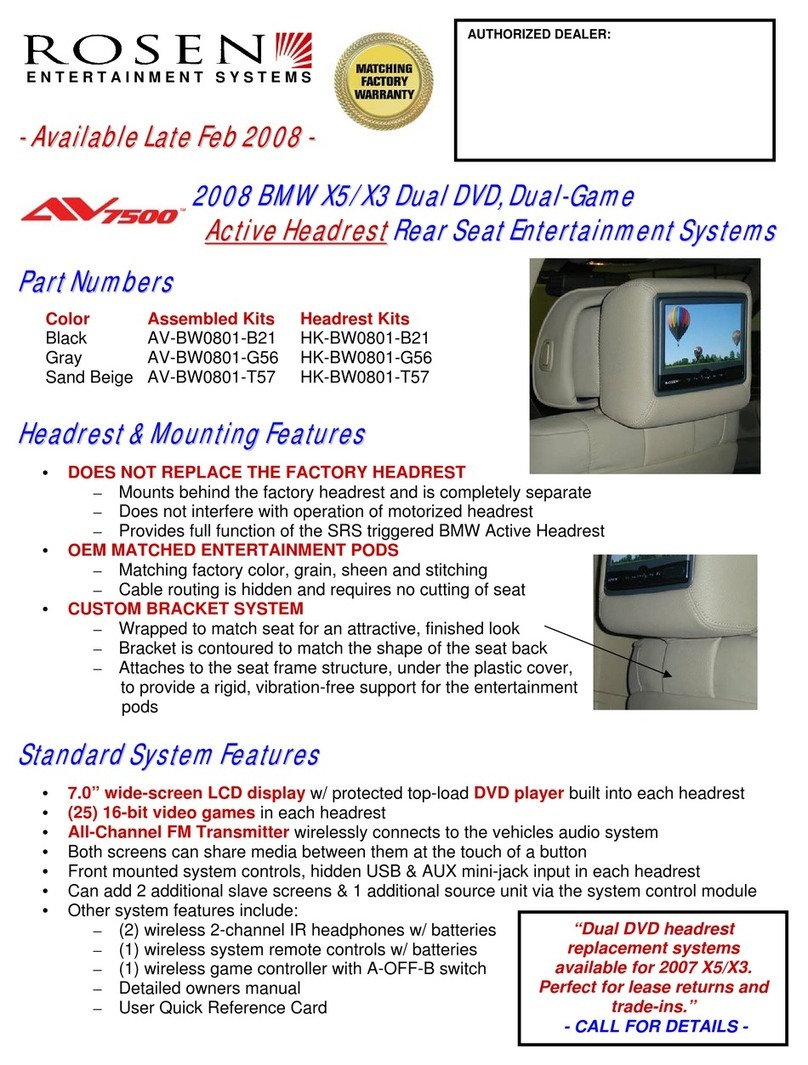
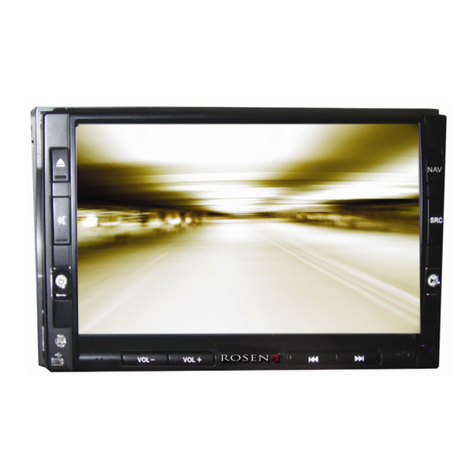
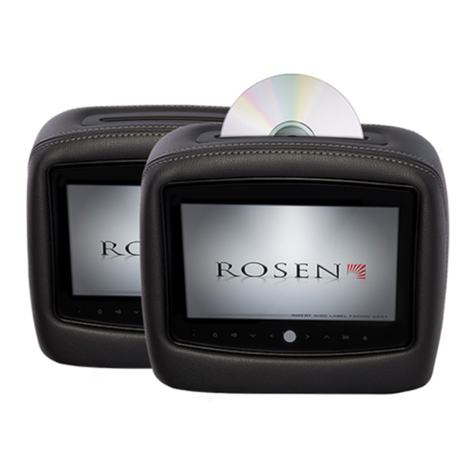
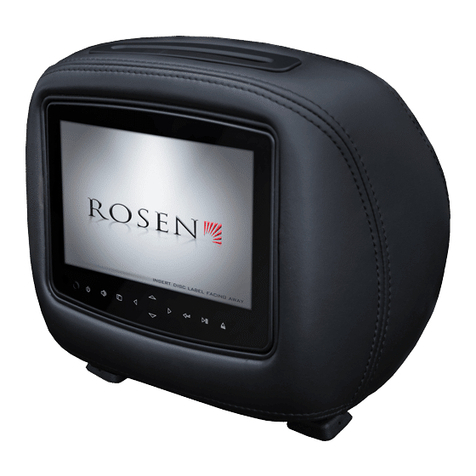
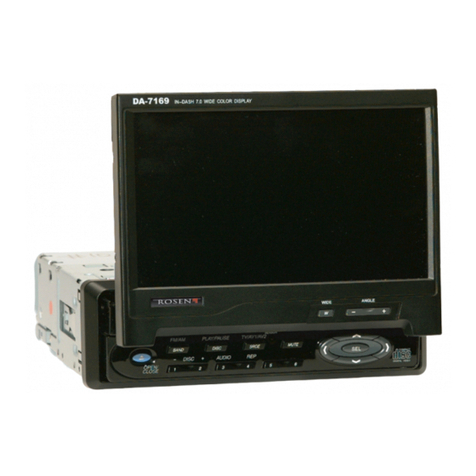
Installation Guide AV7700
Rosen Entertainment Systems Copyright 2010 All Rights Reserved
AV7700 System Installation Guide AP2004-MB Rev A
Page 9
Installer Settings
The steps below will show you how to access the installer settings menu this process
STEP
10
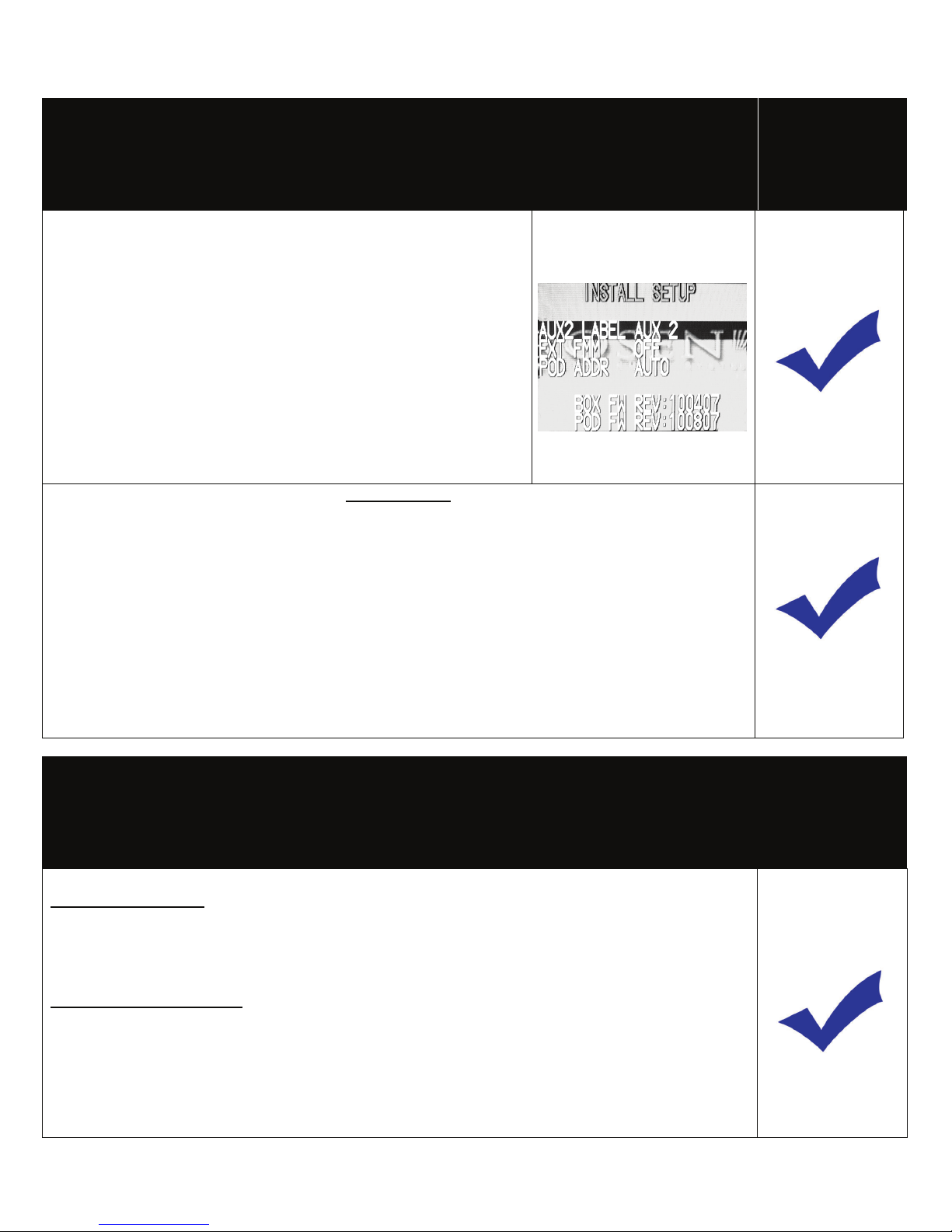
To access install setup menu: use the remote control, press
“EJECT-ENTER-1-1-2-0”
•To change AUX 2 input labeling, highlight AUX 2 label and
scroll left/right using arrows.
•To select EXT FMM, highlight EXT FMM and select on.
•POD ADDR is used to manually set pod address
AutoÆaddress is based on which port the pod is plugged
into.
•Selecting A or B allows you to manually set the pod’s
address
When manually selecting POD ADDR, an OSD will appear
on opposite pod displaying what pod it will be
Specifications
Supply Voltage : 12V (+) ACC negative ground system, 11-16VDC operating range
Current Consumption : 7A max operating
Video Signal : Composite video 1.0Vp-p 75 , NTSC/PAL
Audio Signal : Audio Output : 2Vrms, line output
IR Audio Signal : Channel A= 2.3 MHZ / 2.8 MHZ and Channel B= 3.2 MHZ / 3.8 MHZ
Discs Played : (1) 5” (12cm) DVD-VIDEO Disc
(2) Compact Disc (CD-DA/CD-R/CD-RW/MP3)
Operating Temperature : 0C to +60C
Note: Specifications and designs are subject to modification without notice.
Troubleshooting process
No headphone audio
The Headphone audio should be preset at all times, unless the MUTE is set to on
Solution: Press the MUTE Button to enable the audio and turn the MUTE OFF.
Solution: Confirm the headphones have fresh batteries and are turned on, and the ON LED
Indicator is Illuminated.
Missing Channel B Audio
System includes a monitor A and monitor B. Monitor A is channel “A” on headphones and monitor B
is channel “B” on headphones. If audio is not present, check the following.
Solution: Check A/B switch on headphones.
Solution: Reset the system
Solution: Check all cable connections