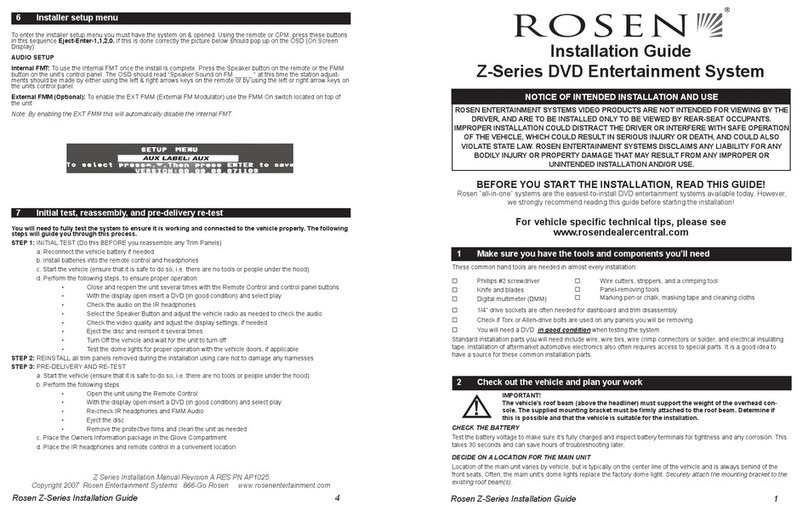
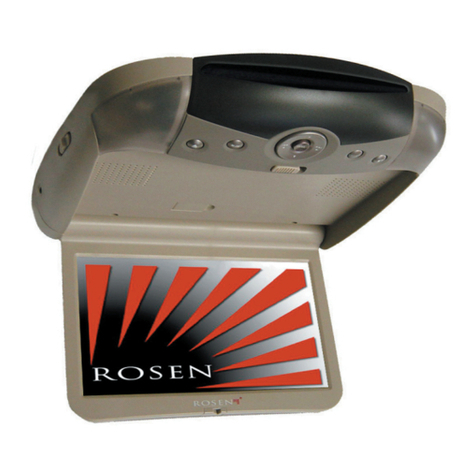
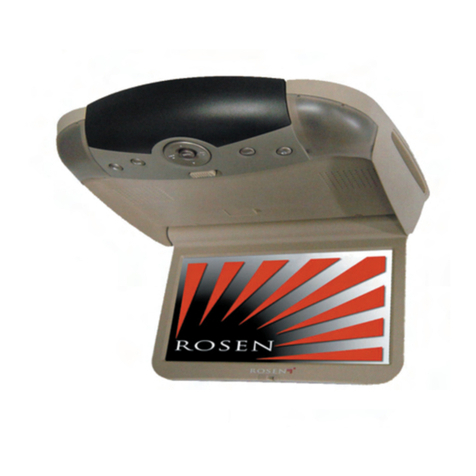
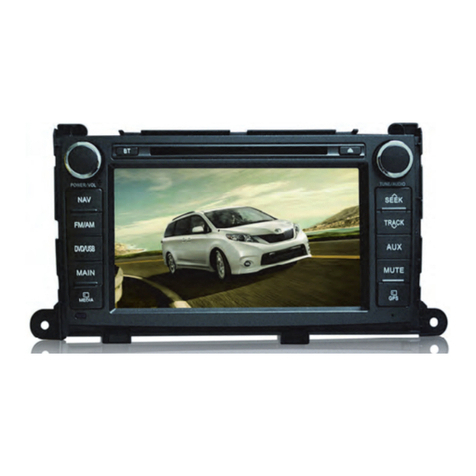
Installation Guide Toyota 4-Runner
Rosen Entertainment Systems Copyright 2011 All Rights Reserved
Installation Guide DP-TY10A4 Rev A
Page 9
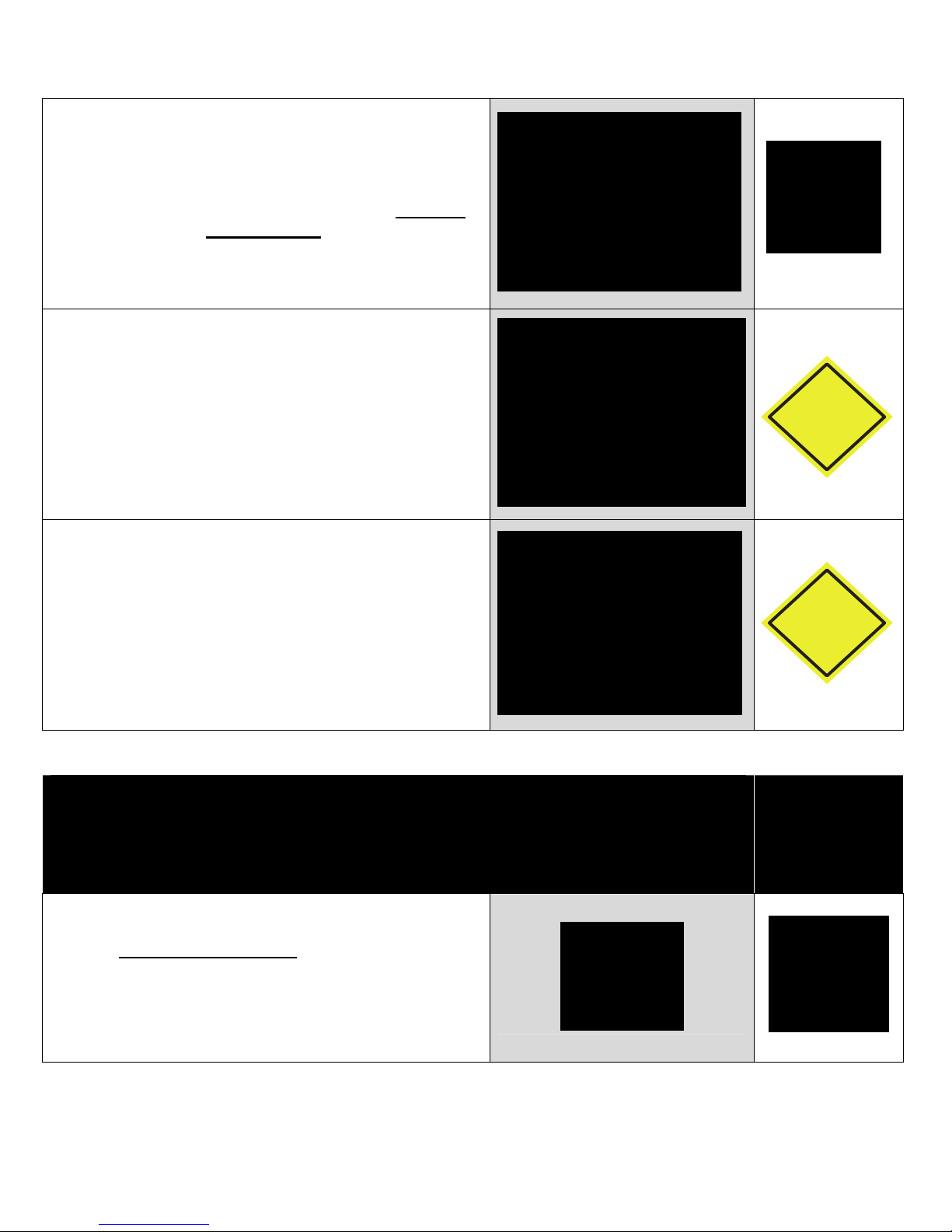
Select Phone as the Source
Confirm Phone Pairing is successful
Troubleshooting
1) Confirm the Phone has BT and is in discoverable mode
2) Confirm the Phone is compatible with the system
3) Reset the system
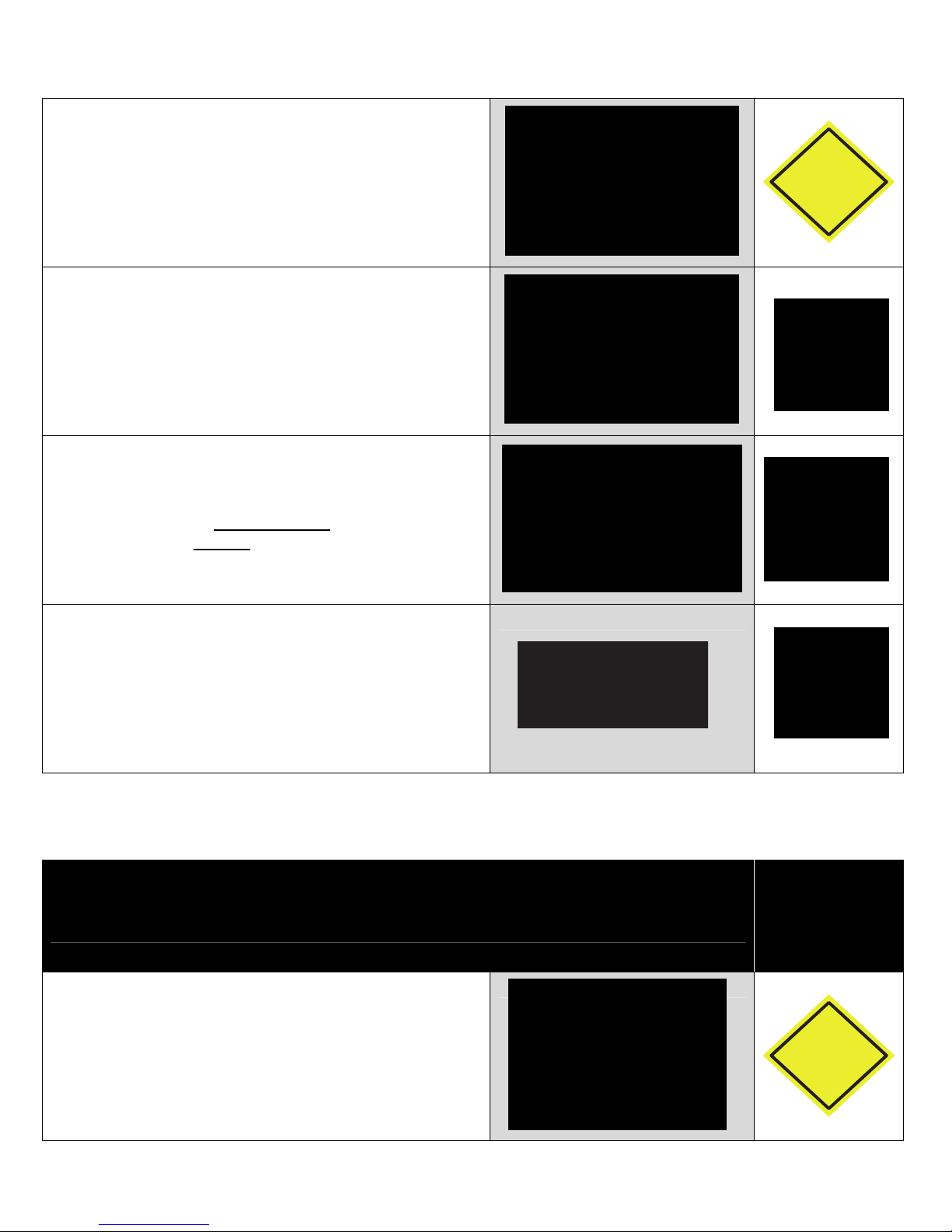
Select NAV as the Source
Confirm the Navigation loads and signal strength is OK
Troubleshooting
1) Confirm the antenna has an unobstructed view of the sky
2) Confirm the antenna is located on the outside of the
vehicle
3) Confirm the antenna connection is properly tightened
Select Reverse Camera
Confirm the backup camera screen shows in reverse
Troubleshooting
1) Confirm the Camera is set to ON in the Installer Settings
2) Confirm the Reverse Trigger wire is attached properly
3) Confirm the Camera is receiving 12VDC as required
Service and Optional Parts List
Part Number Description Part Number Description
DP-TY10A1 Quick Reference Guide DP-TY10A2 Harness, Main Interconnect
DP-TY10A4 Installation Guide DP-TY10A3 Harness, Steering Wheel Cntls
DP-1047 GPS Antenna Windshield Mount DP-1001 Manual, Owner’s
DP-1008 Harness, AUX Out DP-1002 Manual, Primo Navigation
DP-1009*** Harness, AUX IN DP-1010* Harness, Sensors/Camera
DP-1023 Pin, Stylus DP-1011 Harness, Dolby 5.1/Amp
DP-1083-P11 Card, MicroSD w/ maps DP-1022 Antenna, GPS
DP-1013-1 Harness, iPod DP-1066** Camera, License Plate Black
DP-1007 Harness, USB Adaptor DP-1067** Camera, License Plate Chrome
DP-1051-1 Harness, Sirius Interface DP-1068** Camera, Universal Black
DP-TYJBL1 Harness, JBL Adaptor
* Included with DP-1066, DP-1067, and DP-1068
** DP-1010 Camera/Sensor harness included
*** OEM 3.5mm Aux input will NOT be retained when this harness is used