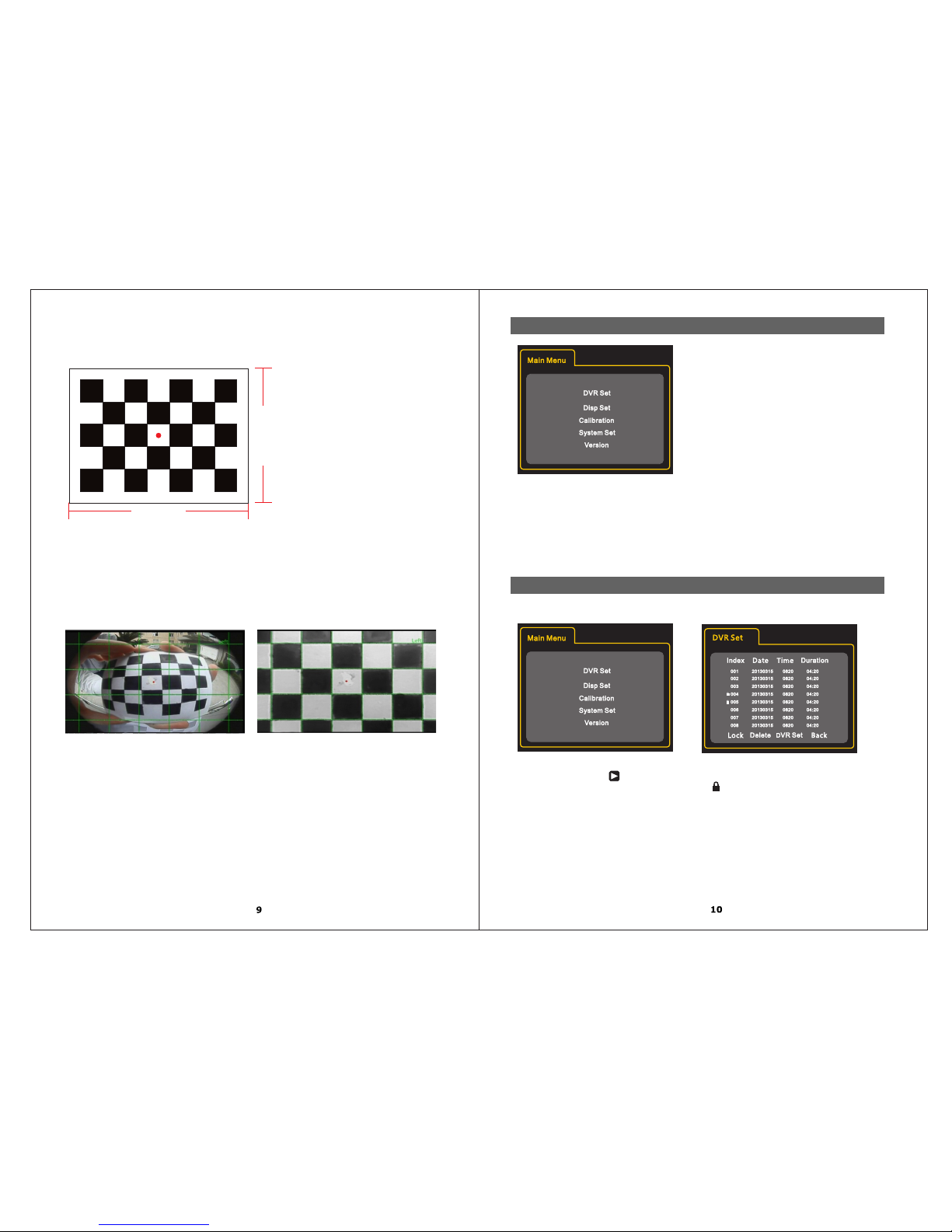
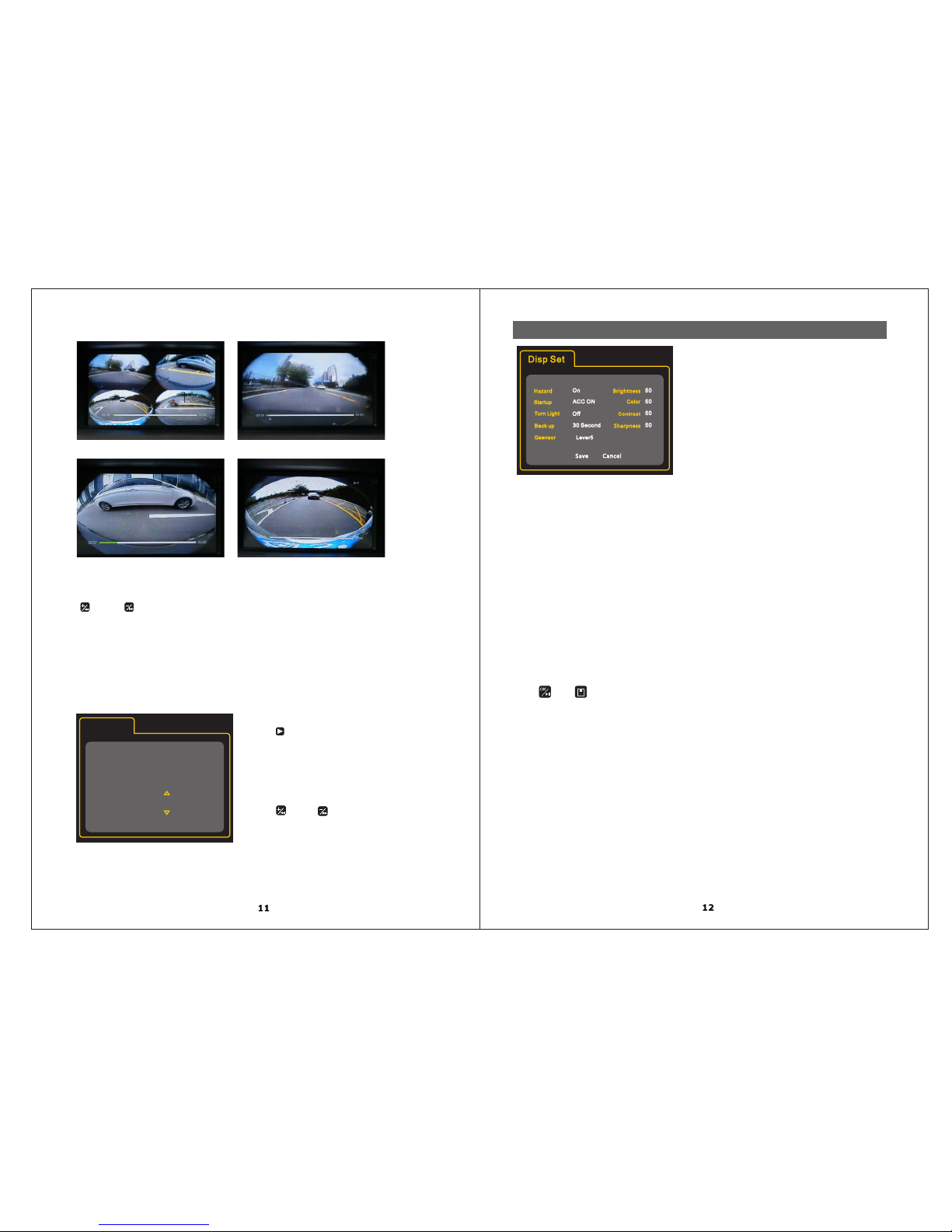
3.File playback
Four Picture
Left View Picture
Front View Picture
Rear View Picture
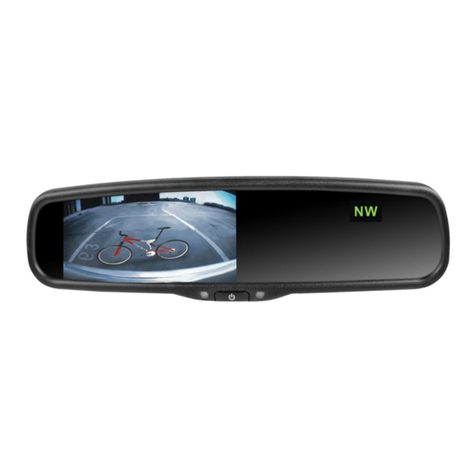
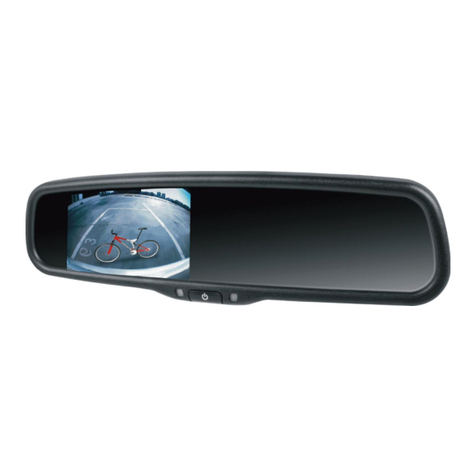
Monitor display
After selecting file, press “ OK ” to play. Repress “ OK” to pause the video when in play status.
“ ” And “ ” is fast rewind and forward, press the arrow button to focus on one view only.
SD card play on PC
User can use a computer to view the playback. May need to download the software.
Attention: Please make sure the RDV360 II power is OFF before
removing the USB flash drive or micro SD card.
Press “ ” select record setup
four channel\No\Left\rear\right\front Channel:
(Insert USB flash drive).
SD \USB (Insert USB flash drive ).Storage:
3\5\10 (single record file time).Record time:
2014.09.26 18:20 Time:
(Press “ ” and “ ” to adjust the date and time.
Press “SAVE” after adjusting the Date
and Time.)
4.Record Setup
Record Time
Record.S
Channel Four Channel
Storage
Time
Save
10Minute
SD
Cancel
2014.09.26 18:20
Hazard ON\OFF\15second\1min::
: Display ON, display will show on the screen when the user double taps the hazard button.ON
OFF: OFF: Hazard function is disabled.
Display will only show for certain amount of time.15second\1min:
Startup: ON\OFF\15second\1min
: Display on DVD or monitor when ACC ON,and recording is on at the same time. ON
: no display on the DVD or monitor when ACC ON.But recording Is ON and works the same time.OFF
15second\1min:Dispaly15s\1min after ACC ON.
Turn Light:OFF\2second\5second
: No display on the DVD or monitor when turn left or right. OFF
2second\5second: Display on the DVD or monitor 2second\5second when turn left or right.
: :display on the DVD or monitor for 2 second /15second /30second Backup 2second\15second\30second
when backup.
:Set G-sensor sensitive class from Level 1 to Level 5.The most sensitive level is Level 5.Gsensor:Lever1~5
The event file can be locked when in motion. If ACC is OFF, if the G-sensor senses a vibration, it will start
recording instantly and lock the recorded file automatically.
: If ACC is OFF, the RDV360 II is in standby mode. If the RDV360 II is detecting a low voltage from Voltage
the main battery, it will automatically turn OFF. The minimum voltage can be adjusted to 11.8V / 12V / 12.4V.
Brightness Color:: adjust video brightness adjust video color
:adjust video contrast adjust video sharpnessContrast Sharpness :
Press “ ” or “ ” to save when setup finished.
Voltage 11.8
10.Display Set