7
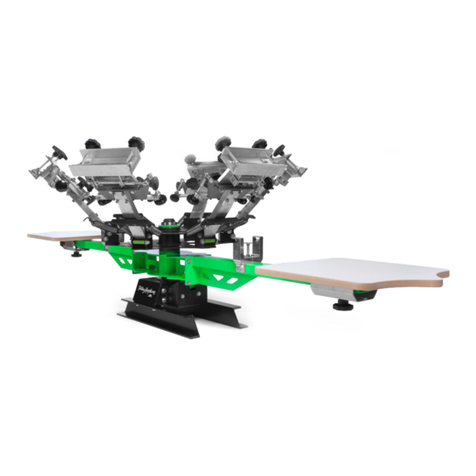
Install the print stations with supplied hardware. Ensure the number on
the print station matches the number on the center rotary. Failure to due
so, will shi the platens out of alignment.
Do not fully tighten at this time. They must be snug but loose enough to
adjust with bumps of the hand.
Note: Refer to Page 3 for hardware detail.
STEP 4
Install the 3/16” roll pins to locate the print station. Tap print station to
align holes visually as close as you can. This is a factory seing that
ensures your platens are aligned to each other. Tap them in approx. ½”
with a hammer.
Aer pins are seated, fully tighten the print station hardware.
Note: Refer to Page 3 for hardware detail.
3/16” Roll Pins