8
Using the High-Pass Filter
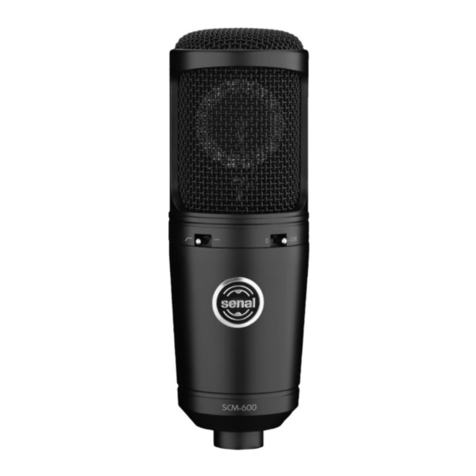
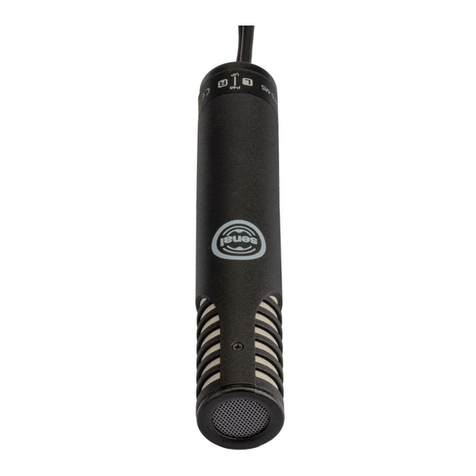
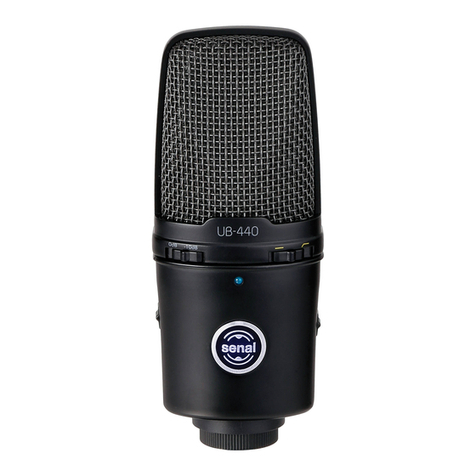
The high-pass filter is set to eliminate noise and ambience below 80 Hz. This helps prevent the
microphone from picking up low-frequency noises that can interfere with your recording, like the
rumble from an air conditioner.
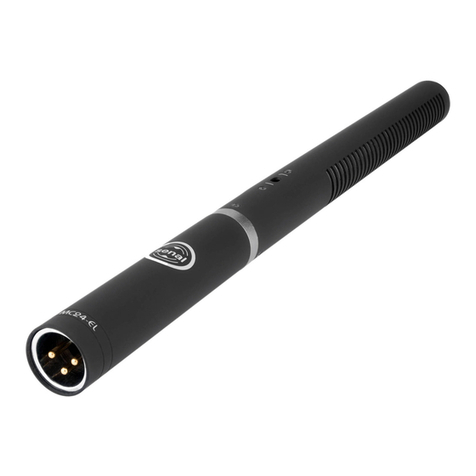
To turn on the high-pass filter, slide the high-pass filter switch so it rests under the marking. To turn
off the high-pass filter, slide the switch so it rests under the marking.
Using the Three-Level Gain Switch
The three-level gain switch provides a +10 dB boost or -10 dB pad. Boosting the microphone’s gain can
be useful for picking up low-level or distant sounds in a quiet environment. To boost the microphone’s
gain by 10 dB, slide the three-level gain switch so it rests under the +10 dB marking.
The -10 dB pad attenuates the microphone’s gain stage by 10 dB. This lowers the signal output to help
prevent distortion when recording loud sounds. To turn on the attenuation pad, slide the three-level
gain switch so it rests under the -10 dB marking.
To return the microphone’s gain to normal, slide the switch so it rests under the 0 dB marking.
▪ ▪ ▪ ▪ ▪ ▪ ▪ ▪ ▪ ▪ ▪ ▪ ▪ ▪ ▪ ▪ ▪ ▪ ▪ ▪ ▪ ▪ ▪ ▪ ▪ ▪ ▪ ▪ ▪ ▪ ▪ ▪ ▪ ▪ ▪ ▪ ▪ ▪ ▪ ▪ ▪ ▪ ▪ ▪ ▪ ▪ ▪ ▪ ▪ ▪ ▪ ▪ ▪ ▪ ▪ ▪
Using the High-Pass Filter / Using the Three-Level Gain Switch