
Shuttle AK38 User manual

AK38/AK38N
AK39/AK39N
SocketA
AMD Athlon/Duron Processor
Based DDR Main Board
User's Manual

AK38/AK38N
AK39/AK39N
SocketA
AMD Athlon/Duron Processor
based DDR Mainboard
Manual Version 1.0
Copyright
Copyright©2002 by Shuttle®Inc. All Rights Reserved.
No part of this publication may be reproduced, transcribed, stored in a retrieval system,
translated into any language, or transmitted in any form or by any means, electronic,
mechanical, magnetic, optical, chemical, photocopying, manual, or otherwise, without
prior written permission from Shuttle®Inc.
Disclaimer
Shuttle®Inc. shall not be liable for any incidental or consequential damages resulting from the
performance or use of this product.
This company makes no representations or warranties regarding the contents of this manual.
Information in this manual has been carefully checked for reliability; however, no guarantee is
given as to the correctness of the contents. In the interest of continued product improvement,
this company reserves the right to revise the manual or include changes in the specifications
of the product described within it at any time without notice and without obligation to notify any
person of such revision or changes. The information contained in this manual is provided for
general use by the customers.
Trademarks
Shuttle is a registered trademark of Shuttle Inc.
VIA isaregisteredtrademarkofVIACorporation.
AMD, Athlon, and Duron are registered trademarks of AMD Corporation.
PS/2 is a registered trademark of IBM Corporation.
AWARD is a registered trademark of Award Software Inc.
Microsoft and Windows are registered trademarks of Microsoft Corporation.
General Notice: Other brand and product names used herein are for identification purposes
only and may be trademarks of their respective owners.
M690

Thermalissue ishighly essentialfor processorswith aspeed of600MHz andabove.
Hence,we recommendyou touse theCPU fanqualified by AMD or motherboard
manufacturer.Meanwhile,please make sureCPUandfan aresecurelyfastenedwell.
Otherwise,improperfan installation notonlygetssystem unstablebutalsocould
damageboth CPUandmotherboard becauseinsufficient thermaldissipation.
Ifyou wouldlike toknow more aboutthermal topicplease seeAMD website for
detailedthermalrequirement through theaddress:
http://www.amd.com
WARNING

- 1 -
WHAT's IN THE MANUAL .................................................................... 5
Quick Reference ............................................................................................... 5
About This Manual ........................................................................................... 5
1 INTRODUCTION ................................................................................ 6
1.1 TO DIFFERENT USERS ............................................................................. 6
First-TimeDIYSystem Builder ................................................................. 6
ExperiencedDIYUser ............................................................................. 6
SystemIntegrator..................................................................................... 6
1.2 ITEM CHECKLIST ....................................................................................... 7
2 FEATURES ........................................................................................ 8
2.1 SPECIFICATIONS ....................................................................................... 8
3 HARDWARE INSTALLATION .......................................................... 11
3.1 STEP-BY-STEP INSTALLATION ...............................................................11
STEP1 Installthe CPU.......................................................................... 12
STEP 2 Set Jumpers............................................................................. 13
STEP3 InstallDDR SDRAMSystem Memory........................................ 13
STEP 4Install InternalPeripherals inSystem Case ................................ 14
STEP5 Mountthe Mainboardon theComputer Chassis........................ 15
STEP6 ConnectFront-panel Switches/LEDs/Speaker/USB.................. 16
STEP 7 Connect IDE and Floppy Disk Drives........................................ 17
STEP8Connect Other InternalPeripherals............................................ 17
STEP9 ConnectPowerSupply ............................................................. 19
STEP10 InstallAdd-on Cardsin ExpansionSlots.................................. 19
STEP11 ConnectExternal Peripheralsto Back-panel ........................... 20
STEP 12 First Time System Boot Up ..................................................... 21
STEP13 InstallDriver &Software Components..................................... 22
TABLE OF CONTENTS

- 2 -
3.2 JUMPER SETTINGS ................................................................................. 23
JUMPER& CONNECTOR GUIDE......................................................... 24
Jumpers
Clear CMOS (JP1) ................................................................................ 27
BIOSWriteProtection (JP5) .................................................................. 27
CPU FREQ Setting (JP6) ...................................................................... 28
USBPower-On Setting(JP4)................................................................. 28
Back-Panel Connectors
PS/2Keyboard & PS/2Mouse Connectors............................................ 29
ParallelPortConnector.......................................................................... 29
COM1Port Connector ........................................................................... 29
VGAPortConnector.............................................................................. 29
MIDI/GAMEPortConnector ................................................................... 30
Line-OutPortConnector ........................................................................ 30
Line-InPortConnector ........................................................................... 30
Mic-InPortConnector ............................................................................ 30
LANPort Connector .............................................................................. 31
USB1/USB2Port Connectors................................................................ 31
Front-Panel Connectors
ATXPowerOn/Off SwitchConnector (PowerON) .................................. 32
EPMIConnector(EPMI)......................................................................... 32
GreenLED/Power LED Connector(GLED/PLED)................................. 33
HDD LED Connector (HLED) ................................................................ 33
Power LED Connector (PLED).............................................................. 34
HardwareReset Connector (RESET)..................................................... 34
Speaker Connector (SPEAKER) ........................................................... 35
ExtendedUSBConnectors (USB2/USB3) ............................................. 35

- 3 -
Internal Peripherals Connectors
EnhancedIDEand FloppyConnector .................................................... 36
Other Connectors
ATXPower SupplyConnector (ATX1&J10)........................................... 37
CoolingFAN Connectors for CPU FAN (FAN1), AGP FAN (FAN2),
SYSTEMFAN(FAN3) ........................................................................... 38
IRConnector(J3)................................................................................... 38
Wake-On-LANConnector(WOL1) ......................................................... 39
AudioCD_INConnector(J7/J8) ............................................................. 39
AudioAUX_IN Connector(J9) ............................................................... 39
Center_Out/BassConnector (J6) ......................................................... 40
Front-PanelMicrophoneand Line_outHeader(J5) ................................ 40
SPDIFExt. Header(J4).......................................................................... 40
3.3 SYSTEM MEMORY CONFIGURATION ..................................................... 41
InstallMemory........................................................................................ 41
UpgradeMemory................................................................................... 41
4 SOFTWARE UTILITY ...................................................................... 42
4.1 Mainboard CD Overview ......................................................................... 42
4.2 Install Mainboard Software ..................................................................... 43
4.3 Install VIA Chipset Driver ........................................................................ 44
4.4 Install Audio Driver .................................................................................. 45
4.5 Install LAN Driver(AK38N/AK39N only) .................................................. 46
4.6 Install USB 2.0 Driver............................................................................... 47
4.7 View the User's Manual ........................................................................... 48
5 BIOS SETUP ................................................................................... 49
5.1 ENTER THE BIOS ..................................................................................... 49

- 4 -
5.2 THE MAIN MENU ...................................................................................... 50
STANDARD CMOS FEATURES ............................................................... 52
ADVANCED BIOS FEATURES ................................................................. 55
ADVANCED CHIPSET FEATURES .......................................................... 59
INTEGRATEDPERIPHERALS .................................................................. 64
POWERMANAGEMENT SETUP.............................................................. 68
PNP/PCICONFIGURATION....................................................................... 72
PCHEALTH STATUS................................................................................ 74
FREQUENCYCONTROL .......................................................................... 75
LOAD FAIL-SAFE DEFAULTS .................................................................. 76
LOADOPTIMIZEDDEFAULTS ................................................................. 76
SETSUPERVISOR PASSWORD ............................................................. 77
SET USER PASSWORD........................................................................... 77
SAVE & EXIT SETUP................................................................................ 78
EXITWITHOUTSAVING ............................................................................ 78

- 5 -
Quick Reference
Hardware Installation >> Step-by-Step ................................................ Page 11
Jumper Settings >> A Closer Look ...................................................... Page 23
Software Utility >> How to Install.......................................................... Page 42
BIOS Setup >> How to Configure ......................................................... Page 49
About This Manual
For First-Time DIY System Builder ......................................................... Page 6
For Experienced DIY User's ................................................................... Page 6
For System Integrator ............................................................................. Page 6
WHAT's IN THE MANUAL

- 6 -
1 INTRODUCTION
1.1 To Different Users
First-Time DIY System Builder
Welcome to the DIY world! Building your own computer system is not as diffi-
cult as you may think. To make your first computer DIY experience successful,
right from the start, we have designed the
Chapter 3 Hardware Installation
section in a step-by-step fashion for all the first-time DIY system builders. Prior
to installation, we also suggest you to read the whole manual carefully to gain a
complete understanding of your new AK38/N or AK39/N mainboard.
Experienced DIY User
Congratulate on your purchase of the AK38/N or AK39/N mainboard. You will
find that installing your new AK38/N or AK39/N mainboard is just easy. Bundled
with an array of onboard functions, the highly-integrated AK38/N or AK39/N
mainboard provides you with a total solution to build the most stable and reli-
able system. Refer to sections
3.2 Jumper Settings
and
Chapter 4 Software
Utility
to find out how to get the best out of your new mainboard.
Chapter 5
BIOS Setup
also contains the relevant information on how to tune up your
system to achieve higher performance.
System Integrator
You have wisely chosen AK38/N or AK39/N to construct your system. AK38/N
incorporates all the state-of-the-art technology of the KT333 CF chipset from
VIA. AK39/N incorporates all the state-of-the-art technology of the KT400 chipset
from VIA. It integrates the most advanced functions you can find to date in a
compact ATX board. Refer to sections
3.2 Jumper
Settings
and
Chapter 4
Software Utility
for an in-depth view of system construction.

- 7 -
1.2 Item Checklist
Check all items with you AK38/N or AK39/N mainboard to make sure
nothing is missing. The complete package should include:
!One piece of AK38/N or AK39/N Mainboard
!One piece of Audio Cable (Central/Bass Channel)
!One piece of ATA 133/100/66133/100/66
133/100/66133/100/66
133/100/66 Ribbon Cable
!One piece of Floppy Ribbon Cable
!One piece of twin ports USB Cable (optional)(optional)
(optional)(optional)
(optional)
!AK38/N or AK39/N User's Manual
!One piece of Bundled CD-ROM with containing:
"AK38/N or AK39/N user's manual saved in PDF format
"VIA chipset driver
"Audio Device driver
"LAN driver (AK38N/AK39N only)(AK38N/AK39N only)
(AK38N/AK39N only)(AK38N/AK39N only)
(AK38N/AK39N only)
"USB2.0 driver
"Award Flashing Utility
PCI1
PCI2
PCI3
PCI4
PCI5
AJ1
J1
KB1
USB1
VT8235
0229CD TAIWAN
2IA3008651
AGP1
FDC
1
IDE2
IDE1
1
1
J3
IR
1
JP3
1
JP
1
1
JP
4
1
JP
5
1
JP
6
1
FAN2
1
FAN3
1
1FAN1
UC2000B2
0229
9371BDF
K TS
LITHIOMBATTERY
JAPANSTD
Cr2032
ATX1
ATXPWR
C
RESET
HLED
+-
+ -
+ -
GLED
SPEAKEREPMI
PWONPLED
1
J1 I2C
WOL
1
1
J4
SPDIFExt.
1
USB3
USB 5&6
1
USB2
USB 3&4
IT8705F
0115-BXA
M3Q040
1
J5
J7
J8
J9
CD_IN
AUX_I N
1
1
1
J6
Center/Bass
1
This manual suits for next models
3
Table of contents
Other Shuttle Computer Hardware manuals
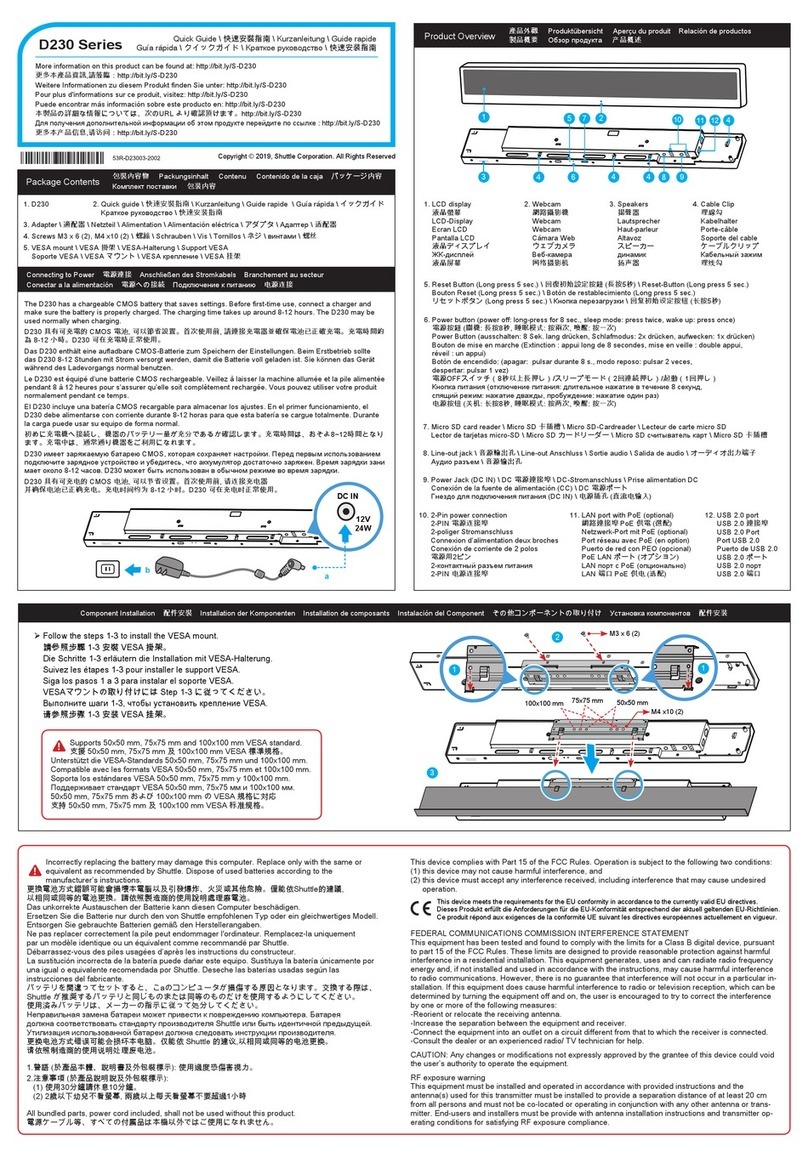
Shuttle
Shuttle D230 User manual
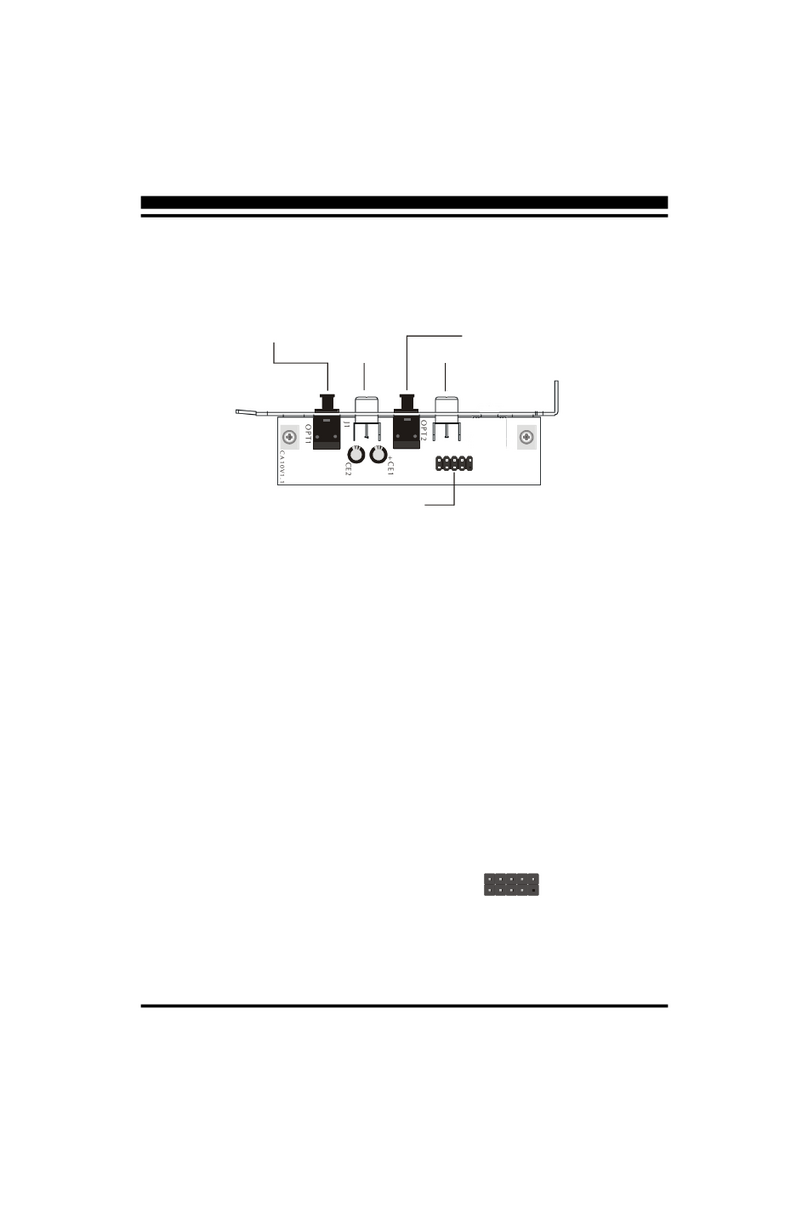
Shuttle
Shuttle CA10 User manual
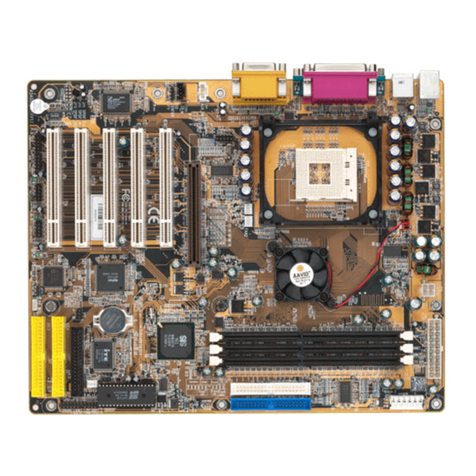
Shuttle
Shuttle AS40GT User manual
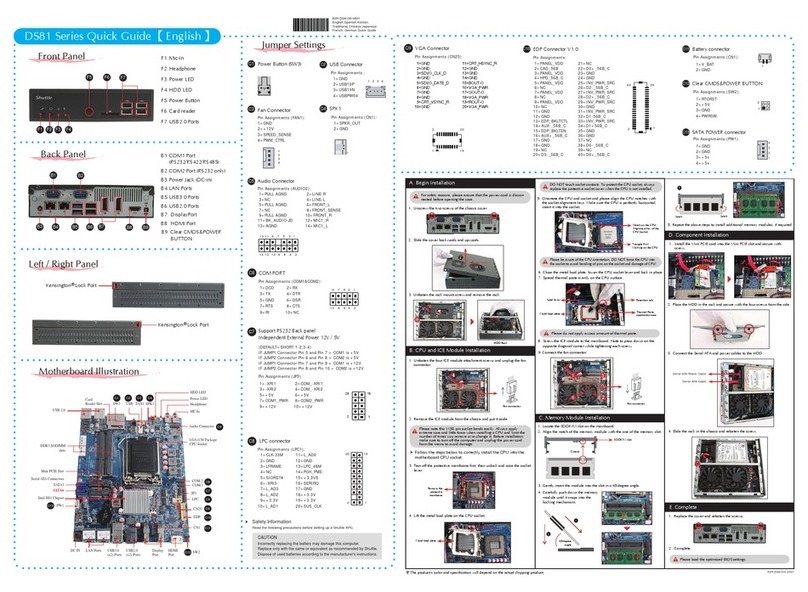
Shuttle
Shuttle DS81 Series User manual
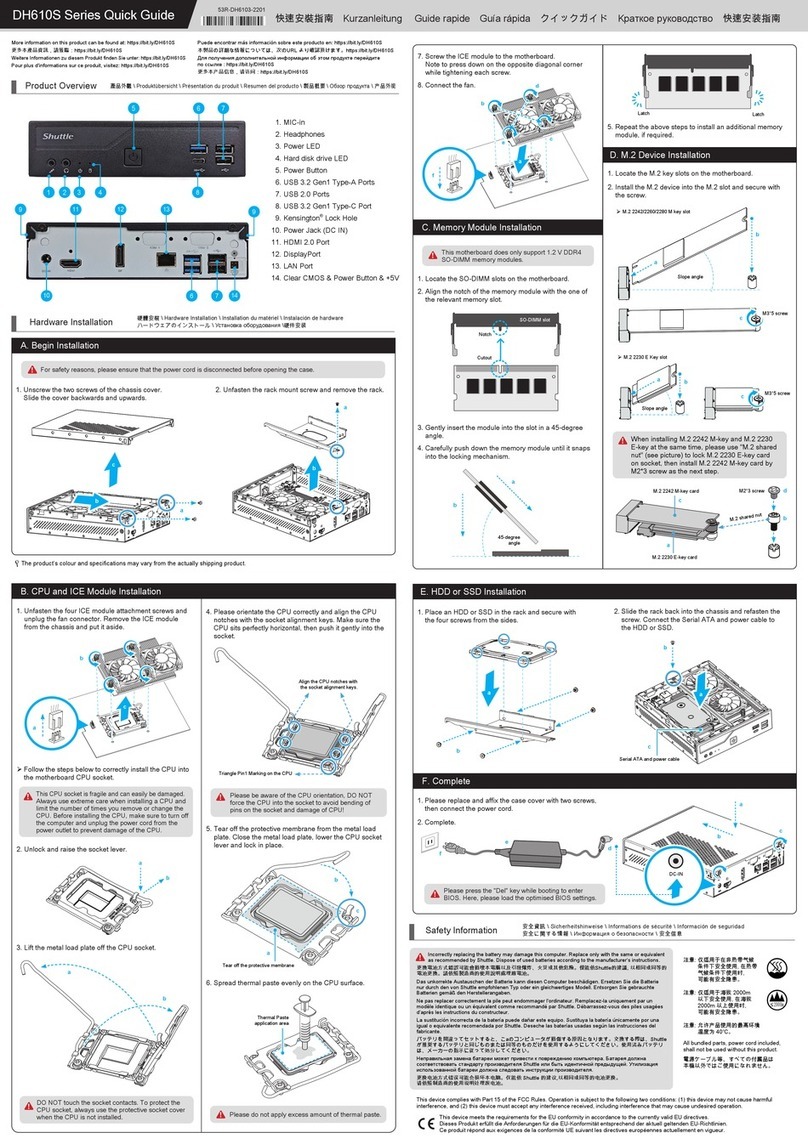
Shuttle
Shuttle DH610S Series User manual
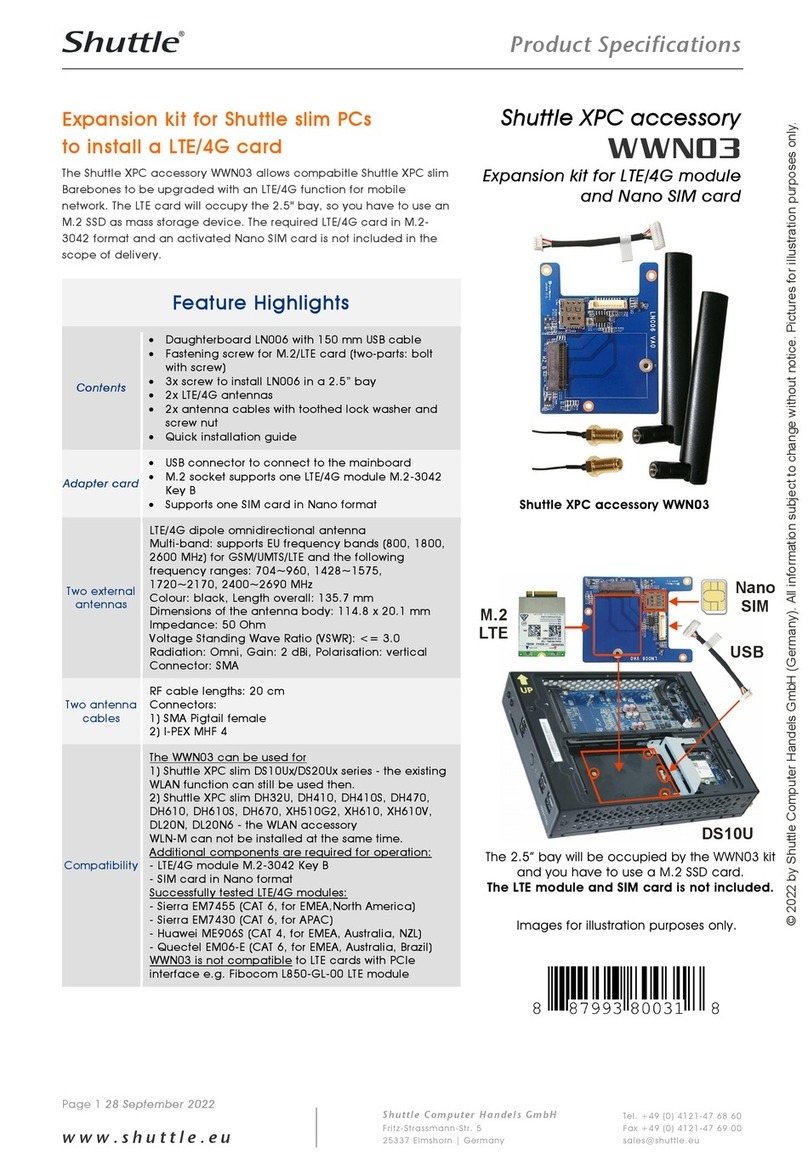
Shuttle
Shuttle WWN03 Installation instructions
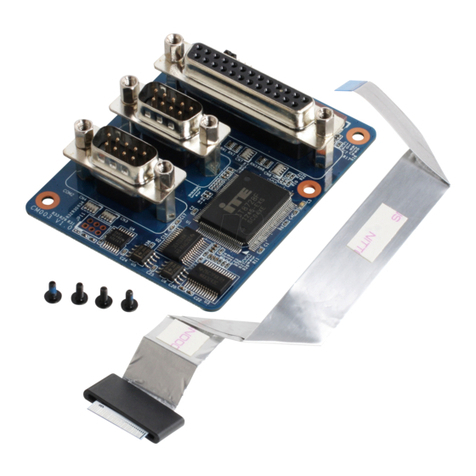
Shuttle
Shuttle PCL71 User manual
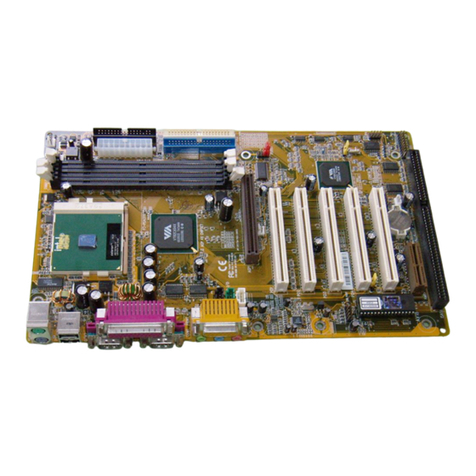
Shuttle
Shuttle AV18E User manual
Shuttle
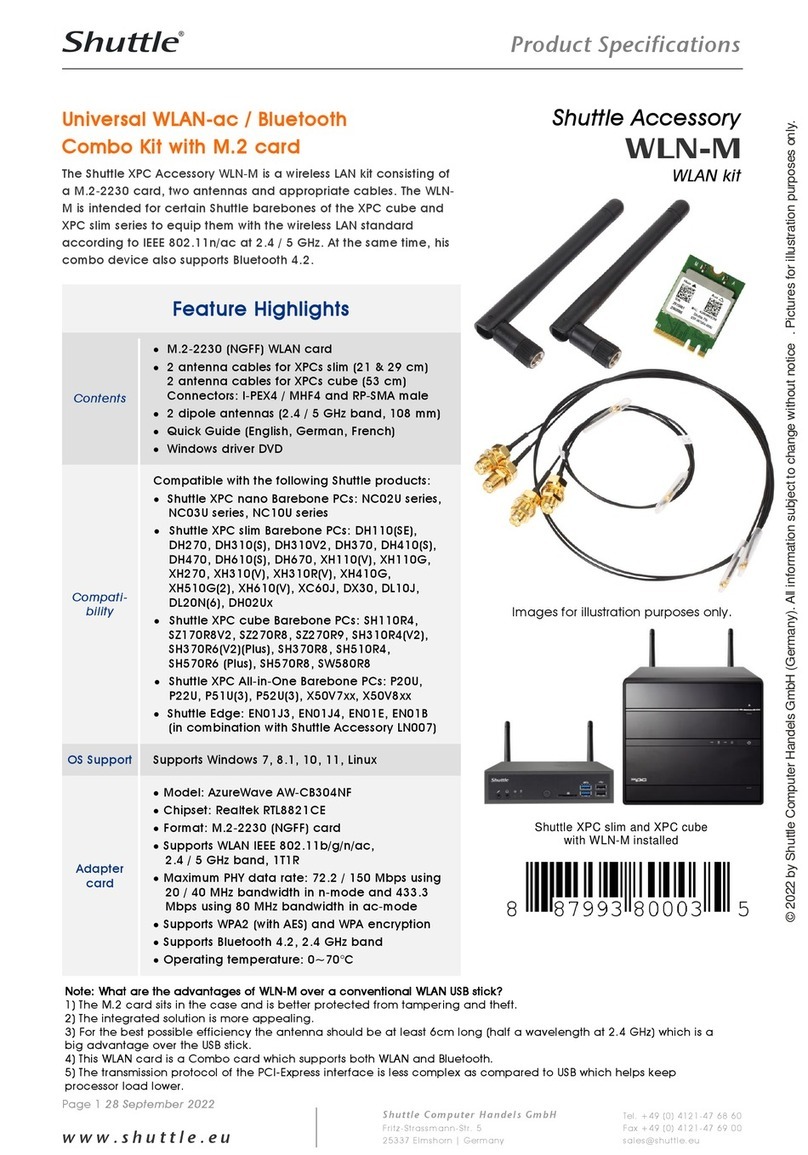
Shuttle WLN-M User manual
Shuttle
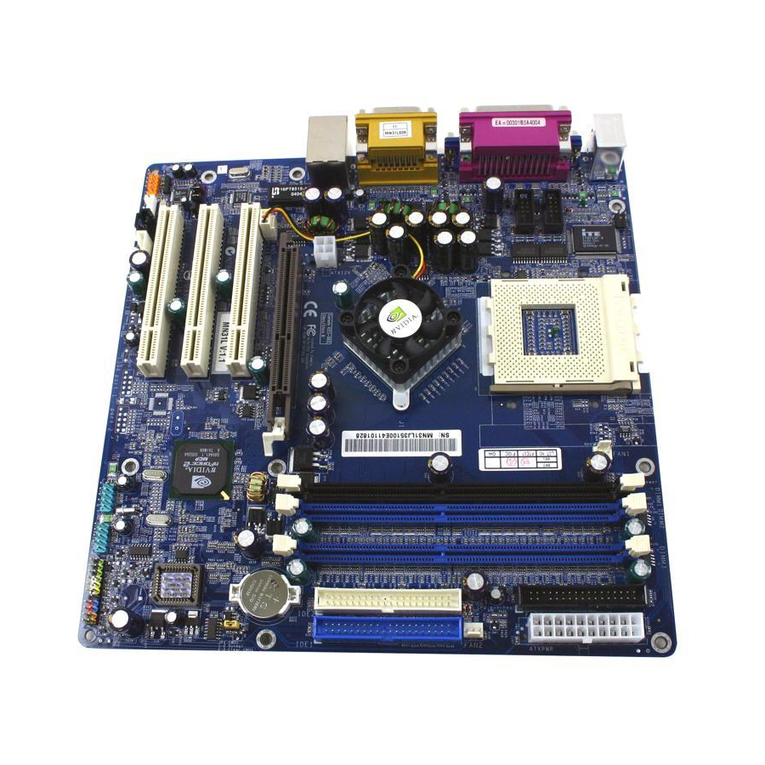
Shuttle MN31L User manual

Popular Computer Hardware manuals by other brands

EMC2
EMC2 VNX Series Hardware Information Guide

Panasonic
Panasonic DV0PM20105 Operation manual

Mitsubishi Electric
Mitsubishi Electric Q81BD-J61BT11 user manual

Gigabyte
Gigabyte B660M DS3H AX DDR4 user manual

Raidon
Raidon iT2300 Quick installation guide

National Instruments
National Instruments PXI-8186 user manual











