Contents
3
Contents
Hicom 150 E Office .............................................................................................. 5
Before you Start ... .................................................................................................. 7
Purpose ............................................................................................................ 7
Target Group .................................................................................................... 7
Prerequisite ...................................................................................................... 7
System Overview .................................................................................................... 8
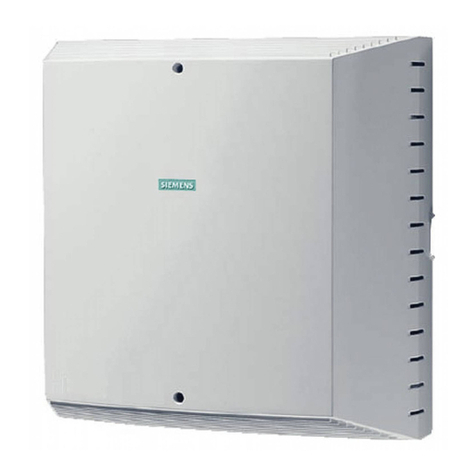
Hicom 150 E OfficeStart/OfficeOne (Not for U.S.) ........................................... 8
Hicom 150 E OfficePoint .................................................................................. 8
Hicom 150 E OfficeCom .................................................................................. 9
Hicom 150 E OfficePro .................................................................................... 9
Available System Telephones ............................................................................... 10
optiset E entry ................................................................................................ 10
optiset E basic ................................................................................................ 10
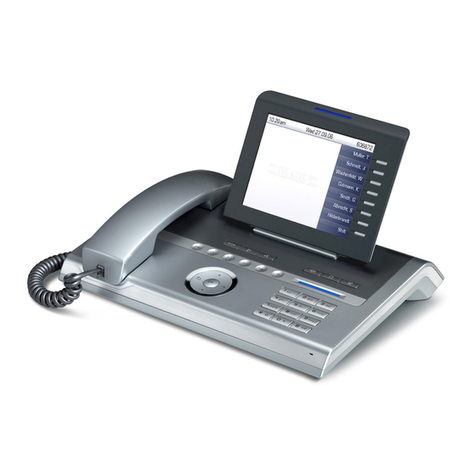
optiset E standard,
optiset E advance plus/comfort, and
optiset E advance conference/conference ..................................................... 11
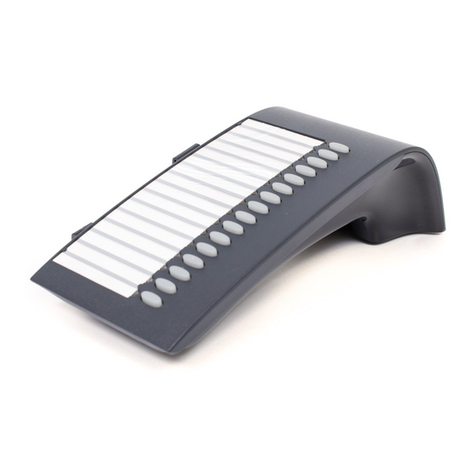
optiset E memory ........................................................................................... 11
Symbols ................................................................................................................ 12
Control Panel for System Administration .............................................................. 14
Entering Letters and Special Characters on the optiset E memory ............... 15
Notes on User Prompting via the Display: Basics ................................................. 16
Cleaning the Telephone ......................................................................................... 18
General Information ............................................................................................. 18
System Administration .................................................................................... 20
Starting System Administration ........................................................................... 20
Exiting System Administration ............................................................................ 22
Main Menus and Submenus in System Administration ...................................... 22
System Speed Dialing ...................................................................................... 24
Defining Speed Dialing Numbers ........................................................................ 24
Defining Names for Speed Dialing Numbers
(optiset E memory only) ........................................................................................ 27
Time .................................................................................................................... 29