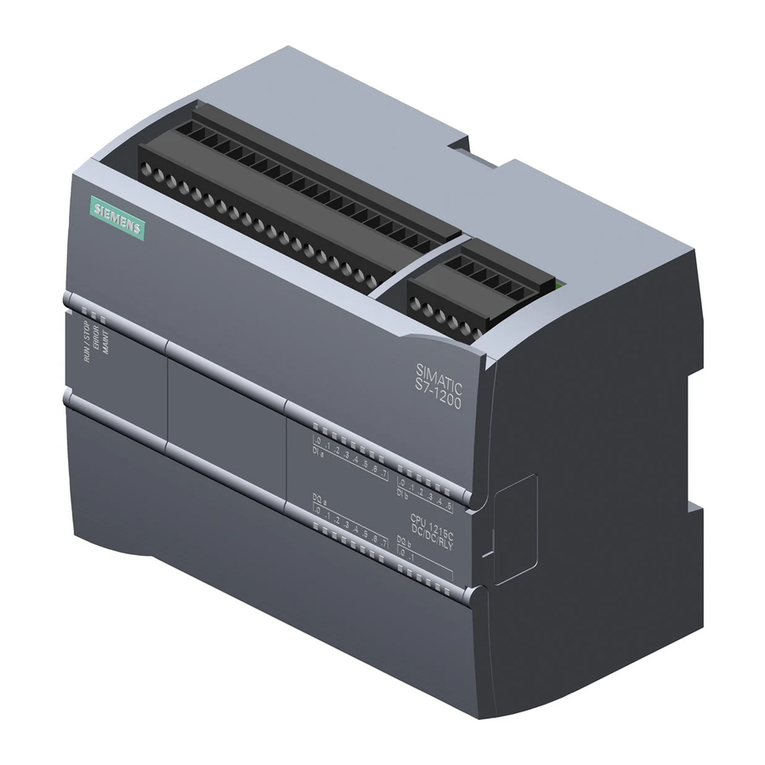
Getting started with S7-1200
Getting Started, 11/2009, A5E02486791-01 5
Table of contents
Preface ...................................................................................................................................................... 3
1 Quick review .............................................................................................................................................. 7
1.1 Basic information about how the CPU works.................................................................................8
1.1.1 Tasks performed every scan cycle ................................................................................................8
1.1.2 Operating modes of the CPU.........................................................................................................9
1.1.3 Digital data stored in bits, bytes, words and more.......................................................................10
1.1.4 Data types supported by the S7-1200 .........................................................................................11
1.1.5 Memory areas of the S7-1200 .....................................................................................................12
1.2 From schematic diagram to user program...................................................................................13
1.2.1 Converting the schematic to LAD instructions.............................................................................14
1.2.2 Basic electrical circuits.................................................................................................................16
1.3 Basic features of STEP 7 Basic...................................................................................................18
1.3.1 Help when you need it .................................................................................................................19
1.3.2 Printing from the online help ........................................................................................................20
1.3.3 Inserting instructions ....................................................................................................................21
1.3.4 Dragging and dropping between editors......................................................................................22
1.3.5 Detecting the configuration of a CPU ..........................................................................................23
1.3.6 Changing the settings for the work area ......................................................................................24
2 Installation ............................................................................................................................................... 25
2.1 Read this first for safety information ............................................................................................25
2.2 Dimensions and guidelines..........................................................................................................26
2.3 Connecting the hardware.............................................................................................................27
2.4 Installing STEP 7 Basic................................................................................................................28
3 Create a simple latch circuit..................................................................................................................... 29
3.1 Create a project for your user program........................................................................................30
3.2 Create a simple network in your user program............................................................................31
3.3 Enter the tags and addresses for the instructions .......................................................................33
3.4 Configure the CPU.......................................................................................................................35
3.5 Download the user program to the CPU......................................................................................37
3.6 Test the operation of your sample user program.........................................................................38
3.7 Reviewing the tasks for the first exercise ....................................................................................39
4 Complete the user program ..................................................................................................................... 41
4.1 Add an on-delay timer to delay the start of an output..................................................................42
4.2 Turn on an output for 5 seconds..................................................................................................45
4.3 Editing your user program for a different structure ......................................................................48