manuals.online logo
Brands
  1. Home
  2. •
  3. Brands
  4. •
  5. Simoco
  6. •
  7. Portable Radio
  8. •
  9. Simoco SDM630 User manual

Simoco SDM630 User manual

Other manuals for SDM630

1

This manual suits for next models

1

Other Simoco Portable Radio manuals

Simoco SDP600UW User manual

Simoco

Simoco SDP600UW User manual

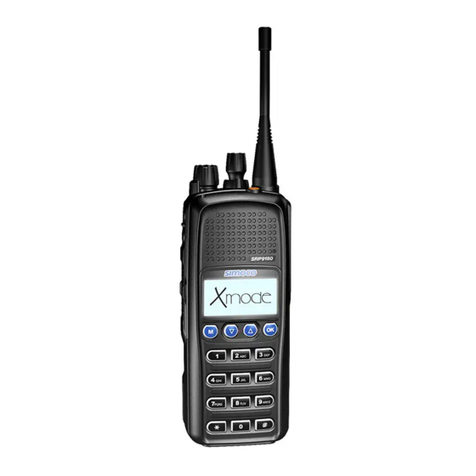
Simoco SRP9170 User manual

Simoco

Simoco SRP9170 User manual

Simoco SRP9120 Instruction Manual

Simoco

Simoco SRP9120 Instruction Manual

Simoco SDP650 User manual

Simoco

Simoco SDP650 User manual

Simoco SPR180 User manual

Simoco

Simoco SPR180 User manual

Simoco SDP760 User manual

Simoco

Simoco SDP760 User manual

Simoco SDP560 User manual

Simoco

Simoco SDP560 User manual

Simoco SRP8000 SERIES User manual

Simoco

Simoco SRP8000 SERIES User manual

Simoco SRP9180-P25 User manual

Simoco

Simoco SRP9180-P25 User manual

Simoco SDP660 User manual

Simoco

Simoco SDP660 User manual

Simoco SDP650 User manual

Simoco

Simoco SDP650 User manual

Simoco SRP9100 User manual

Simoco

Simoco SRP9100 User manual

Simoco SRP9170 User manual

Simoco

Simoco SRP9170 User manual

Simoco P25 User manual

Simoco

Simoco P25 User manual

Simoco SRP9180 P25 User manual

Simoco

Simoco SRP9180 P25 User manual

Simoco SRP9170 User manual

Simoco

Simoco SRP9170 User manual

Simoco SDP650 User manual

Simoco

Simoco SDP650 User manual

Simoco SDP650 User manual

Simoco

Simoco SDP650 User manual

Simoco SRP9180 User manual

Simoco

Simoco SRP9180 User manual

Popular Portable Radio manuals by other brands

Elta 6698RB product manual

Elta

Elta 6698RB product manual

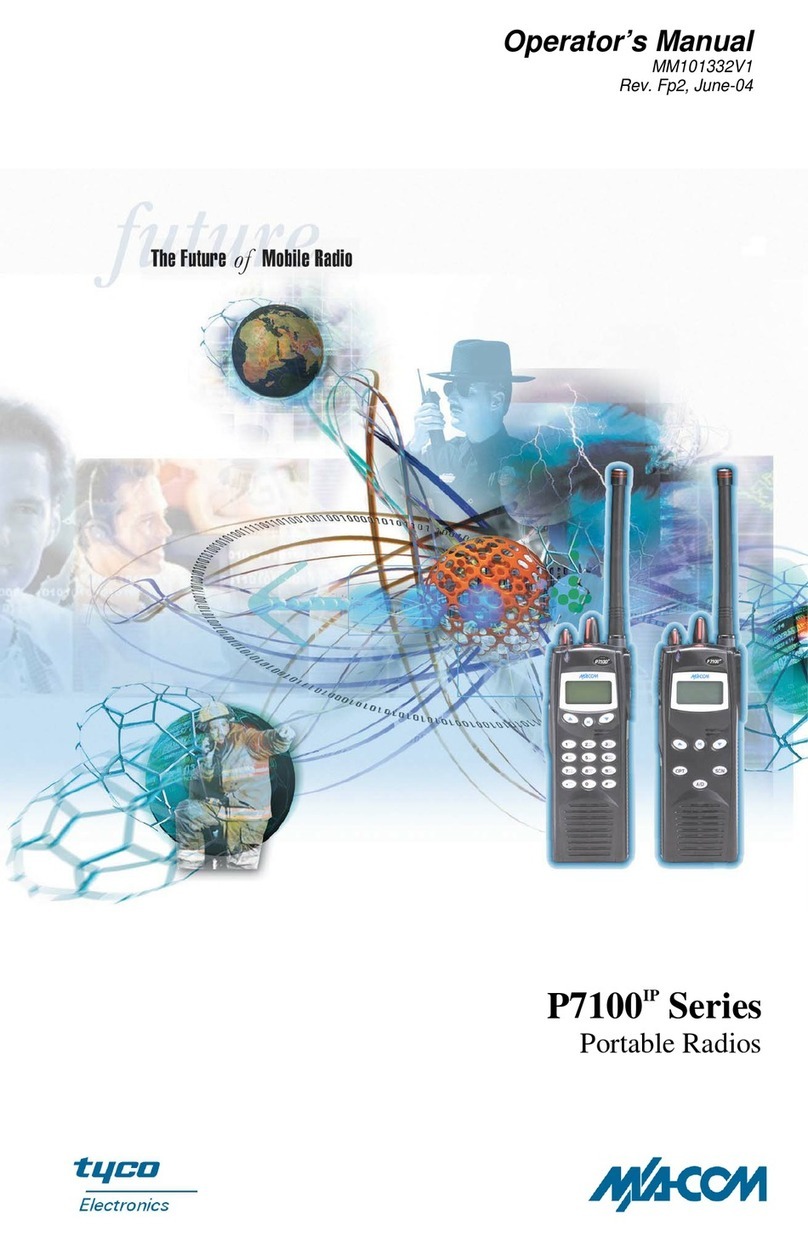
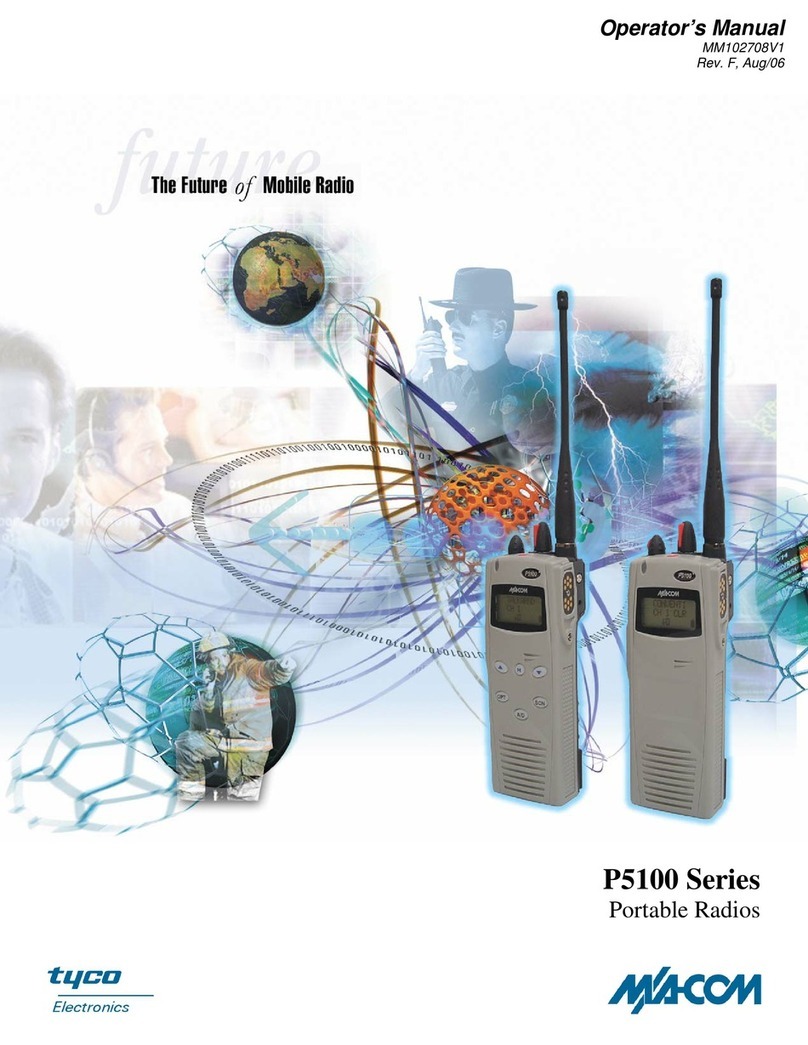
M/A-Com P5100 Series Operator's manual

M/A-Com

M/A-Com P5100 Series Operator's manual

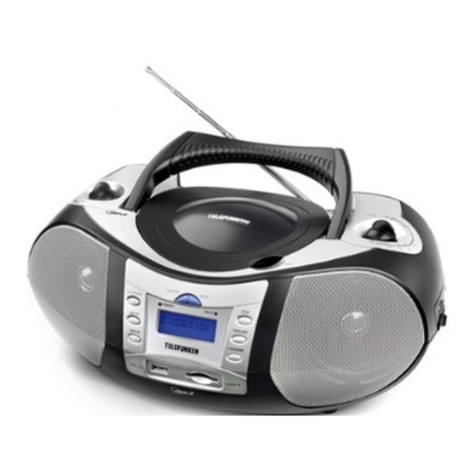
Telefunken P5 operating manual

Telefunken

Telefunken P5 operating manual

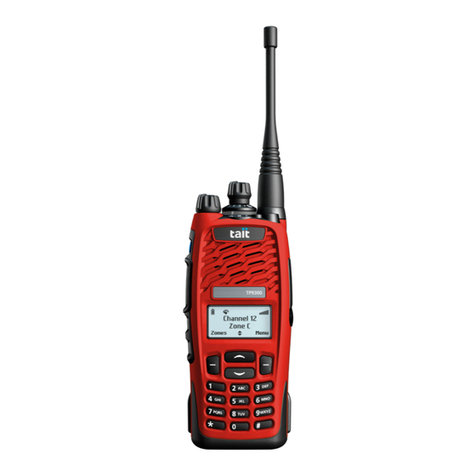
Tait TP9300 user guide

Tait

Tait TP9300 user guide

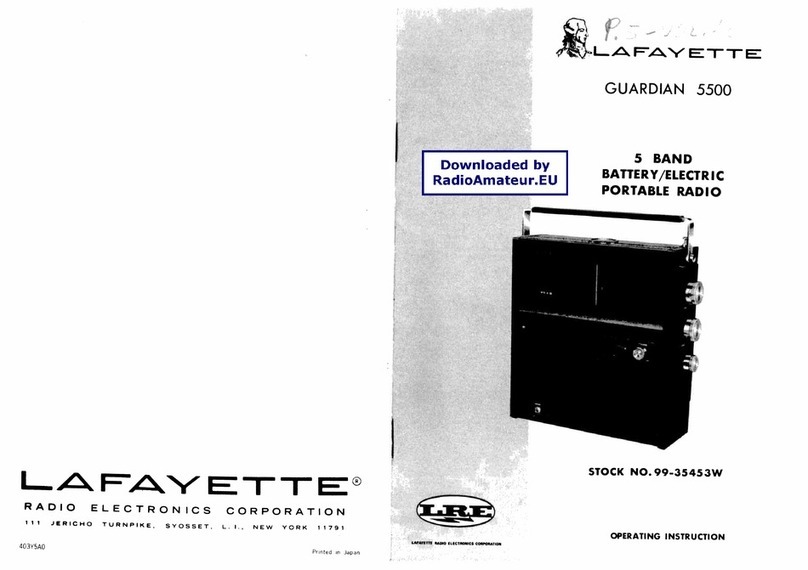
Lafayette Guardian 5500 operating instructions

Lafayette

Lafayette Guardian 5500 operating instructions

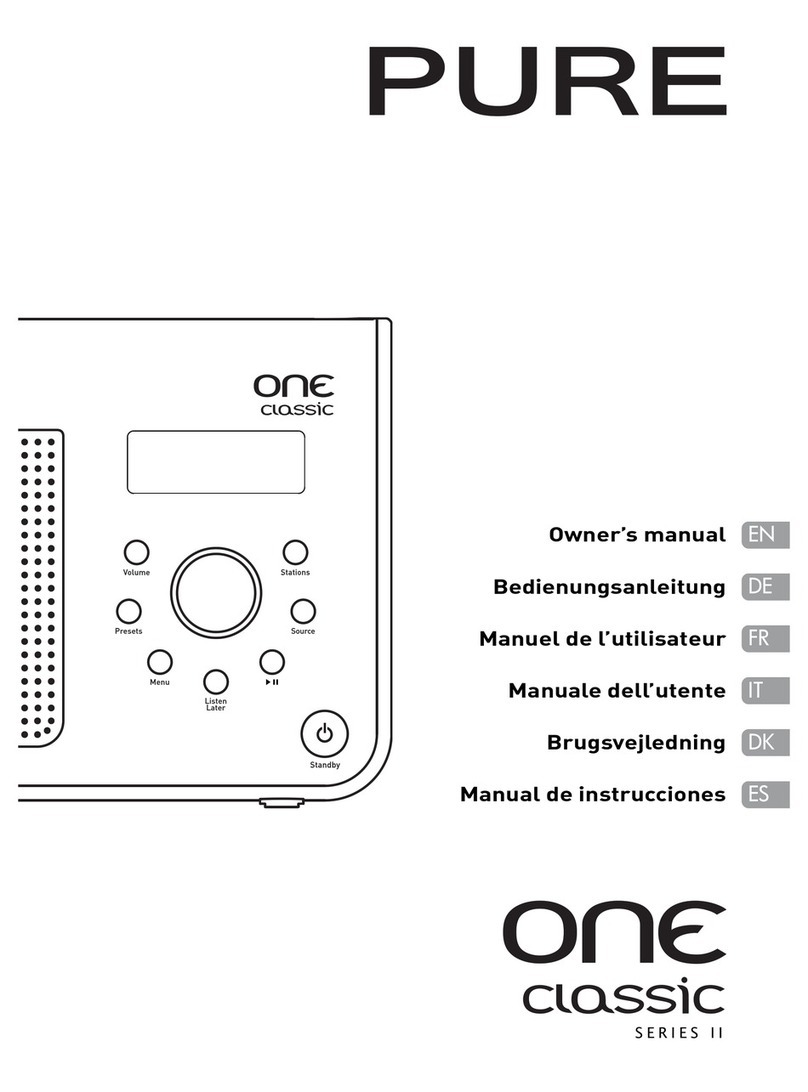
PURE ONE classic Series II owner's manual

PURE

PURE ONE classic Series II owner's manual

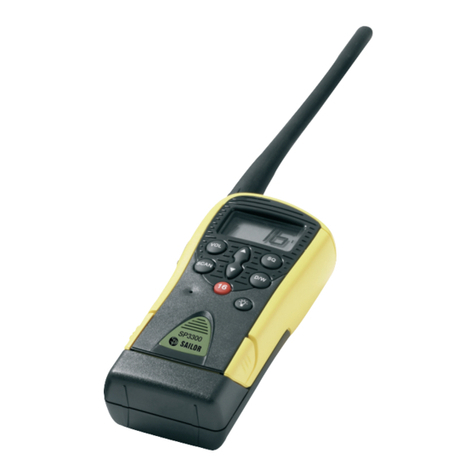
Sailor SP3300 Operation manual

Sailor

Sailor SP3300 Operation manual

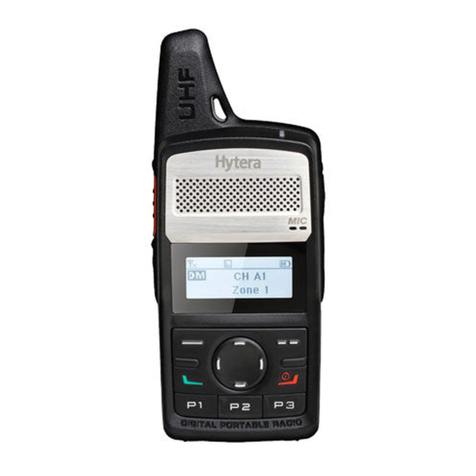
Hytera PD362i owner's manual

Hytera

Hytera PD362i owner's manual

Vertex Standard VX-P920 Series Brochure & specs

Vertex Standard

Vertex Standard VX-P920 Series Brochure & specs

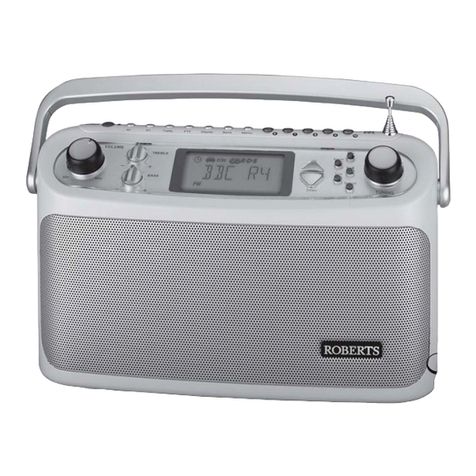
Roberts Ecologic 3 user guide

Roberts

Roberts Ecologic 3 user guide

LENCO IPD-5100 user manual

LENCO

LENCO IPD-5100 user manual

Baofeng BF-82 user manual

Baofeng

Baofeng BF-82 user manual

Trevi RA 764 user guide

Trevi

Trevi RA 764 user guide

M/A-Com P5100 Series Operator's manual

M/A-Com

M/A-Com P5100 Series Operator's manual

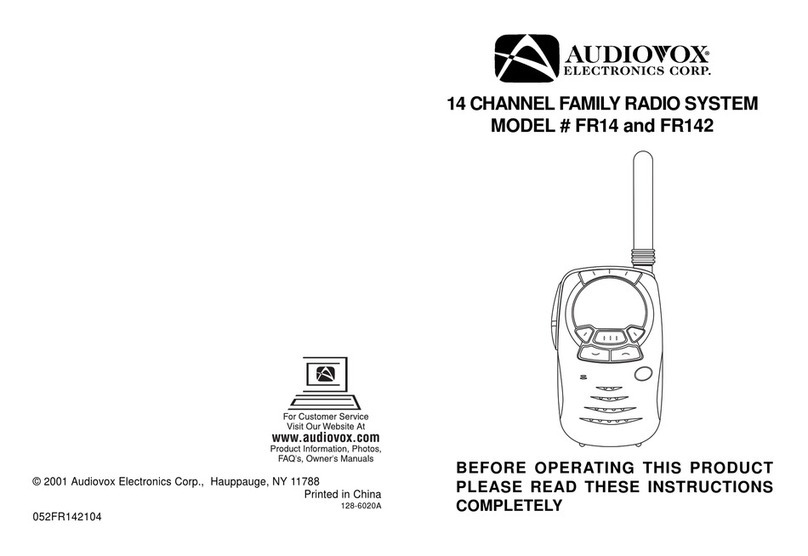
Audiovox FR14 operating instructions

Audiovox

Audiovox FR14 operating instructions

Roberts R9999 user guide

Roberts

Roberts R9999 user guide

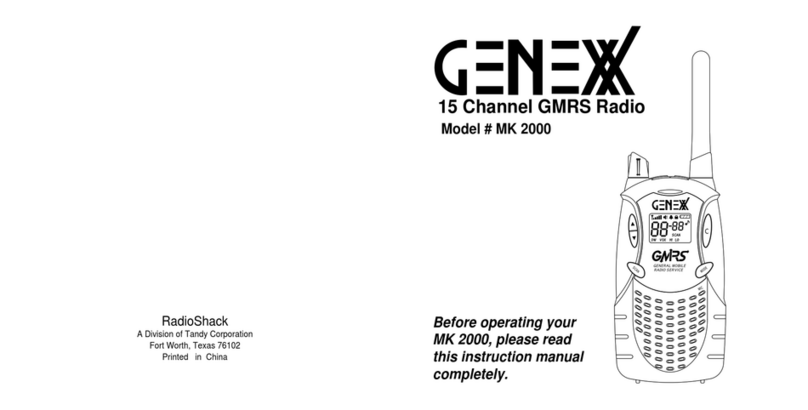
Radio Shack Genex MK 2000 owner's manual

Radio Shack

Radio Shack Genex MK 2000 owner's manual

Philips AE2110/04 Product information

Philips

Philips AE2110/04 Product information

manuals.online logo
manuals.online logoBrands
  • About & Mission
  • Contact us
  • Privacy Policy
  • Terms and Conditions

Copyright 2025 Manuals.Online. All Rights Reserved.

Digital/Analogue Radio
Transmit Remove the microphone from the cradle and hold it approximately 10 cm
from the mouth. Press and hold the PTT switch and speak, release to listen.
Receive
When a valid signal is received, the unmute icon will be displayed and audio
can be heard from the speaker. If a signal is received that is not addressing this
radio, the display will show and there will be no audio.
Programmable Function Keys (e.g. Select zone).
Select channel or scroll between menus/options.
Menus (All Submenus May Not Be Programmed)
Zone
S
Scroll through list of Zones.
Select Zone, return to main screen.
Channel
S
Scroll through list of Channels.
Select Channel, return to main screen.
Contact
S
Scroll through Contact List entries.
Press to call Contact list entry.
Call Log PTT
S
Scroll through received calls stored in list.
Press to call back.
Press for Call, Delete, Cancel options.
Messages S
B
Scroll through message menu options .
Press to access selected menu option.
Return to previous higher Menu level.
Scan OK
B
Select Start/Stop Scan options.
Press to initiate Start/Stop Scan.
Return to previous higher Menu level.
Setup S
B
Scroll through Setup sub-menus.
Press to access selected sub-menu.
Return to previous higher Menu level
Introduction
The SDM600 series radios are versatile DSP controlled, two-way mobile radio transceivers. They are designed for
easy installation in today’s vehicles where space is at a premium. The radio consists of a SDM600 transceiver for
installation in a suitable location in the vehicle and a SDM630 Alphanumeric Control Head, which is arranged for
mounting within view and reach of the driver. A microphone and speaker provide the audio interface. The
transceiver is software programmable with many customisable parameters to suit individual requirements. Ask
your dealer for details of upgrades and a list of the ancillaries available.
For greater operational functional detail, refer to the main User Guide, TNM-U-E-0108, which is available for
download, along with a comprehensive list of other documentation, on the Simoco website
http://www.simocowirelesssolutions.com via the Partner Portal.
Display Icon Details
Unmuted - Indicates a signal is present and the radio is unmuted.
Muted - Indicates a signal is present and the radio is muted. This
could be another user group, for instance.
Scan Indicator - When radio is on a scan channel and scanning,
arrow will rotate.
Transmit indicator.
Selective Mute - Only radio signals specifically directed to the user
or the channel’s defined talk group will be heard.
Normal Mute - Only radio signals from the users own network will
be heard.
Monitor - All digital radio signals on the channel will be heard.
Key-lock indicator - All keys except PTT, or any function assigned
as Alarm, will be disabled. Press ‘S’ for 2 secs to unlock all keys.
Talk Around enabled.
Scrambler indicator (analogue only).
Emergency mode - Blinking icon indicates that the emergency
button has been pressed.
Individual Addressing Mode - When shown, the radio will transmit
to an individual address instead of a talk group.
Steady icon indicates there are one or more stored messages;
flashing icon indicates there is an unread message(s) stored.
DMR - Displayed when the radio is in DMR Mode.
For a complete list of Icons that can be displayed, consult the main SDM630 Mobile Radio User Guide, TNM-U-E-
0108, Issue 1.0.
Common
Switch On/Off
Push to switch the radio On or Off.
Note: The radio cane be programmed to switch off automatically
after a set period of inactivity.
Volume Rotate to set the volume to the required level.
Tx/Rx/Power LED Red LED illuminates when the radio is transmitting.
Notes:
nThe Microphone must be On-Hook for Hands-free operation.
nKeys F1 to F4 are ‘soft keys’, this means that they can be programmed for a variety of functions.

SDM630 Brief User Guide
Document Number: TNM-U-E-0110
Issue: 1.1
Date: June 2017
Menus (press F1 key to access)
User Options Enable/Disable/adjust: Key Beeps, Backlight, Brightness, Contrast, Alert Vol, Speaker
Vol.
Contrast Use the up and down keys to adjust level of display contrast.
Brightness Use the up and down keys to adjust level of backlight brightness.
Backlight Use the up and down keys to adjust period backlight is lit.
Alert Volume Use the up and down keys to adjust relative Alert Volume.
Speak Volume Use the up and down keys to adjust start-up Speaker Volume.
Radio Information Radio Serial No., ESN, Radio ID, Software Version, etc.
RSSI Displays the signal strength of the received signal.
Mute Adjust Use the up and down keys to adjust the Mute level.
WARNINGS
Do NOT operate your mobile radio, without a hands-free kit, whilst driving a
vehicle.
Do NOT operate your radio in an explosive atmosphere – unless the radio’s
level of IECEx approval is approved for use in that atmosphere. Obey the ‘Turn
Off Two-way Radios’ signs where these are posted, e.g. on a petrol station
forecourt.
Do NOT touch the antenna while the radio is transmitting.
Do NOT operate the radio if the antenna has become disconnected or
damaged.
Derby Office. Australia Office.
Field House, 1270 Ferntree Gully Road,
Uttoxeter Old Road, Scoresby Victoria,
Derby. 3179
DE1 1NH. Australia.
Tel: +44 (0) 1332 375500 Tel: +61 (0)3 9730 3999
Fax: +44 (0) 1332 375501 Fax: +61 (0)3 9730 3988
http://www.simocowirelesssolutions.com/ http://www.simocowirelesssolutions.com/