Sportster SP-R1 User Guide
2
CONGRATULATIONS! Your new Sirius Sportster™ SP-R1 portable Plug-n-Play Receiver kit lets you enjoy
SIRIUS®SatelliteRadio’sdigitalentertainmentanywhereyou’veinstalledtheSP-H1HomeDockingStation,
SP-C1 Mobile Docking Station or the SP-B1 Portable Boombox (each sold separately). Use this manual to
familiarize yourself with all of Sirius Sportster’s features and capabilities. For the latest information about this
and other Sirius Sportster products, visit www.sirius.com
Box Contents ................................................................... 3
Safety Precautions .......................................................... 3
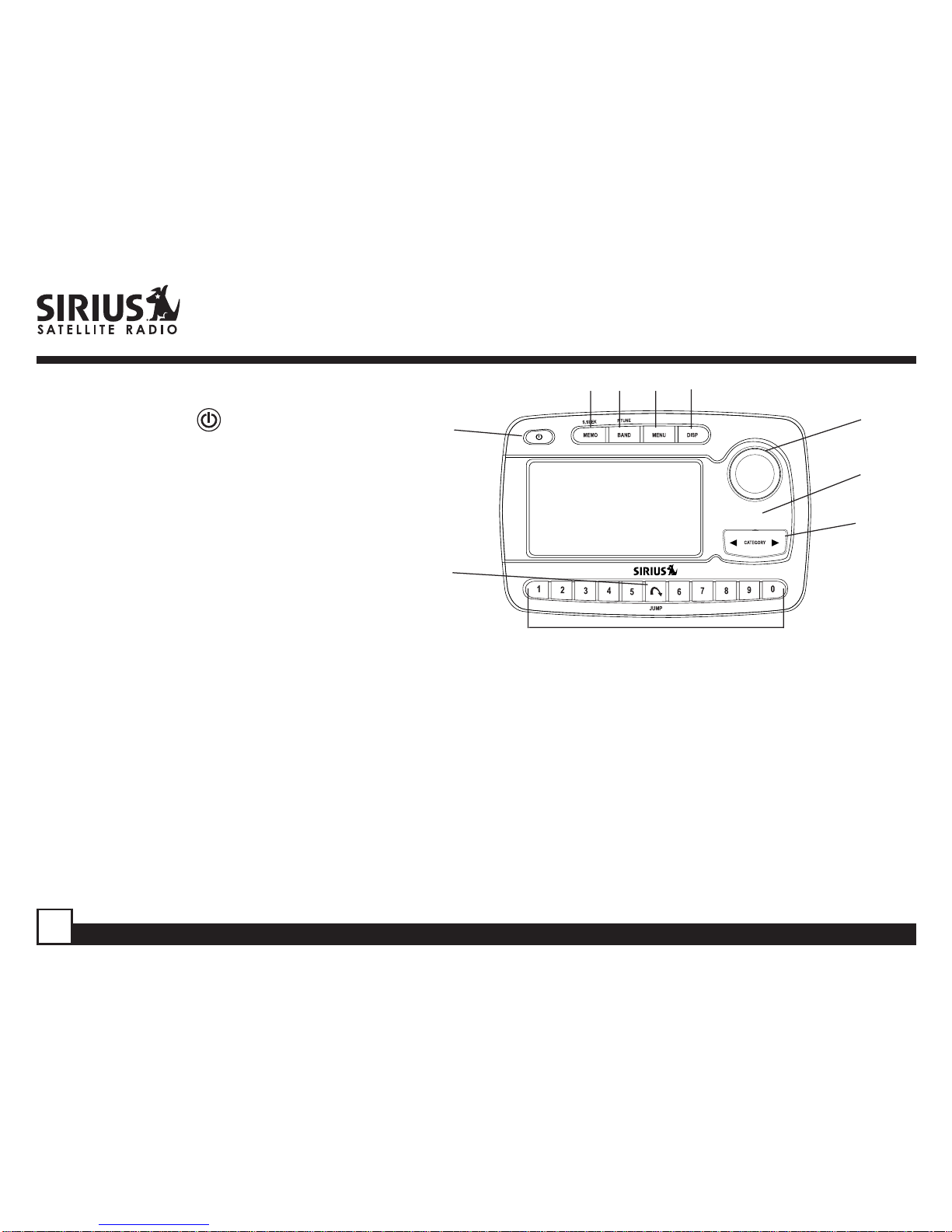
ReceiverControlsandFeatures....................................... 6
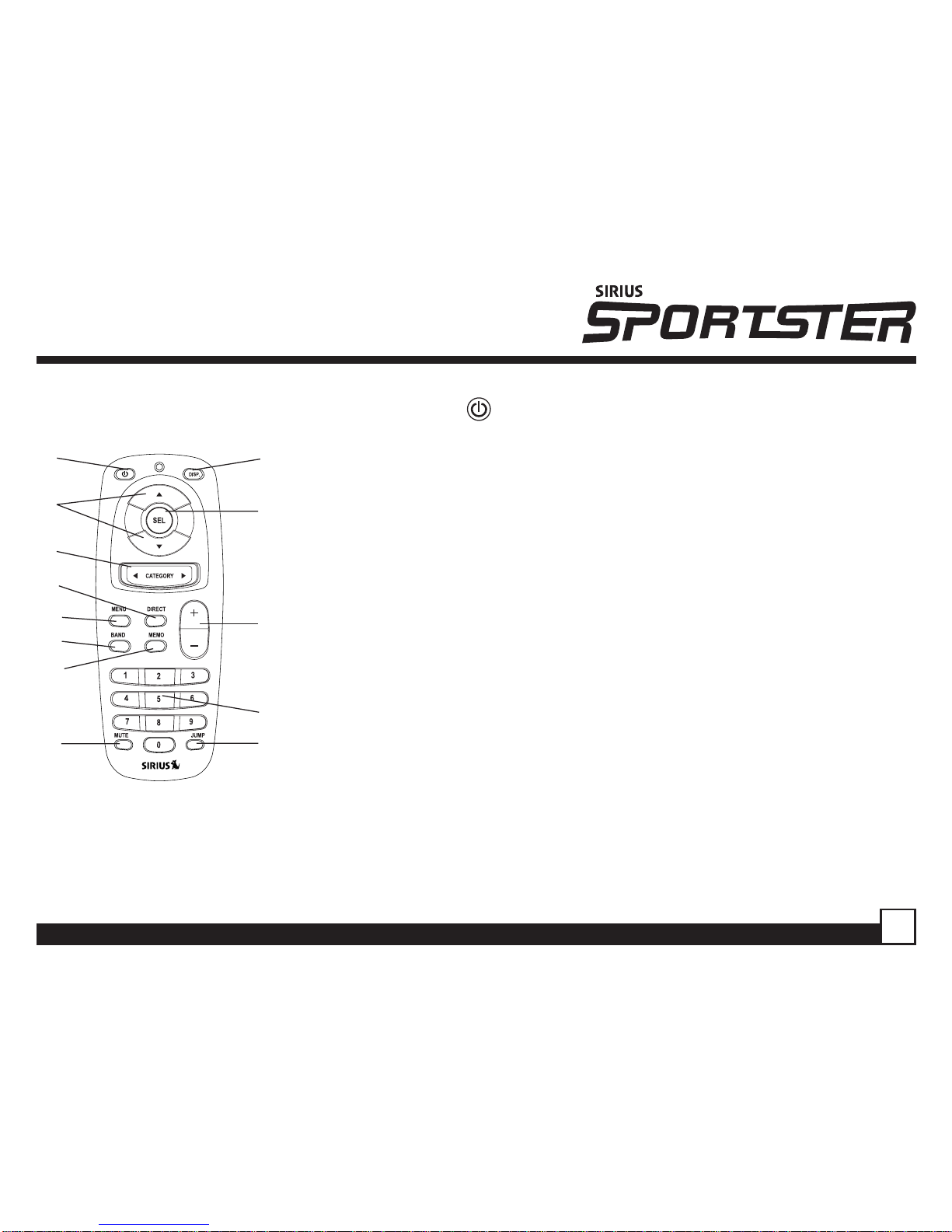
RemoteControl ................................................................ 7
Activatingyour SIRIUS Subscription ............................... 8
Basic Operation ............................................................... 9
Changing Channels ..................................................... 9
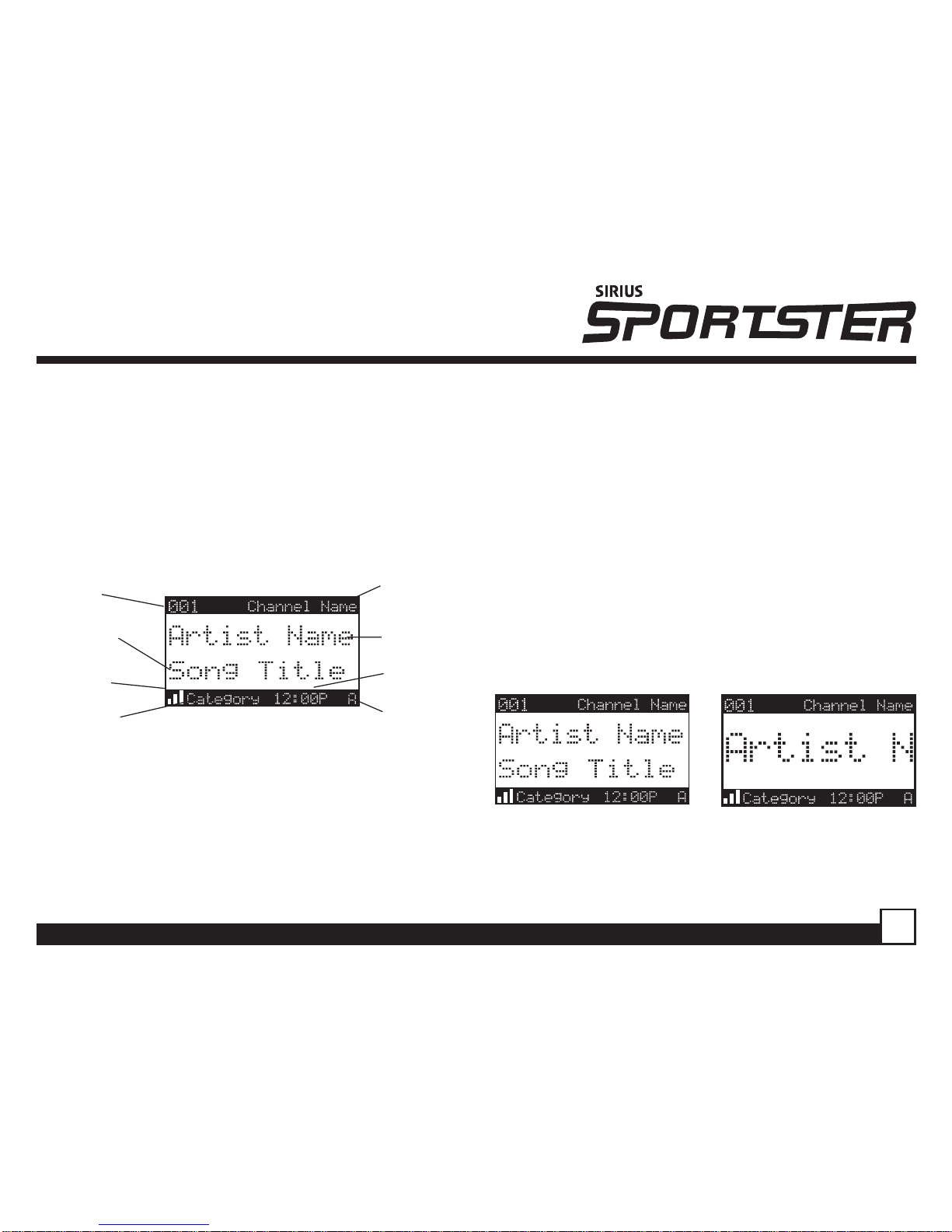
Display Button ............................................................ 9
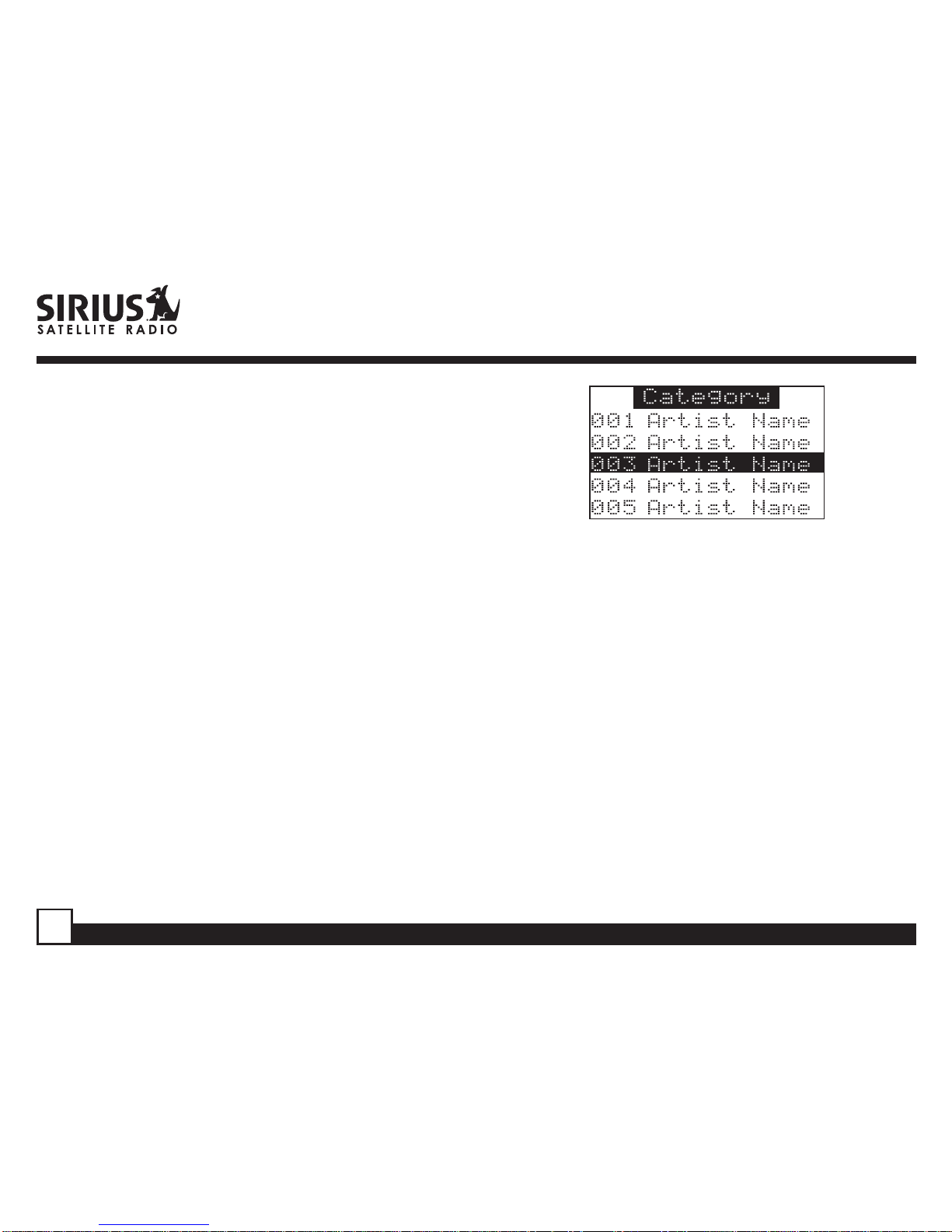
Search Modes (Category, Channel,Artist, Song) .... 10
DirectTuning..............................................................11
Setting Channel Presets........................................... 12
RecallingChannel Presets ....................................... 12
Jump Preset Button .................................................. 12
Searching for a Channel Preset (P.TUNE Mode) ...... 13
Preset Tune List Mode ............................................. 14
Memory(MEMO)andSongSeek (S-Seek)Functions 15
GameAlert ................................................................ 20
Table of Contents Menu Display Options ............................................... 20
Sirius ID ................................................................... 21
Game Alert ......................................................... 21
Jump Settings .........................................................23
Display Settings ...................................................... 24
ConfirmToneOptions............................................... 25
FM Transmitter ........................................................ 25
Channel Add or Skip ............................................... 26
Lock Options ....................................................... 26
Audio Level ................................................... 27
Antenna Aiming ..................................................... 28
Memory Options ...................................................... 28
Time-BasedFeatures............................................... 29
Factory Default ........................................................ 31
Troubleshooting............................................................. 33
Specifications................................................................ 32
OptionalAccessories .................................................... 36
Warranty ....................................................................... 38