manuals.online logo
Brands
  1. Home
  2. •
  3. Brands
  4. •
  5. SMART-AVI
  6. •
  7. Extender
  8. •
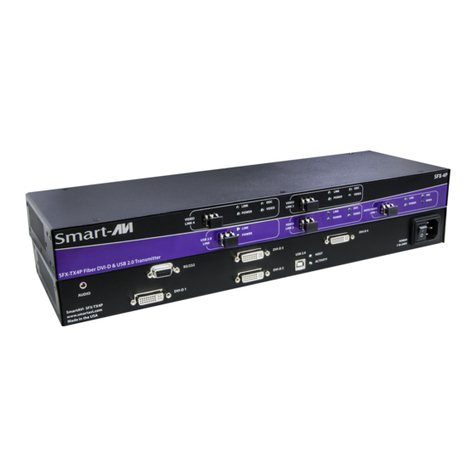
  9. SMART-AVI SFX-2P User manual

SMART-AVI SFX-2P User manual

Other manuals for SFX-2P

1

This manual suits for next models

2

Other SMART-AVI Extender manuals

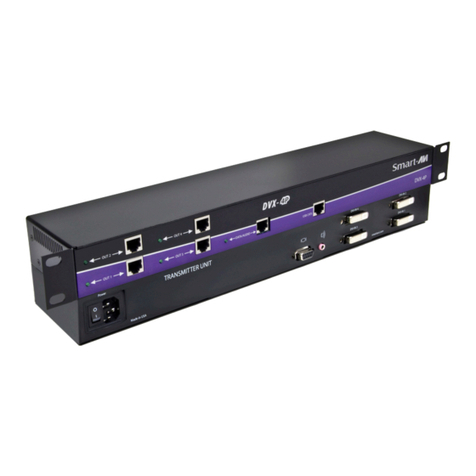
SMART-AVI DVX-200 User manual

SMART-AVI

SMART-AVI DVX-200 User manual

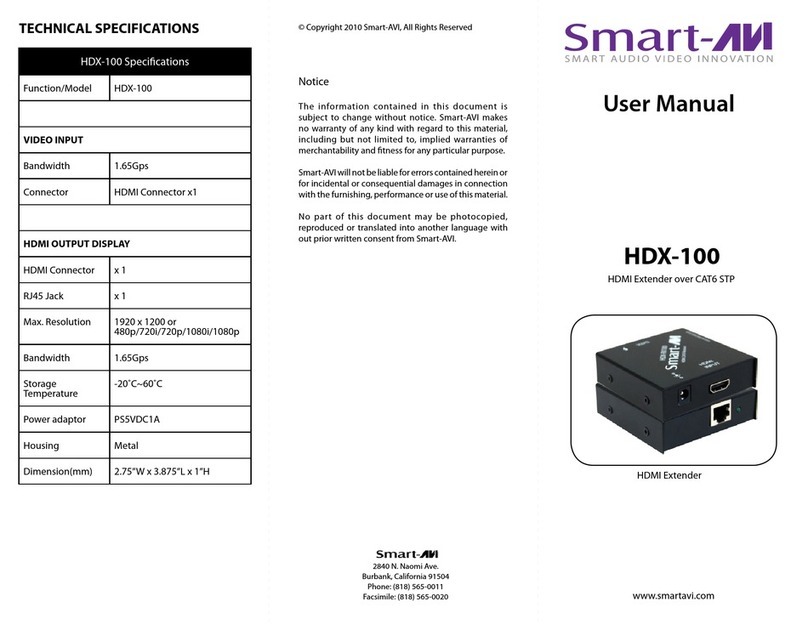
SMART-AVI HDX-LT User manual

SMART-AVI

SMART-AVI HDX-LT User manual

SMART-AVI AR-100S User manual

SMART-AVI

SMART-AVI AR-100S User manual

SMART-AVI HDX-4000 User manual

SMART-AVI

SMART-AVI HDX-4000 User manual

SMART-AVI FDX-M4P User manual

SMART-AVI

SMART-AVI FDX-M4P User manual

SMART-AVI VDX User manual

SMART-AVI

SMART-AVI VDX User manual

SMART-AVI FDX-500 User manual

SMART-AVI

SMART-AVI FDX-500 User manual

SMART-AVI USB2PRO User manual

SMART-AVI

SMART-AVI USB2PRO User manual

SMART-AVI UXPRO User manual

SMART-AVI

SMART-AVI UXPRO User manual

SMART-AVI DVX-200 User manual

SMART-AVI

SMART-AVI DVX-200 User manual

SMART-AVI LDX-PLUS User manual

SMART-AVI

SMART-AVI LDX-PLUS User manual

SMART-AVI LDX User manual

SMART-AVI

SMART-AVI LDX User manual

SMART-AVI LDX-2P User manual

SMART-AVI

SMART-AVI LDX-2P User manual

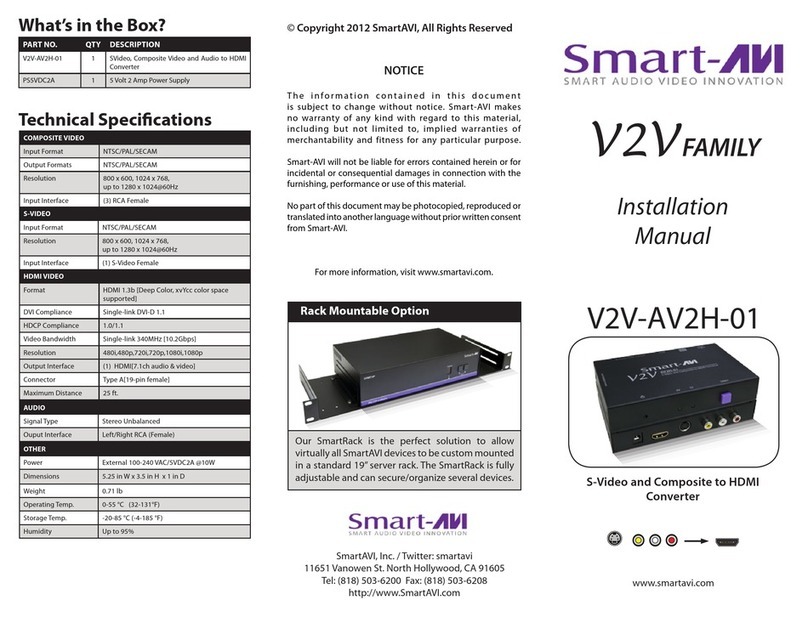
SMART-AVI V2V-AV2H-01 User manual

SMART-AVI

SMART-AVI V2V-AV2H-01 User manual

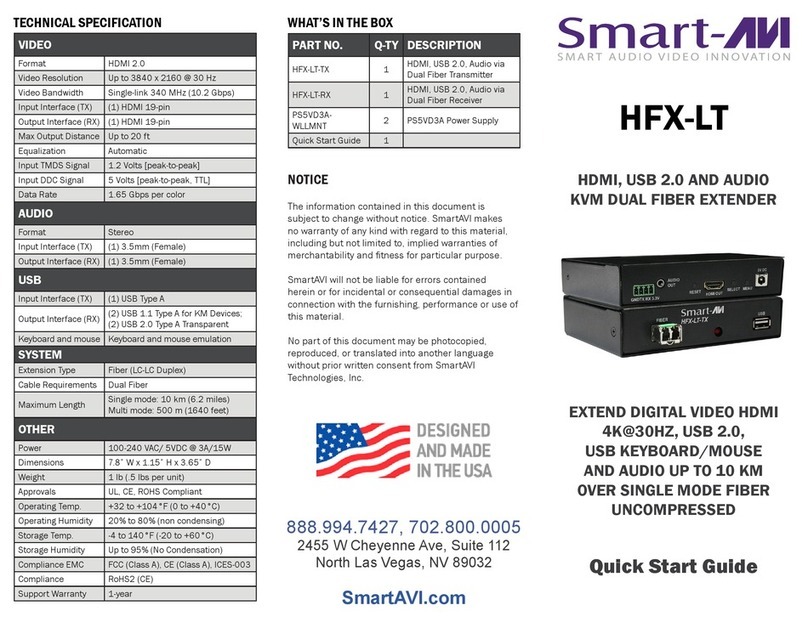
SMART-AVI HFX Series User manual

SMART-AVI

SMART-AVI HFX Series User manual

SMART-AVI UTX-500 User manual

SMART-AVI

SMART-AVI UTX-500 User manual

SMART-AVI XTAV-TX User manual

SMART-AVI

SMART-AVI XTAV-TX User manual

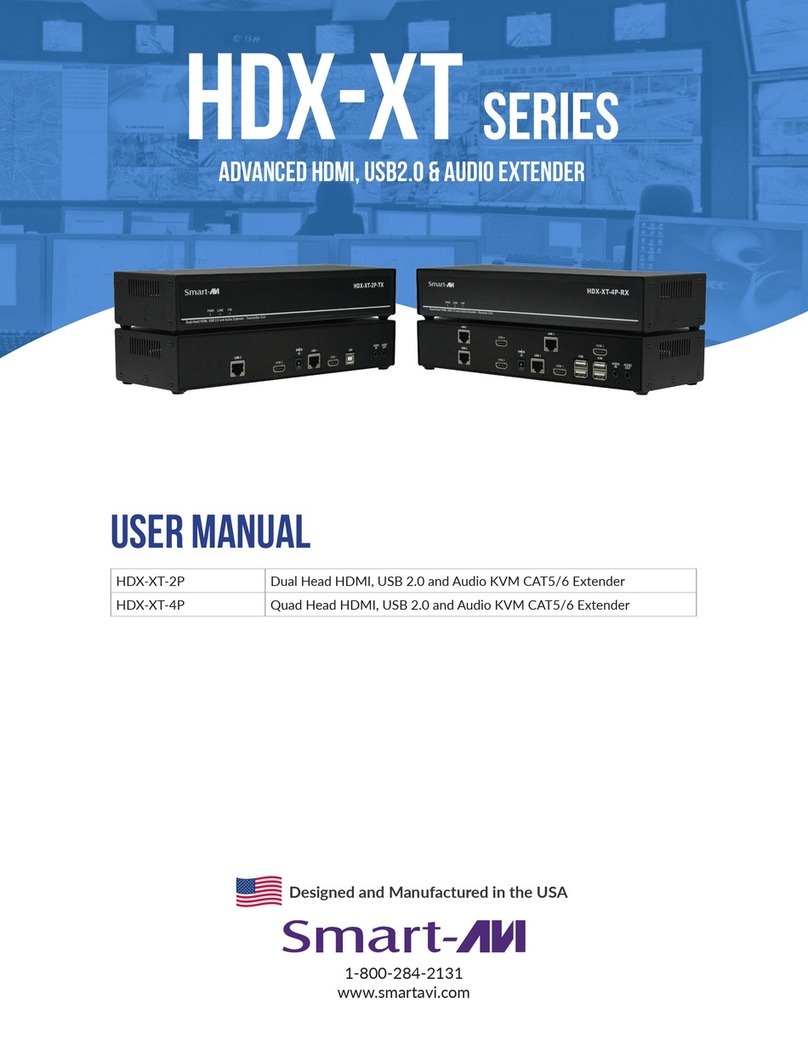
SMART-AVI HDX-XT Series User manual

SMART-AVI

SMART-AVI HDX-XT Series User manual

SMART-AVI LDX User manual

SMART-AVI

SMART-AVI LDX User manual

SMART-AVI DVX-100 User manual

SMART-AVI

SMART-AVI DVX-100 User manual

SMART-AVI FDX-S2U User manual

SMART-AVI

SMART-AVI FDX-S2U User manual

SMART-AVI SM-MST-2S User manual

SMART-AVI

SMART-AVI SM-MST-2S User manual

SMART-AVI HDX-LT User manual

SMART-AVI

SMART-AVI HDX-LT User manual

SMART-AVI VDX User manual

SMART-AVI

SMART-AVI VDX User manual

Popular Extender manuals by other brands

SY HDBT-60T installation guide

SY

SY HDBT-60T installation guide

Appsys ProAudio ADX-16 user manual

Appsys ProAudio

Appsys ProAudio ADX-16 user manual

Atlona RS232 user manual

Atlona

Atlona RS232 user manual

IDK OPF-TH1000-A user guide

IDK

IDK OPF-TH1000-A user guide

Enable-IT 824WP quick start guide

Enable-IT

Enable-IT 824WP quick start guide

Worx Landroid RadioLink WA0864 Get started

Worx

Worx Landroid RadioLink WA0864 Get started

TP-Link TL-WA730RE user guide

TP-Link

TP-Link TL-WA730RE user guide

Camplex CMX-HDMI-SFPL user manual

Camplex

Camplex CMX-HDMI-SFPL user manual

SC&T HE03-4K user manual

SC&T

SC&T HE03-4K user manual

Samsung SCS-26UC4 user guide

Samsung

Samsung SCS-26UC4 user guide

Foxun SX-GES24 operating instructions

Foxun

Foxun SX-GES24 operating instructions

MuxLab 500771 Operation manual

MuxLab

MuxLab 500771 Operation manual

foxunhd SX-AEX01 operating instructions

foxunhd

foxunhd SX-AEX01 operating instructions

TERK Technologies LFIRX2 owner's manual

TERK Technologies

TERK Technologies LFIRX2 owner's manual

Devolo Audio Extender supplementary guide

Devolo

Devolo Audio Extender supplementary guide

Edimax EW-7438RPn V2 instructions

Edimax

Edimax EW-7438RPn V2 instructions

Shinybow USA SB-6335T5 instruction manual

Shinybow USA

Shinybow USA SB-6335T5 instruction manual

SECO-LARM ENFORCER EVT-PB1-V1TGQ installation manual

SECO-LARM

SECO-LARM ENFORCER EVT-PB1-V1TGQ installation manual

manuals.online logo
manuals.online logoBrands
  • About & Mission
  • Contact us
  • Privacy Policy
  • Terms and Conditions

Copyright 2025 Manuals.Online. All Rights Reserved.

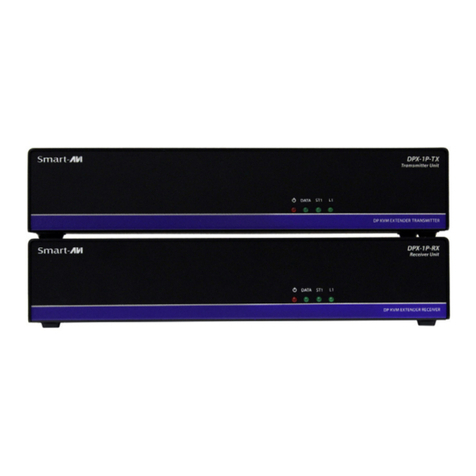
SFX-2P
www.smartavi.com
Installation
Manual
What’s in the Box?
Technical Specications
PART NO. QTY DESCRIPTION
SFX-2P-TX 1 2-Port DVI-D + USB2.0 + Audio + RS232 Ex-
tender Transmitter
SFX-2P-RX 1 2-Port DVI-D + USB2.0 + Audio + RS232 Ex-
tender Receiver
CCPWR06USA 2 6 ft. Power Cable
© Copyright 2012 Smart-AVI, All Rights Reserved
NOTICE
The information contained in this document
is subject to change without notice. Smart-AVI makes
no warranty of any kind with regard to this material,
including but not limited to, implied warranties of
merchantability and fitness for any particular purpose.
Smart-AVI will not be liable for errors contained herein or for
incidental or consequential damages in connection with the
furnishing, performance or use of this material.
No part of this document may be photocopied, reproduced or
translated into another language without prior written consent
from Smart-AVI.
For more information, visit www.smartavi.com.
SmartAVI, Inc. / Twitter: smartavi
11651 Vanowen St. North Hollywood, CA 91605
Tel: (818) 503-6200 Fax: (818) 503-6208
http://www.SmartAVI.com
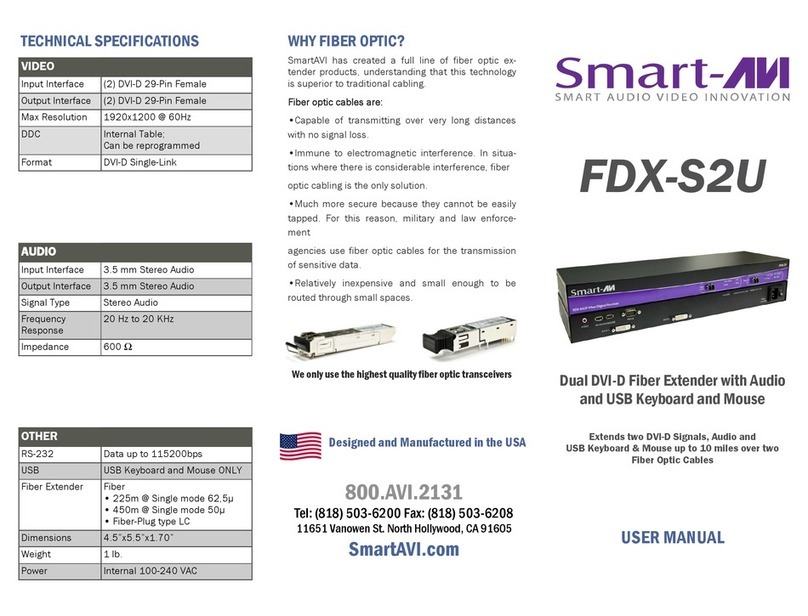
2-Port DVI-D, USB 2.0, Audio and
RS232 Fiber Extender
OTHER
Power Internal 100-240 VAC
Dimensions 17 in W x 1.75 in H x 7 in D
Weight 8 lbs.
Operating Temp. 0-55 °C (32-131°F)
Storage Temp. -20-85 °C (-4-185 °F)
Humidity Up to 95%
OPTICAL
Fiber Type Duplex, multi mode
Connector Type Duplex LC
Wavelength 1310 nm/1550 nm (Dual wavelength)
Data Rate 2x2.5 Gbps (2.5 Gbps per single wavelength)
Transmission Power -5 dB Min.
Receiver Sensitivity -21 dB Max
Distance 500 m Max.
USB
Signal Type EHCI (USB 2.0) and OHCI/UHCI (USB 1.1)
Input Interface (TX) (1) USB Type B (Female)
Output Interface (RX) (4) USB Type A (Female)
RS232
Input Interface (TX) DB9 (Female)
Input Interface (RX) DB9 (Male)
Speed Up to 115 Kbps
AUDIO
Signal Type Stereo Unbalanced
Input Interface (TX) 3.5 mm Jack Socket (Female)
Output Interface (RX) 3.5 mm Jack Socket (Female)
DVI-D VIDEO
Format DVI-D Single Link
Maximum Pixel Clock 165 MHz
Input Interface (TX) (2) DVI-D 29-pin (Female)
Output Interface (RX) (2) DVI-D 29-pin (Female)
Resolution Up to 1920 x 1200 @60Hz
DDC 5 volts p-p(TTL)
Input Equalization Automatic
Input Cable Length Up to 20 ft.
Output Cable Length Up to 20 ft.
Introduction
The SFX-2P is a perfect solution for extending 4 DVI-D
and USB 2.0 signals from a computer in a remote
location up to 1,500 feet away. It supports high-
resolution DVI-D video and all USB device types from
high-speed web cams, hard drives, printers, scanners,
audio devices, touch screens, digital cameras and game
controllers. The SFX-2P is immune to electromagnetic
interference, making it ideal for use in situations where
there is considerable interference. The SFX-2P is also
very secure because it’s ber optic signals cannot be
easily tapped.
Connecting the SFX-2P
1. Connect up to 2 DVI-D displays to the DVI-D ports
on the SFX-2P-RX (receiver).
2. Connect up to four USB 1.1 or 2.0 devices to the
integrated 2-Port USB hub on the SFX-2P-RX
(receiver).
3. Connect speakers to the audio port on the SFX-2P-
RX (receiver).
4. Connect RS232 devices to the RS232 port on the
SFX-2P-RX (receiver).
5. Connect the power supply to the SFX-2P-RX
(receiver).
6. Power on the displays, USB devices, speakers and
RS232 devices.
7. Connect the SFX-2P-TX (transmitter) to the SFX-
2P-RX (receiver) using 3 ber optic cables up to
1,500 feet in length.
8. Connect up to 2 DVI-D sources (computer) to the
DVI-D ports on the SFX-2P-TX (transmitter).
9. Connect the USB source (computer) to the USB
port on the SFX-2P-TX (transmitter).
10. Connect an audio source (computer) to the Audio
port on the SFX-2P-TX (transmitter).
11. Connect the RS232 source (computer) to the
RS232 port on the SFX-2P-TX (transmitter).
12. Connect the power supply to the SFX-2P-TX
(transmitter).
13. Power on the computer or source.
Learning the DDC
1. Connect up to 2 DVI-D displays to the DVI-D ports
on the SFX-2P-RX (receiver).
2. Power on the SFX-2P-RX (receiver).
3. Power on the displays.
4. Connect the SFX-2P-TX (transmitter) to the SFX-
2P-RX (receiver) using 3 ber optic cables up to
1,500 feet in length.
5. Power on the SFX-2P-TX (transmitter).
6. Wait 30 seconds until the VIDEO light on the SFX-
2P-TX (transmitter) begins to blink.
7. The VIDEO light will continue to blink for
approximately 10 seconds, then it will be steady
for another 10 seconds.
8. The DDC has been learned.
9. Connect the video sources (computer) to the SFX-
2P-TX and power them on.
Features
• Top Signal Quality at Maximum Extension
Over Multimode Fiber (1,500 ft.) Plug Type LC
• DVI-D Video Resolutions up to 1920 x 1200
WUXGA at 60Hz
• DDC Learning
• Supports USB 1.1 (12 Mbps) and USB 2.0 (480
Mbps) data rates
• Supports all USB device types transparently (no
emulation)from high-speed web cams, hard
drives, printers, scanners, audio devices, touch
screens, game controllers and more Integrated
Four-Port Hub in the receiver
• Compatible with all operating systems
• Extends Stereo Audio
• Extends RS-232
• Plug and play
Product - Installation Diagram
SFX-2P-TX Front
SFX-2P-TX Rear SFX-2P-RX Rear
SFX-2P-RX Front
SFX-2P
Receiver
SFX-2P
Transmitter
2 DVI-D Displays
Computer
Stereo Speakers
Up to 1,500 feet over 3
pair ber optic cables USB 2.0
HARD DRIVE
USB 2.0
MOUSE
USB 2.0
PRINTER
USB 2.0 KEYBOARD
USB 2.0 WEBCAM