6
System Auxiliary device Function
- EC 602-… Control functions/Access control
- TCIP 603-… Control functions/Access control
1+n technology RC 602-… Direct call of the indoor stations
In-Home bus BIM 650-… Direct call of the indoor stations
Multi TLC 640-… Direct call of the indoor stations/
Control functions/Access control
Access - Direct call of the indoor stations
Application
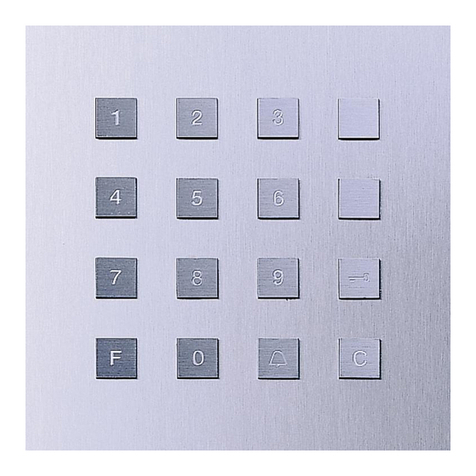
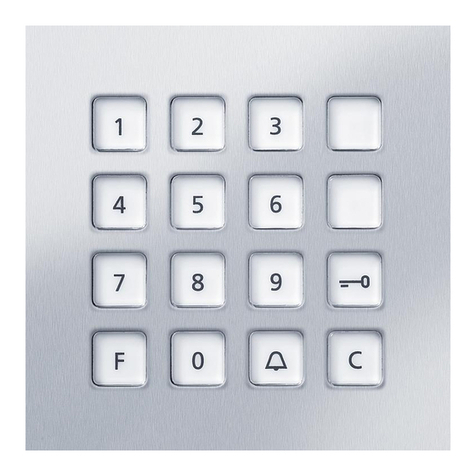
Code lock module as input unit for
access control and for making door
calls.
Depending on the functional scope
of the access control and the
intercom system, further devices are
required for management and con-
trol functions.
• LED as status indicator, only for
Vario (external potential-free con-
tact)
• Door release button for direct door
release via the EC602…
• Control functions (e.g. roller shut-
ters)
Electrical voltage
Mounting, installation and servicing
work on electrical devices may only
be performed by a suitably qualied
electrician.
Range
The conductor network laid
throughout the entire Vario bus
must not exceed 2000m. The loop
resistance (forward and return line
between the functional unit and
the control unit) must not exceed
20Ohm. A core diameter of 0.8mm
results in a range of appr. 260m.
The power supply to the Vario
Bus components is provided by a
separate transformer TR602…/
TR603…
English
Steps must be taken to ensure that
the supply voltage never exceeds
9VAC at any device with maximum
current consumption.
Pilfer safeguard
In order to protect the Vario modules
from unauthorized access, the pilfer
safeguard controller DSC602… can
be optionally used in conjunction
with the ZDS601… This can be
used to protect the inserted modules
from unauthorized access.
Scope of supply
• Code lock module COM 611…
• Terminal block
• This product information
Terminal assignment
bv, cv Power supply 12VAC
Da, Db Vario bus
1,6 Triggering
Door loudspeaker
E1, E2 Connection of an
external door release
button
L1, L2 LED status display,
Potential-free input
b, c for additional power
supply if there are a
large number of illumi-
nated call buttons
Mounting and installation
1 Address setting
If several input/read units of the
same type (e.g. several COM611…
and/or ST10…) are used in a
system, a different address must be
set on each of the input/read units.
• In order to change the Vario bus
address, any pre-mounted module
must be removed from the door sta-
tion’s mounting frame.
• Open the ap on the back of the
module with the aid of a screw-
driver.
• Set the address (1 to 8) on the
rotary switch.
• Once the address has been set,
close the ap and, if necessary, re-
secure the terminal block and ret
the module.
Circuit diagrams
2 Terminal diagram access control
with EC602-…
3 Terminal diagram access control
with TCIP603-…
The wiring diagrams for the use of
the code lock for door calls can be
found in the system manual for the
door communication system, which
is supplied with the line rectier/
server.
Programming
The COM611… is programmed via
the corresponding auxiliary device.
The procedure is described in the
corresponding programming instruc-
tions.