manuals.online logo
Brands
  1. Home
  2. •
  3. Brands
  4. •
  5. Takstar
  6. •
  7. Microphone
  8. •
  9. Takstar MS-118 User manual

Takstar MS-118 User manual

Other Takstar Microphone manuals
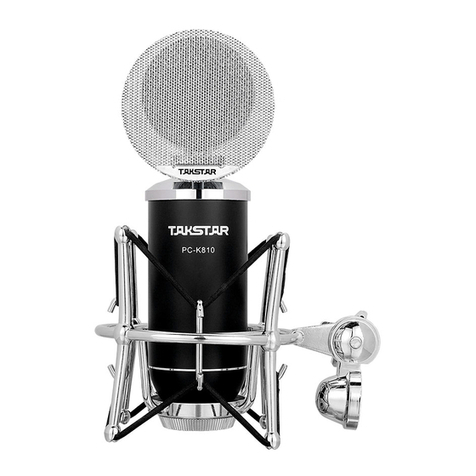
Takstar CM-63 User manual

Takstar

Takstar CM-63 User manual

Takstar TS-K201 User manual

Takstar

Takstar TS-K201 User manual

Takstar PC-K220 User manual

Takstar

Takstar PC-K220 User manual

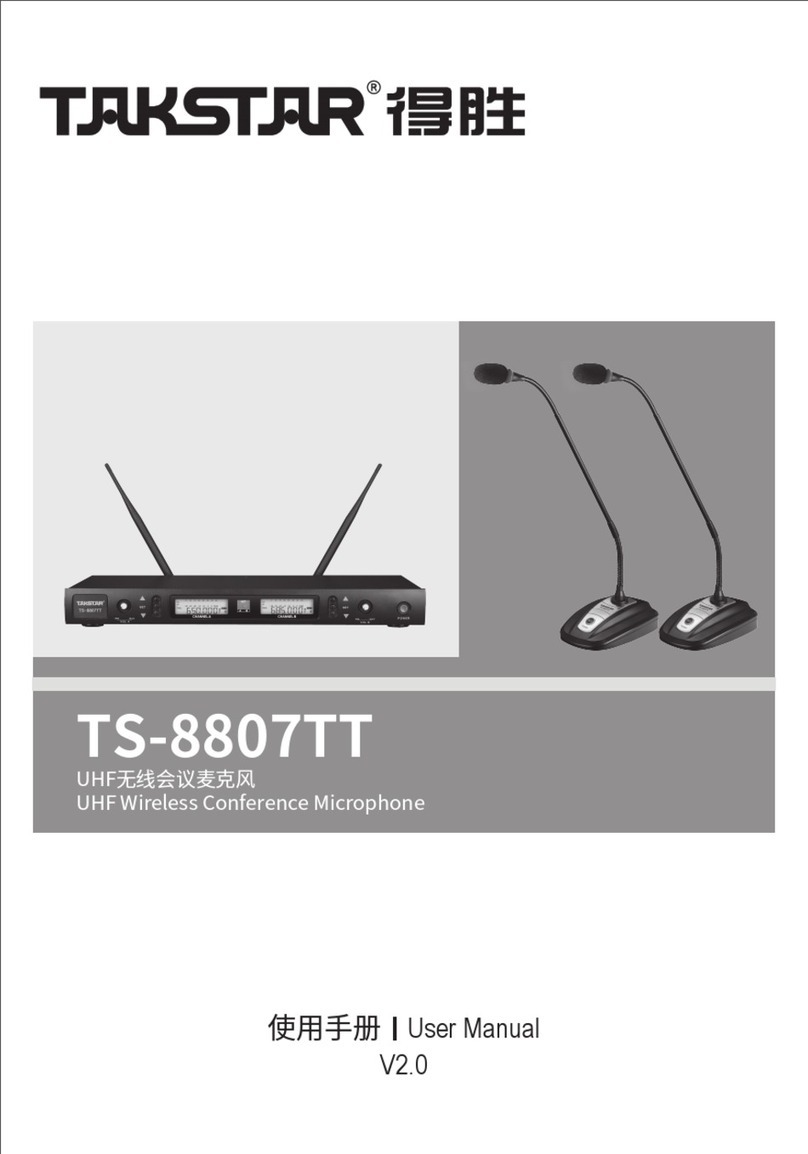
Takstar TS-8807TT User manual

Takstar

Takstar TS-8807TT User manual

Takstar HM-300W User manual

Takstar

Takstar HM-300W User manual

Takstar TS-8807HH User manual

Takstar

Takstar TS-8807HH User manual

Takstar MS300 User manual

Takstar

Takstar MS300 User manual

Takstar ECM-220 User manual

Takstar

Takstar ECM-220 User manual

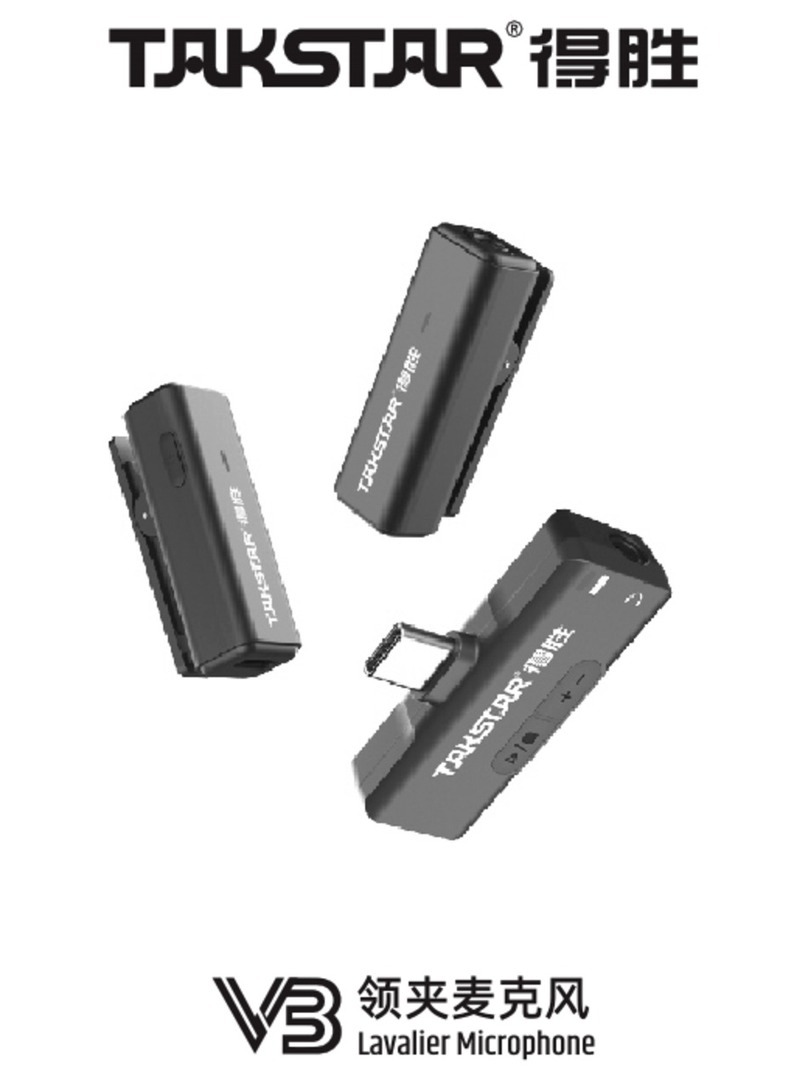
Takstar V3 User manual

Takstar

Takstar V3 User manual
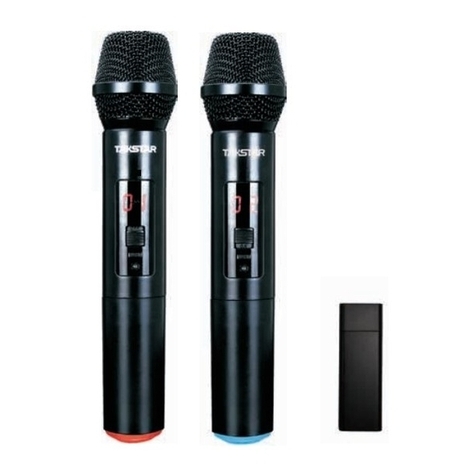
Takstar E-340 User manual

Takstar

Takstar E-340 User manual

Takstar PH-120 User manual

Takstar

Takstar PH-120 User manual

Takstar DA10 User manual

Takstar

Takstar DA10 User manual

Takstar DG-K10USB User manual

Takstar

Takstar DG-K10USB User manual
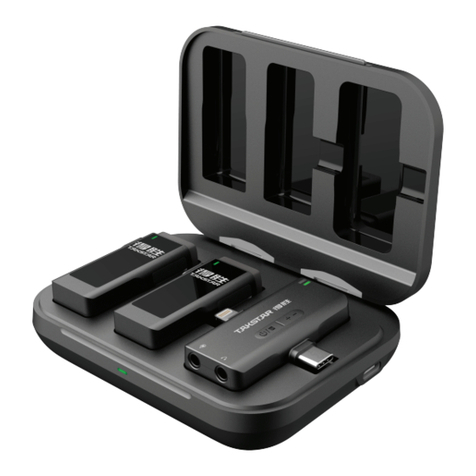
Takstar PCM-5600 User manual

Takstar

Takstar PCM-5600 User manual

Takstar G5 User manual

Takstar

Takstar G5 User manual

Takstar TA-55D User manual

Takstar

Takstar TA-55D User manual

Takstar V1 User manual

Takstar

Takstar V1 User manual

Takstar X6 User manual

Takstar

Takstar X6 User manual

Takstar TS-8807PP User manual

Takstar

Takstar TS-8807PP User manual

Takstar DA-237 User manual

Takstar

Takstar DA-237 User manual

Takstar SGC-600 User manual

Takstar

Takstar SGC-600 User manual

Takstar SM-8B-S User manual

Takstar

Takstar SM-8B-S User manual

Takstar V4 DUAL User manual

Takstar

Takstar V4 DUAL User manual
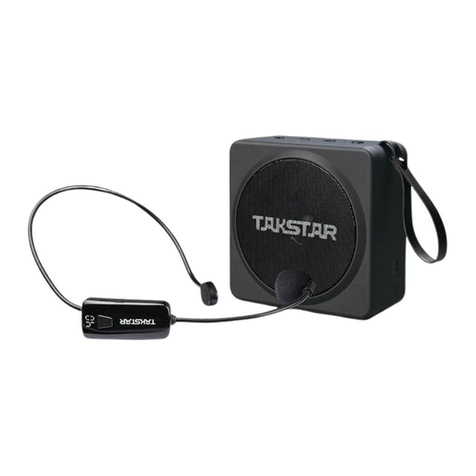
Takstar UC-2R User manual

Takstar

Takstar UC-2R User manual
Popular Microphone manuals by other brands

Betzold 760932 operating instructions

Betzold

Betzold 760932 operating instructions

Shure A88SM user guide

Shure

Shure A88SM user guide

JTS UF-10TH/12 instruction manual

JTS

JTS UF-10TH/12 instruction manual

Shure BETA 58A User giude

Shure

Shure BETA 58A User giude

Shure SM7 user guide

Shure

Shure SM7 user guide

Sony ECM-Z200 Service manual

Sony

Sony ECM-Z200 Service manual

Electro-Voice 652 engineering data

Electro-Voice

Electro-Voice 652 engineering data

mantona 21150 instruction manual

mantona

mantona 21150 instruction manual

Loewe We. SEE 55 user manual

Loewe

Loewe We. SEE 55 user manual

IK Multimedia iRig Stream MIC PRO user manual

IK Multimedia

IK Multimedia iRig Stream MIC PRO user manual

DAPAudio RM-101 user manual

DAPAudio

DAPAudio RM-101 user manual

AKG CHM 21 User instructions

AKG

AKG CHM 21 User instructions

Sennheiser evolution wireless series EM 100 instruction manual

Sennheiser

Sennheiser evolution wireless series EM 100 instruction manual

Sony C-48 operating instructions

Sony

Sony C-48 operating instructions

GIGAMEDIA GGM PAMICUHFG user manual

GIGAMEDIA

GIGAMEDIA GGM PAMICUHFG user manual

Shure WH30TQG user guide

Shure

Shure WH30TQG user guide

auna PRO MIC-900 manual

auna PRO

auna PRO MIC-900 manual

Shure MV51 manual

Shure

Shure MV51 manual

manuals.online logo
manuals.online logoBrands
  • About & Mission
  • Contact us
  • Privacy Policy
  • Terms and Conditions

Copyright 2025 Manuals.Online. All Rights Reserved.

台式会议咪系列
使用说明书
广东得胜电子有限公司
TAKSTAR ELECTRONICS CO., LTD.
地址: 广东省惠州市博罗县龙溪镇富康一路2号
电话: 400 6828 333 传真: 0752-6383950
邮箱:
邮编:516121
网址:www.takstar.com
[email protected]
广东得胜电子有限公司
Address: No. 2 Fu Kang Yi Rd., Longxi, Boluo, Huizhou, Guangdong, 516121, China
Tel: +86 752 6383644 Fax: +86 752 6383952
E-mail: sales@takstar.com
Website: www.takstar.com
GUANGDONG TAKSTAR ELECTRONIC CO., LTD.
台式会议咪,主要是为大型会议、公众传播、
户外演讲等场合而设计的专业麦克风, 采用背极式电容传声器,音
质清晰明亮, 灵敏度高, 噪音低,指向拾音强。鹅颈部分灵活多
变的组合,能够满足多种场合的需要。
台式会议咪系列
台式会议咪系列,可满足您更多的要求。
- - - 高保真音质
- - - 外观流畅,安装方便,操作简单
- - - 指向拾音强
- - - 会议咪头部带红光环指示
- - - 哑音开关
- - - 电路平衡输出
MS-118
● 指向性: 单一指向
● 频率响应:50Hz 16KHz
● 灵敏度: -38dB±3dB (0dB=1V/Pa at 1KHz)
● 输出阻抗::200Ω±30% ( at 1KHz)
~
USAGE:
1. Install two 1.5V AA batteries at the battery of the gooseneck microphones,
be aware of their polarities.
2. Plug the XLR connector of the attached cable, connect the microphone
to a mixer.
3. Turn the volume control down to zero, turn on the power switch both the
mixer and microphone, adjust the volume.
4. The best distance from the microphone cartridge should be kept at 5 to
30 cm.
CAUTION:
1. When the cartridge is covered by hand, or close to speakers it may cause
howling noise, when this happens, simply turn down the volume, take the
microphone further away from the speakers, and let the cartridge not face
the speakers.
2. Due to the high sensitivity of the gooseneck microphone, do not drop it
from high or collide.
3. Avoid keep it in high temperature and humidity.
4. When the red light indicator is off, please check whether the batteries are
installed properly, or consider changing the batteries.
ACCESSORY:
One windscreen sponge
A connection cable
Two AA size batteries
技术指标:
TAKSTAR TABLE CONFERENCE MICROPHONE SERIES
TAKSTAR table conference microphone. It is professional microphone
designed for large-scale conference, public address, outdoor speech
occasion etc with back electrect condenser cartridg, It delivery clear sound
with high sensitivity, low noise. It can reproduce sound naturally.
There are two part of flexible gooseneck which makes it easy to set it to
meet you demanding wherever you are. It also has a good quality XLR
connector (female). We accompany a mic base with presice circuit to be
used with the gooseneck microphone. With the complete conference
microphone. Finish your speech without any difficulty.
Takstar table microphone series may meet many demanding of you.
- - - Natural, uncolored sound quality
- - - Ease of installation & operation
- - - High sensitivity and good sound pickup.
- - - With red light indicator near the cartridge
- - - Noiseless switch
- - - Balance out circuit
MS-118
SPECIFICATIONS:
● Element: Back electrect condenser
● Polar Pattern: Uni- directional
● Frequency: 50Hz~16KHz
● Sensitivity: -38dB±3dB (0dB=1V/Pa at 1KHz)
● Output impedance: 200Ω±30% ( at 1KHz)
● Operating voltage: 3V Battery (Two 1.5V battery)
使用方法:
1. 扣开台式咪底部电池盖,按电池极性指示装好电池,卡回电池
盖。
2. 卡好卡侬输出线,并连接至扩大机输入插孔。
3. 将扩大机音量旋钮先控制在零位置,然后开启扩大机和台式会
议咪电源开关,再慢慢调整扩大机音量,直至刚好为止.
4. 建议说话距离,应与咪头保持在5~30CM左右.
注意事项:
1. 用手罩住会议咪头部,或使其接近扬声器,可能产生啸叫。
遇此情形时,首先降低音量,拉开同扬声器的距离,使咪头
和扬声器不会相对。
2. 会议咪灵敏度高,必须注意不要从高处落下或给予强烈冲击。
3. 避免在温度、湿度过高的场所进行保管。
4. 会议咪发声及红色指示灯为电池供电,若没有声音或红灯没有
亮,请检查电池是否装好,或更换新电池。
附件:
防风海绵套一只
连接线一条
5号电池两节