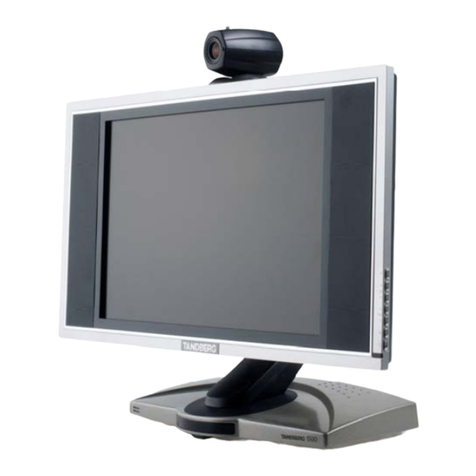
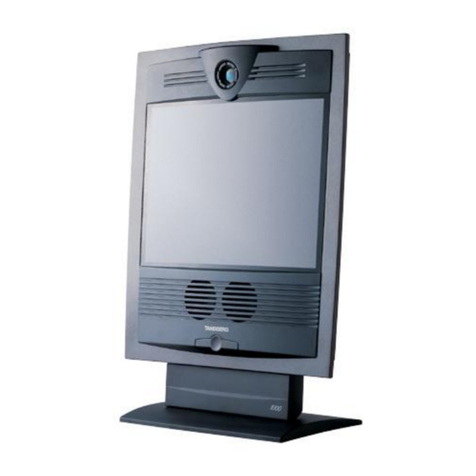
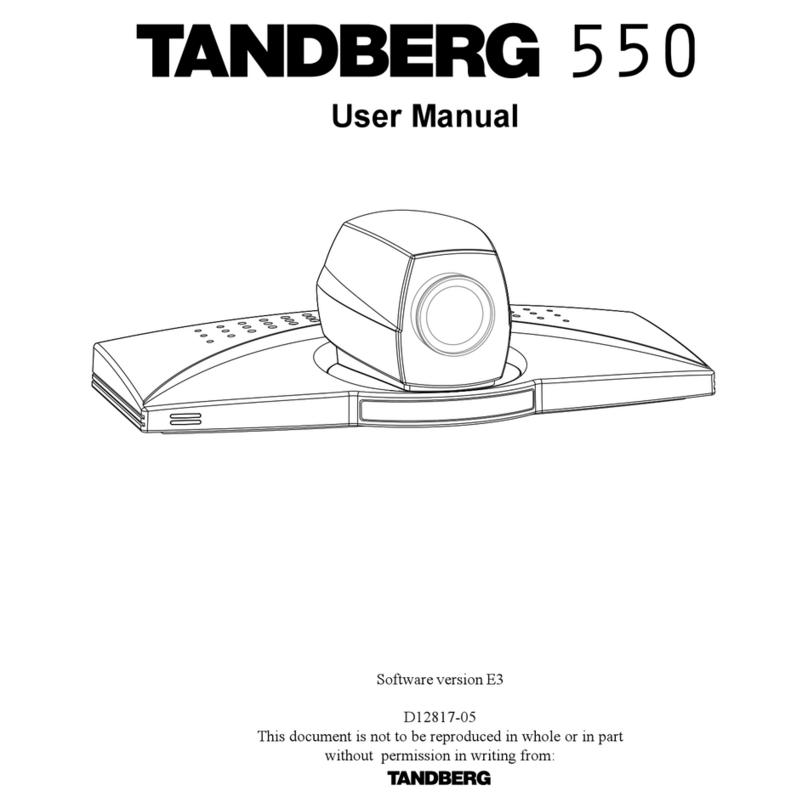
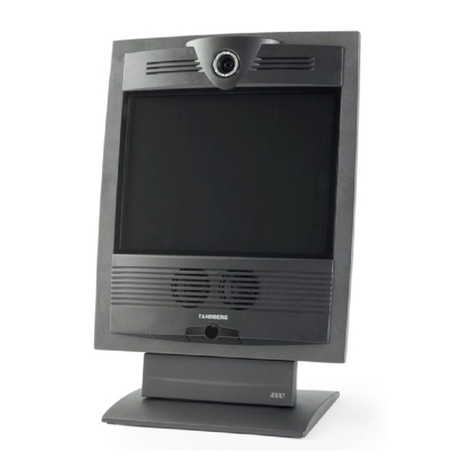
TANDBERG 550 MXP
x
Table of Contents
1Introduction............................................................................................................................... 1
1.1 At a Glance ............................................................................................................................ 4
1.2 Menu Structure ...................................................................................................................... 6
2Installation ................................................................................................................................ 8
2.1 Unpacking and Mounting....................................................................................................... 9
2.2 Connecting Cables............................................................................................................... 10
2.3 Monitor Configuration........................................................................................................... 13
2.4 System Configuration........................................................................................................... 14
3General Use ........................................................................................................................... 17
3.1 The Welcome Screen ..........................................................................................................18
3.2 Using the Remote Control....................................................................................................19
3.2.1 Navigation................................................................................................................ 23
3.2.2 Selfview.................................................................................................................... 24
3.2.3 Picture Layout.......................................................................................................... 25
3.2.4 Mic Off...................................................................................................................... 26
3.2.5 Volume + and -......................................................................................................... 27
3.2.6 Number and Letter keys........................................................................................... 28
3.2.7 Touch Tones............................................................................................................ 29
3.2.8 Presets and Extension Numbers............................................................................. 30
3.3 On-screen Indicators............................................................................................................ 31
3.4 Using the Menu.................................................................................................................... 33
3.5 Make a Call.......................................................................................................................... 34
3.5.1 Place a Call.............................................................................................................. 35
3.5.2 Call Settings............................................................................................................. 37
3.5.3 SIP Services ............................................................................................................ 38
3.5.4 Streaming................................................................................................................. 39
3.5.5 Dialing In From Outside the Enterprice.................................................................... 41
3.6 Answer an incoming call...................................................................................................... 42
3.7 End Call................................................................................................................................ 43
3.8 Standby................................................................................................................................ 44
3.8.1 Delay Standby for 1 hour......................................................................................... 45
3.8.2 Delay Standby for 3 hours ....................................................................................... 46
3.8.3 Do Not Disturb ......................................................................................................... 47
3.9 Phone Book ......................................................................................................................... 48
3.9.1 Call Log.................................................................................................................... 50
3.9.2 My Contacts............................................................................................................. 51
3.9.3 Corporate Contacts / Global Contacts..................................................................... 56
3.10 Camera Control.................................................................................................................. 60
3.10.1 Move Camera .......................................................................................................... 61
3.10.2 Far End Control........................................................................................................ 62
3.10.3 Camera Presets....................................................................................................... 63
3.10.4 TANDBERG Tracker................................................................................................ 64
3.10.5 Picture Control......................................................................................................... 65
3.10.6 Camera Tracking ..................................................................................................... 66
3.11 Presentation....................................................................................................................... 67
3.11.1 Presentation Key...................................................................................................... 68
3.11.2 Presentation Menu................................................................................................... 69
3.11.3 PC Presenter (DVI/VGA Input)................................................................................ 70
3.11.4 PC SoftPresenter and VNC..................................................................................... 71
3.11.5 Dual Stream (DuoVideoTF/H.239)............................................................................ 72