logo
Brands
  1. Home
  2. •
  3. Brands
  4. •
  5. Taurus
  6. •
  7. Fitness Equipment
  8. •
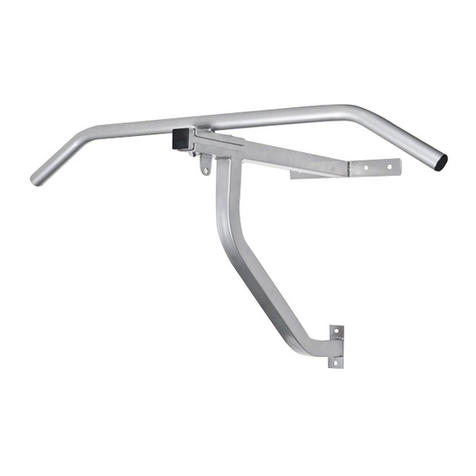
  9. Taurus TF-CB-430 User manual

Taurus TF-CB-430 User manual

Other Taurus Fitness Equipment manuals

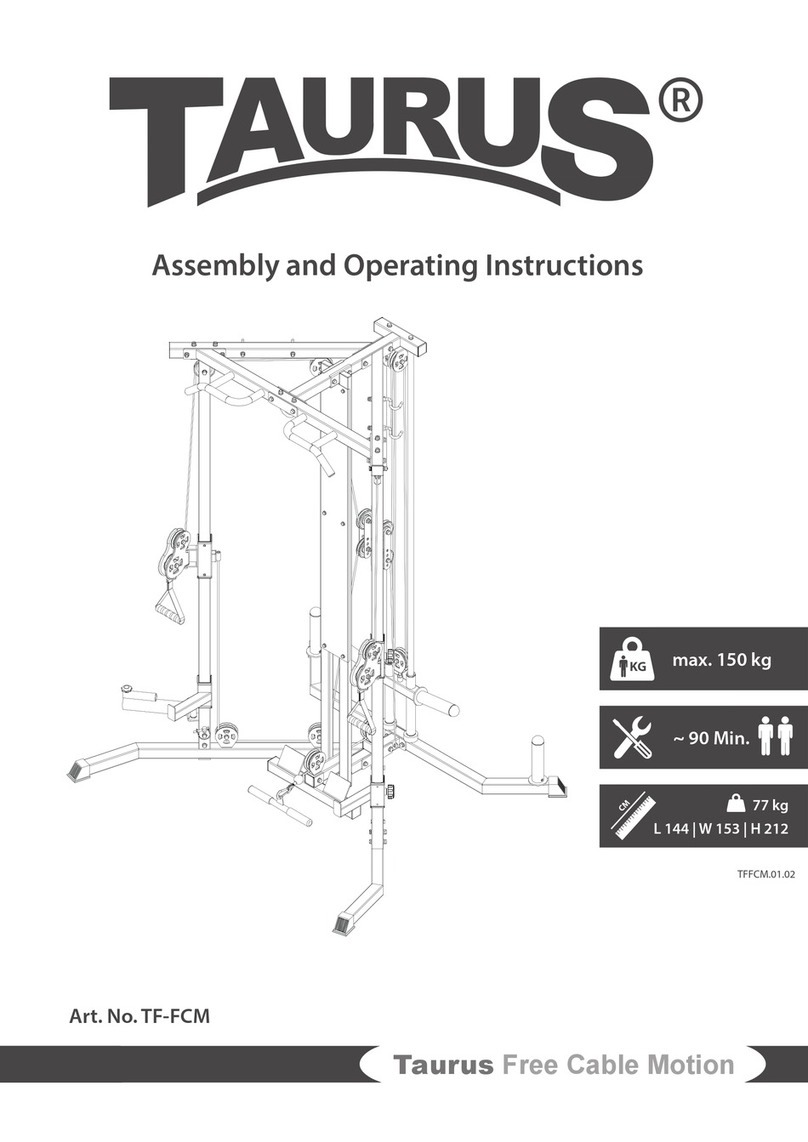
Taurus TF-FCM User manual

Taurus

Taurus TF-FCM User manual

Taurus TF-PTT0251 User manual

Taurus

Taurus TF-PTT0251 User manual

Taurus TB-P150GIG User manual

Taurus

Taurus TB-P150GIG User manual

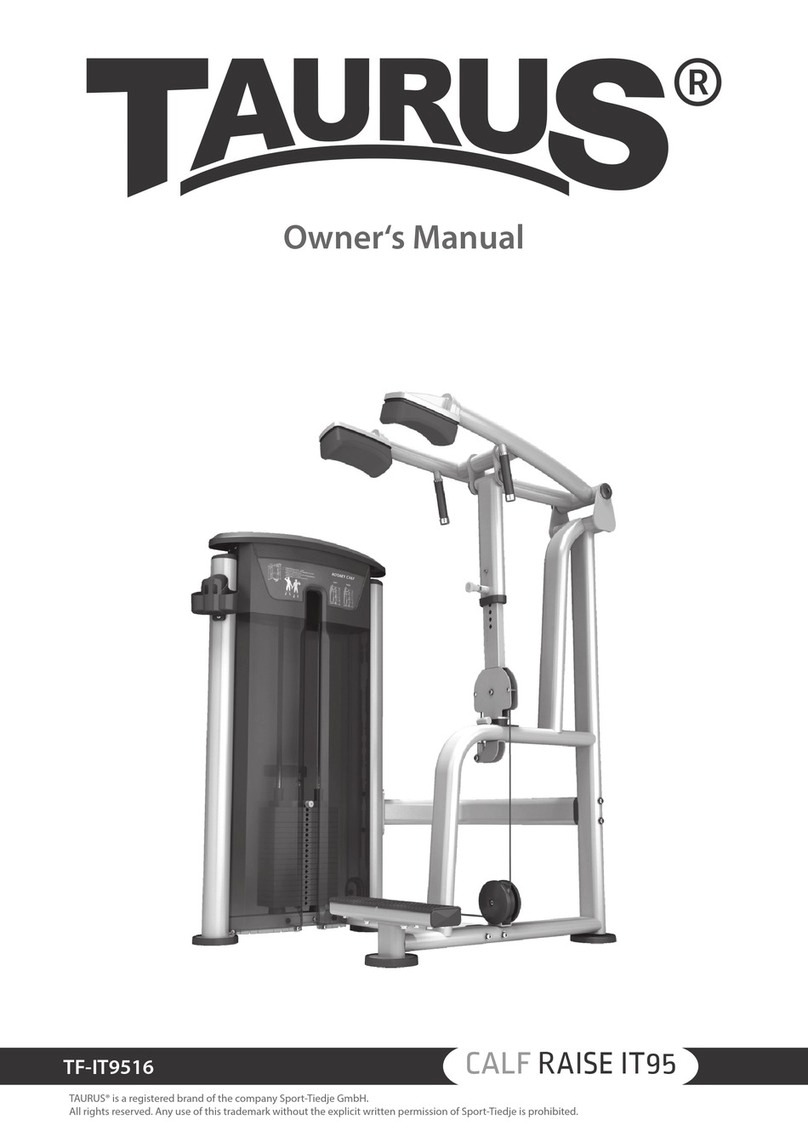
Taurus CALF RAISE IT95 User manual

Taurus

Taurus CALF RAISE IT95 User manual

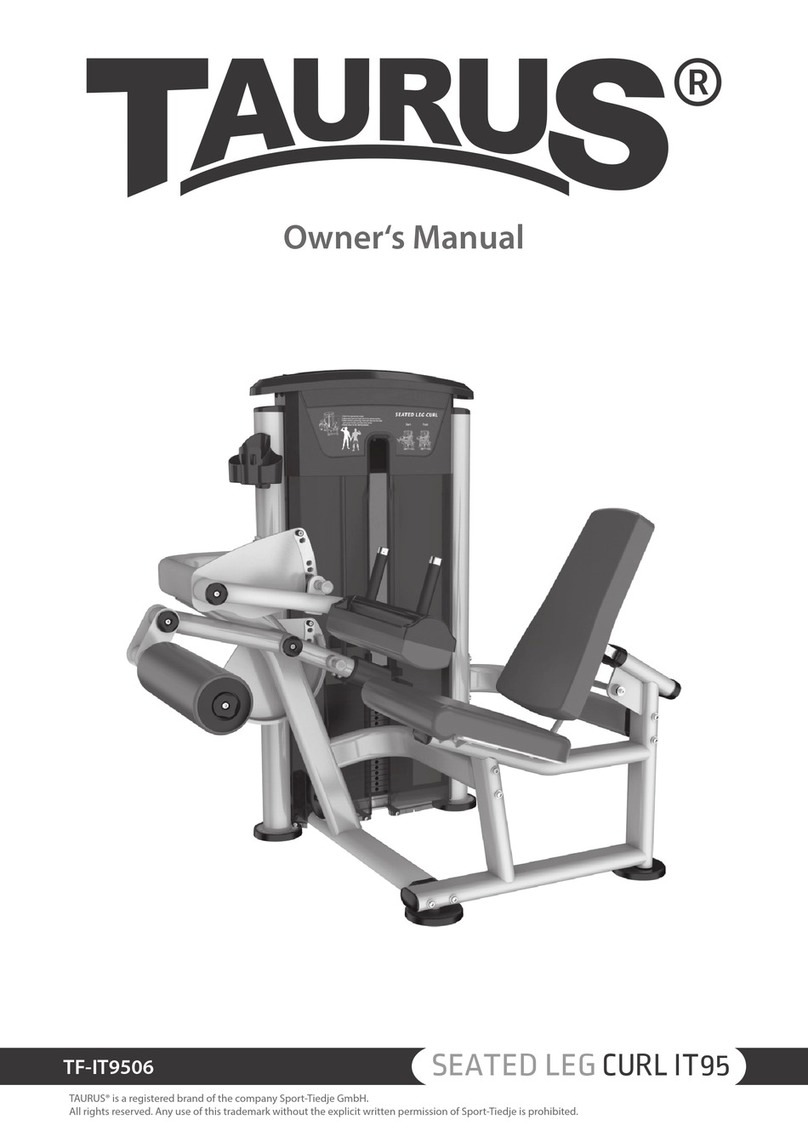
Taurus SEATED LEG CURL IT95 User manual

Taurus

Taurus SEATED LEG CURL IT95 User manual

Taurus TF-SR7613 User manual

Taurus

Taurus TF-SR7613 User manual

Taurus TF-ADB-50 User manual

Taurus

Taurus TF-ADB-50 User manual

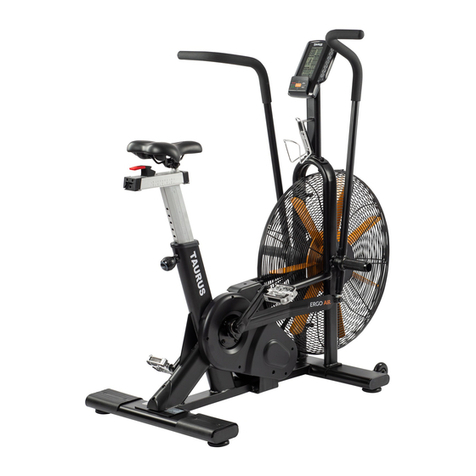
Taurus TF-ERGO-AIR User manual

Taurus

Taurus TF-ERGO-AIR User manual

Taurus TF-B990 User manual

Taurus

Taurus TF-B990 User manual

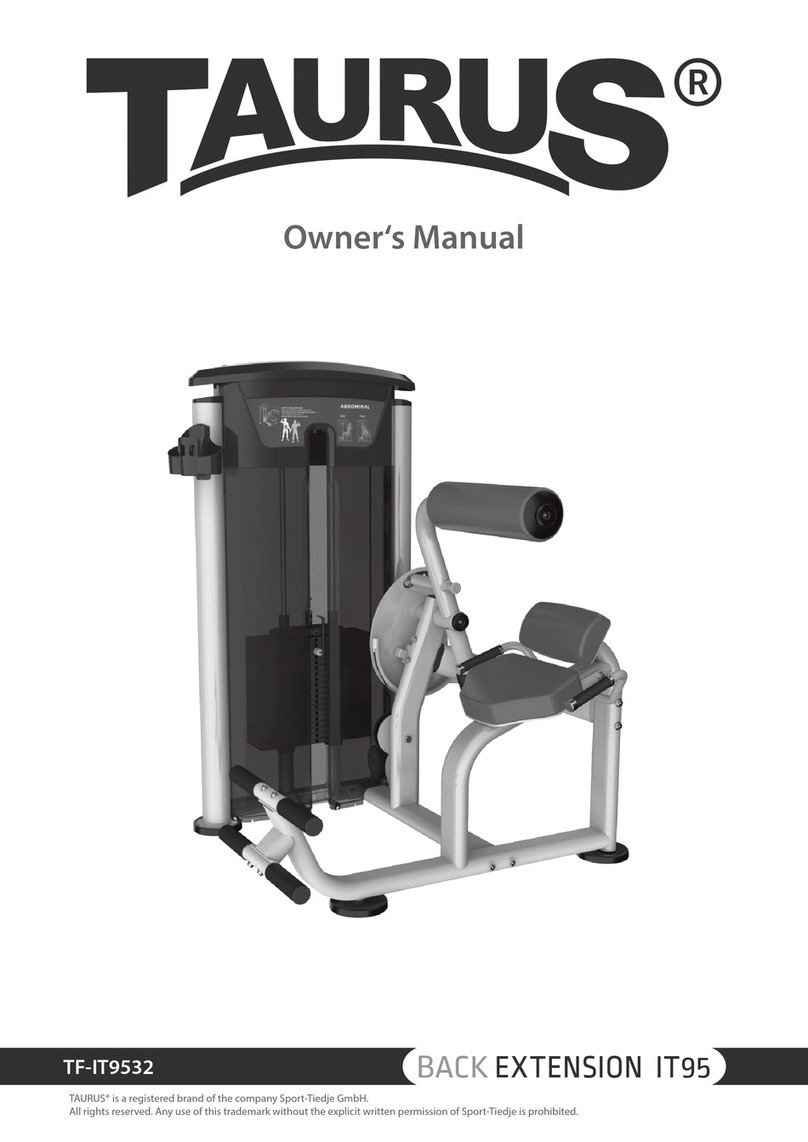
Taurus BACK EXTENSION IT95 User manual

Taurus

Taurus BACK EXTENSION IT95 User manual

Taurus TF-WS7-ATT User manual

Taurus

Taurus TF-WS7-ATT User manual

Taurus TF-PA-2168SC User manual

Taurus

Taurus TF-PA-2168SC User manual

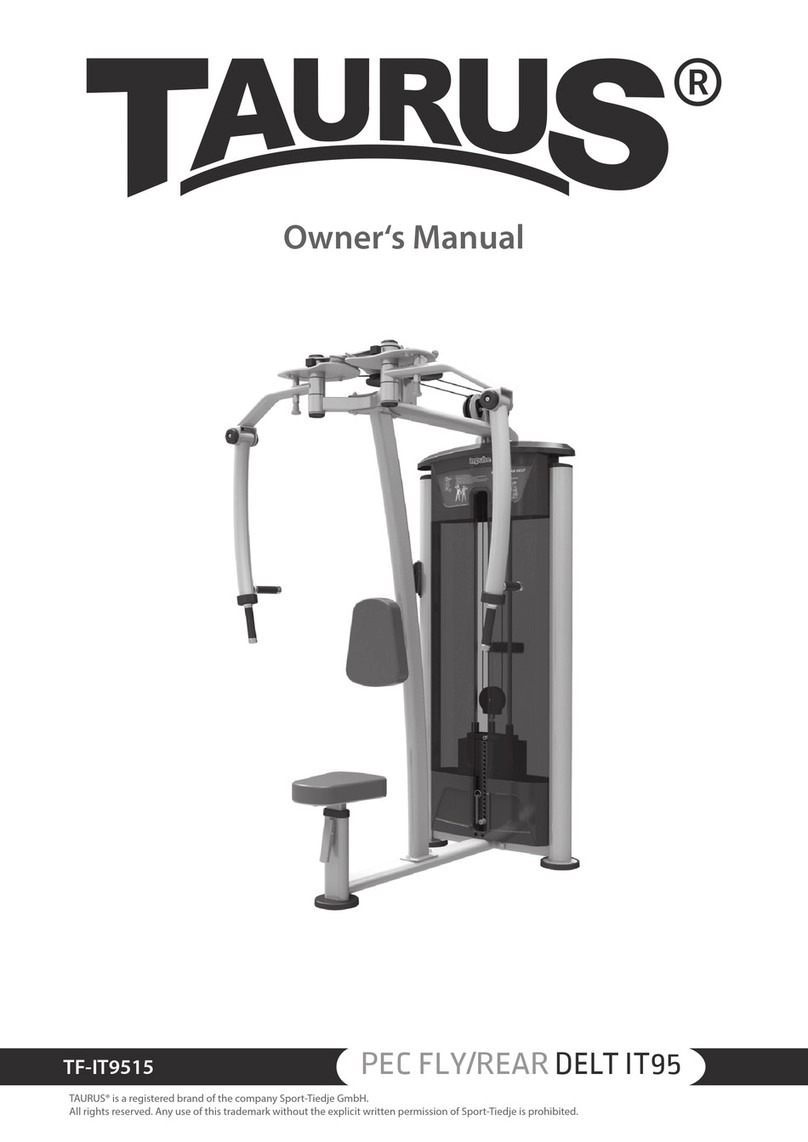
Taurus PEC FLY/REAR DELT IT95 User manual

Taurus

Taurus PEC FLY/REAR DELT IT95 User manual

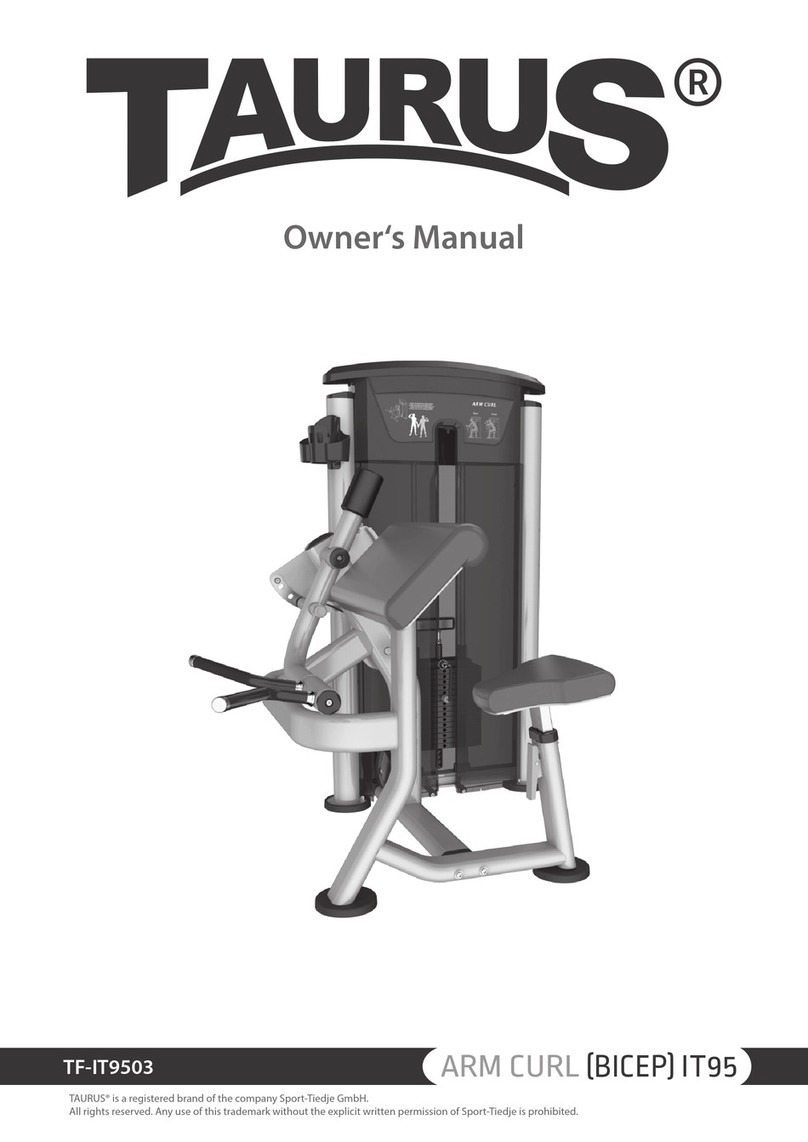
Taurus ARM CURL BICEP IT95 User manual

Taurus

Taurus ARM CURL BICEP IT95 User manual

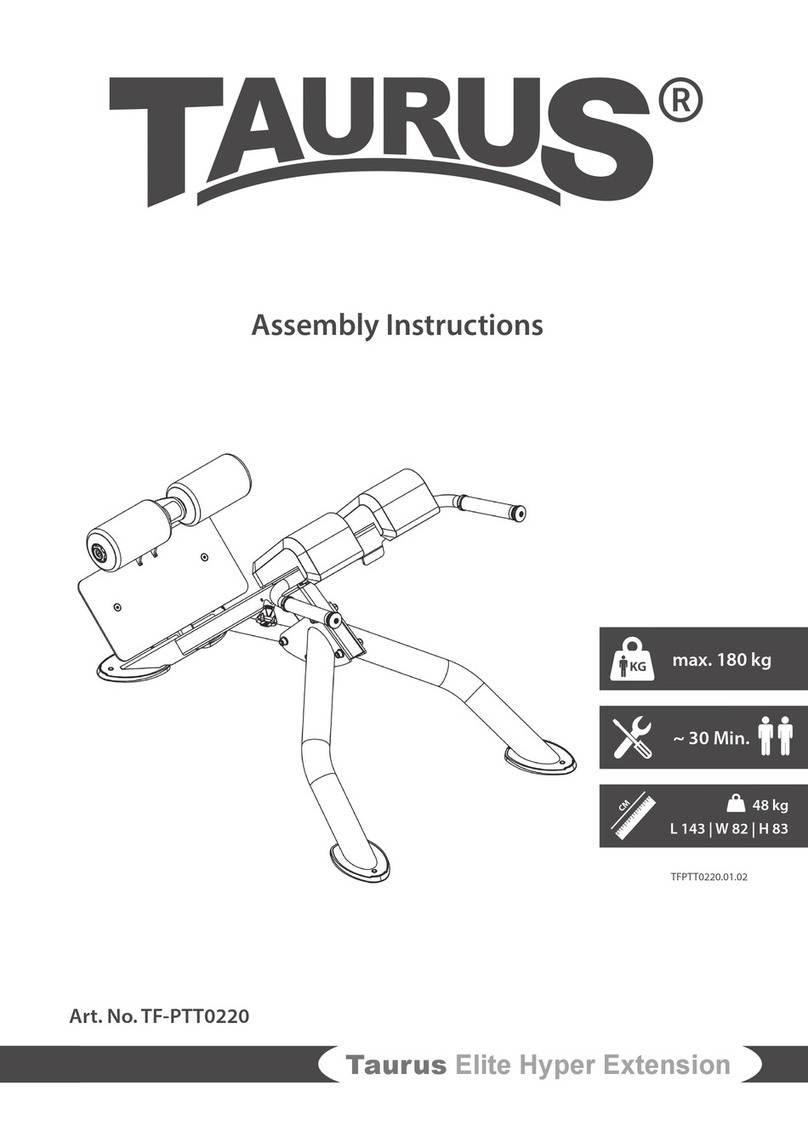
Taurus Elite Hyper Extension User manual

Taurus

Taurus Elite Hyper Extension User manual

Taurus TF-RB10.5 User manual

Taurus

Taurus TF-RB10.5 User manual

Taurus RB9.9 User manual

Taurus

Taurus RB9.9 User manual

Taurus TF-MGRIP-A User manual

Taurus

Taurus TF-MGRIP-A User manual

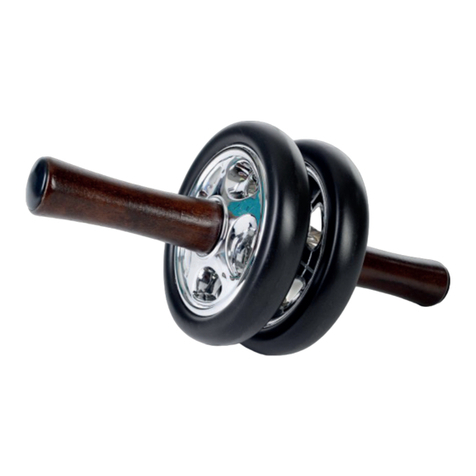
Taurus Abs Trainer Exercise Wheel User manual

Taurus

Taurus Abs Trainer Exercise Wheel User manual

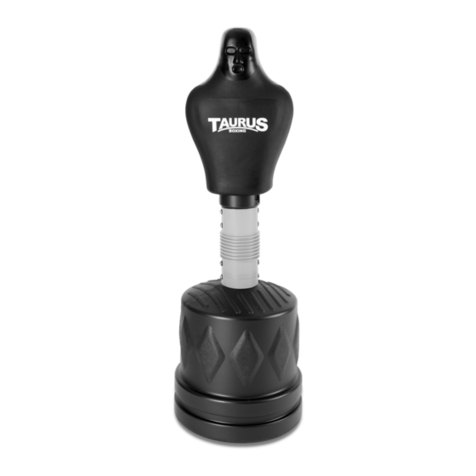
Taurus TB-5000 User manual

Taurus

Taurus TB-5000 User manual

Taurus Elite TF-PTT0204 User manual

Taurus

Taurus Elite TF-PTT0204 User manual

Taurus LAT PULLDOWN IT95 User manual

Taurus

Taurus LAT PULLDOWN IT95 User manual

Taurus TB-9010-W User manual

Taurus

Taurus TB-9010-W User manual

Taurus TB-3000 User manual

Taurus

Taurus TB-3000 User manual

Popular Fitness Equipment manuals by other brands

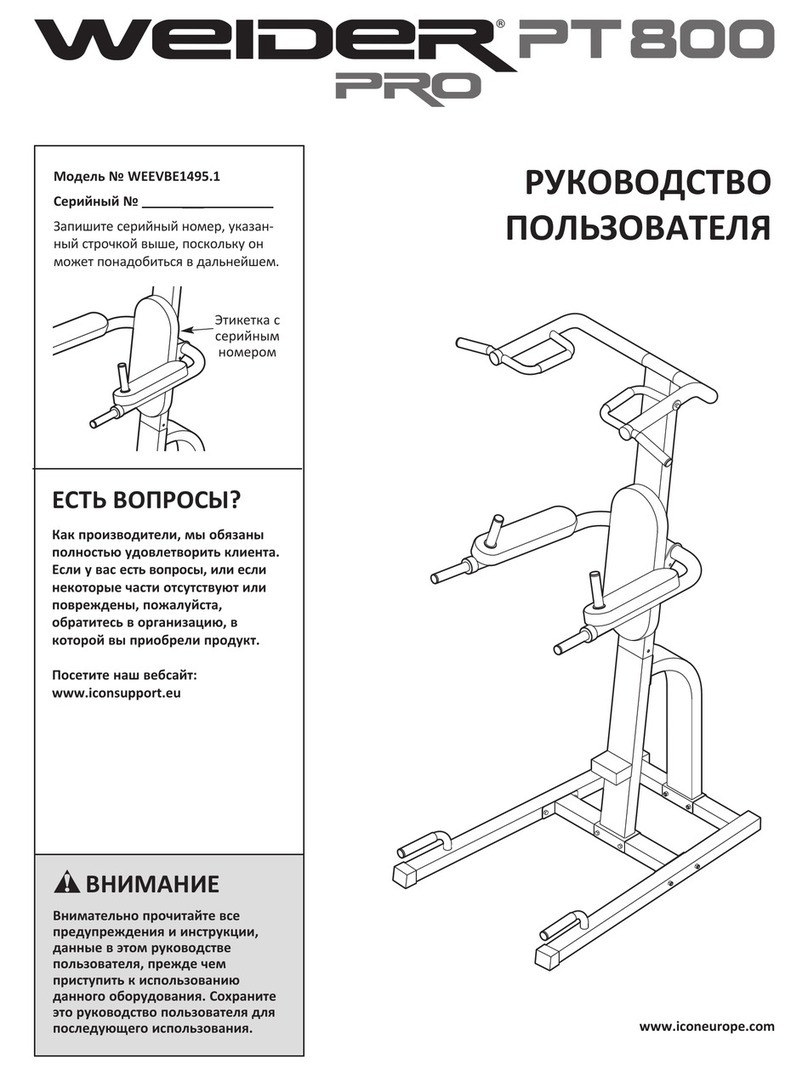
Weider Pro Pt 800 Bench null

Weider

Weider Pro Pt 800 Bench null

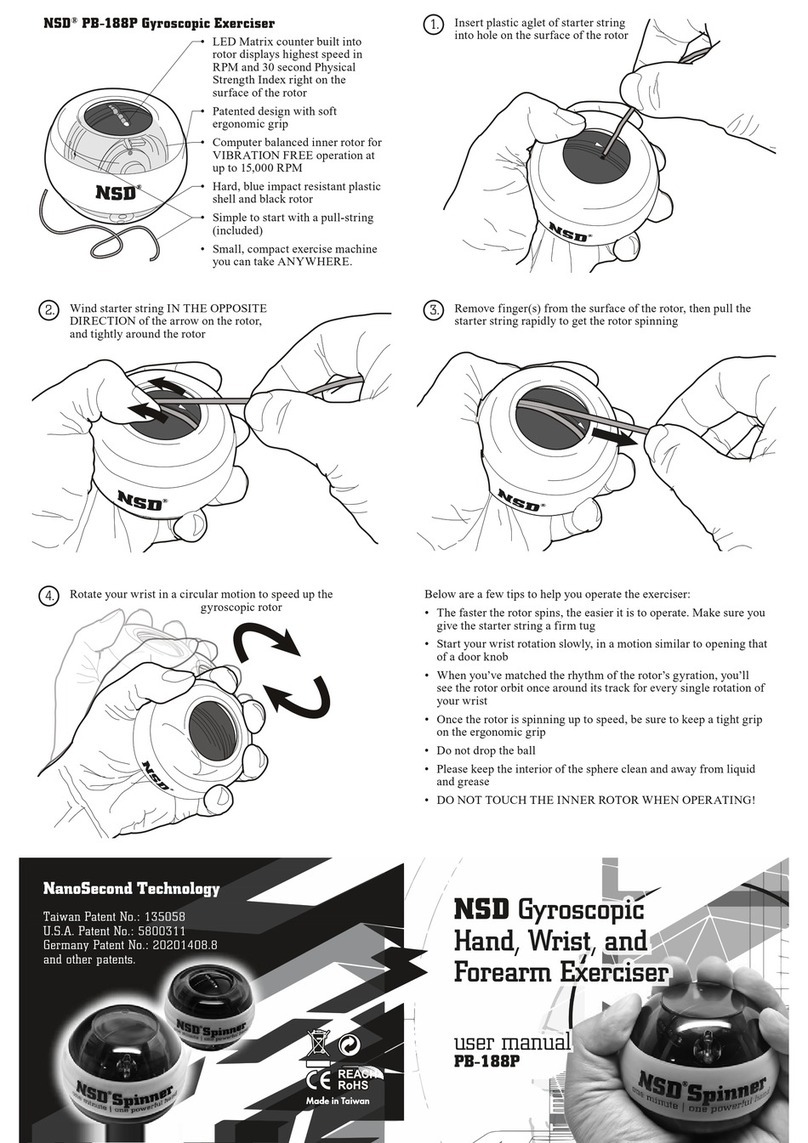
NSD PB-188P user manual

NSD

NSD PB-188P user manual

Performance HyperVibe User instructions

Performance

Performance HyperVibe User instructions

Scalamobil S27 Operator's manual

Scalamobil

Scalamobil S27 Operator's manual

Precor Experience Series Service manual

Precor

Precor Experience Series Service manual

FYTTER RedMIUM BENCH BE-T6R manual

FYTTER

FYTTER RedMIUM BENCH BE-T6R manual

Nustep T5 Assembly instructions

Nustep

Nustep T5 Assembly instructions

Precor CW-507 Assembly guide

Precor

Precor CW-507 Assembly guide

Movement BICEPS Idea owner's manual

Movement

Movement BICEPS Idea owner's manual

Kegel8 V For Men user guide

Kegel8

Kegel8 V For Men user guide

BLK BOX 21-0122-0B Owner's manual & quick start guide

BLK BOX

BLK BOX 21-0122-0B Owner's manual & quick start guide

Stamina aeropilates premier 299 owner's manual

Stamina

Stamina aeropilates premier 299 owner's manual

SPORTSTECH PBX300 quick start guide

SPORTSTECH

SPORTSTECH PBX300 quick start guide

ParaBody Serious Steel 877102 Assembly guide

ParaBody

ParaBody Serious Steel 877102 Assembly guide

Weslo Gym 650 Gebruikershandleiding

Weslo

Weslo Gym 650 Gebruikershandleiding

Rebel ACTIVE RBA-1011 user manual

Rebel

Rebel ACTIVE RBA-1011 user manual

4iiii FLiiiight owner's manual

4iiii

4iiii FLiiiight owner's manual

Image 540 manual

Image

Image 540 manual

https://manuals.online logo
https://manuals.online logoBrands
  • About & Mission
  • Contact us
  • Privacy Policy
  • Terms and Conditions

Copyright 2026 Manuals.Online. All Rights Reserved.

TFCB430.01.01
Chin-up Bar
Operating Instructions
Assembly
Before assembly, take a close look at the individual assembly steps shown
and carry out the assembly in the order given.
LNOTICE
First loosely screw all parts together and check that they t properly.
Tighten the screws using the tool only when you are instructed to do
so.
A Round screw
B Hex Screw
C Nut
D Washer
1. Connect part 1 and part 2.
2. Fasten part 3 and 4 to part 1 and 2 with four hex screws (B), four
washers (D) and four nuts (C).
3. Fasten part 5 to part 3 and 4 with two round screws (A), two washers
(D) and two nuts (C).
Specication
The Taurus chin-up bar is a small piece of tness equipment that makes it
easy for you to achieve a well-toned upper body. The chin-up bar or door
bar can simply be hung in the door frame for chin-up training or placed
on the oor to do e.g. push-ups or dips. With these few easy-to-perform
exercises, you can eectively train almost all the muscles of your upper
body.
In addition to its versatility, the Taurus pull-up bar impresses with its
stability and high-quality workmanship. The pull-up bar can be loaded
with up to 100 kg (please note that this value applies to the Taurus pull-up
bar and not to the door frame). The support surfaces on the wall and in the
door frame are specially padded so that no pressure points occur.
Technical Data
Min. and max. width of door frame 81 - 96 cm
Max. depth of door frame approx. 15 cm
Max. load approx. 100 kg
The Taurus chin-up bar with dierent grip widths:
+ Narrow pull-up grip: 15 cm distance
+ Parallel grip: 45 cm distance
+ Wide parallel grip: 75 cm
Art. No. TF-CB-430
Chin-up Bar
Exercises
Direct your back towards the pull-up station.
Grasp the inside of the hand grips with your hands.
Pull yourself upwards.
Direct your face towards the pull-up station.
Grasp the inside of the hand grips with your hands.
Pull yourself upwards.
Direct your back towards the pull-up station.
Grasp the outside of the hand grips with your hands.
Pull yourself upwards.
Direct your face towards the pull-up station.
Grasp the outside of the hand grips with your
hands.
Pull yourself upwards.
Direct your face towards the pull-up station.
Grasp the inside of the hand grips with your hands.
Pull yourself upwards.
General Safety Instructions
⚠DANGER
+ Before you start using the equipment, you should consult your
physician that this type of exercise is suitable for you from a health
perspective.
+ Note that excessive training can seriously endanger your health. If
you notice any signs of weakness, nausea, dizziness, pain, shortness of
breath, or other abnormal symptoms, stop exercising immediately and
seek advice from your doctor if necessary.
⚠WARNING
+ This equipment may not be used by children under 14 years.
+ Children should not be allowed unsupervised access to the equipment
+ Persons with disabilities must have a medical license and must be
under strict observation when using the equipment.
+ The equipment is strictly for use by one person at a time.
⚠CAUTION
+ Make sure that nobody is within the range of motion of the equipment
during training so as not to endanger you or other persons.
࣑ATTENTION
+ Do not insert any objects of any kind into the openings of the device.
Care, Maintenance and Storage
⚠WARNING
The storage location should be chosen so that improper use by third
parties or children can be prevented.
1. Clean the device with a dry soft cloth.
2. Store the device in the supplied carton in a dry environment.
Warranty Information
Training equipment from Taurus® is subject to strict quality control.
However, if a tness equipment purchased from us does not work
perfectly, we take it very seriously and ask you to contact our customer
service as indicated. We are happy to help you by phone via our service
hotline.
Warranty period
The warranty periods, shown on our web shop, begin on delivery
of the tness equipment. The respective warranty periods for your
equipment can be found on its product website.
Contact
DE
Technical Support
📞+49 4621 4210-900
📧[email protected]
Service
📞0800 20 20 277
(freecall)
📧[email protected]
UK
Technical Support
📞+44 141 876 3986
📧support@powerhousetness.co.uk
Service
📞+44 141 876 3972
FR
Technical Support & Service
📞+33 (0) 172 770033
+49 4621 4210-933
📧service-france@tshop.fr
DK
Technical Support & Service
📞80 90 16 50
+49 4621 4210-945
📧info@tshop.dk
INT
Technical Support & Service
📞+49 4621 4210-944
📧service[email protected]
BE
Technical Support & Service
📞02 732 46 77
+49 4621 42 10-932
📧info@tshop.be
NL
Technical Support & Service
📞+31 172 619961
📧info@tshop.nl
AT
Technical Support & Service
📞0800 20 20 277
(freecall)
+49 4621 42 10-0
📧[email protected]
CH
Technical Support & Service
📞0800 202 027
+49 4621 42 10-0
📧[email protected]
PL
Technical Support & Service
📞22 307 43 21
+49 4621 42 10-948
📧info@tshop.pl