manuals.online logo
Brands
  1. Home
  2. •
  3. Brands
  4. •
  5. Teledyne
  6. •
  7. Power Supply
  8. •
  9. Teledyne LeCroy T3PS Series User manual

Teledyne LeCroy T3PS Series User manual

This manual suits for next models

6

Other Teledyne Power Supply manuals

Teledyne T3PS40381P User manual

Teledyne

Teledyne T3PS40381P User manual

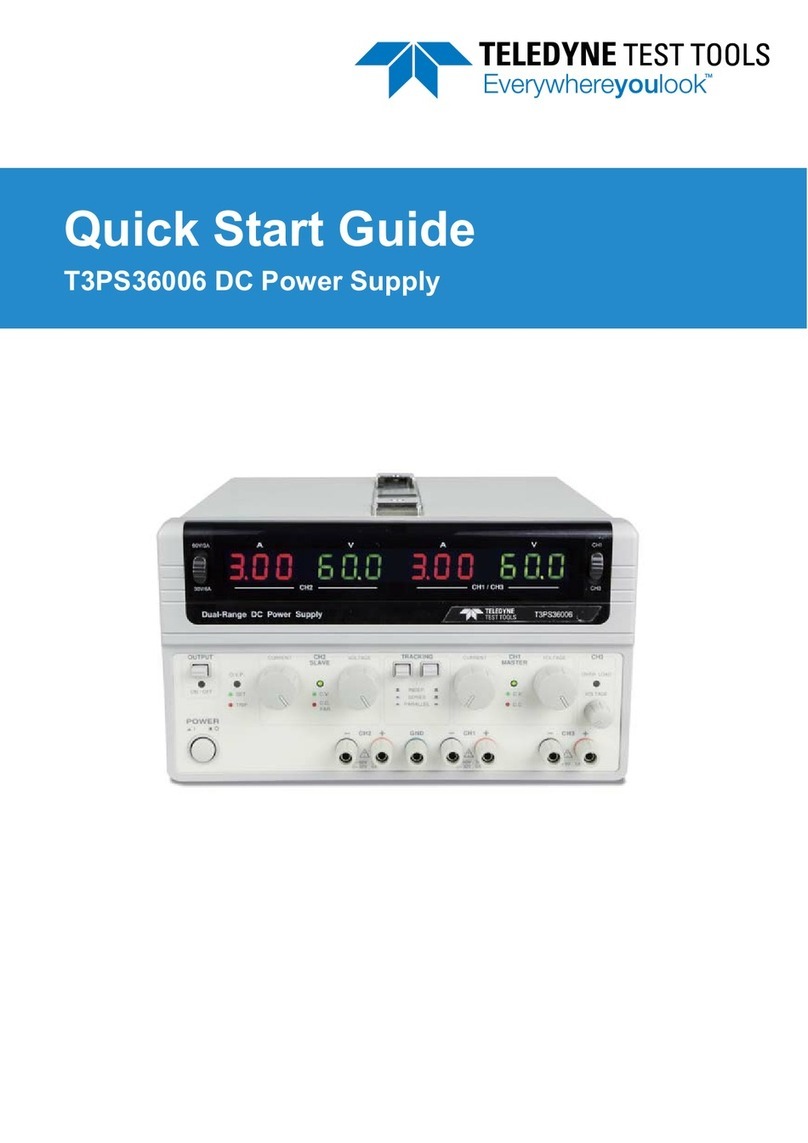
Teledyne T3PS36006 User manual

Teledyne

Teledyne T3PS36006 User manual

Teledyne HASTINGS 200 Series User manual

Teledyne

Teledyne HASTINGS 200 Series User manual

Teledyne T3PS12415 User manual

Teledyne

Teledyne T3PS12415 User manual

Teledyne T3PS13206P User manual

Teledyne

Teledyne T3PS13206P User manual

Teledyne Battery-Backed Power Supply Operating instructions

Teledyne

Teledyne Battery-Backed Power Supply Operating instructions

Teledyne 3190 Series User manual

Teledyne

Teledyne 3190 Series User manual

Teledyne Power Pod 400 User manual

Teledyne

Teledyne Power Pod 400 User manual

Teledyne T3PSX3200P Series User manual

Teledyne

Teledyne T3PSX3200P Series User manual

Teledyne Power Pod 400 User manual

Teledyne

Teledyne Power Pod 400 User manual

Teledyne T3PS16081P User manual

Teledyne

Teledyne T3PS16081P User manual

Teledyne T3PS40381P Owner's manual

Teledyne

Teledyne T3PS40381P Owner's manual

Teledyne T3PS20051P User manual

Teledyne

Teledyne T3PS20051P User manual

Teledyne T3PS30721P User manual

Teledyne

Teledyne T3PS30721P User manual

Teledyne T3PS13206 User manual

Teledyne

Teledyne T3PS13206 User manual

Teledyne T3PS3000 User manual

Teledyne

Teledyne T3PS3000 User manual

Teledyne 913 Operating instructions

Teledyne

Teledyne 913 Operating instructions

Popular Power Supply manuals by other brands

Videx 520MR Installation instruction

Videx

Videx 520MR Installation instruction

Poppstar 1008821 Instructions for use

Poppstar

Poppstar 1008821 Instructions for use

TDK-Lambda LZS-A1000-3 Installation, operation and maintenance manual

TDK-Lambda

TDK-Lambda LZS-A1000-3 Installation, operation and maintenance manual

TDK-Lambda 500A instruction manual

TDK-Lambda

TDK-Lambda 500A instruction manual

Calira EVS 17/07-DS/IU operating instructions

Calira

Calira EVS 17/07-DS/IU operating instructions

Monacor PS-12CCD instruction manual

Monacor

Monacor PS-12CCD instruction manual

VOLTIMA MagicBox 15 Installation and operating instructions

VOLTIMA

VOLTIMA MagicBox 15 Installation and operating instructions

Miller Auto Deltaweld 452 owner's manual

Miller

Miller Auto Deltaweld 452 owner's manual

BCP PUOUBK How to install

BCP

BCP PUOUBK How to install

HC 2210 manual

HC

HC 2210 manual

Agilent Technologies 6032A Service manual

Agilent Technologies

Agilent Technologies 6032A Service manual

Radial Engineering SB-48UB user guide

Radial Engineering

Radial Engineering SB-48UB user guide

Puls CT5.241 installation manual

Puls

Puls CT5.241 installation manual

OCZ ZX1250W Technical specifications

OCZ

OCZ ZX1250W Technical specifications

iseg ECH 238 manual

iseg

iseg ECH 238 manual

Agilent Technologies 6631B Service manual

Agilent Technologies

Agilent Technologies 6631B Service manual

Power XXL A Series instruction manual

Power

Power XXL A Series instruction manual

HP 6200B Operating and service manual

HP

HP 6200B Operating and service manual

manuals.online logo
manuals.online logoBrands
  • About & Mission
  • Contact us
  • Privacy Policy
  • Terms and Conditions

Copyright 2025 Manuals.Online. All Rights Reserved.

www. .com information@itm.com1.800.561.8187
This chapter contains important safety
instructions that you must follow during
operation and storage. Read the following before
any operation to insure your safety and to keep
the instrument in the best possible condition.
These safety symbols may appear in this manual or on the
instrument.
Warning: Identifies conditions or practices that
could result in injury or loss of life.
Caution: Identifies conditions or practices that
could result in damage to the T3PS or to other
properties.
DANGER High Voltage
Attention Refer to the Manual
Protective Conductor Terminal
Earth (ground) Terminal
www. .com information@itm.com1.800.561.8187
Do not dispose electronic equipment as unsorted
municipal waste. Please use a separate collection
facility or contact the supplier from which this
instrument was purchased.
Do not place any heavy object on the T3PS.
Avoid severe impact or rough handling that
leads to damaging the T3PS.
Do not discharge static electricity to the T3PS.
Use only mating connectors, not bare wires, for
the terminals.
Do not block the cooling fan opening.
Do not disassemble the T3PS unless you are
qualified.
AC Input voltage range: 85Vac-265Vac
Input Power 2000 VA (Max)
Frequency: 47Hz to 63Hz
To avoid electrical shock connect the protective
grounding conductor of the AC power cord to
an earth ground.
www. .com information@itm.com1.800.561.8187
Use proper power cord.
Maintain ground. The AC inlet ground is
connected to the frame of the instrument. Connect
line cords only to outlets with safety ground
contacts.
Disconnect the power cord before cleaning.
Use a soft cloth dampened in a solution of mild
detergent and water. Do not spray any liquid.
Do not use chemicals containing harsh material
such as benzene, toluene, xylene, and acetone.
Location: Indoor, no direct sunlight, dust free,
almost non-conductive pollution (Note below)
Relative Humidity: 20%- 85% (no condensation)
Altitude: < 2000m
Temperature: 0°C to 50°C
www. .com information@itm.com1.800.561.8187
Location: Indoor
Temperature: -25°C to 70°C
Relative Humidity: 90%(no condensation)
Do not dispose this instrument as unsorted
municipal waste. Please use a separate collection
facility or contact the supplier from which this
instrument was purchased. Please make sure
discarded electrical waste is properly recycled to
reduce environmental impact.
www. .com information@itm.com1.800.561.8187
When using the power supply in the United Kingdom, make sure
the power cord meets the following safety instructions.
As the colours of the wires in main leads may not correspond with
the coloured marking identified in your plug/appliance, proceed
as follows:
The wire which is coloured Green & Yellow must be connected to
the Earth terminal marked with either the letter E, the earth symbol
or coloured Green/Green & Yellow.
The wire which is coloured Blue must be connected to the terminal
which is marked with the letter N or coloured Blue or Black.
The wire which is coloured Brown must be connected to the
terminal marked with the letter L or P or coloured Brown or Red.
If in doubt, consult the instructions provided with the equipment
or contact the supplier.
This cable/appliance should be protected by a suitably rated and
approved HBC mains fuse: refer to the rating information on the
equipment and/or user instructions for details. As a guide, a cable
of 0.75mm2should be protected by a 3A or 5A fuse. Larger
conductors would normally require 13A types, depending on the
connection method used.
Any exposed wiring from a cable, plug or connection that is
engaged in a live socket is extremely hazardous. If a cable or plug is
deemed hazardous, turn off the mains power and remove the cable,
any fuses and fuse assemblies. All hazardous wiring must be
immediately destroyed and replaced in accordance to the above
standard.
www. .com information@itm.com1.800.561.8187

This chapter describes the power supply,
including its main features and front / rear panel
introduction. After going through the overview,
please read the theory of operation to become
familiar with the operating modes, protection
modes and other safety considerations.
Series lineup ......................................................................................11
Main Features ...................................................................................11
Accessories ........................................................................................12
Front Panel........................................................................................13
Display and Operation Panel .........................................................16
Rear Panel..........................................................................................18
Operating Area Description...........................................................20
CC and CV Mode.............................................................................21
Slew Rate ...........................................................................................23
Bleeder Control ................................................................................23
Internal Resistance ...........................................................................24
Alarms ................................................................................................25
Considerations ..................................................................................26
Grounding .........................................................................................28
www. .com information@itm.com1.800.561.8187