logo
Brands
  1. Home
  2. •
  3. Brands
  4. •
  5. Tenma
  6. •
  7. Measuring Instrument
  8. •
  9. Tenma 72-10465 User manual

Tenma 72-10465 User manual

Other manuals for 72-10465

3

Other Tenma Measuring Instrument manuals
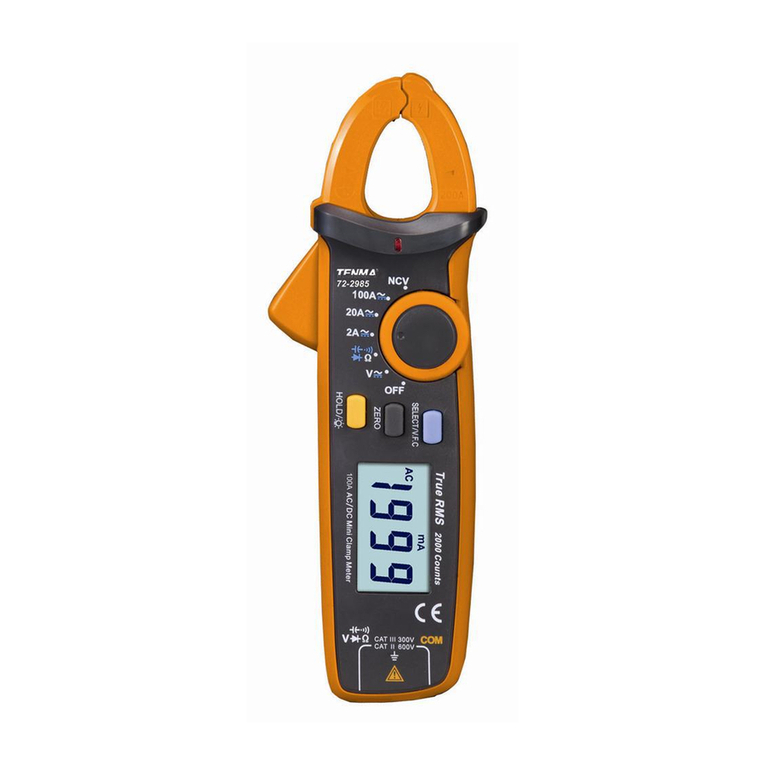
Tenma 72-2985 User manual

Tenma

Tenma 72-2985 User manual

Tenma ST-95 User manual

Tenma

Tenma ST-95 User manual

Tenma ST-8920 User manual

Tenma

Tenma ST-8920 User manual

Tenma 72-7935 User manual

Tenma

Tenma 72-7935 User manual
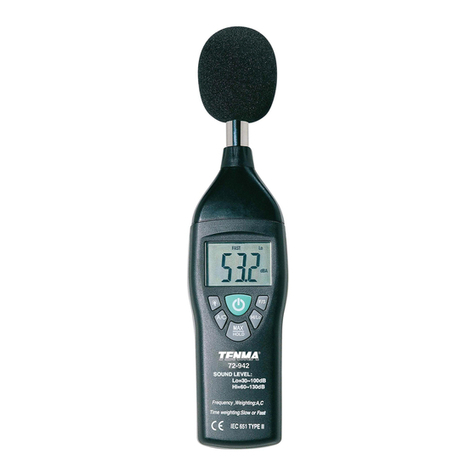
Tenma 72-942 User manual

Tenma

Tenma 72-942 User manual
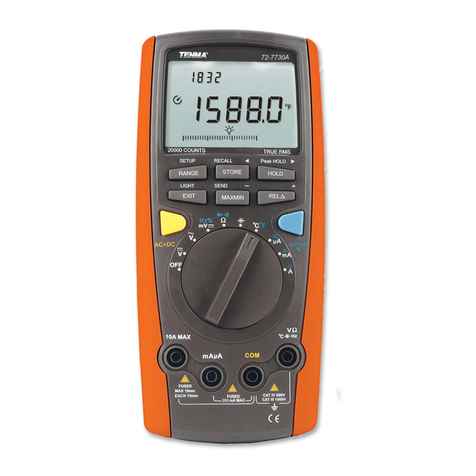
Tenma 72-7730A User manual

Tenma

Tenma 72-7730A User manual
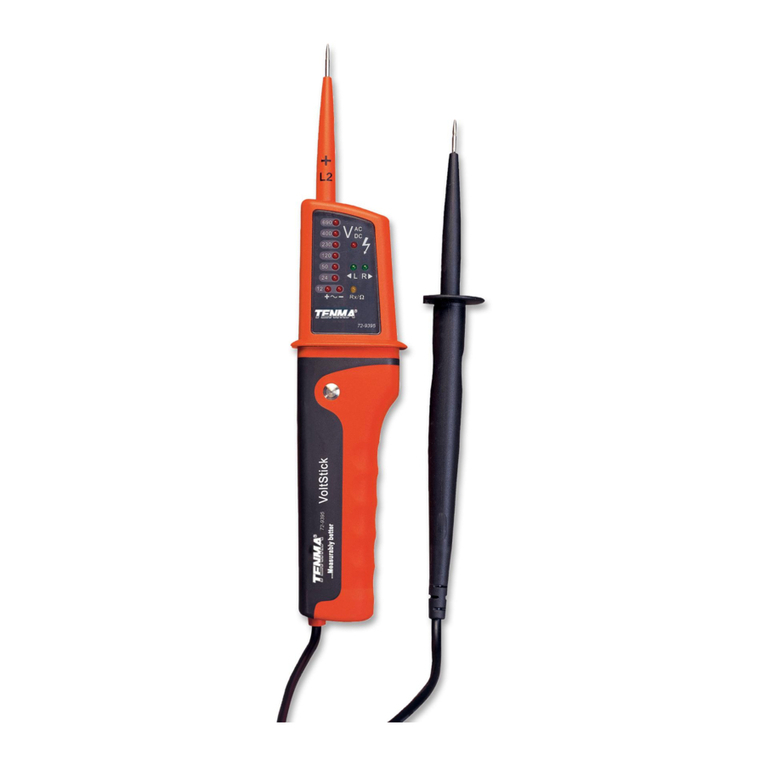
Tenma 72-9395 User manual

Tenma

Tenma 72-9395 User manual

Tenma 72-14435 User manual

Tenma

Tenma 72-14435 User manual
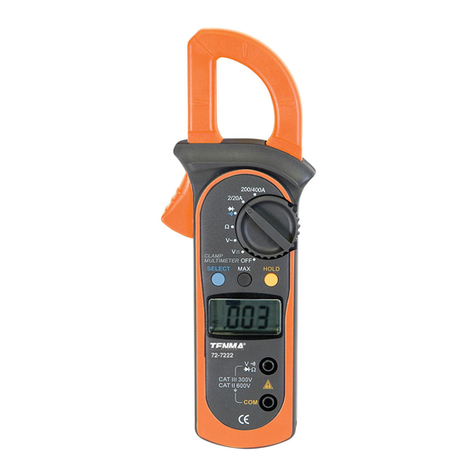
Tenma 72-7222 User manual

Tenma

Tenma 72-7222 User manual
Tenma Smart Tweezer ST-5S-BT2 User manual
Tenma

Tenma Smart Tweezer ST-5S-BT2 User manual

Tenma 72-14415 User manual

Tenma

Tenma 72-14415 User manual

Tenma TEN01073 User manual

Tenma

Tenma TEN01073 User manual
Tenma 72-14440 User manual

Tenma

Tenma 72-14440 User manual

Tenma 72-9490 User manual

Tenma

Tenma 72-9490 User manual
Tenma 72-1025 User manual

Tenma

Tenma 72-1025 User manual
Tenma ST-91 User manual

Tenma

Tenma ST-91 User manual

Tenma TEN01056 User manual

Tenma

Tenma TEN01056 User manual

Tenma 72-7228 User manual

Tenma

Tenma 72-7228 User manual
Tenma 72-7222 User manual

Tenma

Tenma 72-7222 User manual

Tenma 72-7224 User manual

Tenma

Tenma 72-7224 User manual

Tenma 72-10465 User manual

Tenma

Tenma 72-10465 User manual

Tenma 72-7800 User manual

Tenma

Tenma 72-7800 User manual

Tenma 72-3500 User manual

Tenma

Tenma 72-3500 User manual

Tenma 72-8170 User manual

Tenma

Tenma 72-8170 User manual

Popular Measuring Instrument manuals by other brands

Suaoki D40 user manual

Suaoki

Suaoki D40 user manual

Elster BK-G1.6 operating instructions

Elster

Elster BK-G1.6 operating instructions

Endress+Hauser Deltabar FMD71 technical information

Endress+Hauser

Endress+Hauser Deltabar FMD71 technical information

Duratool D03128 manual

Duratool

Duratool D03128 manual

Vega VEGAPULS 65 Quick setup guide

Vega

Vega VEGAPULS 65 Quick setup guide

Tonghui TH2618B Operation manual

Tonghui

Tonghui TH2618B Operation manual

Tenmars TM-801 user manual

Tenmars

Tenmars TM-801 user manual

MSR 145 user manual

MSR

MSR 145 user manual

TPS WP-82 manual

TPS

TPS WP-82 manual

PCB Piezotronics 003C30 Installation and operating manual

PCB Piezotronics

PCB Piezotronics 003C30 Installation and operating manual

Endress+Hauser Proline Promag 50 Brief operating instructions

Endress+Hauser

Endress+Hauser Proline Promag 50 Brief operating instructions

Siemens SITRANS F Coriolis FCT030 Function manual

Siemens

Siemens SITRANS F Coriolis FCT030 Function manual

KLINGER CMF V Series instruction manual

KLINGER

KLINGER CMF V Series instruction manual

Keysight M8290A Getting started guide

Keysight

Keysight M8290A Getting started guide

Acterna MS1400 Operation manual

Acterna

Acterna MS1400 Operation manual

R&S ZPH manual

R&S

R&S ZPH manual

Datacolor ColorReader DC10-2 user guide

Datacolor

Datacolor ColorReader DC10-2 user guide

Konica Minolta BC-10 Plus instruction manual

Konica Minolta

Konica Minolta BC-10 Plus instruction manual

https://manuals.online logo
https://manuals.online logoBrands
  • About & Mission
  • Contact us
  • Privacy Policy
  • Terms and Conditions

Copyright 2026 Manuals.Online. All Rights Reserved.

72-10465
Fast Applications
Guidelines
Front Panel
XIII.
XII.
XI.
X.
IX.
VIII.
VII.
VI.
V.
IV.
III.
II.
I.
72-10465 OPERATING MANUAL
I.
1) Do not use the meter in an extreme environment, especially dusty environments,
near high radiation, or around flammable substances.
Please abide by the following instructions to ensure safe use of the meter:
Best accuracy
Best accuracy
Best accuracy
The 72-10465 LCR meter features an easy to read dual display measurement of
19999/1999. It also has serial and parallel measurement modes which can be used to
select quality factor, loss factor, phase location angle, and equivalent resistance of
measure articles. Intelligent detection and five different test frequencies enable
accurate readings for all sizes of capacitors and inductors. The user can also access
the stored data on a PC with the included USB connection and interface software.
The compact size and case make this unit far more portable than a benchtop meter.
72-10465 OPERATING MANUAL
III.
II.
Relative mode and tolerance sorting
2) Do not attempt to alter, repair, or calibrate the unit yourself. Such work should only
be done by a trained professional or as directed by your distributor.
3) Do not attempt to modify the meter, break insulation, or remove working parts.
4) Be certain that all circuits have been shut down and are free of voltage.
5) Do not apply any input voltage to the meter. Be sure to discharge any electrified
components such as capacitors.
6)This meter can be powered by two different methods. The first is by a 9V battery,
and the second is by the included USB cable. USB will also allow the unit to sync
data while it is being powered to save the life of the battery.
72-10465 OPERATING MANUAL
IV.
Impedance measurement instruments can be classified as DC impedance and AC
impedance types. A general multimeter can be used to measure DC impedance,
while a bridging instrument (such as this) can be used to measure AC or DC impedance.
The 72-10465 is an intelligent double-display portable LCR digital electric bridge,
with DC & AC impedance measurement functions. Impedance is one of the most
fundamental parameters to analyze electronic elements and circuits. The resistance
of linear diode is defined by Ohm's Law as part of a DC power scenario. Ratio of
voltage and current is a complex impedance as part of an AC power scenario. One
impedance vector includes one real part (resistance R) and one imaginary part
(reactance X). Impedance is expressed by R+jX in a rectangular coordinate, or
expressed by the amplitude of real Z and phase angle of 0 in a polar coordinate
system. See figure 1-1 for relationship.
72-10465 OPERATING MANUAL
V.
72-10465 OPERATING MANUAL
VI.
1.
Default status is set to automatic identification mode (AUTO LCR) after powering on.
.
.
Sort settings
Power key
72-10465 OPERATING MANUAL
72-10465
5.
4.
A.
3.
power on.
2.
72-10465 OPERATING MANUAL
72-10465
sorting
Default range
Setting sorting range
sortSorting
6. Sorting Measurement
72-10465 OPERATING MANUAL
The sorting function range can be set to