7
Measuring Resistance
Warning
• To avoid damage to the meter or to the devices under test, disconnect circuit
power and discharge all the high-voltage capacitors before measuring resistance.
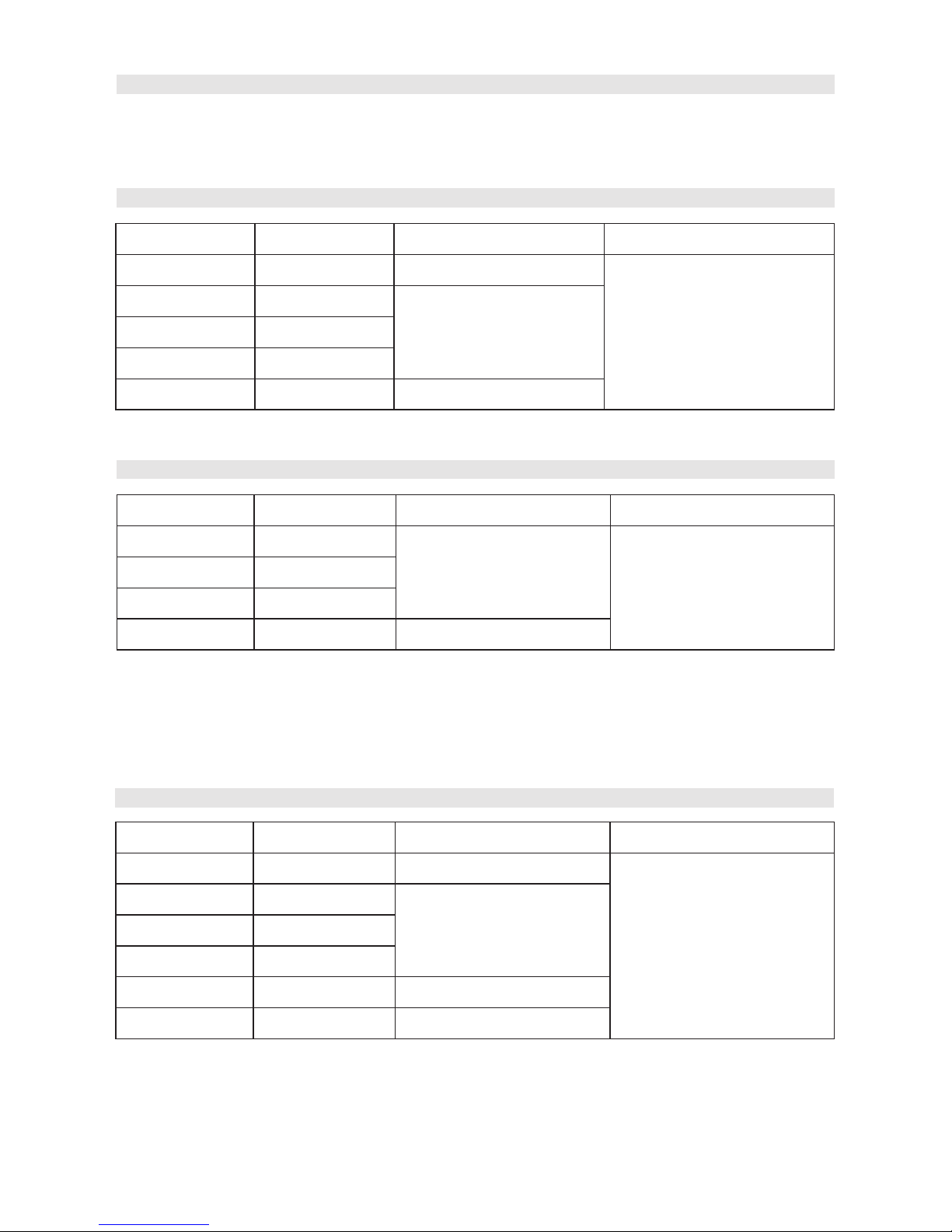
The resistance ranges are 200.0Ω , 2.000kΩ ,
20.00kΩ ,200kΩ ,2.000MΩ and 20.00MΩ.
• To measure the resistance, perform the
following steps:
1. Insert the red test lead into the Hz Duty%
terminal and the black test
lead into the COM terminal.
2. Turn the range selector to Ω. Press
SELECT to select Ω mode.
3. Connect the test probes with the object
being measured. The measured value
shows on the display.
Notes:
• The test leads can add 0.1Ω to 0.3Ω of error to resistance measurement.
• For high-resistance measurement (>1MΩ), it normally requires several seconds to
obtain a stable reading.
• If reading with shorted test leads is not 0.5Ω, check for loose test leads, wrong
function selected, or enabled data hold function.
• The LCD displays OL indicating open-circuit or the tested resistor value is higher
than the maximum range of the meter.
• Removing the object under test from its circuit will allow more accurate
measurement.
• When resistance measurement has been completed, disconnect the test leads
from the circuit under test, and remove them from the input terminals.
Testing Diodes
• Use the diode test mode to check diodes, transistors and other semiconductor
devices. In diode test mode, a current is sent through the semiconductor junction
and the voltage drop across the junction is measured.
• To test a diode out of a circuit, perform the following steps,
1. Insert the red test lead into the Hz Duty% terminal and the black
test lead into the COM terminal.
2. Turn the range selector to .
Press SELECT to switch from diode
measurement mode as default to
continuity measurement mode if needed.
3. For forward voltage drop readings on any
semiconductor component, connect the
red test probe to the component’s anode
and the black test probe to the cathode.