TM-6002
EN-6
1. LCD display.
2. PASS LED :To indicate the tested battery complies with the high limit of
comparator.
3. WARNING LED:To indicate the tested battery is going to deteriorate.
4. FAIL LED:To indicate the tested battery has deteriorated.
5. key :Comparator function.
6. key :Average function.
7. key :To show the data logged readings.
8. key :To delete single data logged reading in the memory and
settings date/time.
9. key :Select the impedance range. (40mΩ, 400mΩ, 4Ω, 40Ω)
10. key :Select the voltage range. (4V, 40V)
11. key :Power ON/OFF.
12. HOLD key :Hold or disable -hold function for the displayed values.
13. key :Turn the beeper on or off
14. key :For recording the displayed values.
15. key :For implementing the zero-adjust feature.
16. key :Select the auto-hold and auto-memory feature.
17. key :For configuration settings and changing their values.
18. key :To set the configuration with entering values.
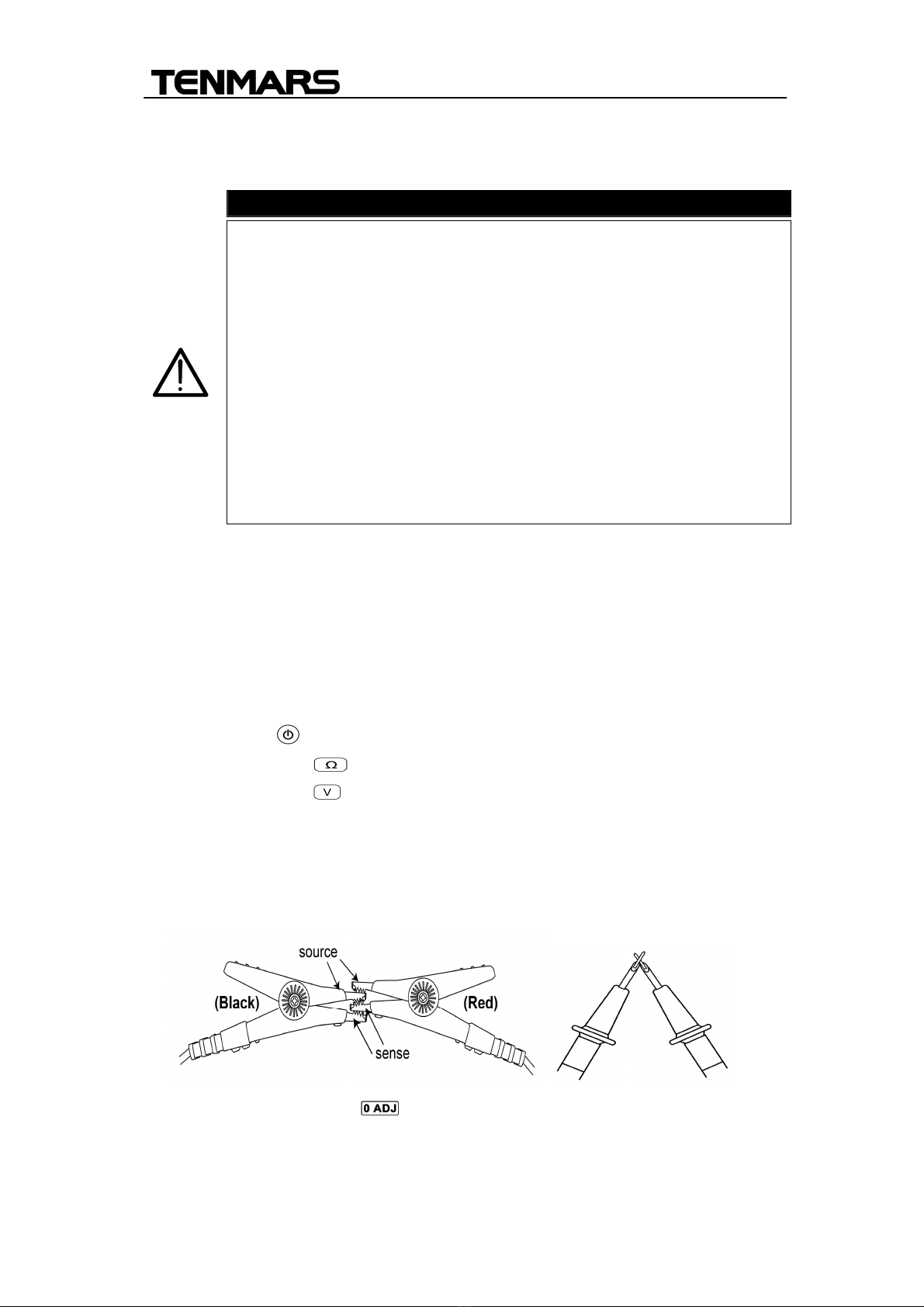
19. SOURCE+ input jack:For connecting with the red test lead plug.
20. SOURCE- input jack:For connecting with the back test lead plug.
21. SENSE+ input jack:For connecting with the yellow test lead plug.
22. SENSE- input jack:For connecting with the blue test lead plug.
23. TEMPSENSOR input jack:For connecting the plug of the temperature
sensor.
24. DCA+ input jack:For connecting with the red test lead plug to current
probe.
25. DCA- input jack:For connecting with the back test lead plug to current
probe.
26. USB interface:Used for connecting the USB cable.
27. DC input jack:Used for connecting the external power DC 9V input.
4. Electrical specifications:
To ensure accuracy the ambient temperature should be 23°C ± 5°C
with a humidity of 80% RH (maximum) non-condensing. In addition,