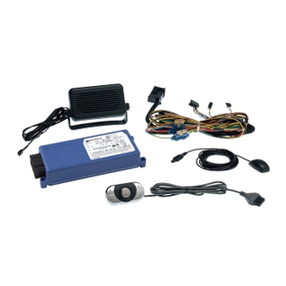
Bluetooth® hands-free system 3
A
Table of Contents
1. Welcome ................................................................................................................ 7
2. Safety and general information............................................................................ 8
2.1. Safety symbols......................................................................................................... 8
2.2. Caution...................................................................................................................... 9
3. Smart practices while driving............................................................................... 10
4. User Interface Module Quick Guide ...................................................................... 11
5. Voice Recognition (VR) ......................................................................................... 12
6. Getting started...................................................................................................... 13
6.1. Set your language.................................................................................................... 13
6.2. Connect your device to the hands-free system .................................................. 13
6.3. Add contact list entries........................................................................................... 15
7. Using phone features ............................................................................................ 17
7.1. Answer a call............................................................................................................. 17
7.2. Reject a call............................................................................................................... 17
7.3. Voice answer............................................................................................................. 17
7.4. Make a call................................................................................................................. 18
7.5. Manage the contact list .......................................................................................... 21
8. In-call options........................................................................................................ 23
9. Music mode* .......................................................................................................... 26
9.1. Enabling music control ........................................................................................... 26
9.2. Enabling music with a particular device............................................................... 27
9.3. Exit music mode....................................................................................................... 27
9.4. Autoplay music......................................................................................................... 27
10.Other Voice Recognition menu options ............................................................... 28
10.1. Expert mode ............................................................................................................ 28
10.2. Phone audio.............................................................................................................. 28
10.3. Forgotten device...................................................................................................... 28
10.4. Pair to a device ......................................................................................................... 29
10.5. Connect a paired device.......................................................................................... 29
10.6. Disconnect a connected device............................................................................. 30
* On some models.