Technical Support
Tel: +86 755 2650 4400
Web: http://www.tp-link.com/support
www.tp-link.com
Usage Tips: 1. The USB 3.0 ports are also compatible with USB 2.0 and
USB 1.1 specications.
2. The USB 3.0 ports transfer data at a rate up to 5Gbps, but
the actual rate is limited by the USB transfer rate of the
connected devices.
3. The performance of 2.4GHz wireless devices (
wireless
keyboards, mouses, etc.
) may be aected when they are
working too close to the USB 3.0 hub.
FCC & CE
FCC STATEMENT
This device complies with part 15 of
the FCC Rules. Operation is subject
to the following two conditions:
1) This device may not cause harmful
interference.
2) This device must accept any interference
received, including cause undesired
operation.
Any changes or modications not expressly
approved by the party responsible for
compliance could void the user’s authority to
operate the equipment.
CE Mark Warning
This is a class B product. In a domestic
environment, this product may cause
radio interference, in which case the
user may be required to take adequate measures.
Hardware Connection
Plug the USB cable into the computer’s USB port and the
hub is ready to use.
Usage Tips:
Using the Hub
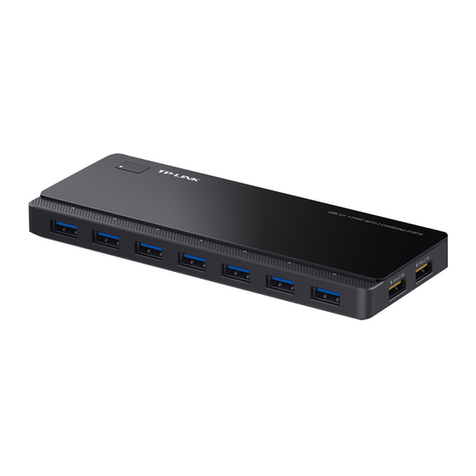
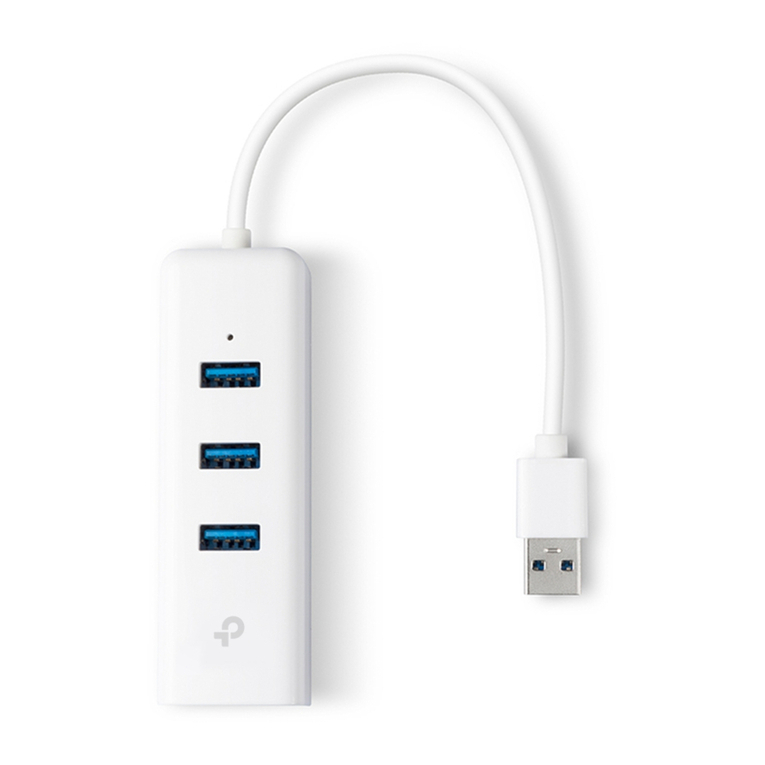
This hub provides your computer with 4 additional USB 3.0
ports for super-speed USB 3.0 connections.
Smartphone USB Flash Disk Mobile Hard Disk USB Mouse
1. The TP-Link USB 3.0 hub is plug-and-play and requires no
driver for Windows, Mac OS X or Linux systems.
2. The LED will light upwhen the corresponding USB port is
connected to a USB device.
1910012401 REV3.0.0
Safety Information
♦When product has power button, the
power button is one of the way to shut
o the product; when there is no power
button, the only way to completely shut
o power is to disconnect the product or
the power adapter from the power source.
♦Don’t disassemble the product, or make
repairs yourself. You run the risk of electric
shock and voiding the limited warranty.
If you need service, please contact us.
♦Avoid water and wet locations.