manuals.online logo
Brands
  1. Home
  2. •
  3. Brands
  4. •
  5. U-Line
  6. •
  7. Accessories
  8. •
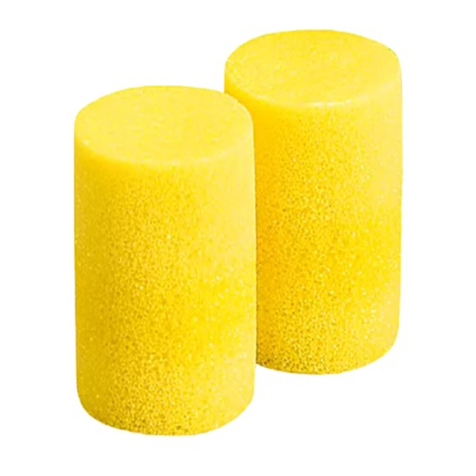
  9. U-Line HOWARD LEIGHT Assembly instructions

U-Line HOWARD LEIGHT Assembly instructions

Other U-Line Accessories manuals

U-Line WINE CAPTAIN U-2115WCOL-00 User manual

U-Line

U-Line WINE CAPTAIN U-2115WCOL-00 User manual

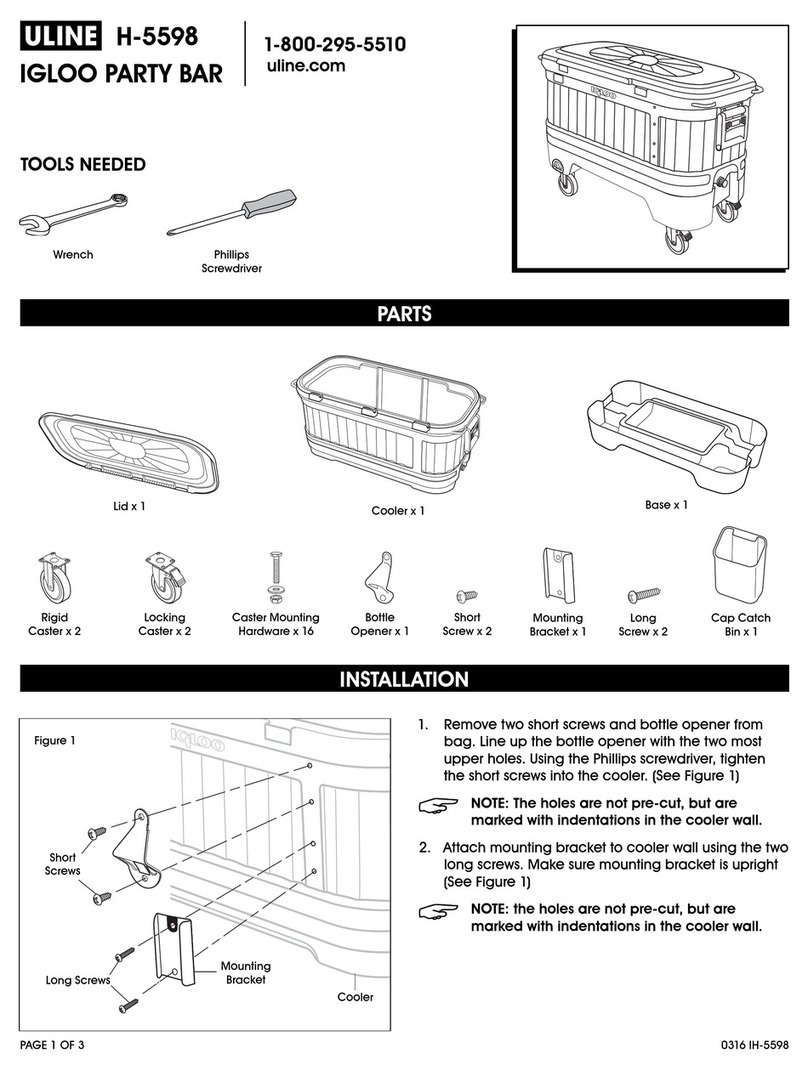
U-Line H-5598 User manual

U-Line

U-Line H-5598 User manual

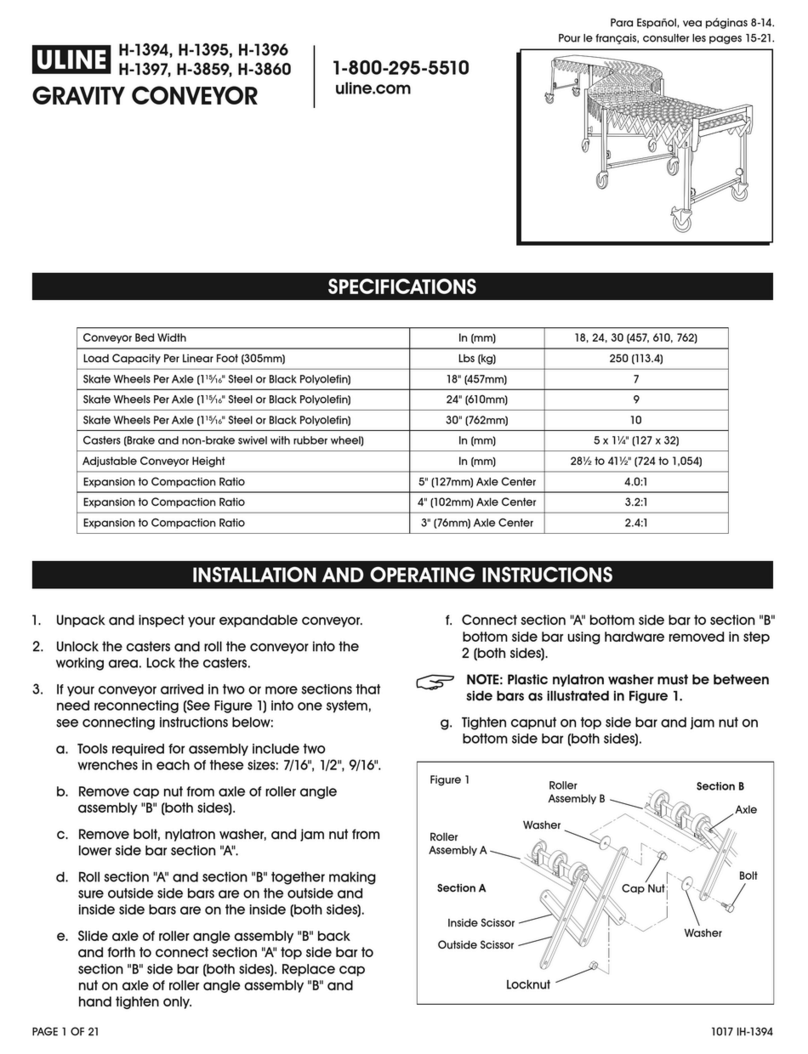
U-Line H-1394 User manual

U-Line

U-Line H-1394 User manual

U-Line H-7127 User manual

U-Line

U-Line H-7127 User manual

U-Line U-Chill User manual

U-Line

U-Line U-Chill User manual

U-Line Independent Dual-Zone Drawer User manual

U-Line

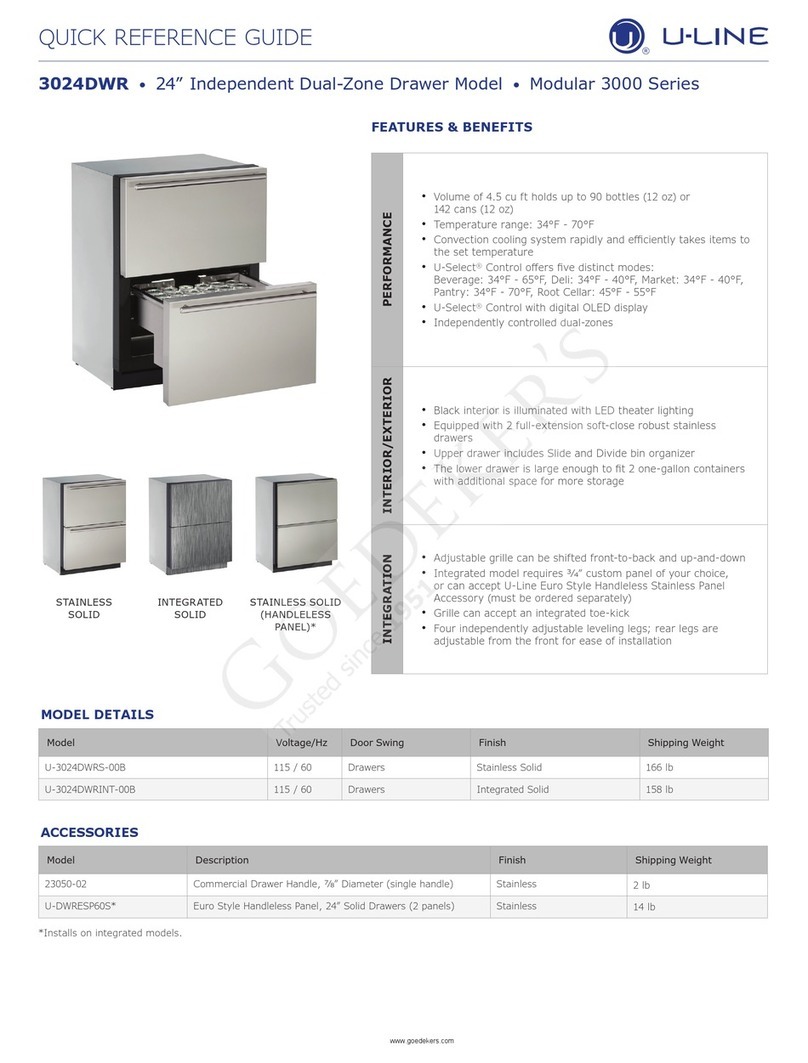
U-Line Independent Dual-Zone Drawer User manual

U-Line WINE CAPTAIN U-2115WCOL-00 Setup guide

U-Line

U-Line WINE CAPTAIN U-2115WCOL-00 Setup guide

U-Line 3M S-7028 Assembly instructions

U-Line

U-Line 3M S-7028 Assembly instructions

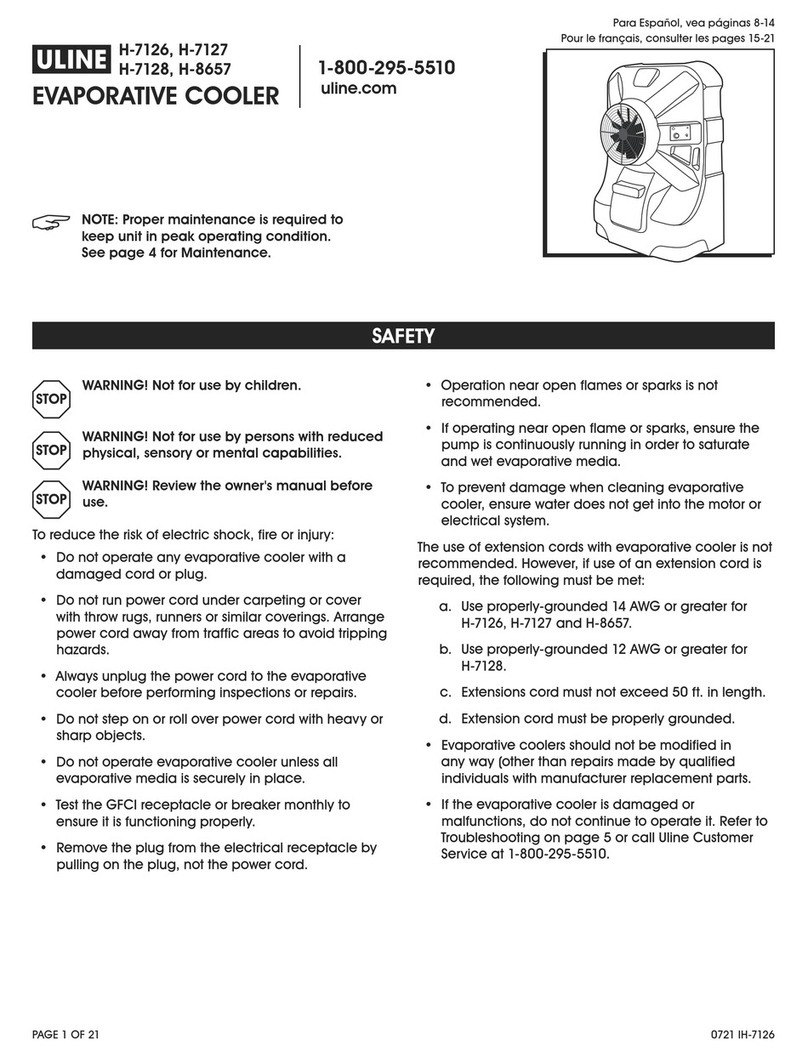
U-Line H-7126 User manual

U-Line

U-Line H-7126 User manual

Popular Accessories manuals by other brands

Quincy lab 140AE-1 operating manual

Quincy lab

Quincy lab 140AE-1 operating manual

HomePro ZIR000 user manual

HomePro

HomePro ZIR000 user manual

DOL 20SCR Technical user guide

DOL

DOL 20SCR Technical user guide

RAB Smart Task installation manual

RAB

RAB Smart Task installation manual

Kemppi KMS 300 quick guide

Kemppi

Kemppi KMS 300 quick guide

Stearns 57,500 Series Installation and service instructions

Stearns

Stearns 57,500 Series Installation and service instructions

iGuzzini TWILIGHT COPENAGHEN manual

iGuzzini

iGuzzini TWILIGHT COPENAGHEN manual

Adelaide Annexe & Canvas Avan Deluxe installation guide

Adelaide Annexe & Canvas

Adelaide Annexe & Canvas Avan Deluxe installation guide

OHAUS 5000 instruction manual

OHAUS

OHAUS 5000 instruction manual

HOME8 WLS1300 quick start guide

HOME8

HOME8 WLS1300 quick start guide

MAXBOTIX MaxSonar quick start guide

MAXBOTIX

MAXBOTIX MaxSonar quick start guide

ioSmart iSmart56 Installation and user guide

ioSmart

ioSmart iSmart56 Installation and user guide

Focusrite Scarlett 18i8 user guide

Focusrite

Focusrite Scarlett 18i8 user guide

Velleman ED38105 user manual

Velleman

Velleman ED38105 user manual

JumpSport SkyBounce user manual

JumpSport

JumpSport SkyBounce user manual

Prima-Temp PRIYA Instructions for use

Prima-Temp

Prima-Temp PRIYA Instructions for use

Tefcold BC85I-BC85I W user manual

Tefcold

Tefcold BC85I-BC85I W user manual

Vaisala WMS302 user guide

Vaisala

Vaisala WMS302 user guide

manuals.online logo
manuals.online logoBrands
  • About & Mission
  • Contact us
  • Privacy Policy
  • Terms and Conditions

Copyright 2025 Manuals.Online. All Rights Reserved.

PAGE 1 OF 2 0814 IS-7902
πHoward leigHt®
earplug fitting guide
1-800-295-5510
uline.com
GENERAL INFORMATION
NOTE: Read and follow all earplug fitting
instructions prior to usage.
SELECTION
Avoid overprotection in minimal noise environments. In
selecting the best earplug for your situation, consider
noise levels and your need to communicate with
co-workers or to hear warning signals on the job.
MAINTENANCE
• Prior to wearing, inspect earplugs for dirt, damage
or hardness. Discard immediately if compromised.
• For proper hygiene, discard single-use earplugs
after use.
• With proper maintenance, mutiple-use earplugs can
last for 2-4 weeks. Clean with mild soap and water
and store in a case when not in use.
• Clean and replace pods on banded earplugs
regularly.
NO-ROLL FOAM
1. Reach over your head with
a free hand, pull ear up and
back, and insert earplug well
inside ear canal. (See Figure 1)
2. Earplugs should be inserted as
shown in Figure 2. Stop pushing
earplug when your finger
touches your ear. (See Figure 2)
3. If properly fitted, the end of the
earplugs should not be visible
to someone looking at you from
the front. (See Figure 3)
ROLL-DOWN FOAM
1. With clean hands, roll the entire
earplug into the narrowest
possible cylinder. (See Figure 4)
2. Reach over your head with
a free hand, pull ear up and
back, and insert earplug well
inside ear canal. (See Figure 5)
3. Hold for 30 to 40 seconds, until
the earplug fully expands in
your ear canal. If properly fitted,
the end of the earplugs should
not be visible to someone
looking at you from the front.
(See Figure 6)
Figure 1 Figure 2 Figure 3
Figure 4 Figure 5 Figure 6

PAGE 2 OF 2 0814 IS-7902
MULTIPLE USE
1. While holding the stem, reach a
hand over your head and pull
ear up and back. (See Figure 7)
2. Insert the earplug so all flanges
are well inside your ear canal.
(See Figure 8)
3. If properly fitted, the tip of the
earplug stem may be visible to
someone looking at you from
the front. (See Figure 9)
BANDED
1. Position band under your chin.
Use your hands to press the ear
pods well into the ear canal
using an inward motion.
(See Figure 10)
2. Protection levels are improved
by pulling the ear up and back
when fitting. (See Figure 11)
3. In a noisy environment, lightly
press the band inward with your
fingertips. You should not notice
a significant difference in noise
level. (See Figure 12)
ADDITIONAL INFORMATION
PROPER FIT
If either or both earplugs do not seem
to be fitted properly, remove the
earplug and reinsert. (See Figure 13)
REMOVAL
Gently twist earplug while slowly
pulling in an outward motion to
remove. (See Figure 14)
ACOUSTICAL CHECK
In a noisy environment, with
earplugs inserted, cup hands
over ears and release. Earplugs
should block enough noise so that
covering your ears with your hands
should not result in a significant
noise difference. (See Figure 15)
πCHICAGO•ATLANTA•DALLAS•LOSANGELES•MINNEAPOLIS•NYC/PHILA•SEATTLE•MEXICO•CANADA
1-800-295-5510
uline.com
Figure 7 Figure 8 Figure 9
Figure 10 Figu re 11 Figure 12
Figure 13 Figure 14
Figure 15