10
For Android System
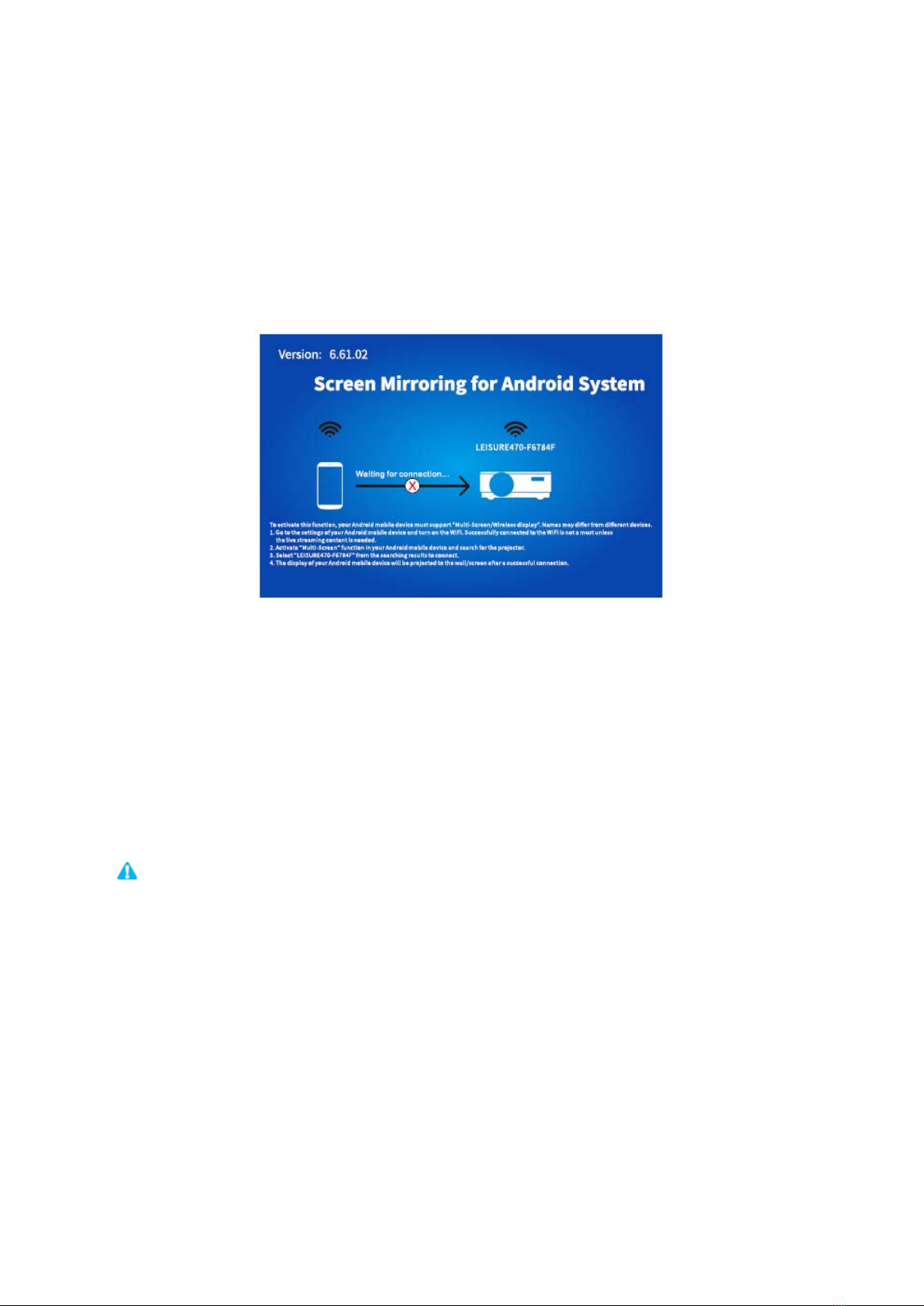
To activate this function, your android device must support Multi-Screen/Wireless
display. Names may differ from different devices.
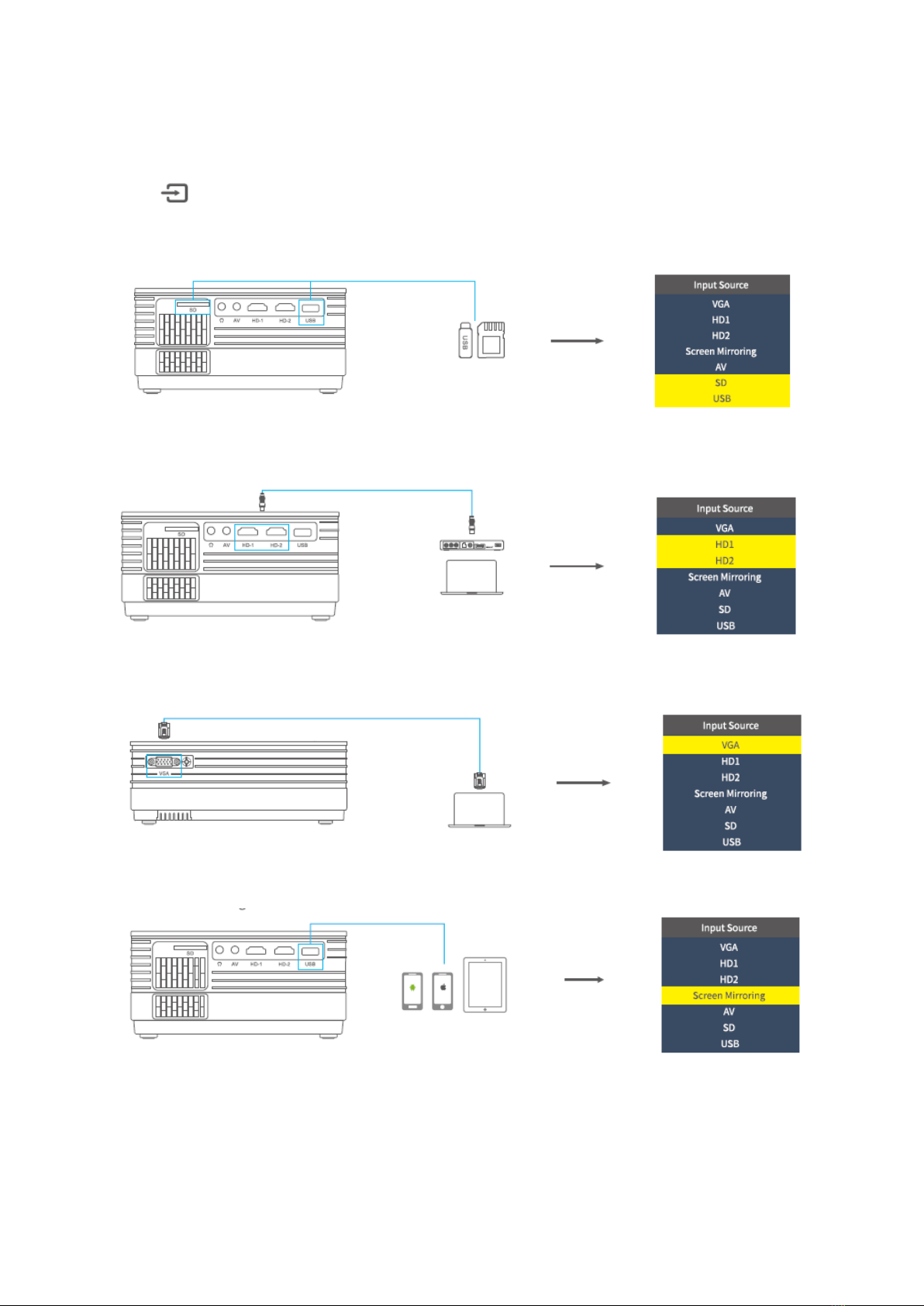
1) Turn on the projector, select Screen Mirroring as the Input Source, then press the OK
button on the projector/remote to switch to the interface of Screen Mirroring for
Android System.
2) Turn ON the WIFI Switch on your Android device. Successfully connected WIFI on
Android device is not a must unless the live streaming content is needed.
3) Activate Multi-Screen function on your Android device and search for the projector.
4) Select LEISURE470-XXXXXX from the searching results to connect.
5) Your Android device display will be projected to the wall/screen after a successful
connection.
1) The fluency of screen mirroring with wireless connection will be affected by the
network environment. A bandwidth of 100Mbit or more is recommended when using
screen mirroring.
2) Make sure your mobile device is close to the projector when using wireless
connection. A distance within 1 meter is recommended.
3) Some mobile devices may not support mirroring due to the compatibility.