manuals.online logo
Brands
  1. Home
  2. •
  3. Brands
  4. •
  5. Varytec
  6. •
  7. Lighting Equipment
  8. •
  9. Varytec GLC-1 User manual

Varytec GLC-1 User manual

Other Varytec Lighting Equipment manuals

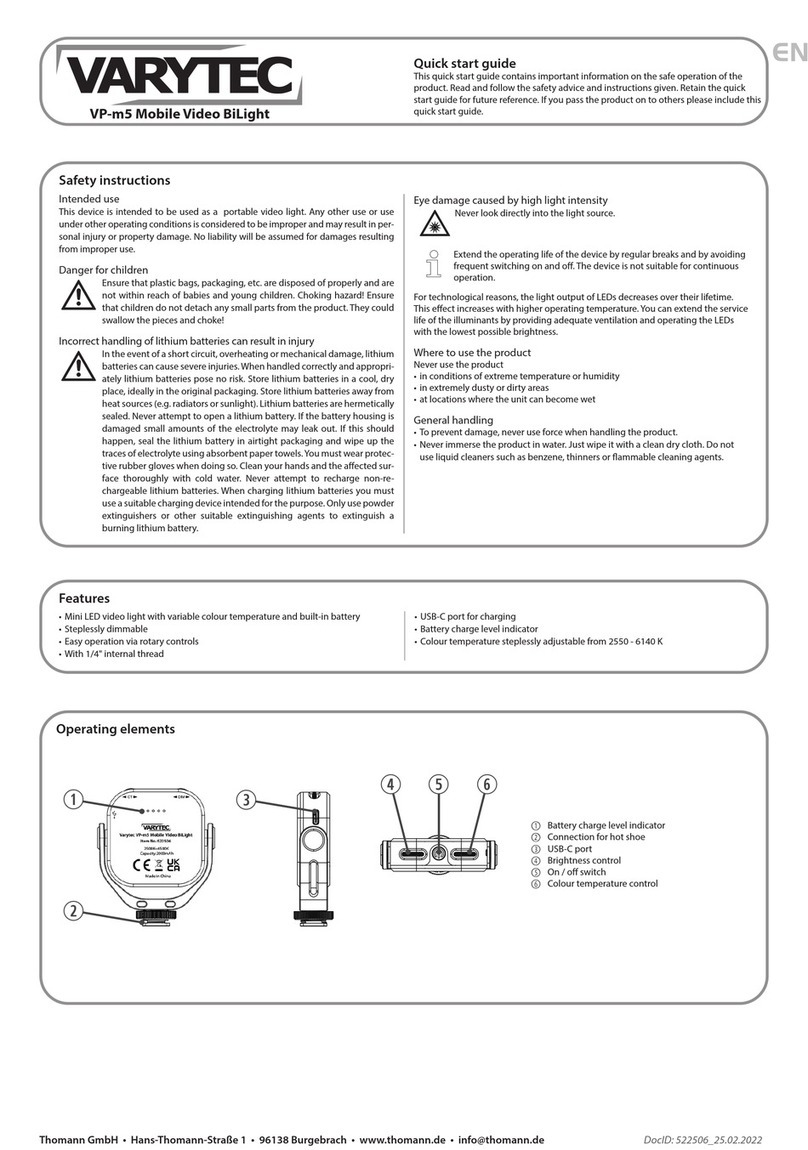
Varytec VP-m5 User manual

Varytec

Varytec VP-m5 User manual

Varytec Theaterspot Pro 300 fresnel User manual

Varytec

Varytec Theaterspot Pro 300 fresnel User manual

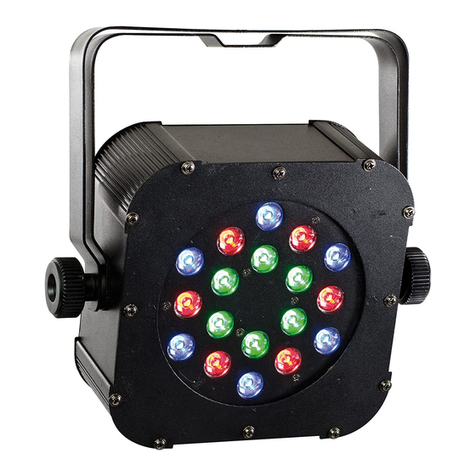
Varytec LED PAD 18 User manual

Varytec

Varytec LED PAD 18 User manual

Varytec Theaterspot Pro 650 User manual

Varytec

Varytec Theaterspot Pro 650 User manual

Varytec Retro Blinder 80 LED User manual

Varytec

Varytec Retro Blinder 80 LED User manual

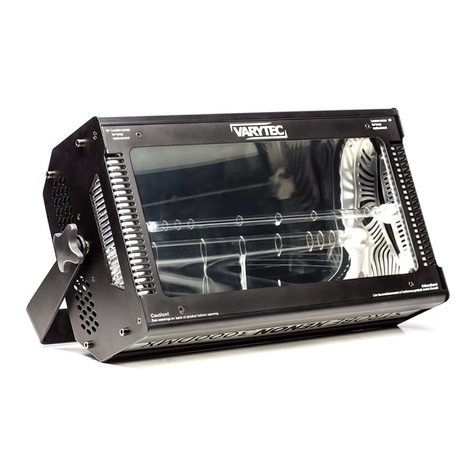
Varytec Strobe Xenon 3000DMX User manual

Varytec

Varytec Strobe Xenon 3000DMX User manual

Varytec Hero Wash 640FX User manual

Varytec

Varytec Hero Wash 640FX User manual

Varytec Lighting equipment User manual

Varytec

Varytec Lighting equipment User manual

Varytec Mini LED Strobe User manual

Varytec

Varytec Mini LED Strobe User manual

Varytec Hero Wash 340FX RGBW Zoom User manual

Varytec

Varytec Hero Wash 340FX RGBW Zoom User manual

Varytec PAR 56 short User manual

Varytec

Varytec PAR 56 short User manual

Varytec LED Giga Bar 4 User manual

Varytec

Varytec LED Giga Bar 4 User manual

Varytec RGBW IP65 User manual

Varytec

Varytec RGBW IP65 User manual

Varytec Studio Par II CDM 150 User manual

Varytec

Varytec Studio Par II CDM 150 User manual

Varytec Sparkle 3 User manual

Varytec

Varytec Sparkle 3 User manual

Varytec Aqua FX User manual

Varytec

Varytec Aqua FX User manual

Varytec TouchWash User manual

Varytec

Varytec TouchWash User manual

Varytec LED Spot 3 User manual

Varytec

Varytec LED Spot 3 User manual

Varytec BAT.PAR 8 RGBW User manual

Varytec

Varytec BAT.PAR 8 RGBW User manual

Varytec VR-260 User manual

Varytec

Varytec VR-260 User manual

Varytec LED PAD 147 User manual

Varytec

Varytec LED PAD 147 User manual

Varytec VP-m5 User manual

Varytec

Varytec VP-m5 User manual

Varytec LED Flat Par 5x4 W RGBW 4in1 User manual

Varytec

Varytec LED Flat Par 5x4 W RGBW 4in1 User manual

Varytec LED Ball RGBW 50cm 4x8W DMX User manual

Varytec

Varytec LED Ball RGBW 50cm 4x8W DMX User manual

Popular Lighting Equipment manuals by other brands

Life 39.9F70020C quick start guide

Life

Life 39.9F70020C quick start guide

EuroLite LED ML-20 user manual

EuroLite

EuroLite LED ML-20 user manual

LIGMAN OD-50141 installation manual

LIGMAN

LIGMAN OD-50141 installation manual

Home Accents Holiday 1002461144 instructions

Home Accents Holiday

Home Accents Holiday 1002461144 instructions

Experia IRiS Ripple Light instruction manual

Experia

Experia IRiS Ripple Light instruction manual

Erco Gecko Mounting instructions

Erco

Erco Gecko Mounting instructions

Inter-lux ZTA.100.Surface Installation and maintenance instructions

Inter-lux

Inter-lux ZTA.100.Surface Installation and maintenance instructions

Whelen Engineering Company TN Series installation guide

Whelen Engineering Company

Whelen Engineering Company TN Series installation guide

IKEA BJÖRKSPIREA manual

IKEA

IKEA BJÖRKSPIREA manual

Toolland PM 6640 instruction manual

Toolland

Toolland PM 6640 instruction manual

GTD GTD-LP200 user manual

GTD

GTD GTD-LP200 user manual

LIVARNO home 1105-W-UK manual

LIVARNO home

LIVARNO home 1105-W-UK manual

ProLights EclPar IPMFC user manual

ProLights

ProLights EclPar IPMFC user manual

Velvet EVO Series user manual

Velvet

Velvet EVO Series user manual

IDTOLIGHT GENT installation instructions

IDTOLIGHT

IDTOLIGHT GENT installation instructions

MAYTONI S35 installation manual

MAYTONI

MAYTONI S35 installation manual

MaxLite MLFP14DP4535 user manual

MaxLite

MaxLite MLFP14DP4535 user manual

SLV Elektronik 550621 instruction manual

SLV Elektronik

SLV Elektronik 550621 instruction manual

manuals.online logo
manuals.online logoBrands
  • About & Mission
  • Contact us
  • Privacy Policy
  • Terms and Conditions

Copyright 2025 Manuals.Online. All Rights Reserved.

Thomann GmbH • Hans-Thomann-Straße 1 • 96138 Burgebrach • www.thomann.de • [email protected] DocID: 507634_04.05.2021
EN
Quick start guide
This quick start guide contains important information on the safe operation of the
product. Read and follow the safety advice and instructions given. Retain the quick
start guide for future reference. If you pass the product on to others please include
this quick start guide.
GLC-1 Go Light Creator
Safety instructions
Intended use
This device is intended to be used as a portable video light. Any other use or use
under other operating conditions is considered to be improper and may result in
personal injury or property damage. No liability will be assumed for damages resul-
ting from improper use.
Danger for children
Ensure that plastic bags, packaging, etc. are disposed of properly and are
not within reach of babies and young children. Choking hazard! Ensure
that children do not detach any small parts from the product. They could
swallow the pieces and choke!
Incorrect handling of lithium batteries can result in injury
• In the event of a short circuit, overheating or mechanical damage, lithium batteries
can cause severe injuries.
• When handled correctly and appropriately lithium batteries pose no risk.
• Store lithium batteries in a cool, dry place, ideally in the original packaging.
• Store lithium batteries away from heat sources (e.g. radiators or sunlight). Lithium
batteries are hermetically sealed. Never attempt to open a lithium battery.
• If the battery housing is damaged small amounts of the electrolyte may leak out. If
this should happen, seal the lithium battery in airtight packaging and wipe up the
traces of electrolyte using absorbent paper towels. You must wear protective rub-
ber gloves when doing so. Clean your hands and the aected surface thoroughly
with cold water.
• Never attempt to recharge non-rechargeable lithium batteries. When charging lit-
hium batteries you must use a suitable charging device intended for the purpose.
• Before disposing of the device remove the lithium batteries. Protect used lithium
batteries against potential short circuits, e.g. by covering the poles with adhesive
tape.
• Only use powder extinguishers or other suitable extinguishing agents to extingu-
ish a burning lithium battery.
Possible damage to lithium-ion batteries through incorrect storage
By deep discharge, lithium-ion batteries can be permanently damaged or lose
some of their capacity.
Before long breaks, charge the batteries to around 50 % of their capacity and then
switch o the device. Store the device at room temperature or cooler in an environ-
ment as dry as possible. If the batteries are stored for a longer period, recharge
them to 50 % every three months.
Fully charge the batteries only shortly before use at room temperature.
Where to use the product
Never use the product
• in conditions of extreme temperature or humidity
• in extremely dusty or dirty areas
• at locations where the unit can become wet
General handling
• To prevent damage, never use force when operating the switches and controls.
• Never immerse the appliance in water. Just wipe it with a clean dry cloth. Do not
use liquid cleaners such as benzene, thinners or ammable cleaning agents.
Operating elements
Front side
1. Front LED panel
2. Side LED panels
3. Openings for folding out the side LED
panels
4. Switch for selecting the lighting congu-
ration
5. On / o switch
6. Charge indicator
7. Infrared sensor











Bottom side
8. USB-C port for charging the internal
battery
9. 1/4" thread for tripod mounting
LED panels fully unfolded LED panels unfolded to 90°
Features
• Portable folding video light
• Adjustable colour temperature from 3000 K to 6000 K.
• High CRI of 95
• Remote control via IR to control brightness and colour temperature
• 1/4" thread on the bottom for tripod mounting
• Built-in battery with a runtime of up to 16 hours at the lowest brightness and up
to four hours at 100% brightness
Remote control
10. Infrared signal transmitter
11. On / o switch
12. Switch for selecting the light panels
13. Switch for adjusting the brightness
14. Switch for setting the colour temperature

Thomann GmbH • Hans-Thomann-Straße 1 • 96138 Burgebrach • www.thomann.de • [email protected] DocID: 507634_04.05.2021
EN
GLC-1 Go Light Creator
Using the product
1. First the internal battery has to be charged. To do this, connect the device to
a suitable voltage source (not supplied) via its USB-C port on the underside of
the device. If this voltage source provides the device's maximum current draw
of 2A, charging takes up to 4 hours. The charging indicator lights up red while
charging. When the charging is complete, the indicator goes out.
2. Press and hold the switch for 3 seconds to switch on the device. Briey press
this switch to select the cool white, warm white or natural white color tempera-
ture. When switching on with the remote control, a short press is sucient.
3. Briey press the switch repeatedly to select the desired light intensity (low,
medium or full). Press and hold this switch for 3 seconds to activate dierent
groups of light panels.
4. To unfold the side panels, put your ngernail into the openings (3) and pull
them out. Bring the panels into the desired position (s).
5. For use with a tripod, you can screw the device with its 1/4 "thread on the
underside of the device onto an appropriately equipped tripod. Make sure that
the tripod used has the necessary load-bearing capacity - especially in extreme
positions of the boom.
6. When using the infrared remote control, aim the IR signal transmitter at the IR
sensor on the device when you activate the desired panel groups with the
switch, set the desired brightness with the switch and select the desired color
temperature with the switch.
7. Press and hold the switch for 3 seconds to turn o the device. When switching
o with the remote control, a short press is sucient.
Technical specications
Power supply 5V , via USB-C port
Max. current draw 2A
LED light source 162×SMD-LEDs, 3000K and 6000K,CRI=95
Colour temperature 3000K-6000K
Power consumption 8W
Battery Type Lithium ions battery
Voltage 7.4V
Capacity 2850mAh
Operating time High power 4 h
Medium power 8 h
Low power 16 h
Charging time 4 h
Dimensions (W×H×D) 43mm×85mm×40mm
Weight 0.288kg
Ambient conditions Temperature range 0 °C ... 40 °C

Relative humidity 20 % ... 80 %
(non-condensing)
For the transport and protective packaging, environmentally friendly materials
have been chosen that can be supplied to normal recycling. Ensure that plastic
bags, packaging, etc. are properly disposed of. Do not just dispose of these ma-


terials with your normal household waste, but make sure that they are collected
for recycling. Please follow the notes and markings on the packaging.
Batteries must not be thrown away or incinerated; they must be disposed of in
accordance with local regulations for the disposal of hazardous waste. Use the
existing collection points for this.
Dispose lithium batteries only in discharged condition. Remove replaceable
lithium batteries from the device before disposal. Protect used lithium batter-
ies from short circuits, for example by covering the poles with adhesive tape.
Permanently installed lithium batteries must be disposed of together with the
device. Please inquire about a suitable acceptance point.
This product is subject to the European Waste Electrical and Electronic Equip-
ment Directive (WEEE) in its currently valid version. Do not dispose of your old
device with your normal household waste. Dispose of this product through an
approved waste disposal rm or through your local waste facility. Comply with
the rules and regulations that apply in your country. If in doubt, consult your
local waste disposal facility.