EnglishDeutsch
 logo
Brands
  1. Home
  2. •
  3. Brands
  4. •
  5. Vivo
  6. •
  7. Indoor Furnishing
  8. •
  9. Vivo DESK-V100M User manual

Vivo DESK-V100M User manual

Other Vivo Indoor Furnishing manuals
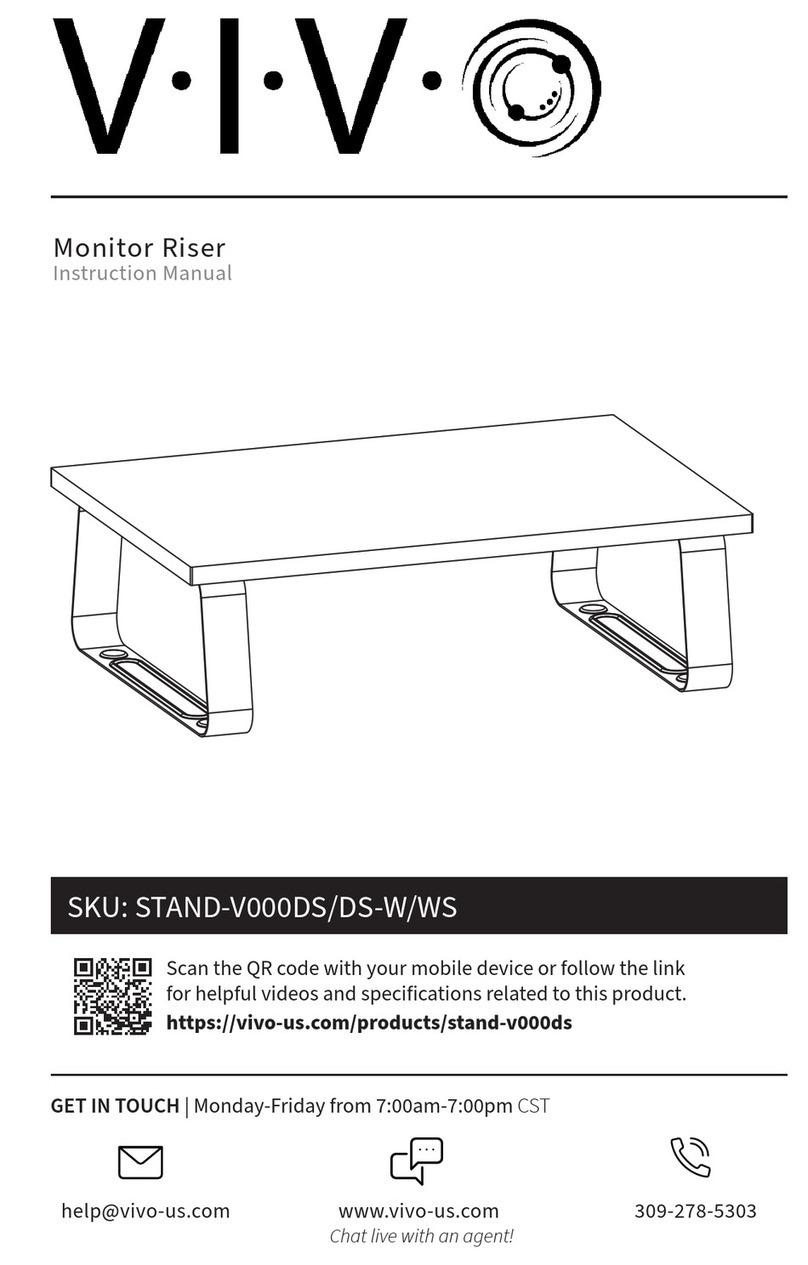
Vivo STAND-V000DS User manual

Vivo

Vivo STAND-V000DS User manual

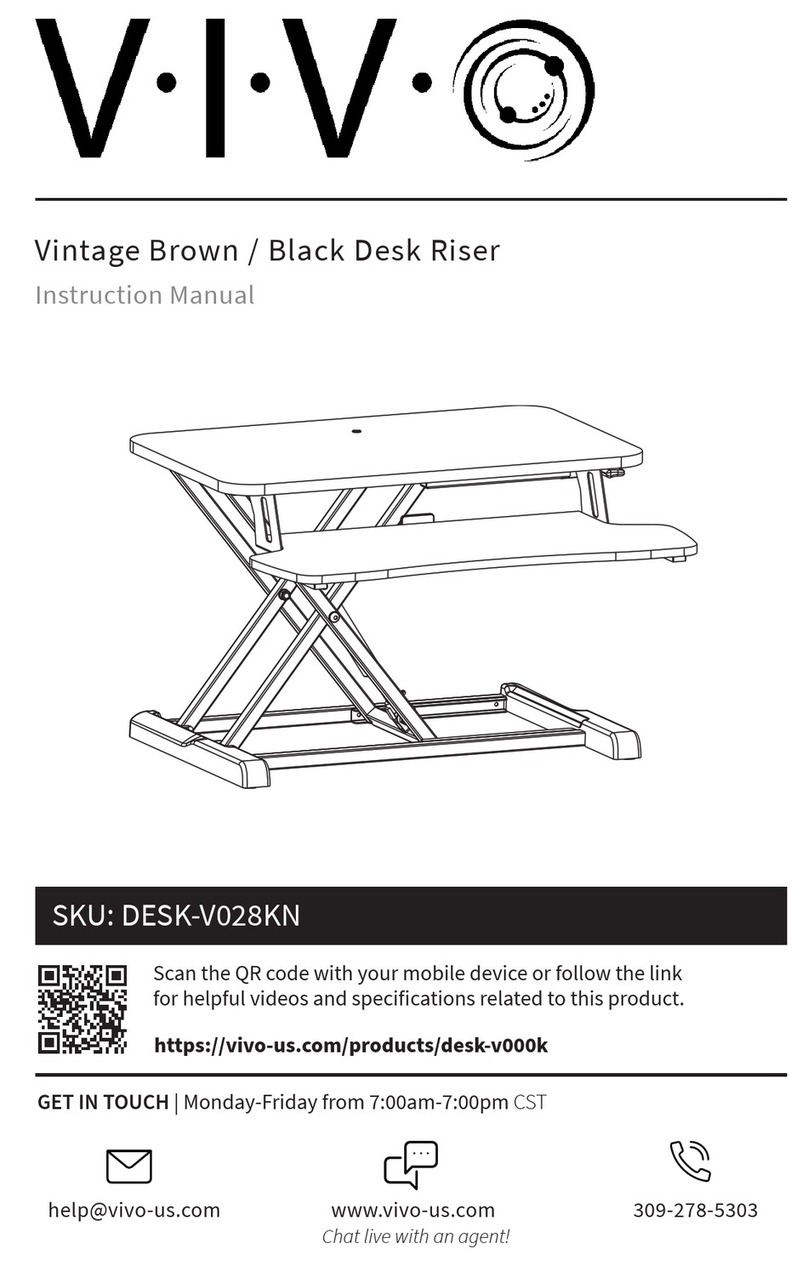
Vivo DESK-V028KN User manual

Vivo

Vivo DESK-V028KN User manual

Vivo DESK-AC07U User manual

Vivo

Vivo DESK-AC07U User manual
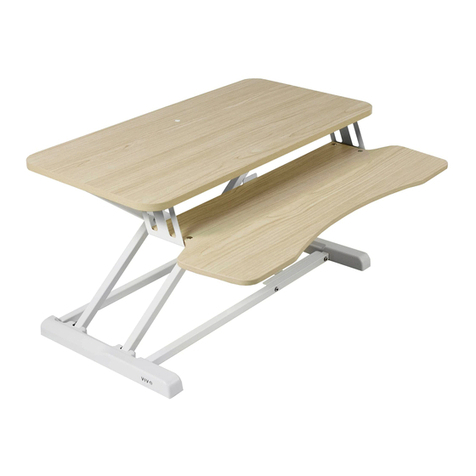
Vivo Riser DESK-V000KF User manual

Vivo

Vivo Riser DESK-V000KF User manual

Vivo DESK-TOP43W User manual

Vivo

Vivo DESK-TOP43W User manual
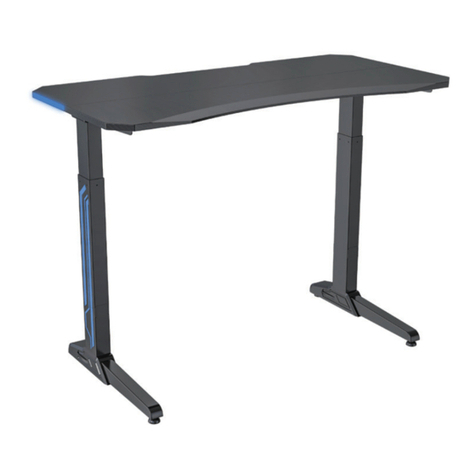
Vivo DESK-GME2B User manual

Vivo

Vivo DESK-GME2B User manual
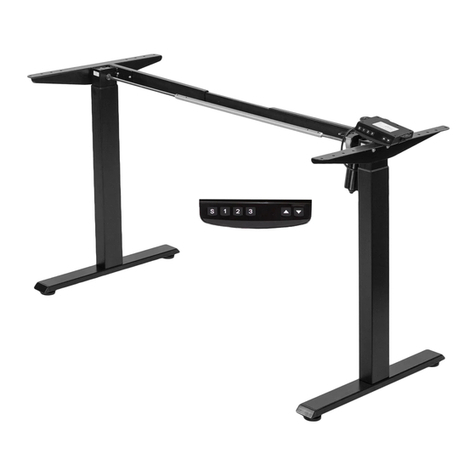
Vivo DESK-E-100B User manual

Vivo

Vivo DESK-E-100B User manual
Vivo DESK-AC03C-B User manual

Vivo

Vivo DESK-AC03C-B User manual

Vivo CART-LB01 User manual

Vivo

Vivo CART-LB01 User manual

Vivo DESK-GMZ0B User manual

Vivo

Vivo DESK-GMZ0B User manual
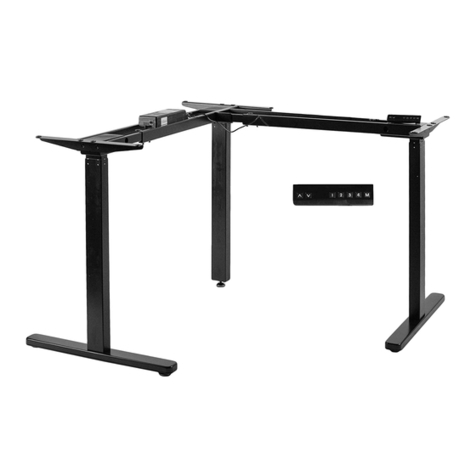
Vivo DESK-V123EB User manual

Vivo

Vivo DESK-V123EB User manual

Vivo CART-E1TB User manual

Vivo

Vivo CART-E1TB User manual

Vivo DESK-V000SW User manual

Vivo

Vivo DESK-V000SW User manual
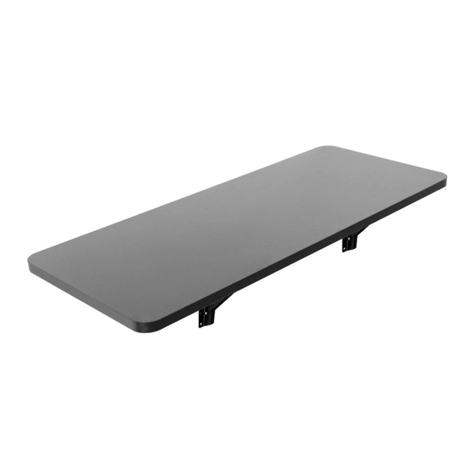
Vivo MOUNT-SF1FB User manual

Vivo

Vivo MOUNT-SF1FB User manual
Vivo DESK-V000Z User manual

Vivo

Vivo DESK-V000Z User manual
Vivo DESK-E-200B User manual

Vivo

Vivo DESK-E-200B User manual
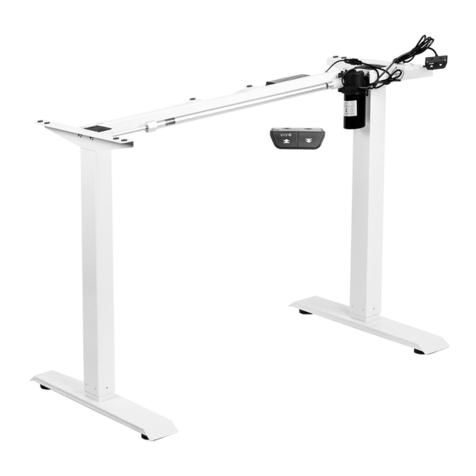
Vivo DESK-V100EW User manual

Vivo

Vivo DESK-V100EW User manual
Vivo DESK-V037KA User manual

Vivo

Vivo DESK-V037KA User manual
Vivo DESK-V000DB User manual

Vivo

Vivo DESK-V000DB User manual

Vivo MOUNT-KB05N User manual

Vivo

Vivo MOUNT-KB05N User manual

Vivo DESK-TOP1W User manual

Vivo

Vivo DESK-TOP1W User manual

Vivo CHAIR-K04R User manual

Vivo

Vivo CHAIR-K04R User manual

Vivo DESK-V100M User manual

Vivo

Vivo DESK-V100M User manual

Vivo CHAIR-K07SD User manual

Vivo

Vivo CHAIR-K07SD User manual

Popular Indoor Furnishing manuals by other brands

Homelegance California 1662PEK-1CK Assembly instruction

Homelegance

Homelegance California 1662PEK-1CK Assembly instruction

Osmond Ergonomics FLO instructions

Osmond Ergonomics

Osmond Ergonomics FLO instructions

OVE ELOISE 42 installation manual

OVE

OVE ELOISE 42 installation manual

overstock MF286255 Assembly instructions

overstock

overstock MF286255 Assembly instructions

Sonoma 160-801 Assembly instructions

Sonoma

Sonoma 160-801 Assembly instructions

BOLERO Wicker Side Chair CF158 Care Instructions

BOLERO

BOLERO Wicker Side Chair CF158 Care Instructions

Coaster 4799N Assembly instructions

Coaster

Coaster 4799N Assembly instructions

Stor-It-All WS39MP Assembly/installation instructions

Stor-It-All

Stor-It-All WS39MP Assembly/installation instructions

Lexicon 194840161868 Assembly instruction

Lexicon

Lexicon 194840161868 Assembly instruction

Next AMELIA NEW 462947 Assembly instructions

Next

Next AMELIA NEW 462947 Assembly instructions

impekk Manual II Assembly And Instructions

impekk

impekk Manual II Assembly And Instructions

Elements Ember Nightstand CEB700NSE Assembly instructions

Elements

Elements Ember Nightstand CEB700NSE Assembly instructions

JWA CARY 68429 Assembly instruction

JWA

JWA CARY 68429 Assembly instruction

VIPACK AMORI AMKB9014 Assembly instructions

VIPACK

VIPACK AMORI AMKB9014 Assembly instructions

Rowico SANNA Assembly instructions

Rowico

Rowico SANNA Assembly instructions

Southern Enterprises CK556000TX Assembly instructions

Southern Enterprises

Southern Enterprises CK556000TX Assembly instructions

hygena 314/5041 Assembly instructions

hygena

hygena 314/5041 Assembly instructions

VINNOVA Kinsley 536060S manual

VINNOVA

VINNOVA Kinsley 536060S manual

https://manuals.online logo
https://manuals.online logoBrands
  • About & Mission
  • Contact us
  • Privacy Policy
  • Terms and Conditions

Copyright 2026 Manuals.Online. All Rights Reserved.

C
base support
(x2)
F
handle
(x1) G
handle mount
(x1)
B (x2)
upper support
·Loosen the screws using the Allen key.
·Remove the hexagon rod.
·Attach the lifting columns to the frame using the screws
provided and tighten all screws with the Allen key.
1Adjusting the Frame 2Assembling the Lifting Columns
A
A
telescopic frame
(x1)
D
lifting column
(x1)
E
lifting column
(x1)
product is not intended for use by young children without supervision.
This product contains small items that could be a choking hazard if
swallowed. Keep these items away from children.
This product is intended for indoor use only. Using this product outdoors
could lead to product failure and personal injury.
IMPORTANT: Ensure that you have received all parts according to the
component checklist prior to installation. If any parts are missing or
faulty, telephone your local distributor for a replacement.
This
QUICK TIP: DO NOT over tighten screws during installation.
Tools
Needed
S-A
S-B (x4)S-A (x24) S-C (x8)
S-D
Allen Key
(x1)
Component Checklist
Important information
Read the entire instruction manual before you start
installation and assembly.
WARNING: FAILURE TO COMPLY WITH OR OBSERVE ALL
ASSEMBLY, SAFETY AND OPERATION INSTRUCTIONS AND
WARNINGS REGARDING THE USE OF THIS PRODUCT MAY
RESULT IN SERIOUS BODILY INJURY.
WARNING
·Loosen the cross-head screws using
an appropriate screwdriver.
·Loosen the hexagon socket button
head screws using the Allen key.
hexagon rod
cross-head screw
hexagon socket button
head screw
extension frame
·Adjust the extension frame length to
suit the desktop and tighten all screws
to secure the extension frame in place.
·Reinsert the hexagon rod into the frame.
·Tighten all screws to secure the hexagon rod.
the end of hexagon rod
ASSEMBLY INSTRUCTIONS
Height Adjustable Desk Frame
MANUAL
DESK-V100M
6Installing the Handle Mount and Handle
· Each foot pad can be adjusted independently for fine tuning.
· Slightly turn the foot pad to lower or raise the base.
· Use a level to make sure the desktop is even.
· Attach the desktop to the frame using the proper screws.
· Tighten all screws to secure.
·Turn the desk frame upright onto a level surface.
·Attach the two upper supports to both ends of the frame using
the eight screws provided and tighten all screws with the Allen key.
G
S-C
3Installing the Base Supports
·Attach the base supports to the lifting columns using the
eight screws provided and tighten all screws to secure.
S-A
S-B
F
B
S-A
· Insert the handle mount into the frame mounting holes.
· Adjust the handle mount length to suit and leave about 20mm
space from the edge of desktop.
· Tighten all screws on the handle mount to secure.
· Attach the handle mount to the back of desktop using the four screws.
· Tighten all screws using an appropriate screwdriver to secure.
· Attach the handle to the handle mount.
· Turn the handle to lower or
raise the frame.
· Hang the handle when not in use.
·Fasten the Allen key to the back of the
telescopic frame when not in use.
C5Installing the Desktop (Optional)
4Installing the Upper Supports
HEAVY!
An assistant is needed for this step.
HEAVY!
An assistant is needed for this step.