PAIRING WITH EACH OTHER
• Your earphones must be paired to a Bluetooth device before they can be
used. It is only necessary to pair the earphones once with each device.
• Please switch on your earphones before attempting to pair them to a
Bluetooth device.
• When switched on, the earphones will automatically enter Bluetooth pairing mode.
1. Open the Bluetooth Menu on the device you wish to pair (see “Locating
the Bluetooth Menu” for more details). If Bluetooth is not on, activate it. Some
devices require you to select “Search for Devices” or Add New Device” in order to
create a Bluetooth pairing.
2. Wait till you see “Libra” on your device screen.
3. Select “Libra” on your device and follow any further prompts to pair.
Once pairing is complete and a connection is established, the LED lights will turn off
and the earphones will now be ready for use with your Bluetooth playback device.
• Please make sure your earbuds are fully charged.
• On your paired device(s), remove or delete Libra from the list of paired devices in the
Bluetooth menu.
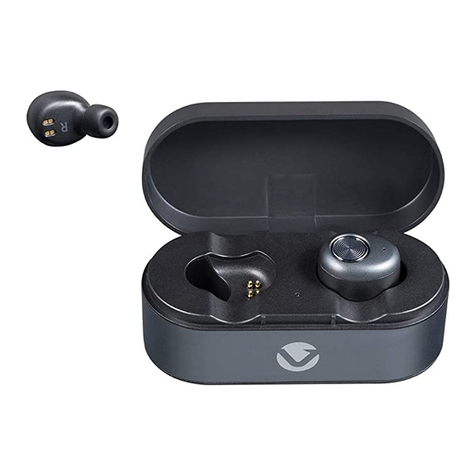
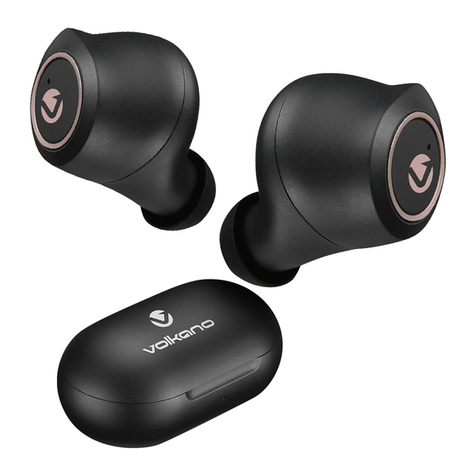
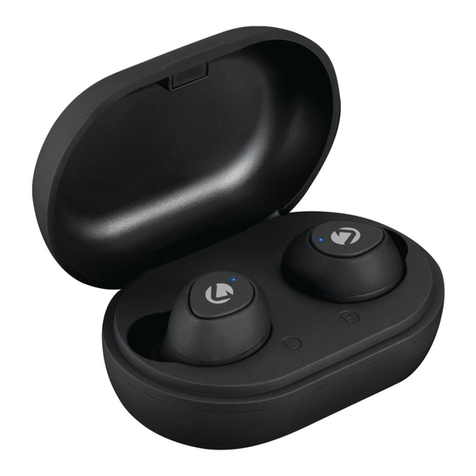
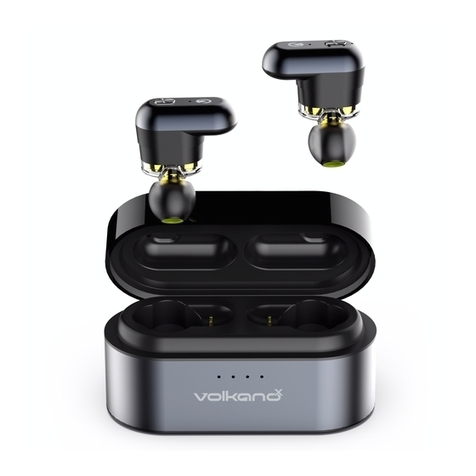
• Take out the earbuds from the charging case.
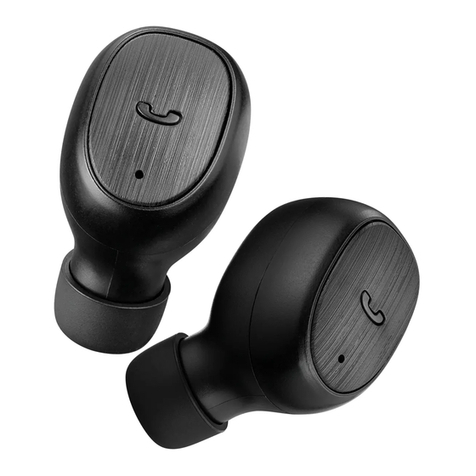
• Long press both earbuds for 8 seconds.
• The white LEDs on the earbuds will blink 3 times indicating that they have been reset.
• Place both the earbuds inside the charging case and repeat the pairing process.
PAIRING WITH BLUETOOTH DEVICES
RESET FUNCTIONS
5
• Take out both earphones from the charging case or manually switch both earphones
on at the same time. The LED Indicator Lights on Master (main) earphone will flash
white and red alternately; and the LED Indicator Light on Slave (secondary) earphone
will blink white slowly while the earphones are connecting to each other.
• Wait a couple of seconds and you will hear the earphones automatically pair to
each other.
Note: To use the earphones individually, remove one earphone from the charging case
at a time, and connect to a Bluetooth device.