manuals.online logo
Brands
  1. Home
  2. •
  3. Brands
  4. •
  5. Vox
  6. •
  7. Music Pedal
  8. •
  9. Vox Valveronix ToneLab LE User manual

Vox Valveronix ToneLab LE User manual

Other Vox Music Pedal manuals

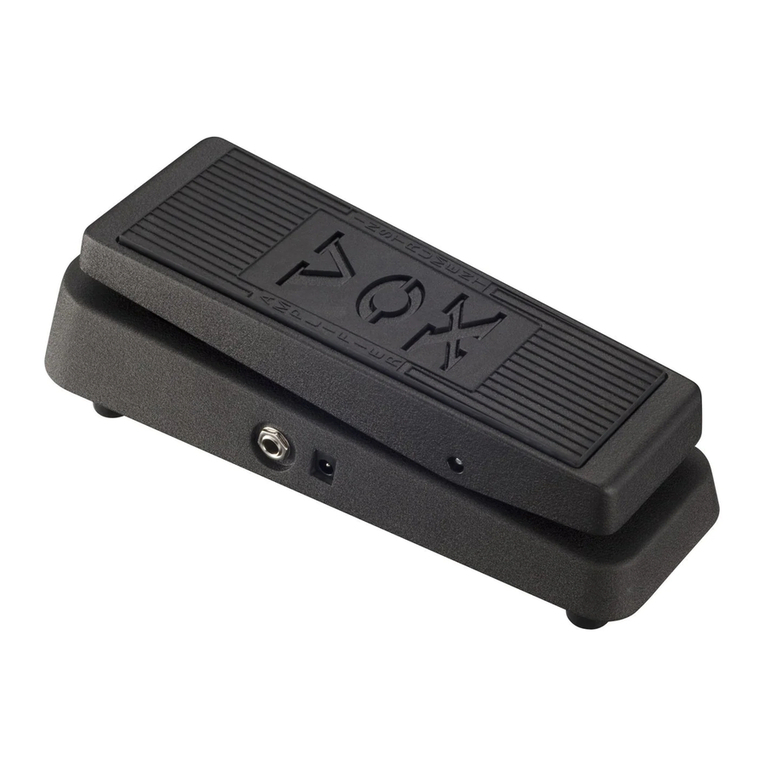
Vox Dual Wah Pedal User manual

Vox

Vox Dual Wah Pedal User manual

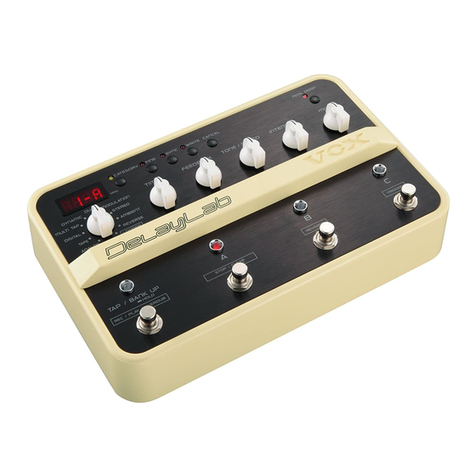
Vox DelayLab User manual

Vox

Vox DelayLab User manual

Vox V847 User manual

Vox

Vox V847 User manual

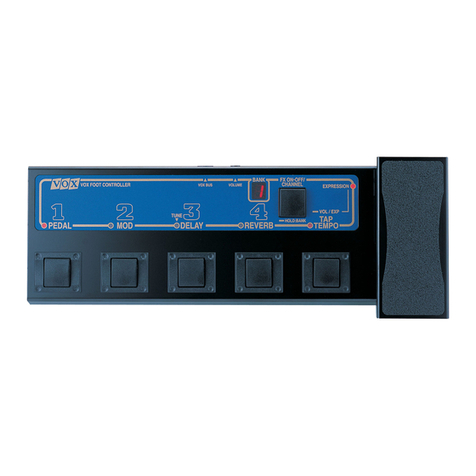
Vox VC-4 User manual

Vox

Vox VC-4 User manual

Vox Treble Booster User manual

Vox

Vox Treble Booster User manual

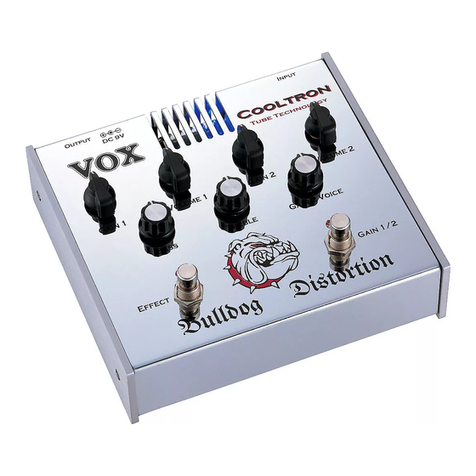
Vox cooltron User manual

Vox

Vox cooltron User manual

Vox Tonelab LE User manual

Vox

Vox Tonelab LE User manual

Vox Lil Looper User manual

Vox

Vox Lil Looper User manual

Vox Pedal User manual

Vox

Vox Pedal User manual

Vox JamVOX User manual

Vox

Vox JamVOX User manual

Vox StompLab IIB User manual

Vox

Vox StompLab IIB User manual

Vox ICE 9 User manual

Vox

Vox ICE 9 User manual

Vox VC-12SV User manual

Vox

Vox VC-12SV User manual

Vox Soundbox mini User manual

Vox

Vox Soundbox mini User manual

Vox Cooltron VibraVOX User manual

Vox

Vox Cooltron VibraVOX User manual

Vox StompLab IB User manual

Vox

Vox StompLab IB User manual

Vox Cooltron User manual

Vox

Vox Cooltron User manual

Vox DelayLab User manual

Vox

Vox DelayLab User manual

Vox Tonelab ST User manual

Vox

Vox Tonelab ST User manual

Vox Tonelab Guide

Vox

Vox Tonelab Guide

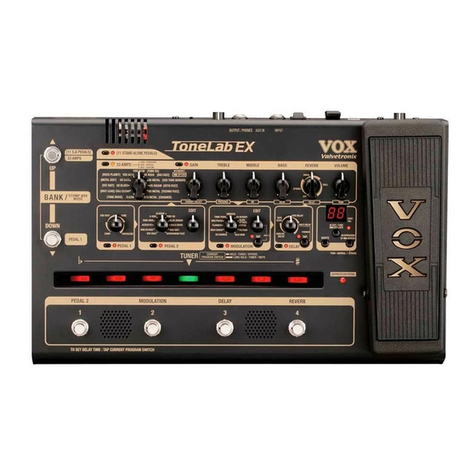
Vox Tonelab EX User manual

Vox

Vox Tonelab EX User manual

Vox Valvetronix ToneLab SE Instructions for use

Vox

Vox Valvetronix ToneLab SE Instructions for use

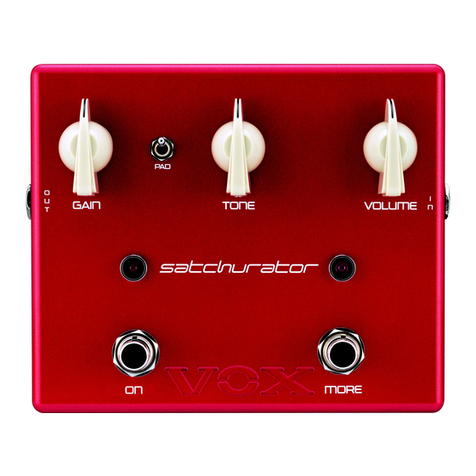
Vox Satchurator User manual

Vox

Vox Satchurator User manual

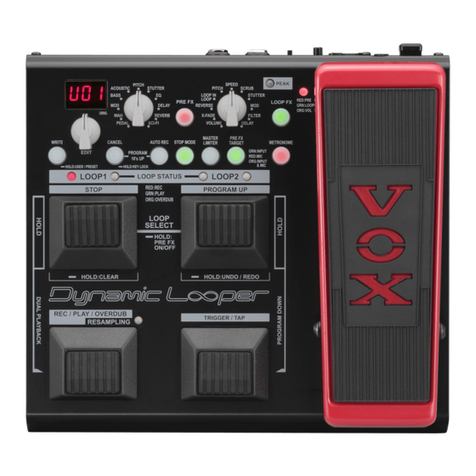
Vox Dynamic Looper User manual

Vox

Vox Dynamic Looper User manual

Popular Music Pedal manuals by other brands

Walrus Audio ARP-87 instruction manual

Walrus Audio

Walrus Audio ARP-87 instruction manual

Ibanez Phaser Mini owner's manual

Ibanez

Ibanez Phaser Mini owner's manual

Ashdown GEEZER BUTLER PEDAL OF DOOM user guide

Ashdown

Ashdown GEEZER BUTLER PEDAL OF DOOM user guide

TC Electronic G-Natural user manual

TC Electronic

TC Electronic G-Natural user manual

Pro-MIDI G25 user manual

Pro-MIDI

Pro-MIDI G25 user manual

Whirlwind oc-bass quick start guide

Whirlwind

Whirlwind oc-bass quick start guide

Strymon Lex-rotary user manual

Strymon

Strymon Lex-rotary user manual

Behringer PB600 manual

Behringer

Behringer PB600 manual

Lexicon MX200 user guide

Lexicon

Lexicon MX200 user guide

Dunlop Hendrix 68 Shrine Octavio Fuzz Series quick start guide

Dunlop

Dunlop Hendrix 68 Shrine Octavio Fuzz Series quick start guide

Matthews Effects Whaler V2 manual

Matthews Effects

Matthews Effects Whaler V2 manual

Grid 1 Pedal Jeanie user manual

Grid 1

Grid 1 Pedal Jeanie user manual

Amptweaker tightboost user manual

Amptweaker

Amptweaker tightboost user manual

Ibanez TS-808 Tube Screamer Overdrive Pro owner's manual

Ibanez

Ibanez TS-808 Tube Screamer Overdrive Pro owner's manual

DW 7000 owner's manual

DW

DW 7000 owner's manual

FAMC Liquid-Foot Jr. Series user manual

FAMC

FAMC Liquid-Foot Jr. Series user manual

Dimavery EPVP-50 manual

Dimavery

Dimavery EPVP-50 manual

Tefi Vintage Lab GEGÈ operating manual

Tefi Vintage Lab

Tefi Vintage Lab GEGÈ operating manual

manuals.online logo
manuals.online logoBrands
  • About & Mission
  • Contact us
  • Privacy Policy
  • Terms and Conditions

Copyright 2025 Manuals.Online. All Rights Reserved.

VOX ToneLab LE
Valvetronix
SERVICE MANUAL
TABLE OF CONTENTS
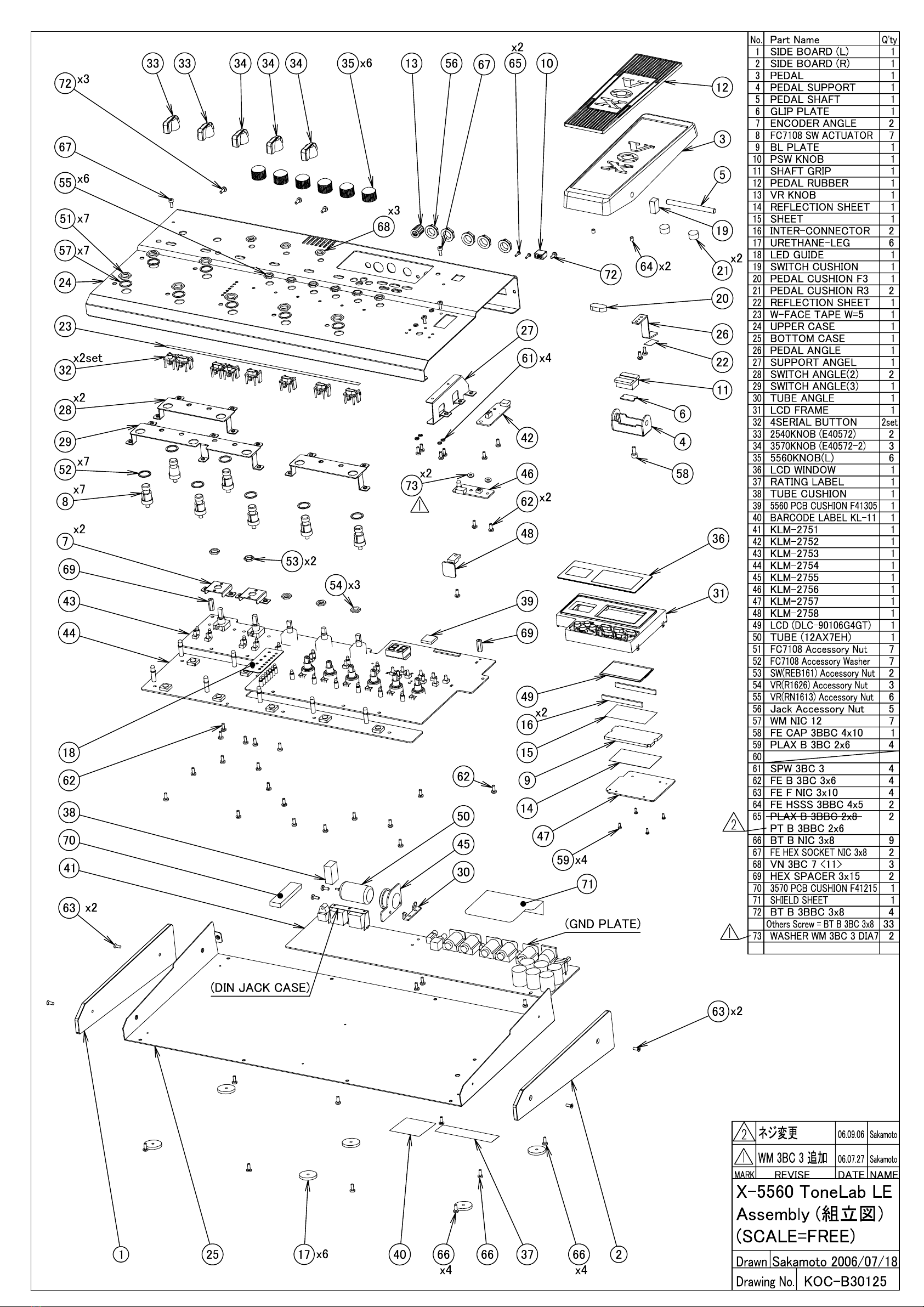
ASSEMBLY SKETCH:2
BLOCK DIAGRAM:3
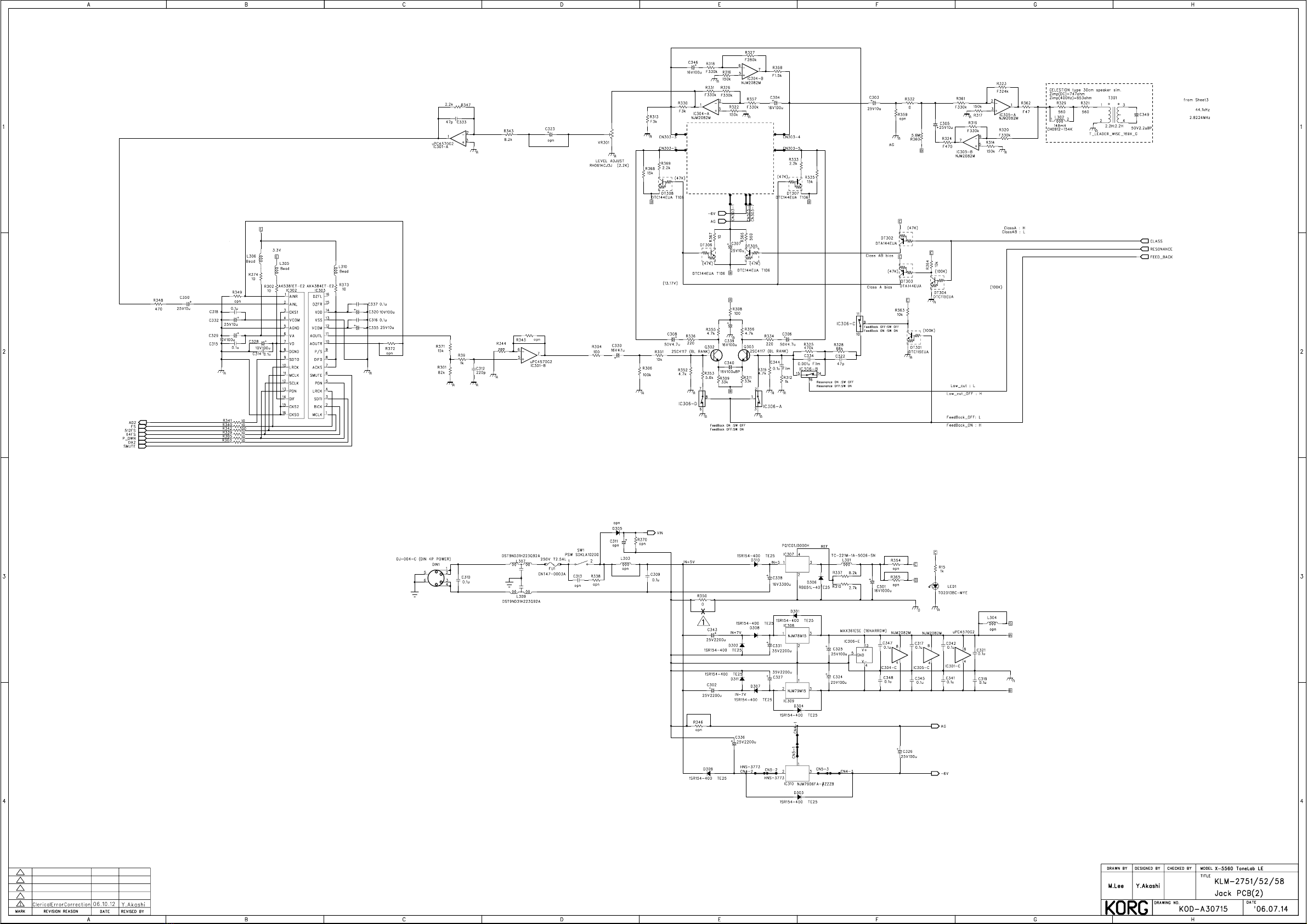
SCHEMATIC DIAGRAM:4-7
TEST MODE: 8-17
PARTS LIST:18-19
Issued Dec.12, 2006
Ver.1
ToneLabLE TEST MODE
How to enter the TEST MODE
Pressing following switches and turn the power on.
“TONE LAB” and the version of the software are displayed, and after you removed fingers from the
switches, each TEST MODE will begin.
SWITCHES MODE
CUR_LEFT AMP/LINE Internal Check->Operation CheckInternal Check
CUR_LEFT RENAME Internal Check(Skipping terminal connection)
-> Operation Check
VACUUM TUBE ONLY CUR_UP RENAME VACUUM TUBE ONLY Check
MIDI Check CUR_DOWN AMP/LINE MIDI Check->AUDIO CHECK
Internal Check
Before the check connect from “PHONES” to “INPUT using the test cable 1 (described at the end
of this document), connect from “SEND” to “RETURN” using the test cable 2 (described at the
end of this document), and turn the “LEVEL” knob (next to the “PHONE output ) to maximum.
# When Internal Check (Skipping terminal connection), the Checks from 4.CODEC MUTE to 7.TUNER ( these
checks needs test cables1,2) are skipped,
Following Checks are executed automatically.
During the Check, the item number and the step number are displayed in the BANK LED.
When an NG occurred, the check is stopped with blinking the BANK LED and the check item’s name
is displayed in the LCD.
ITEM STEP DISPLAY WHEN NG
1. I2C I/F 1. EEPROM I2C EEP
2. DSP I/F 1. DSP DSP I/F
3. DSP SRAM 1.DATA BUS SRAM DAT
2.ADDRESS BUS SRAM ADR
4. CODEC MUTE 1. CODEC MUTE CODEC-MU
1. DSP(L) ---> DSP(R)NORMAL CH LVL L->R
2. DSP(L) ---> DSP(L)GAIN CH LVL L->L
3. DSP(R) ---> DSP(R)NORMAL CH LVL R->R
4. DSP(L) -> SEND -> RETURN ->
DSP(R)NORMAL CH
LVL RTN
5. LEVEL
5.(disconnect RETURN) DSP(R)
---> DSP(R)NORMAL CH
RET RMVE
1. TUNER HI TUNER HI6. TUNER
2. TUNER LO TUNER LO
After an error occurred, pushing the “INSERT” switch and push following switch to restart the
Check.
WRITE: Inspect again the NG step.
EXIT: Skip the NG step and inspect next step.
CUR_LEFT: Inspect again the NG item
CUR_UP: Skip the NG item and inspect next item.

After finished internal Check, TONELAB Le automatically goes to Operation Check.

Internal Check 4. CODEC MUTE
This item inspects the wiring of the CODEC and DSP (FXD03). Same setting as LEVEL Check (3.1),
check input level and confirm that mute is working (there is not input bigger than noise level).
Internal Check 5. LEVEL
Output 1khz sine wave from the DSP2 and inspect the returned signal level to the input.
The test cable 1 and 2 (described at the end of this document) are needed for connection.
PHONE->INPUT, SEND->RETURN
The routing, output level, input level (OK range) are followings.
1. L->R , RETURN SW Off
SO[1]L (0.250(=1/4)) ---> DSP SI[1]R (0.150858 +-20%)
A/D D/A
AK5381VTPA AK4384VTP
+-------+ +-------+
| Ain L | | AoutL |-------> PHONE L
IN ------------------->| Ain R | | AoutR |- - - -> PHONE R
| | | |
+----| DoutL | | Din L |<---+
+-|----| DoutR | | Din R |<-+ |
| | +-------+ +-------+ | |
| | | |
| | DSP(FXD03) | |
| | +---------------+ | |
| +-->| SI[1]L SO[1]L |-----|-+
+---->| SI[1]R SO[1]R |-----+
+---------------+
2. L->L , RETURN SW On
SO[1]L (0.063(=1/16)) ---> DSP SI[1]L (0.607623 +-20%)
INSERT(*0.56) A/D D/A
| | AK5381VTPA AK4384VTP
| | +-------+ +-------+
IN ---+(-->)+-- *16 -->| Ain L | | AoutL |-------> PHONE L
↑ | Ain R | | AoutR |- - - -> PHONE R
RETURN OPEN | | | |
+----| DoutL | | Din L |<---+
+-|----| DoutR | | Din R |<-+ |
| | +-------+ +-------+ | |
| | | |
| | DSP(FXD03) | |
| | +---------------+ | |
| +-->| SI[1]L SO[1]L |-----|-+
+---->| SI[1]R SO[1]R |-----+
+---------------+
3. R->R , RETURN SW Off
SO[1]R (0.250(=1/4)) ---> DSP SI[1]R (0.150858 +-20%)
A/D D/A
AK5381VTPA AK4384VTP
+-------+ +-------+
| Ain L | | AoutL |- - - -> PHONE L
IN ------------------->| Ain R | | AoutR |-------> PHONE R
| | | |
+----| DoutL | | Din L |<---+
+-|----| DoutR | | Din R |<-+ |
| | +-------+ +-------+ | |
| | | |
| | DSP(FXD03) | |
| | +---------------+ | |
| +-->| SI[1]L SO[1]L |-----|-+
+---->| SI[1]R SO[1]R |-----+
+---------------+
4. RET1 , RETURN SW On
SO[1]R (0.250(=1/4))---> SEND -- (*約 0.560)--> RETURN --> DSP SI[1]R (0.168961 +-20%)
INSERT(*0.56) A/D D/A
| | AK5381VTPA AK4384VTP
| | +-------+ +-------+
IN ---+ +-- *16 -->| Ain L | | AoutL |- - - -> PHONE L
| Ain R | | AoutR |-------> PHONE R
| | | |
+----| DoutL | | Din L |<---+
+-|----| DoutR | | Din R |<-+ |
| | +-------+ +-------+ | |
| | | |
| | DSP(FXD03) | |
| | +---------------+ | |
| +-->| SI[1]L SO[1]L |-----|-+
+---->| SI[1]R SO[1]R |-----+
+---------------+