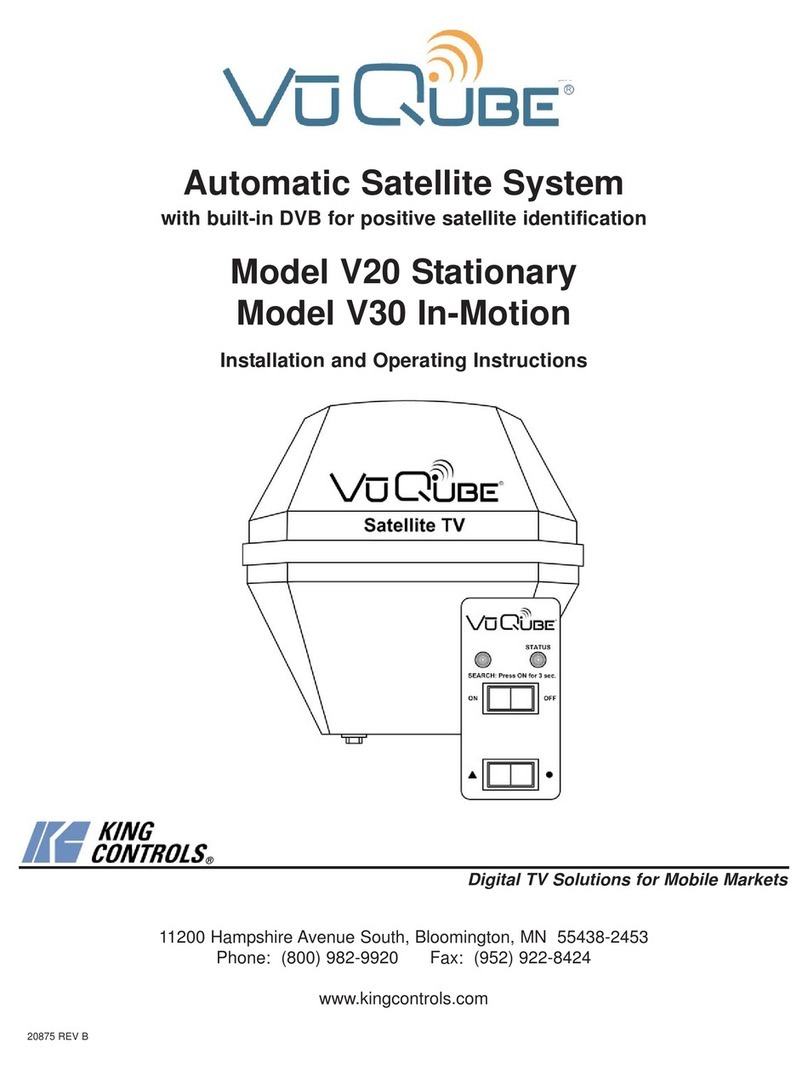
VuQube V20 User manual

11200 Hampshire Avenue South, Bloomington, MN 55438-2453
Phone: (800) 982-9920 Fax: (952) 922-8424
www.kingcontrols.com
20625 REV C
Satellite Solutions for Mobile Markets
®
Automatic Satellite System
with built-in DVB for positive satellite identification
Model V20
Installation and Operating Instructions


Page 1
DIRECTV®is a registered trademark of DIRECTV, Inc.
Dish NetworkTM is an official trademark of Echostar Communications Corporation.
Bell ExpressVu is an official trademark of Bell Canada.
DVB®is a trademark of the DVB Digital Video Broadcast Project (1991-1996)
TABLE OF CONTENTS
Section Contents Page
1. INTRODUCTION.....................................................................................2
2. INSTALLATION....................................................................................3-7
3. VUQUBE ANTENNA CONFIGURATION...........................................9-19
4. OPERATION....................................................................................20-26
5. TROUBLESHOOTING..........................................................................27
6. MAINTENANCE....................................................................................28
7. LIMITED WARRANTY ..........................................................................29
IMPORTANT!
The satellite TV market is expanding and changing. The information in this manual was accurate at the
time of printing. If your VuQube does not operate as outlined in this manual please call King Controls at
(800) 982-9920 or visit our website at www.kingcontrols.com.
This VuQube is factory pre-set for DIRECTV®standard digital programming broadcast from the
101° W satellite.
If you also receive your local channels from DIRECTV’s 119 satellite or if you subscribe to Dish NetworkTM
or ExpressVu programming, you must re-configure the antenna to work with your satellite service.
Doing this will allow the VuQube to lock on the correct satellites to receive your programming and also
enable automatic satellite switching via the receiver’s remote control for multi-satellite service.
Antenna configuration is a one time procedure that MUST BE COMPLETED before using your VuQube
antenna. See the VUQUBE ANTENNA CONFIGURATION section in this manual for specific instructions.
Please read this entire manual before beginning the installation.

Page 2
The VuQube V20 Automatic Satellite System provides simple, one-touch operation for easy
access to all your favorite satellite TV channels. It is a full featured dish system with automatic
satellite acquisition and satellite switching capabilities.
The V20 is compatible with the following satellite services:
DIRECTV®Single Satellite 101
DIRECTV Plus
Dish Network Dish 500 and Dish 500 Eastern Arc
Dish Network HDTV (Dish HD, Dish HD Eastern Arc, and Dish HD Alternate)
ExpressVu
ExpressVu HDTV
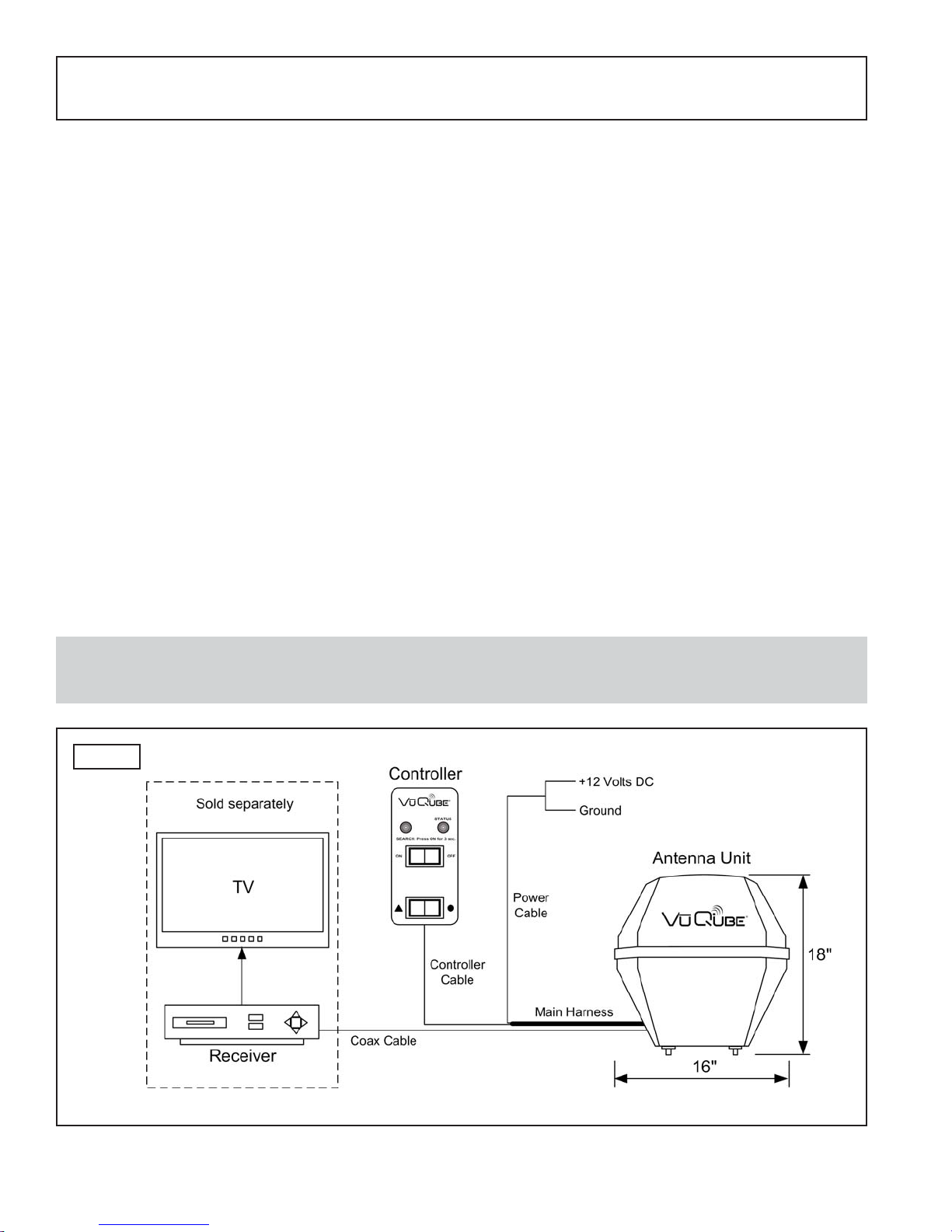
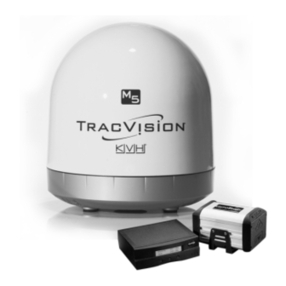
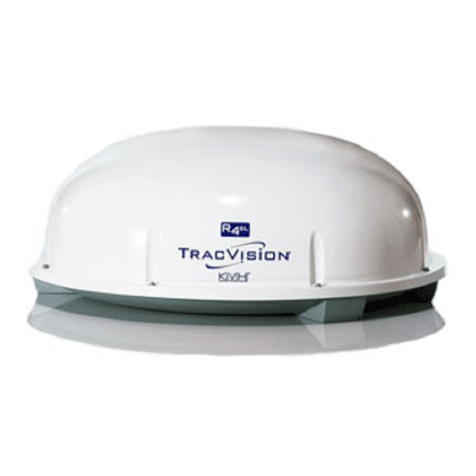
The V20 includes 2 main components (Fig. 1).
Antenna Unit Located on the outside of the vehicle. The dish is covered by a
protective enclosure that keeps operational components free from
the elements.
Controller Located in the vehicle. Activates the search mode and provides
limited diagnostic functions using the status light.
SECTION 1 INTRODUCTION
Note: A TV, satellite receiver, and program subscription are also required for satellite TV viewing.
(Sold separately.)
Fig. 1

Page 3
KIT CONTENTS
2. Unpack and identify all components (Fig. 2).
SECTION 2 INSTALLATION
Fig. 2
TOOLS AND MATERIALS REQUIRED
1. Read thru the instructions and make sure you have all the tools and materials required to
complete the installation, including:
• mounting bracket (sold separately - for more information call King Controls at
800-982-9920 or visit our website at www.kingcontrols.com)
• drill and drill bit set
• tape measure
• 7/16” open end wrench (coax connections)
• adhesive sealant (compatible with cab material)
• appropriate tools and fasteners to install all components and wiring
KIT CONTENTS

Page 4
ANTENNA UNIT LOCATION AND INSTALLATION (FIG 3.)
3. Determine the location of the antenna unit using the following criteria:
a) The antenna unit is designed to be mounted to a vehicle with an appropriate
mounting bracket such as the MB100 or MB200 (sold separately - for more
information call King Controls or visit our website at www.kingcontrols.com).
b) The antenna unit requires a 16” wide space for mounting.
c) It is highly recommended that the antenna unit extend a minimum of 4” above the
highest point of the cab or air shield for optimum satellite reception.
If you are unable to mount the antenna unit 4” above the cab due to height
restrictions, install with maximum clearance available. If the antenna unit is not high
enough, you may experience difficulty acquiring the satellite signal.
d) The antenna unit should be as far as possible from objects like smoke stacks,
beacons, logistic units, etc. that can physically block the satellite signal.
e) The wiring from the antenna unit may be run down the back of the cab and up into
the cab through an access bay, or a hole may be drilled in an appropriate location.
There must be no sharp bends in the wiring.
IMPORTANT! The antenna unit MUST be mounted to the air ride cab, NEVER to any structure mounted
directly to the frame (for example the headache rack). Mounting directly to the frame will
void the VuQube warranty.
Fig. 3
IMPORTANT
The antenna unit MUST be mounted to the
air ride cab, NEVER to any structure
mounted directly to the frame.

Page 5
4. Mount the bracket to the cab (see bracket instructions-bracket sold separately). Remove
the nuts from the threaded studs on the bottom of the antenna unit. Insert the antenna
unit thru the bracket and fasten down securely with nuts. THE WIRING CONNECTIONS
MUST FACE FORWARD (TOWARD THE FRONT OF THE VEHICLE).
EXTERNAL WIRING
5. Plug main harness into wiring port on back of antenna unit and tighten connection until it
clicks past the detent lock (Fig. 4).
6. Fill end of coax cable that will connect to the MAIN port on the antenna unit with supplied
dielectric grease. Connect this end of the coax cable to the MAIN port and tighten
connection (Fig. 4).
If using a second receiver, fill end of second coax cable (not supplied) and connect it to
the port labeled AUX. Tighten connection.
DO NOT OVER TIGHTEN CONNECTIONS.
Note: The installer is responsible for determining the most appropriate fasteners to secure the mounting bracket
to the cab, and they should always be used in combination with a cab compatible sealant.
IMPORTANT! The installer is responsible for weatherproofing all holes with sealant.
Note: The VuQube is wired for multiple receiver support. There are two coax ports on the back of the unit. The
one labeled “MAIN” MUST be connected to the main receiver in the vehicle. This receiver will control
automatic satellite switching if applicable. The one labeled “AUX” can be used for an additional receiver.
IMPORTANT! You must fill the ends of the external coax cables with the supplied dielectric grease.
Failure to do so will void warranty.
Fig. 4
Coax connections should be snug.
DO NOT OVER TIGHTEN!
IMPORTANT!
The alignment tabs on the wiring
port and the main harness plug must
match up when engaging plug onto
port.
YOU MUST TIGHTEN THE PLUG
UNTIL IT CLICKS PAST THE
DETENT LOCK.
(A channel lock pliers may be used
to carefully tighten the connection.)

Page 6
7. Run wiring from the antenna unit to the location where it will be fed into the vehicle.
Make sure external wiring is tied down securely (to a hand rail for example) (Fig. 5).
8. Drill 3/4” hole through the cab or use an existing hole to feed the wiring inside the cab.
Seal opening with cab compatible sealant so that it is entirely waterproof (inside and
outside of the hole).
IMPORTANT! Bracket mounting holes and wiring hole must be sealed so they are
completely waterproof. Sealant must be cab compatible.
Fig. 5 TYPICAL CAB INSTALLATION USING THE MB100 BRACKET
(Bracket sold separately)

Page 7
INTERNAL WIRING
9. Inside the vehicle, make the connections as shown in (Fig. 6), keeping in mind the
following important points:
a) The connection between the antenna unit and the receiver must be a direct
connection with no devices in between.
b) Power connection must be a non-shared circuit. Excessive current draw on the
circuit will cause the unit to operate improperly. Power and ground connections must
be made after the main harness is plugged into the antenna unit.
c) If fusing the circuit, the fuse must be rated at 7.5 amps.
Fig. 6
Note: HDTV receivers require HDMI or component
video/audio cable connection to TV.

This page intentionally left blank.
Page 8
Other manuals for V20
2
This manual suits for next models
1
Table of contents
Other VuQube Satellite TV System manuals