manuals.online logo
Brands
  1. Home
  2. •
  3. Brands
  4. •
  5. Weslo
  6. •
  7. Elliptical Trainer
  8. •
  9. Weslo Momentum 900 Fm User manual

Weslo Momentum 900 Fm User manual

This manual suits for next models

1

Other Weslo Elliptical Trainer manuals

Weslo MOMENTUM 700 User manual

Weslo

Weslo MOMENTUM 700 User manual

Weslo Momentum 7.0 Ex Elliptical User manual

Weslo

Weslo Momentum 7.0 Ex Elliptical User manual

Weslo Elliptical Glider 2.0 Operating and maintenance manual

Weslo

Weslo Elliptical Glider 2.0 Operating and maintenance manual

Weslo Eclipse 2 WLEMEL45071 User manual

Weslo

Weslo Eclipse 2 WLEMEL45071 User manual

Weslo EasyFit WLIVEL86172.0 User manual

Weslo

Weslo EasyFit WLIVEL86172.0 User manual

Weslo Momentum 800 Elliptical Operating and maintenance manual

Weslo

Weslo Momentum 800 Elliptical Operating and maintenance manual

Weslo Momentum G 3.1 Elliptical User manual

Weslo

Weslo Momentum G 3.1 Elliptical User manual

Weslo Momentum R 4.2 Elliptical User manual

Weslo

Weslo Momentum R 4.2 Elliptical User manual

Weslo Eclipse 2 Elliptical User manual

Weslo

Weslo Eclipse 2 Elliptical User manual

Weslo WLEL33408.0 User manual

Weslo

Weslo WLEL33408.0 User manual

Weslo WLEL31808.0 User manual

Weslo

Weslo WLEL31808.0 User manual

Weslo Momentum 410 Elliptical User manual

Weslo

Weslo Momentum 410 Elliptical User manual

Weslo MOMENTUM G4.1 User manual

Weslo

Weslo MOMENTUM G4.1 User manual

Weslo WLEL2947.0 User manual

Weslo

Weslo WLEL2947.0 User manual

Weslo Momentum5.9 Elliptical User manual

Weslo

Weslo Momentum5.9 Elliptical User manual

Weslo ALTA User manual

Weslo

Weslo ALTA User manual

Weslo MOMENTUM ELLIPTICAL User manual

Weslo

Weslo MOMENTUM ELLIPTICAL User manual

Weslo Momentum 4.0 Elliptical Setup guide

Weslo

Weslo Momentum 4.0 Elliptical Setup guide

Weslo Momentum 950 Elliptical User manual

Weslo

Weslo Momentum 950 Elliptical User manual

Weslo EasyFit WLIVEL63110.0 User manual

Weslo

Weslo EasyFit WLIVEL63110.0 User manual

Weslo gllider III User manual

Weslo

Weslo gllider III User manual

Weslo WLEVEL28010 User manual

Weslo

Weslo WLEVEL28010 User manual

Weslo Momentum 610 Elliptical User manual

Weslo

Weslo Momentum 610 Elliptical User manual

Weslo 13.8E User manual

Weslo

Weslo 13.8E User manual

Popular Elliptical Trainer manuals by other brands

NordicTrack AudioStrider 990 PRO NTEL09811.2 user manual

NordicTrack

NordicTrack AudioStrider 990 PRO NTEL09811.2 user manual

Progear Fitness Air elliptical pro 1307 owner's manual

Progear Fitness

Progear Fitness Air elliptical pro 1307 owner's manual

Torque Fitness XPLLP owner's manual

Torque Fitness

Torque Fitness XPLLP owner's manual

Octane Fitness PRO3700C Operation manual

Octane Fitness

Octane Fitness PRO3700C Operation manual

Xterra FS5.8e owner's manual

Xterra

Xterra FS5.8e owner's manual

Bodyguard E-40 user manual

Bodyguard

Bodyguard E-40 user manual

Vision Fitness X6600iNetTV Assembly guide

Vision Fitness

Vision Fitness X6600iNetTV Assembly guide

NordicTrack E 7.2 Elliptical null

NordicTrack

NordicTrack E 7.2 Elliptical null

NordicTrack E4.1 Elliptical null

NordicTrack

NordicTrack E4.1 Elliptical null

NordicTrack E4.1 Elliptical null

NordicTrack

NordicTrack E4.1 Elliptical null

Pro-Form 690 Hr Elliptical null

Pro-Form

Pro-Form 690 Hr Elliptical null

Pro-Form 800 Hr Heart Rate Control Elliptical null

Pro-Form

Pro-Form 800 Hr Heart Rate Control Elliptical null

Bonn Germany Concept 2.2 user manual

Bonn Germany

Bonn Germany Concept 2.2 user manual

Precor Resolute RSL 620 Assembly guide

Precor

Precor Resolute RSL 620 Assembly guide

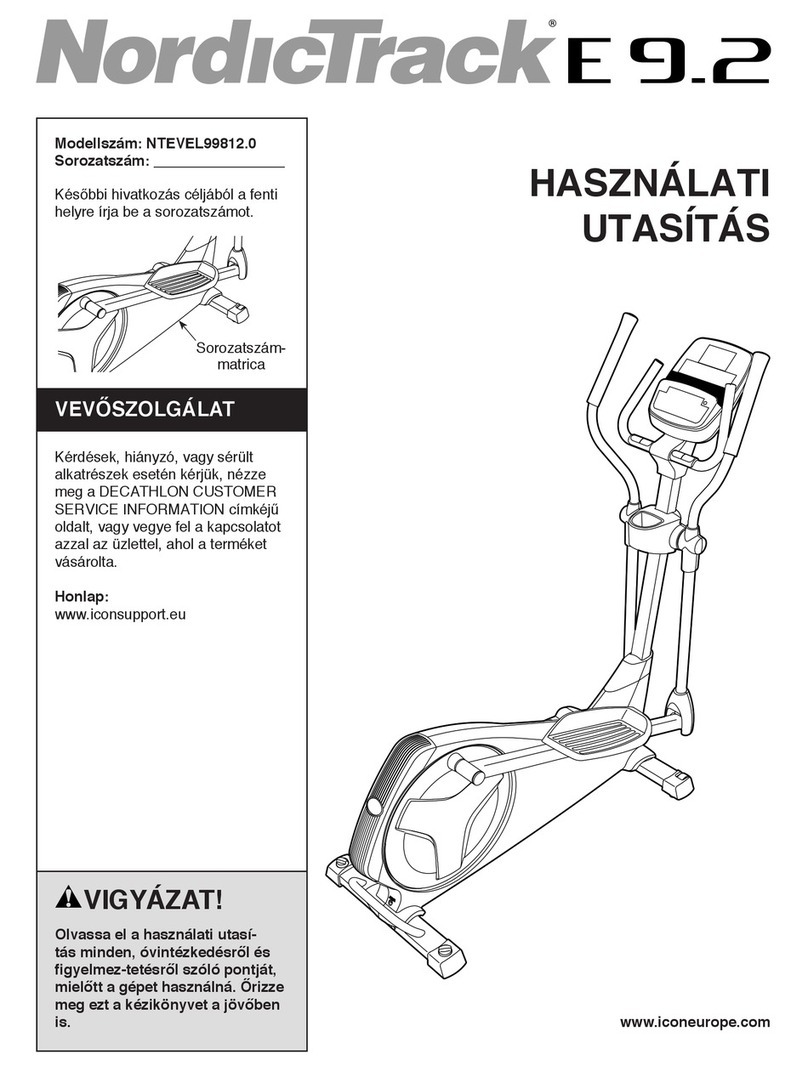
NordicTrack E 9.2 Elliptical HASZNALATI UTASITAS

NordicTrack

NordicTrack E 9.2 Elliptical HASZNALATI UTASITAS

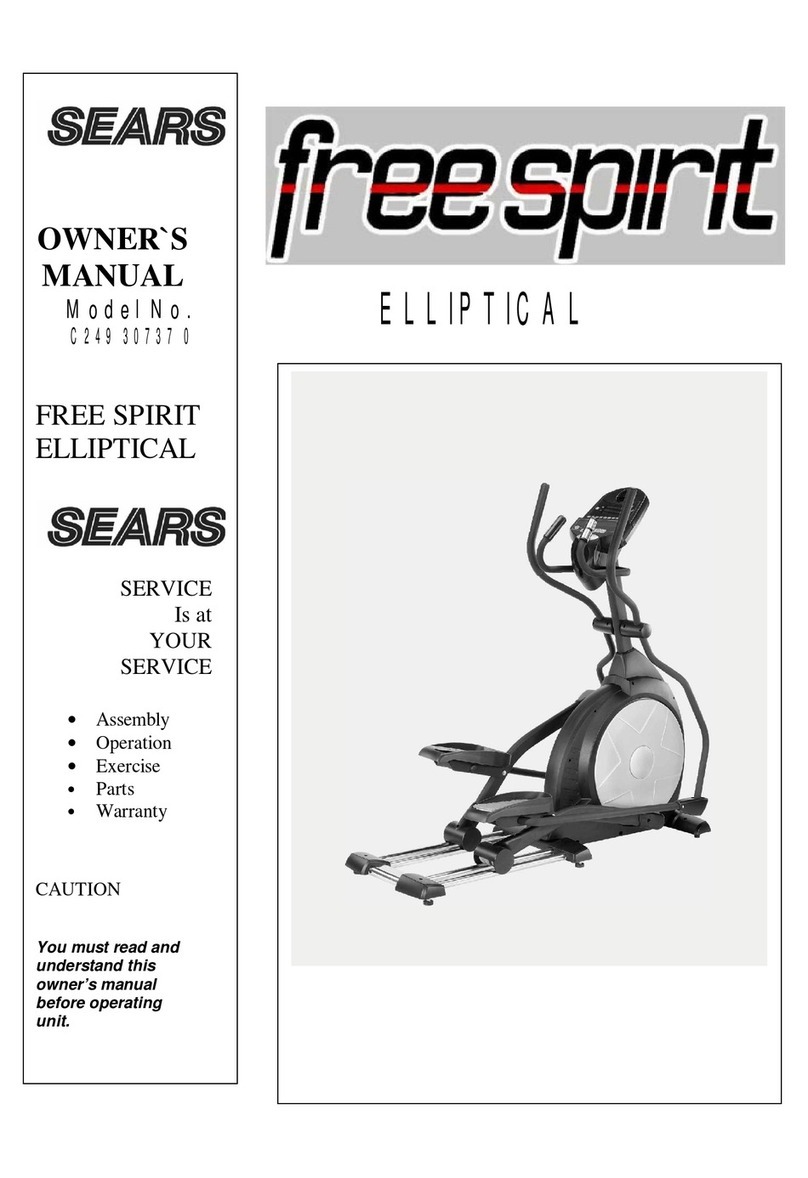
Sears FREE SPIRIT C249 30737 0 owner's manual

Sears

Sears FREE SPIRIT C249 30737 0 owner's manual

True FS-64 Assembly manual

True

True FS-64 Assembly manual

Sport-thieme ST 310 manual

Sport-thieme

Sport-thieme ST 310 manual

manuals.online logo
manuals.online logoBrands
  • About & Mission
  • Contact us
  • Privacy Policy
  • Terms and Conditions

Copyright 2025 Manuals.Online. All Rights Reserved.

CAUT ON
Read all precautions and instruc-
tions in this manual before using
this equipment. Keep this manu-
al for future reference.
Model No. WLEVEL2985.0
Serial No.
www.iconeurope.com
Visit our website at
USERʼS MANUAL
Serial Number
Decal
QUEST ONS?
As a manufacturer, we are com-
mitted to providing complete cus-
tomer satisfaction. f you have
questions, or if there are missing
or damaged parts, please call:
Or write:
CON Health & Fitness, Ltd.
Unit 4
Revie Road ndustrial Estate
Revie Road, Beeston
Leeds, LS11 8JG
UK
email: [email protected]
08457 089 009
TABLE OF CONTENTS
IMPORTANTPRECAUTIONS ................................................................2
BEFOREYOUBEGIN ......................................................................3
ASSEMBLY ...............................................................................4
HOWTOUSETHEELLIPTICALEXERCISER ...................................................8
MAINTENANCEANDTROUBLESHOOTING....................................................11
CONDITIONINGGUIDELINES...............................................................13
PARTLIST ..............................................................................14
EXPLODEDDRAWING ....................................................................15
ORDERINGREPLACEMENTPARTS ..................................................BackCover
2
MPORTANT PRECAUT ONS
WARN NG: To reduce the risk of serious injury, read the following important precau-
tions before using the elliptical exerciser.
1. Read all instructions in this manual and all
warnings on the elliptical exerciser before
using the elliptical exerciser.
2. Use the elliptical exerciser only as described
in this manual.
3. t is the responsibility of the owner to ensure
that all users of the elliptical exerciser are
adequately informed of all precautions.
4. The elliptical exerciser is intended for home
use only. Do not use the elliptical exerciser in
a commercial, rental, or institutional setting.
5. Keep the elliptical exerciser indoors, away
from moisture and dust. Place the elliptical
exerciser on a level surface, with a mat
beneath it to protect the floor or carpet. Make
sure that there is enough clearance around
the elliptical exerciser to mount, dismount,
and use the elliptical exerciser.
6. nspect and properly tighten all parts regular-
ly. Replace any worn parts immediately.
7. Keep children under the age of 12 and pets
away from the elliptical exerciser at all times.
8. Wear appropriate clothes when exercising;
do not wear loose clothes that could become
caught on the elliptical exerciser. Always
wear athletic shoes for foot protection.
9. The elliptical exerciser should not be used by
persons weighing more than 115 kg (250
lbs.).
10. The pulse sensor is not a medical device.
Various factors, including the user's move-
ment, may affect the accuracy of heart rate
readings. The pulse sensor is intended only
as an exercise aid in determining heart rate
trends in general.
11. Always keep your back straight when using
the elliptical exerciser; do not arch your back.
12. f you feel pain or dizziness whilst exercising,
stop immediately and cool down.
13. The elliptical exerciser does not have a free-
wheel; the pedals will continue to move until
the flywheel stops.
WARN NG: Before beginning this or any exercise program, consult your physician.
This is especially important for persons over the age of 35 or persons with pre-existing health prob-
lems. Read all instructions before using. CON assumes no responsibility for personal injury or
property damage sustained by or through the use of this product.

3
BEFORE YOU BEG N
Congratulations for selecting the new WESLO®
MOMENTUM 900FM elliptical exerciser. The
MOMENTUM 900FM is an incredibly smooth exercis-
er that moves your feet in a natural elliptical path,
minimizing the impact on your knees and ankles. And
the unique MOMENTUM 900FM features adjustable
resistance and a simple-to-use console to help you get
the most from your exercise.
For your benefit, read this manual carefully before
you use the elliptical exerciser. If you have ques-
tions after reading this manual, see the front cover of
this manual. To help us assist you, please note the
product model number and serial number before call-
ing. The model number is WLEVEL2985.0. The serial
number can be found on a decal attached to the ellipti-
cal exerciser (see the front cover of this manual).
To avoid a registration fee for any service needed
under warranty, you must register the elliptical
exerciser at www.wesloservice.com/registration.
Before reading further, please familiarize yourself with
the parts that are labeled in the drawing below.
Handlebar
FRONT
BACK
Pedal Arm
Pedal Disk
Pedal
Console
Pulse Bar
Resistance nob
A warning decal has been placed on the ellip-
tical exerciser. f the decal is missing or illeg-
ible, call the telephone number on the front
cover of this manual and order a free
replacement decal. Apply the decal in the
location shown.
4
ASSEMBLY
Assembly requires two persons. Place all parts of the elliptical exerciser in a cleared area and remove the
packing materials. Do not dispose of the packing materials until assembly is completed. Assembly requires the
included hex keys and your own Phillips screwdriver , adjustable wrench ,
and rubber mallet .
Use the drawings below to identify the small parts used for assembly. The number in parentheses below each
drawing is the key number of the part, from the PART LIST on page 14. The number following the key number is
the quantity needed for assembly. Note: Some small parts may have been pre-assembled. f a part is not in
the parts bag, check to see if it has been pre-assembled.
M6 x 38mm Button
Bolt (50)–4
M4 x 16mm
Screw (42)–4
M10
Washer (35)–2
M10 Split
Washer (59)–2
M10 Nylon
Locknut (33)–6
Pedal Arm Bolt Set (40)–2
M10 x 25mm Patch Screw (22)–2
M10 x 75mm Carriage
Bolt (34)–4
M10 x 68mm Button
Bolt (48)–2
M6 x 48mm Flat Head
Screw (36)–4 M8 x 16mm Button
Screw (68)–2
M8 Split
Washer (69)–2
M6 Nylon
Locknut (27)–4
Wave Washer
(70)–2
1. Identify the Front Stabiliser (10), which is narrower than
the Rear Stabiliser (not shown). Whilst another person
lifts the front of the Frame (1), attach the Front
Stabiliser to the Frame with two M10 x 75mm Carriage
Bolts (34) and two M10 Nylon Locknuts (33).
10
33
34
1
1
5
2. Whilst another person lifts the back of the Frame (1),
attach the Rear Stabiliser (28) to the Frame with two
M10 x 75mm Carriage Bolts (34) and two M10 Nylon
Locknuts (33).
34
28
1
2
33
33
3. Whilst another person holds the Upright (2), remove
the indicated fasteners from the Pulse Bar (65) and the
Upright.
Slide the Pulse Bar (65) onto the indicated bracket on
the Upright (2). Attach the Pulse Bar with two M8 x
16mm Button Screws (68) and two M8 Split Washers
(69). Be careful to avoid pinching the wires.
365
2
68
Bracket
2
65
Fasteners
5. Whilst another person holds the Console (23) near the
Upright (2), connect the wires extending from the
Console to the Upper Wire (44) and the Pulse Wire
(64). Insert the excess wiring into the Upright.
Next, attach the Console (23) to the Upright (2) with
four M4 x 16mm Screws (42). Be careful to avoid
pinching the wires.
Turn the Resistance Knob (45) counterclockwise to
the lowest setting before going to the next step.
5
23
2
64
44
42
45
69
4. The Console (23) requires three “AA” batteries; alka-
line batteries are recommended. Insert three batteries
into the battery compartment. Make sure that the bat-
teries are oriented as shown by the diagram inside
the battery compartment.
23
Batteries
4
6
50
8
27
7. Identify the Left Handlebar (6), which is marked with a
sticker. Insert the Left Handlebar into one of the
Handlebar Arms (5); make sure that the Handlebar
Arm is turned so the hexagonal holes are on the
indicated side. Attach the Left Handlebar to the
Handlebar Arm with two M6 x 38mm Button Bolts (50)
and two M6 Nylon Locknuts (27). Make sure that the
Nylon Locknuts are inside of the hexagonal holes.
Do not fully tighten the Button Bolts yet.
Apply a small amount of the included grease to the left
axle on the Upright (2).
Make sure that there are two Small Handlebar
Bushings (49) in the Left Handlebar (6). Slide a
Handlebar Spacer (47) and the Left Handlebar onto the
left axle on the Upright (2) as shown. Make sure that the
Handlebar Spacer is turned so the curved side is fac-
ing the Upright. Tap an Axle Cap (14) onto the axle.
Repeat this step to assemble the Right Handlebar (8)
and the other Handlebar Arm (5).
Grease
7
47
14
49
5
2
5
6
836
11
13
8. Identify the Left Pedal Arm (11). Attach a Pedal (13) to
the Left Pedal Arm with two M6 x 48mm Flat Head
Screws (36).
Attach the other Pedal to the Right Pedal Arm (not
shown) in the same way.
Hexagonal
Holes
6
1
2
33
Make sure that
the wires and
cables do not
get pinched
and damaged
during this
step.
44
53
48
55
63
59
6. Whilst another person holds the Upright (2) near the
Frame (1), connect the Speed Wire (44) to the Reed
Switch Wire (53). Next, connect the Resistance Cable
(63) to the Lower Cable (55) in the following way:
• See drawing A. Pull up on the metal bracket on the
Lower Cable (55), and insert the tip of the
Resistance Cable (63) into the wire clip inside of the
metal bracket.
• See drawing B. Firmly pull the Resistance Cable
(63) and slide it into the metal bracket on the Lower
Cable (55) as shown.
• See drawing C. Using pliers, squeeze together the
prongs on the upper end of the metal bracket.
Push the excess cable and wire down into the Frame
(1). Slide the Upright (2) onto the Frame. Be careful
not to pinch the wires or cables. Attach the Upright
with two M10 x 68mm Button Bolts (48), two M10 Split
Washers (59), and two M10 Nylon Locknuts (33). Do
not tighten the Button Bolts yet.
55 55
Metal
Bracket
B
AC
55
63
63
63
7
10. Make sure that all parts of the elliptical exerciser are properly tightened. Note: Some hardware may be
left over after assembly is completed. To protect the floor or carpet from damage, place a mat under the ellip-
tical exerciser.
9. Apply a small amount of grease to the axle on the left
Disc Crossbar (16). Slide the Left Pedal Arm (11) and a
Wave Washer (70) onto the axle. Next, slide an M10
Washer (35) onto an M10 x 25mm Patch Screw (22),
and tighten the Patch Screw into the axle.
Apply a small amount of grease to a Pedal Arm Bolt
Set (40) and to the surfaces of the Large Handlebar
Bushings (60) in the left Handlebar Arm (5). Next, hold
the lower end of the left Handlebar Arm inside of the
bracket on the Left Pedal Arm (11). Attach the Left
Pedal Arm to the left Handlebar Arm with the Bolt Set.
Do not overtighten the Bolt Set; the Handlebar Arm
must pivot freely.
Attach the Right Pedal Arm (not shown) to the right
side of the elliptical exerciser in the same way.
See step 6. Tighten the M10 x 68mm Button Bolts (48)
in the Upright (2).
See step 7. Tighten the M6 x 38mm Button Bolts (50)
in the Handlebar Arms (5).
Grease
Grease
22 35
11
5
9
60 60
16
40
40
70
8
HOW TO USE THE ELL PT CAL EXERC SER
HOW TO EXERC SE ON THE ELL PT CAL
EXERC SER
To mount the elliptical exerciser, hold the handlebars or
the pulse bar and step onto the pedal that is in the
lowest position. Then, step onto the other pedal. Push
the pedals until they begin to move with a continuous
motion. Note: The pedal disks can turn in either
direction. t is recommended that you move the
pedal disks in the direction shown by the arrow;
however, for variety, you may turn the pedal disks
in the opposite direction.
To dismount the elliptical exerciser, wait until the ped-
als come to a complete stop. Note: The elliptical
exerciser does not have a free wheel; the pedals
will continue to move until the flywheel stops.
When the pedals are stationary, step off the highest
pedal first. Then, step off the lowest pedal.
HOW TO ADJUST THE PEDAL NG RES STANCE
As you exercise,
you can adjust the
resistance of the
pedals with the
resistance knob on
the upright. To
increase the resis-
tance, turn the
knob clockwise; to
decrease the resis-
tance, turn the
knob counterclock-
wise.
Pedal Disk
Pedal
Handlebars
Pulse Bar
Resistance
nob
9
FEATURES OF THE CONSOLE
The easy-to-use console displays instant exercise
feedback and allows you to enjoy your favorite FM
radio stations during your workouts.
The console features seven exercise feedback modes:
• Speed—This mode displays your pedalling speed,
in kilometres per hour or miles per hour.
• Time—This mode displays the elapsed time. Note:
If you stop pedalling for a few seconds, the time
mode will pause.
• Distance—This mode displays the distance you
have pedalled, in kilometres or miles.
• Calories—This mode displays the approximate
number of calories you have burned.
• Fat Calories—This mode displays the approximate
number of fat calories you have burned (see FAT
BURNING on page 13).
• Pulse—This mode displays your heart rate when
you use the pulse sensor.
• Scan—This mode displays the speed, time, dis-
tance, calories, fat calories, and pulse modes, for a
few seconds each, in a repeating cycle. Note: The
pulse mode will be displayed only when the hand-
grip pulse sensor is being used.
HOW TO OPERATE THE CONSOLE
Make sure that there are batteries in the console (see
BATTERY REPLACEMENT on page 11). If there is a
sheet of clear plastic on the console, peel off the plas-
tic. Follow the steps below to operate the console.
1. Turn on the console.
To turn on the console, press the ON/RESET but-
ton or begin pedalling. The display will flash once;
the console will then be ready for use.
2. Select one of the modes.
Scan mode—
Each time the
console is turned
on, the scan mode
will be selected.
One mode indica-
tor will appear
below the word
SCAN to show
that the scan
mode is selected,
and a second mode indicator will show which
mode is currently displayed. Note: If you have
selected a different mode, repeatedly press the
MODE button to reselect the scan mode.
Speed, time, dis-
tance, calories,
or fat calories
mode—To select
one of these
modes for contin-
uous display,
repeatedly press
the MODE button.
The mode indicators will show which mode is
selected. Make sure that there is not a mode indi-
cator below the word SCAN.
To reset the display, press the ON/RESET button.
Note: The console can display speed and dis-
tance in either kilometres or miles. To change
the unit of measurement, hold down the
ON/RESET button for about six seconds. The let-
ters “km/h” or “mph” will appear in the display to
show which unit of measurement is selected. When
the batteries are replaced, it may be necessary to
reselect the desired unit of measurement.
Mode Indicators
10
3. Measure your heart rate if desired.
f there are
sheets of clear
plastic on the
metal contacts
on the handgrip
pulse sensor,
peel off the plas-
tic. To measure
your heart rate,
hold the handgrip pulse sensor, with your palms
resting against the metal contacts. Avoid moving
your hands or gripping the contacts too tightly.
When your pulse
is detected, a
heart-shaped
symbol will flash
in the right side
of the display
each time your
heart beats, one
or two dashes
will appear, and then your heart rate will be shown.
For the most accurate heart rate reading, hold the
handgrip pulse sensor for at least 15 seconds. Note:
If you continue to hold the handgrip pulse sensor,
the display will show your heart rate for up to 30
seconds. The display will then show your heart
rate along with the other modes.
If your heart rate is not shown, make sure that your
hands are positioned as described. Be careful not
to move your hands excessively or to squeeze the
metal contacts too tightly. For optimal performance,
clean the metal contacts using a soft cloth; never
use alcohol, abrasives, or chemicals.
4. Listen to the FM radio if desired.
If the FM radio is not already turned on, rotate the
knob at the bottom of the console clockwise.
To select a radio station, press the up or down
arrow button beside the speaker; hold down the up
or down arrow button to scan for the next available
radio station. Note: To enhance reception, try repo-
sitioning the elliptical exerciser.
To adjust the volume of the radio, rotate the knob
at the bottom of the console.
To turn off the radio, rotate the knob at the bottom
of the console counterclockwise until you hear a
click.
5. Turn off the console.
To turn off the console, simply wait for a few min-
utes. The console has an “auto-off” feature. If the
pedals are not moved and the console buttons are
not pressed for a few minutes, the console will turn
off automatically to save the batteries. Note: If the
radio is on when the console turns off, the radio
will also turn off.
WARN NG: The pulse sensor
is not a medical device. Various factors,
including the userʼs movement, may
affect the accuracy of heart rate readings.
The pulse sensor is intended only as an
exercise aid in determining heart rate
trends in general.
Metal
Contacts