manuals.online logo
Brands
  1. Home
  2. •
  3. Brands
  4. •
  5. Woosh
  6. •
  7. Bicycle
  8. •
  9. Woosh Zephyr User manual

Woosh Zephyr User manual

Other manuals for Zephyr

1

Other Woosh Bicycle manuals

Woosh Faro User manual

Woosh

Woosh Faro User manual

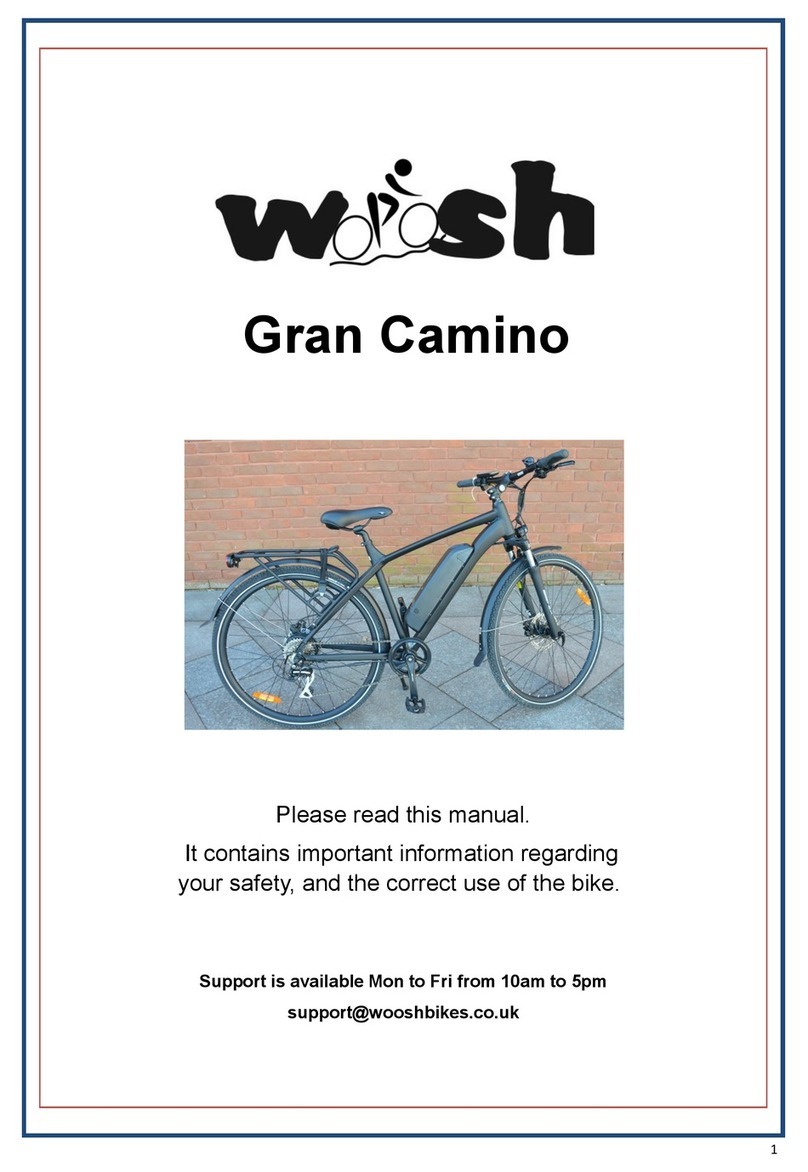
Woosh Gran Camino User manual

Woosh

Woosh Gran Camino User manual

Woosh Sundowner User manual

Woosh

Woosh Sundowner User manual

Woosh Gallego User manual

Woosh

Woosh Gallego User manual

Woosh Big Bear Assembly instructions

Woosh

Woosh Big Bear Assembly instructions

Woosh Sirocco Big Bear User manual

Woosh

Woosh Sirocco Big Bear User manual

Woosh Krieger User manual

Woosh

Woosh Krieger User manual

Woosh Zephyr 2017 User manual

Woosh

Woosh Zephyr 2017 User manual

Woosh Sirocco 2 User manual

Woosh

Woosh Sirocco 2 User manual

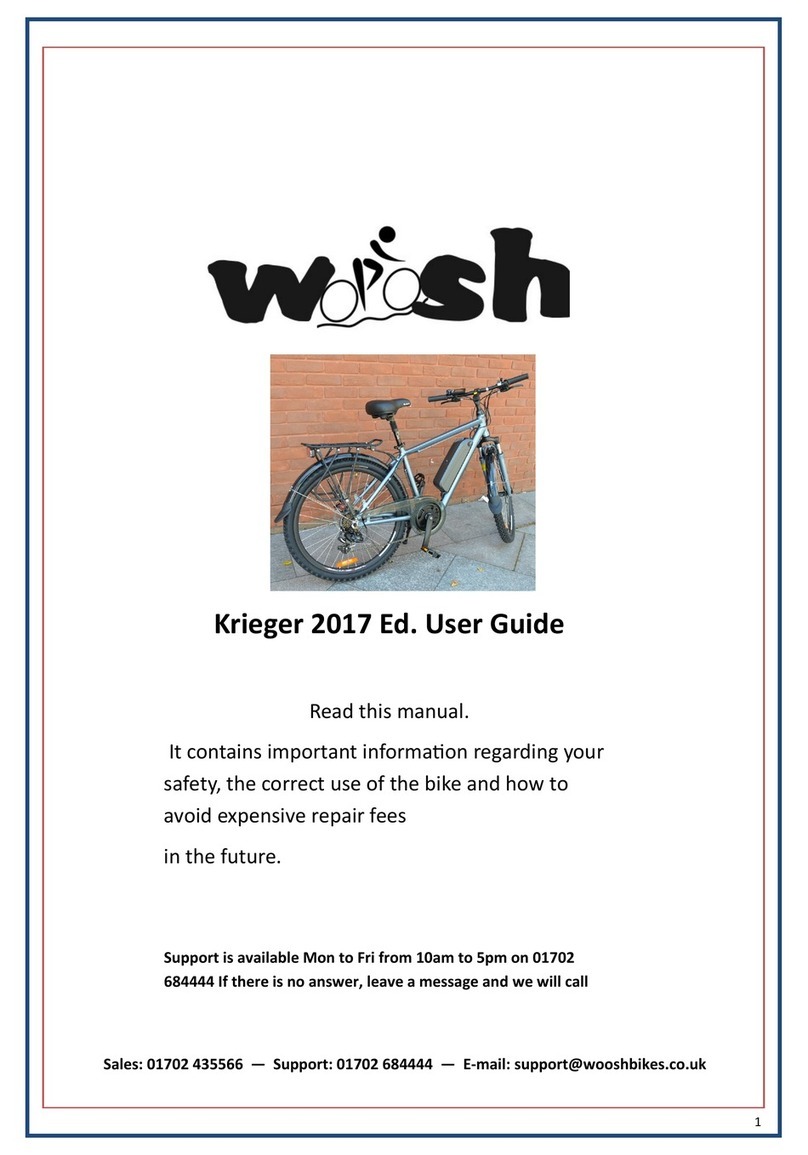
Woosh Krieger 2017 User manual

Woosh

Woosh Krieger 2017 User manual

Woosh Sirocco Sport User manual

Woosh

Woosh Sirocco Sport User manual

Woosh Rio FB User manual

Woosh

Woosh Rio FB User manual

Woosh Aspen X User manual

Woosh

Woosh Aspen X User manual

Woosh Zephyr User manual

Woosh

Woosh Zephyr User manual

Woosh Aspen X User manual

Woosh

Woosh Aspen X User manual

Woosh Big Bear User manual

Woosh

Woosh Big Bear User manual

Popular Bicycle manuals by other brands

Grace ONE manual

Grace

Grace ONE manual

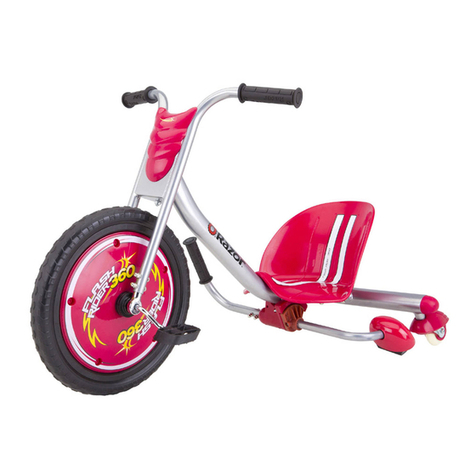
Razor FLASHRIDER 360 user manual

Razor

Razor FLASHRIDER 360 user manual

TAUBIK SOHO 2.0 user manual

TAUBIK

TAUBIK SOHO 2.0 user manual

Oxybul FREEbul 331067 manual

Oxybul

Oxybul FREEbul 331067 manual

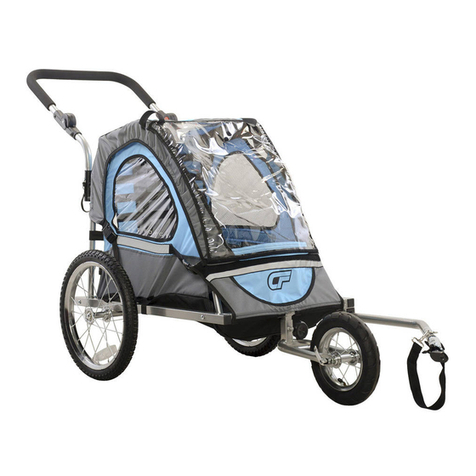
Cycle Force Group BICYCLE BABY TRAILER & JOGGER Assembly instructions

Cycle Force Group

Cycle Force Group BICYCLE BABY TRAILER & JOGGER Assembly instructions

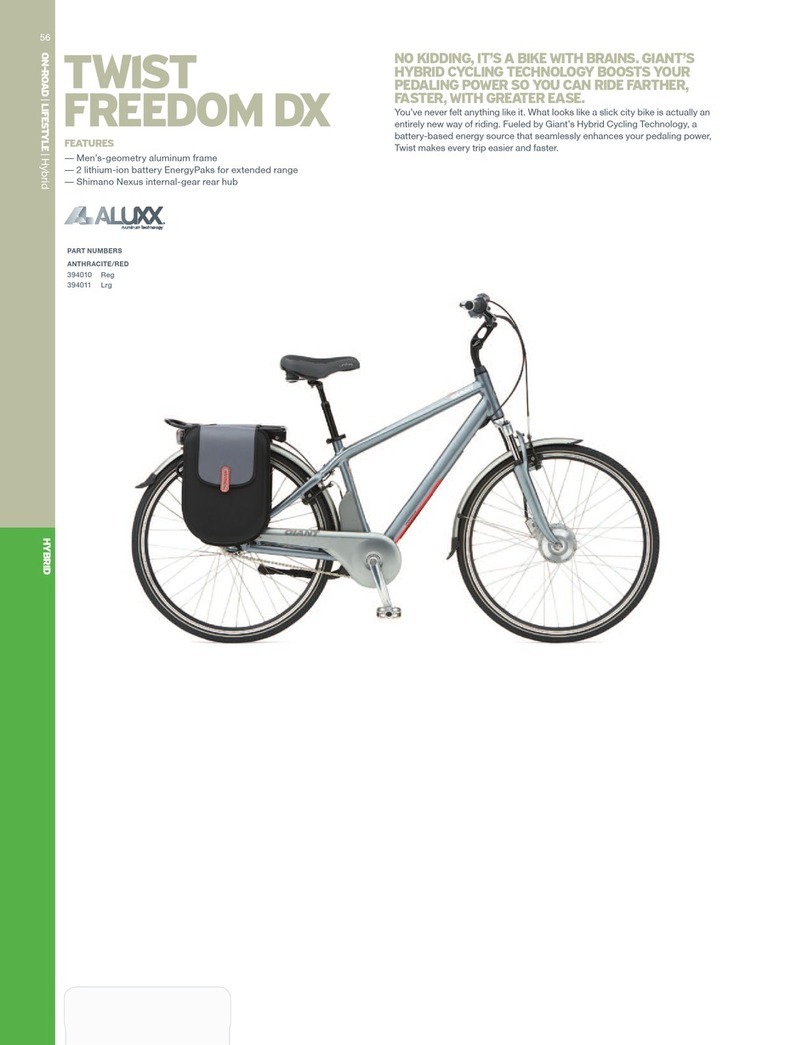
Giant TWIST FREEDOM DX datasheet

Giant

Giant TWIST FREEDOM DX datasheet

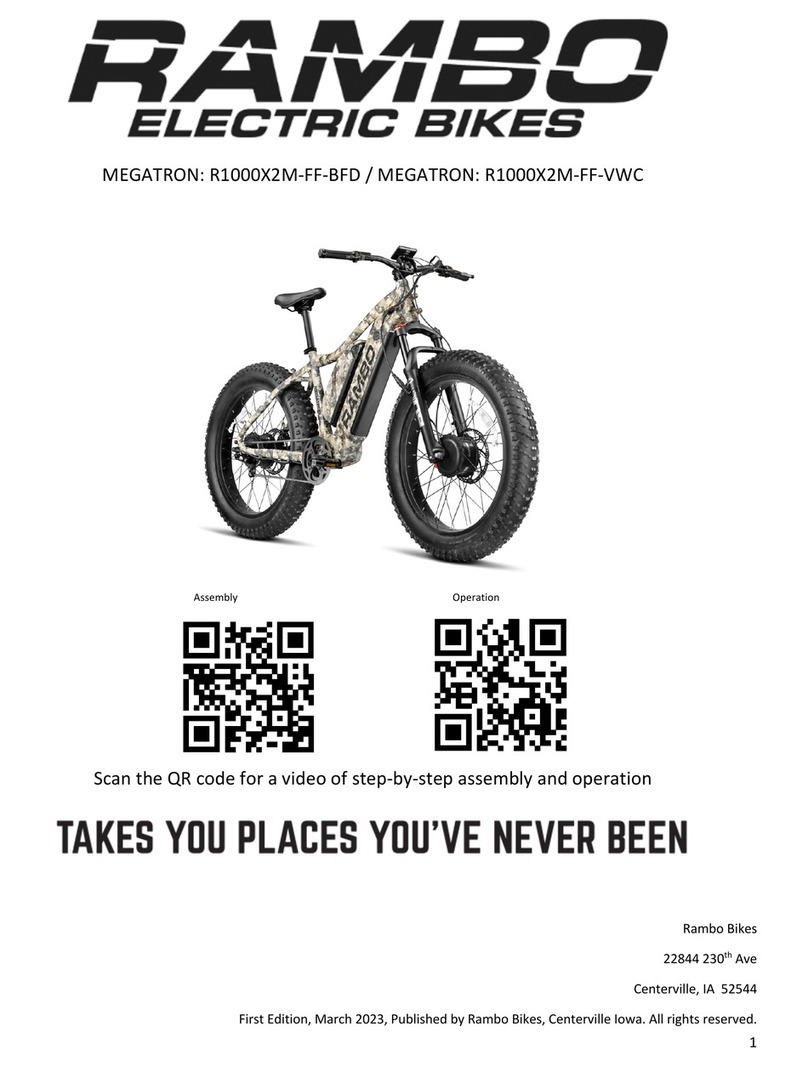
RAMBO R1000X2M-FF-BFD manual

RAMBO

RAMBO R1000X2M-FF-BFD manual

Vermeiren SAFARI Maintenance manual

Vermeiren

Vermeiren SAFARI Maintenance manual

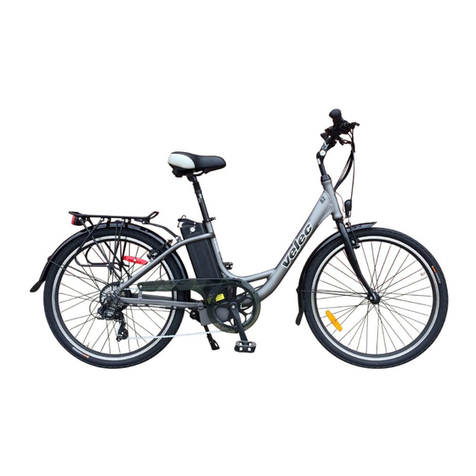
Velec A2/36V owner's manual

Velec

Velec A2/36V owner's manual

Cervélo S3 2019 Assembly manual

Cervélo

Cervélo S3 2019 Assembly manual

Festo EGSC-BS-KF Instructions & Operating

Festo

Festo EGSC-BS-KF Instructions & Operating

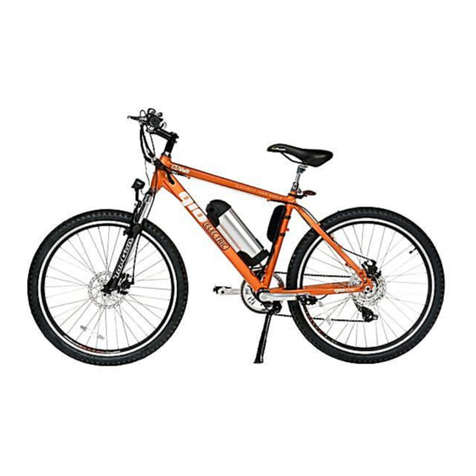
Gio Electric H1 Volt owner's manual

Gio Electric

Gio Electric H1 Volt owner's manual

Huka orthros manual

Huka

Huka orthros manual

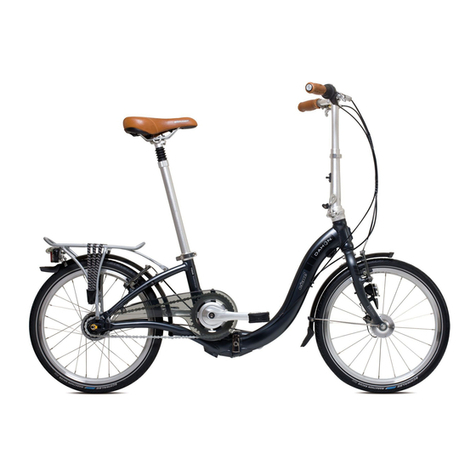
DAHON CIAO - 2009 manual

DAHON

DAHON CIAO - 2009 manual

Aprimatic ONDA 500 Installation, use and maintenance instructions

Aprimatic

Aprimatic ONDA 500 Installation, use and maintenance instructions

Greyp G6 Series user manual

Greyp

Greyp G6 Series user manual

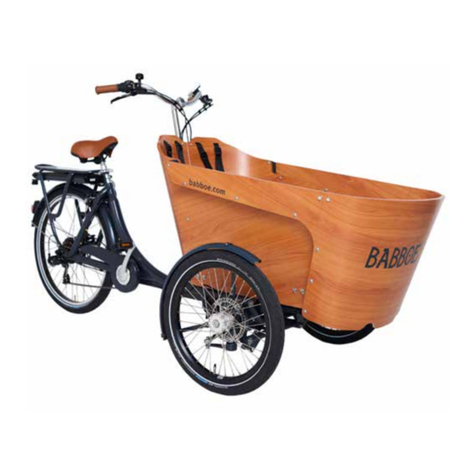
Babboe Carve-E user manual

Babboe

Babboe Carve-E user manual

Xtracycle Stoker 2021 Assembly manual

Xtracycle

Xtracycle Stoker 2021 Assembly manual

manuals.online logo
manuals.online logoBrands
  • About & Mission
  • Contact us
  • Privacy Policy
  • Terms and Conditions

Copyright 2025 Manuals.Online. All Rights Reserved.

Woosh Zephyr Manual
Introduction:
Congratulations on your purchase of a Woosh electric cycle.
The Woosh Zephyr folding electric bike has a high perform-
ance light-weight lithium battery, making it a sturdy yet very
light and portable bike, while also offering exceptional value.
To ensure that your bike provides you with the best experi-
ence possible, make sure you read and understand this
manual in its entirety before using the bike for the first time.
Sections:
. Unpacking
2. Preparing the Bike for Use
3. Controls and Indicators
4. Riding the Bike
5. Folding the Bike
6. Battery Care
7. Adjusting the Brakes
8. Warranty
9. Returns
0. Faulty Goods
. Spares
2. General Usage and Essential Regular Maintenance
1 – Unpacking
Keep the carton upright. Remove the shipping straps and cut
the tape seals. Keep the carton/bike in the upright position,
open the top and remove the saddle and the front wheel.
Now lift out the bike and place it on a sturdy surface.
Remove the charger, pedals and all remaining packaging
from the bike. Now rotate the handlebars up and into position
and lock into place as shown on the next page.
2– Preparing the bike for use
Rotate the handlebars up and into position and engage the
latch. Tighten as required if the latch is not tight enough.
Slide the locking collar up the stem and rotate to into position
as shown below.
2– Preparing the bike for use cont
To fit the saddle, release the clamp as shown and then slide
the saddle into position at the desired height and then close
the clamp to lock the saddle in place. It may be necessary to
tighten the thumb-screw side of the clamp to get a tight
enough fit when the clamp is closed. To do this, release the
clamp and tighten the thumb-screw a little and try again, re-
peat as necessary to ensure the clamp is tight enough.
2—Preparing the bike for use cont
To fit the front wheel, it’s easiest to do this with the bike up-
side down. Lower the wheel into position ensuring that the
braking surface sits between the pads and that the wheel is
fully seated within the forks. Tighten the thumb-screw as
necessary before closing the clamp to ensure a tight enough
fit.
If you are unable to slide the brake disc between the pads, it
may be necessary to loosen the cable slightly to allow the
disc to nestle correctly between the pads, re-tighten the ca-
ble. Once the wheel is fitted, ensure that the brakes are
working properly and adjust the tension of the cable if re-
quired.
The bike is now almost ready for use, you should now pump
up the tires to around 40-45psi and check the brakes to en-
sure they are working correctly and adjust if necessary.
The battery leaves the factory only partially charged, you
should top it up before using the bike. Ensure that the
charger is NOT switched on when plugging it into the
bike Attach the supplied charger as shown and then switch
it on. The light on the charger is initially RED, but will turn
GREEN when the battery is fully charged.
2—Preparing the bike for use cont
The pedals must be fitted to the correct side of the bike, they
are marked with L (left) or R (right) as shown below. Finger
tighten the pedals into position and then use the supplied
5mm spanner to tighten the pedals fully. You should now
tighten the crank nuts on either side of the bike as indicated.
It is extremely important that the crank nuts are tight-
ened before the bike is ridden

3—Controls and Indicators
The control module is located on the left side of the handle-
bars, this needs to be switched on using the RED button be-
fore any of the bikes electrical features will function.
Your bike has an integrated front light which is powered di-
rectly from the main battery. This can be turned on/off by
pressing the BLUE button on the control module as shown
below. This module also indicates the battery status and the
level of assistance being provided by the motor. The GREEN
button is used to vary the level of motor assistance.
The throttle control is located on the right side of the handle-
bars. The further the throttle is rotated/pulled, the more as-
sistance is provide by the motor. To enable the throttle to
function, you will need to press the RED switch indicated in
the picture below/left.
Light Battery
Assistance
On/Off
4—Riding the Bike
Before riding the bike, turn on the battery using the control
module as shown and enable the throttle control by pressing
the RED button as shown.
The first few times you ride the bike, it is sensible to pedal a
short distance before engaging the throttle control to ensure
you are balanced.
The throttle control is activated by rotating the handle to-
wards you as indicated on the previous page. The more the
throttle is pulled the greater the assistance from the motor.
The Zephyr also provides pedal-assist which basically does
what it says — when pedalling, it is made easier because the
motor assists you.