10
Riding the bike
o begin using the bike, then press (and hold) the red button to switch on the control panel. he bike is
now effectively on, and if you ride it in this state, the motor will provide assistance when pedalling and
you will also be able to use the twist-grip/throttle if you wish. o vary the amount of assistance provided
by the motor, use the ‘MODE’ button to cycle through the assistance levels. he available modes are low,
medium, high and off. o switch the bike off, simply press AND hold the middle button again.
Important note about the maximum speed. You may not reach the maximum speed on throttle alone.
he motor will only assist you up to 15mph. hough of course you are free to pedal as fast as you like, be-
yond 15mph if you wish, but the motor will not help you beyond the 15mph limit. his limit is in accor-
dance with current UK law.
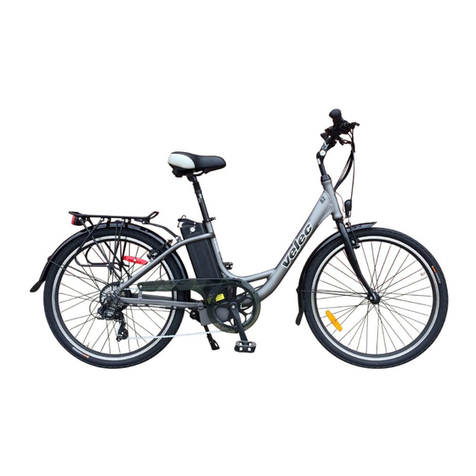
he twist-grip is located on the right side of the handlebars as shown below. o enable the twist-grip, flick
the red switch to the ‘On’ position. With this switch on, you will have both the pedal-assist and the throt-
tle features available. With this switch in the ‘Off’ position, you will only have pedal-assist. he more the
throttle is twisted, the faster the bike will go, but obviously not beyond 15 mph.
he twist-grip cannot be used to perform a standing start, you should pedal a few metres and then en-
gage the twist-grip if required.
he three LED’s across the top of the con-
trol panel indicate the status of the battery.
You should ideally charge the battery when
just one of the LED’s goes off.
!!! WARNING !!!
This bike features a low-speed walking
mode which is activated by pressing and
holding the ‘Mode’ button Be careful not
to activate this by mistake when attempt-
ing to turn off the bike