7
INSERTING AND REMOVING DRILL BIT IN SDS
Take care that the dust protection cap (9) is not damaged when
changing tools.
• Inserting
Clean and lightly oil the bit before inserting. Insert the dust-free bit
into the bit holder with a twisting motion until it latches.The bit locks
itself. Check the locking by pulling on the tool.
• Removing
Retract back the bit holder locking sleeve (8) and pull out the bit.
Warning!Your new WORX Rotary Hammer Drill generates
powerful forces to get your job done quickly and effectively. These
forces may cause inferior quality SDS bits to break and jam in the
chuck.We therefore recommend that only high quality SDS bits be
used with this tool.
MOUNTING OF BIT IN KEYED CHUCK
(WU330.1/WU330.2/WU332.1)
Warning
: Do not use tools without SDS-plus for hammer
drilling or chiseling!Before mounting the drill bit, attaching the 13
mm keyed chuck, insert bit between the chuck jaws as far as it will
go. Ensure drill bit is in the center of the chuck jaws. Using the chuck
key provided, there are three holes in which the chuck key should be
inserted. Tighten them equally in turn at each of the three holes, not
just at one hole. Your drill bit is now locked in the chuck. The bit can
be removed by reversing the above procedure (See B).
ON/OFF SWITCH WITH VARIABLE SPEED CONTROL
Depress to start and release to stop your tool. This tool has a variable
speed switch (1) that delivers higher speeds with increased trigger
pressure - speed is controlled by varying the pressure applied to the
switch (See D)
3
4
5
SWITCH LOCK-ON BUTTON
Depress the on/off switch (1) then the lock on button (2) (See D);
release the on/off switch first and the lock-on button second. Your
switch is now locked on for continuous use. To switch off your tool
just depress and release the on/off switch.
AUXILIARY HANDLE
Slide the handle onto the drill and rotate to the desired working
position. To clamp the auxiliary handle rotates the handle clockwise.
To loosen the auxiliary handle rotate the handle anti-clockwise (See
E).
Warning:Always use the auxiliary handle.
FORWARD AND REVERSE ROTATION CONTROL
With the drill pointing away from you, push the forward/reverse-lever
(3) to the left “ “for forward rotation. Push the forward/reverse-
lever (3) to the right for reverse rotation “ “.
Warning: Never change the direction of rotation while the
tool is rotating, wait until it has stopped.
ADJUSTABLE DEPTH STOP
Fit the drill bit or driver bit into the chuck. Loosen the depth stop
by rotating the handle anti-clockwise. Slide the depth stop until the
distance between the depth stop end and the drill/driver bit end is
equal to the depth of hole/screw you wish to make. Then clamp the
depth stop by rotating the handle clockwise.
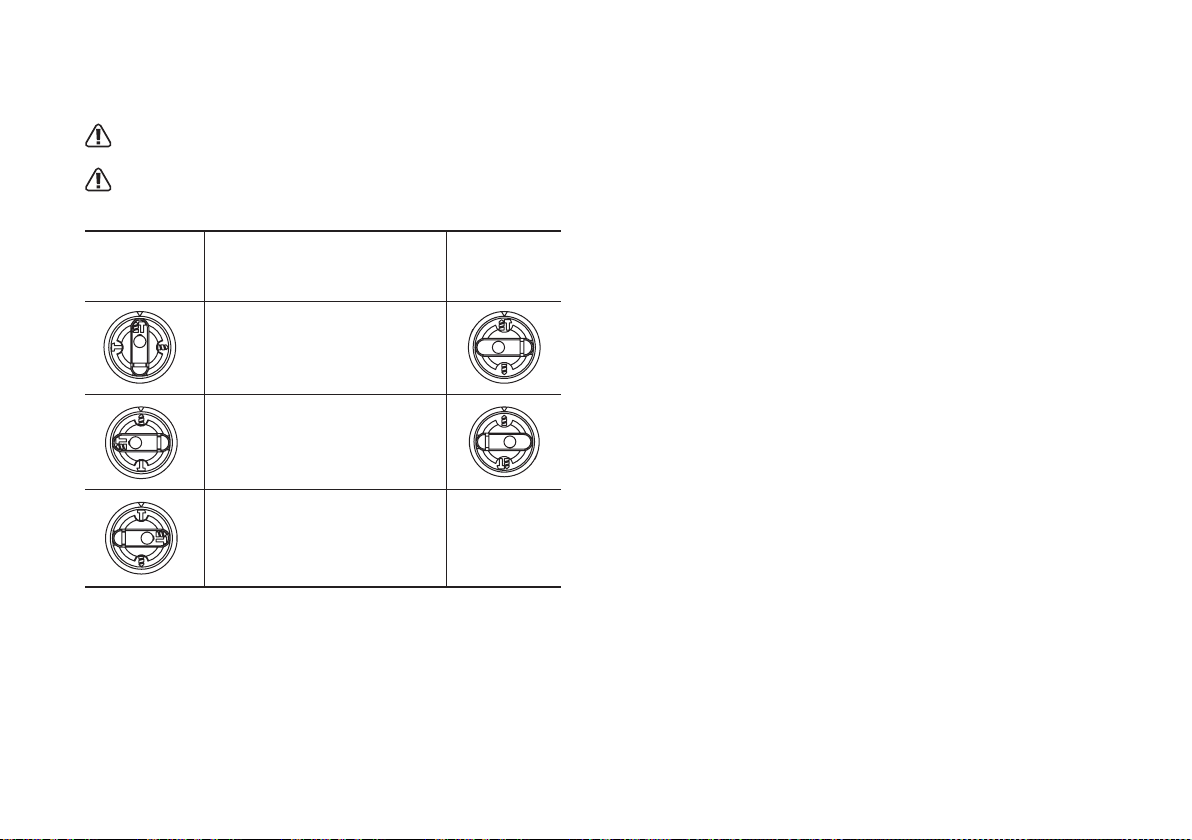
FUNCTION MODE SELECTION (See F & G)
The operation of the gearbox for each application is set with the
function mode selection switch (4), To change between functions,
6
7
8
9
10