manuals.online logo
Brands
  1. Home
  2. •
  3. Brands
  4. •
  5. X10
  6. •
  7. Accessories
  8. •
  9. X10 LM465 User manual

X10 LM465 User manual

Other X10 Accessories manuals

X10 AM466 User manual

X10

X10 AM466 User manual

X10 MS10A Installation manual

X10

X10 MS10A Installation manual

X10 HawkEye MS13A Installation manual

X10

X10 HawkEye MS13A Installation manual

X10 Motion Monitor PR511 User manual

X10

X10 Motion Monitor PR511 User manual

X10 LM15A User manual

X10

X10 LM15A User manual

X10 LM15A User manual

X10

X10 LM15A User manual

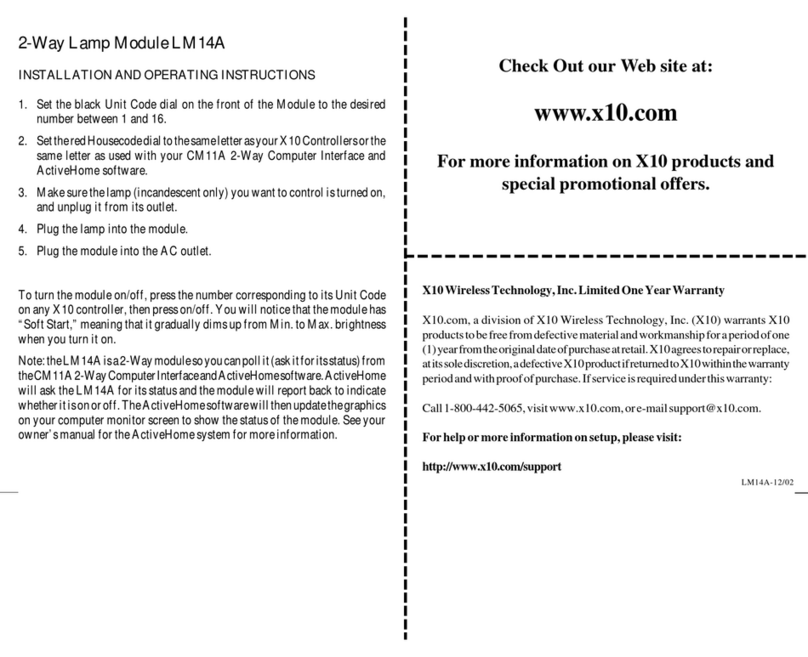
X10 LM14A User manual

X10

X10 LM14A User manual

X10 GB10A User manual

X10

X10 GB10A User manual

X10 SR227 User manual

X10

X10 SR227 User manual

X10 DS12A User manual

X10

X10 DS12A User manual

X10 MS16A User manual

X10

X10 MS16A User manual

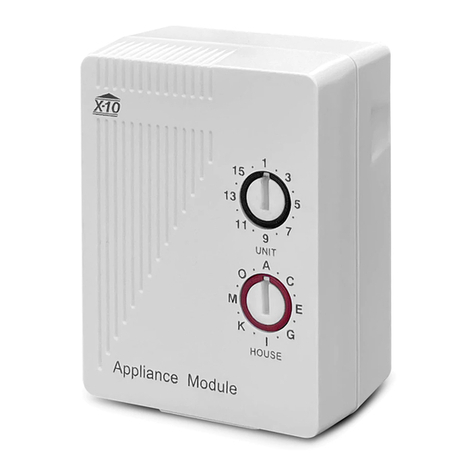
X10 AM14A User manual

X10

X10 AM14A User manual

X10 SC546A User manual

X10

X10 SC546A User manual

X10 Outdoor Motion Sensor PMS03 User manual

X10

X10 Outdoor Motion Sensor PMS03 User manual

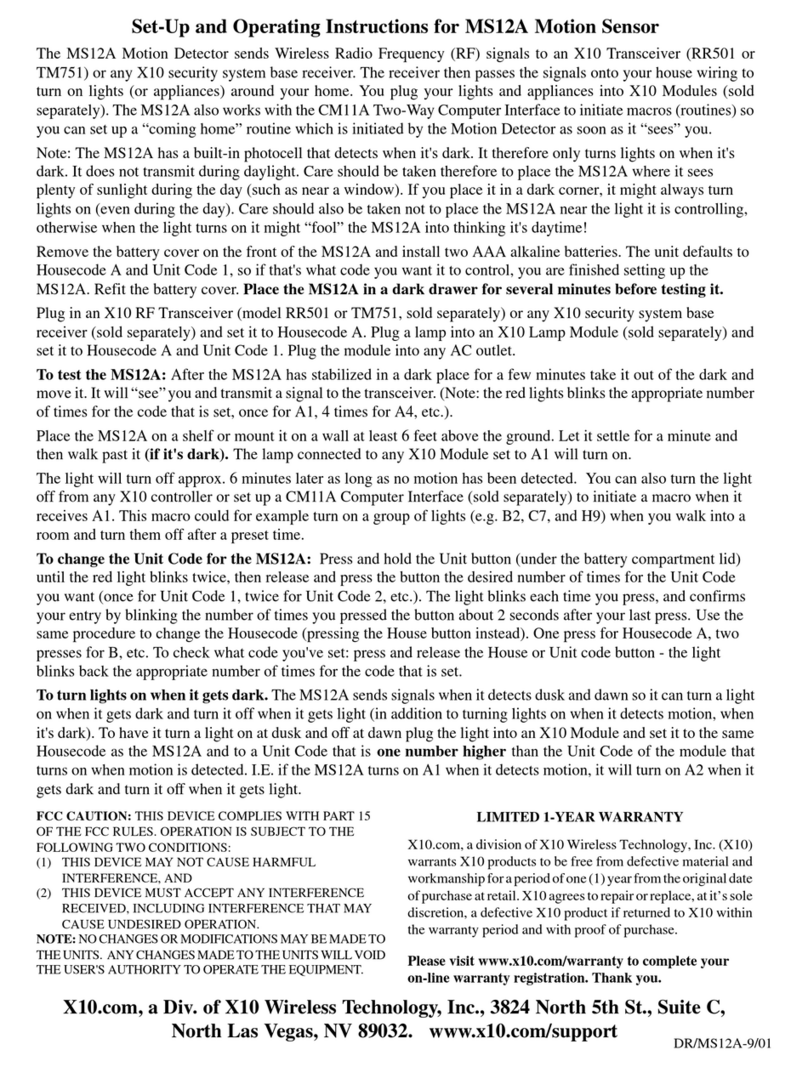
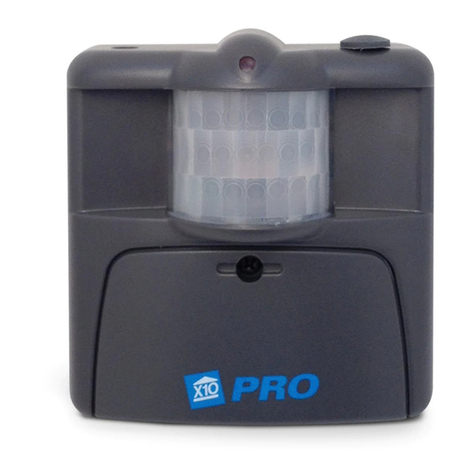
X10 MS12A Installation manual

X10

X10 MS12A Installation manual

X10 DS10A User manual

X10

X10 DS10A User manual

X10 MS13E2 User manual

X10

X10 MS13E2 User manual

X10 DW534 User manual

X10

X10 DW534 User manual

X10 MS15A Installation manual

X10

X10 MS15A Installation manual

X10 HawkEye MS13A User manual

X10

X10 HawkEye MS13A User manual

Popular Accessories manuals by other brands

Quincy lab 140AE-1 operating manual

Quincy lab

Quincy lab 140AE-1 operating manual

HomePro ZIR000 user manual

HomePro

HomePro ZIR000 user manual

DOL 20SCR Technical user guide

DOL

DOL 20SCR Technical user guide

RAB Smart Task installation manual

RAB

RAB Smart Task installation manual

Kemppi KMS 300 quick guide

Kemppi

Kemppi KMS 300 quick guide

Stearns 57,500 Series Installation and service instructions

Stearns

Stearns 57,500 Series Installation and service instructions

iGuzzini TWILIGHT COPENAGHEN manual

iGuzzini

iGuzzini TWILIGHT COPENAGHEN manual

Adelaide Annexe & Canvas Avan Deluxe installation guide

Adelaide Annexe & Canvas

Adelaide Annexe & Canvas Avan Deluxe installation guide

OHAUS 5000 instruction manual

OHAUS

OHAUS 5000 instruction manual

HOME8 WLS1300 quick start guide

HOME8

HOME8 WLS1300 quick start guide

MAXBOTIX MaxSonar quick start guide

MAXBOTIX

MAXBOTIX MaxSonar quick start guide

ioSmart iSmart56 Installation and user guide

ioSmart

ioSmart iSmart56 Installation and user guide

Focusrite Scarlett 18i8 user guide

Focusrite

Focusrite Scarlett 18i8 user guide

Velleman ED38105 user manual

Velleman

Velleman ED38105 user manual

JumpSport SkyBounce user manual

JumpSport

JumpSport SkyBounce user manual

Prima-Temp PRIYA Instructions for use

Prima-Temp

Prima-Temp PRIYA Instructions for use

Tefcold BC85I-BC85I W user manual

Tefcold

Tefcold BC85I-BC85I W user manual

Vaisala WMS302 user guide

Vaisala

Vaisala WMS302 user guide

manuals.online logo
manuals.online logoBrands
  • About & Mission
  • Contact us
  • Privacy Policy
  • Terms and Conditions

Copyright 2025 Manuals.Online. All Rights Reserved.

X10 Wireless Technology, Inc. Limited One Year Warranty
X10.com, a division of X10 Wireless Technology, Inc. (X10) warrants X10
products to be free from defective material and workmanship for a period of
one (1) year from the original date of purchase at retail. X10 agrees to repair
or replace, at its sole discretion, a defective X10 product if returned to X10
within the warranty period and with proof of purchase. If service is required
under this warranty:
Call 1-800-442-5065, visit www.x10.com, or e-mail [email protected].
For help or more information on setup, please visit:
http://www.x10.com/support
LM465-11/02
Check Out our Web site at:
http://www.x10.com
For more information on X10 products and
special promotional offers.
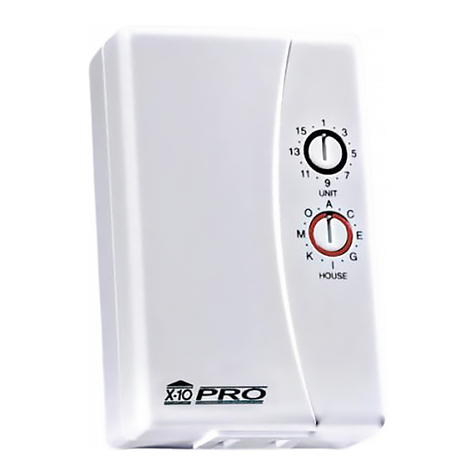
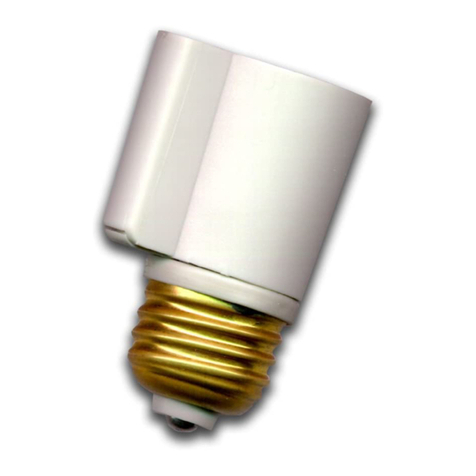
Setting The Module’s Code
Using a small screwdriver, set the red
House Code dial to the same letter as your
Controllers. Set the Black Unit Code dial to
any unused number.
3. Plug the Module into
the same wall outlet as
your controller (see
testing below).
2. Plug a lamp into
the Module.
1. Set the House Code
and Unit Code.
Testing The Module
Make sure the lamp’s switch is on. Plug the Module into the same wall outlet as
your controller, press the On and Off buttons on the controller that correspond
to the Unit Code setting on the Module. If the Module turns on and off you can
unplug the Module or Controller and move it to its permanent location. If you
can’t control the module, visit http://www.x10.com/support for help.
Lamp Module LM465 UNIT CODE
DIAL
HOUSE CODE
DIAL
Ratings
The Lamp Module can be used to control an incandescent lamp rated up to
300W. It is not suitable for other types of lamps such as fluorescent or energy
saving lamps, low voltage lamps, or lamps that include a dimmer control.
Caution: Do not connect an appliance such as a coffee pot or heater to a Lamp
Module. It may damage the Module and/or the appliance and could cause a fire
hazard. Use an Appliance Module instead.