manuals.online logo
Brands
  1. Home
  2. •
  3. Brands
  4. •
  5. xtorm
  6. •
  7. Batteries Pack
  8. •
  9. xtorm FS5200 User manual

xtorm FS5200 User manual

This manual suits for next models

1

Other xtorm Batteries Pack manuals

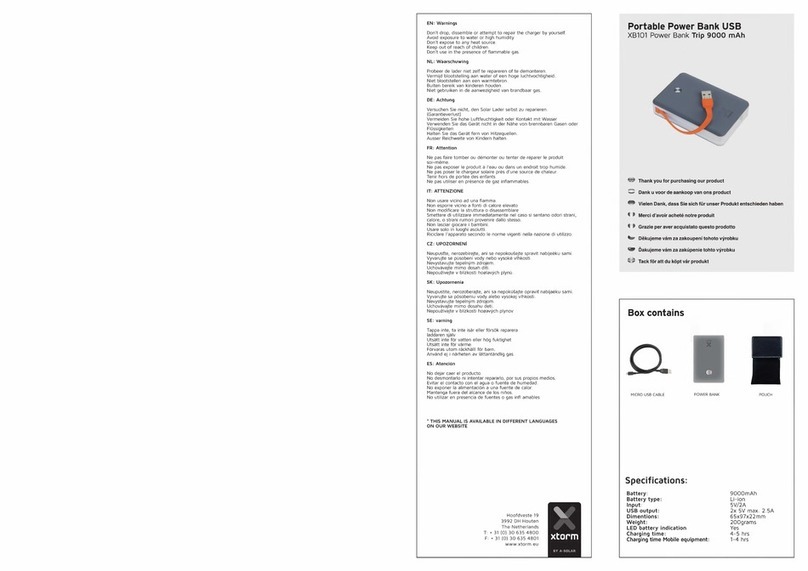
xtorm XB101 User manual

xtorm

xtorm XB101 User manual

xtorm FS5100 User manual

xtorm

xtorm FS5100 User manual

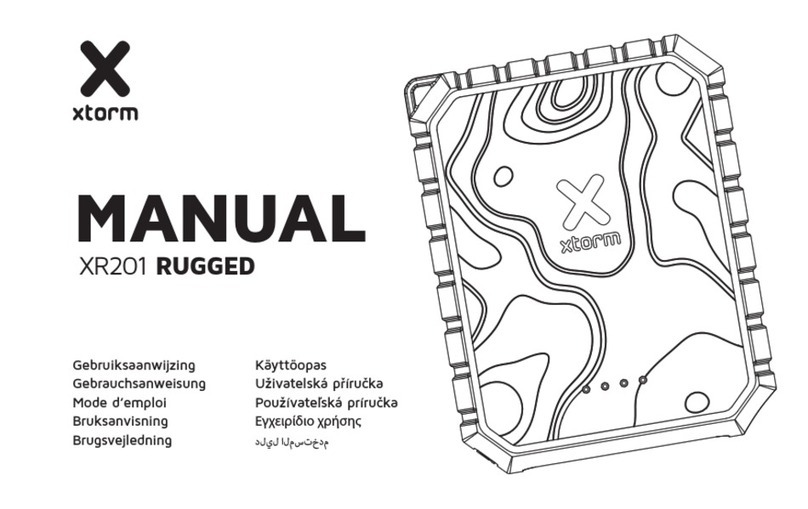
xtorm XR201 RUGGED User manual

xtorm

xtorm XR201 RUGGED User manual

xtorm XB403 TITAN ULTRA User manual

xtorm

xtorm XB403 TITAN ULTRA User manual

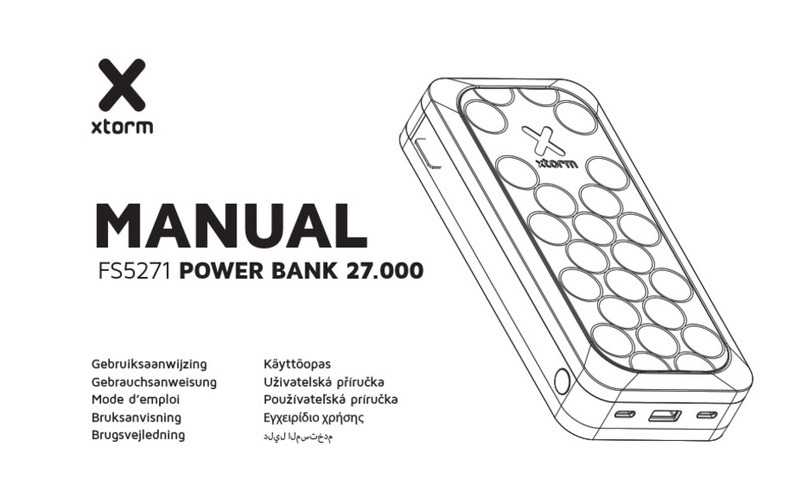
xtorm FS5271 User manual

xtorm

xtorm FS5271 User manual

xtorm XE105 ESSENTIAL User manual

xtorm

xtorm XE105 ESSENTIAL User manual

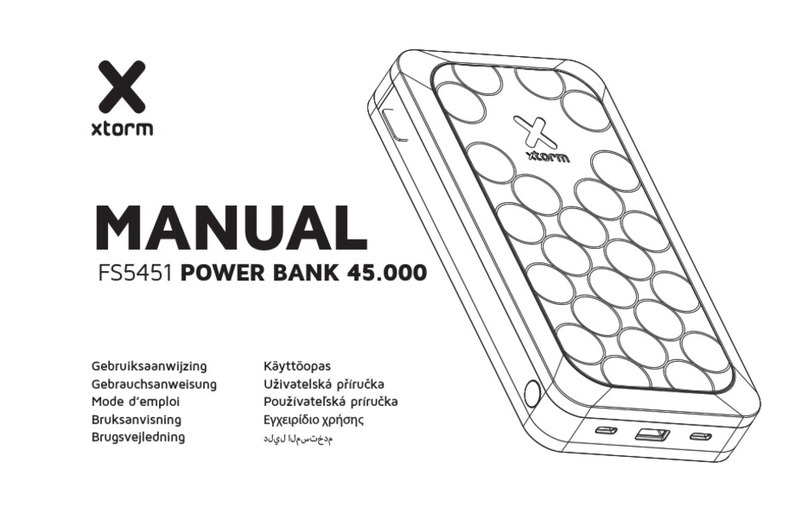
xtorm FS5451 User manual

xtorm

xtorm FS5451 User manual

xtorm XE120 ESSENTIAL User manual

xtorm

xtorm XE120 ESSENTIAL User manual

Popular Batteries Pack manuals by other brands

Acumentrics PACK-POWER SYSTEM Quick reference guide

Acumentrics

Acumentrics PACK-POWER SYSTEM Quick reference guide

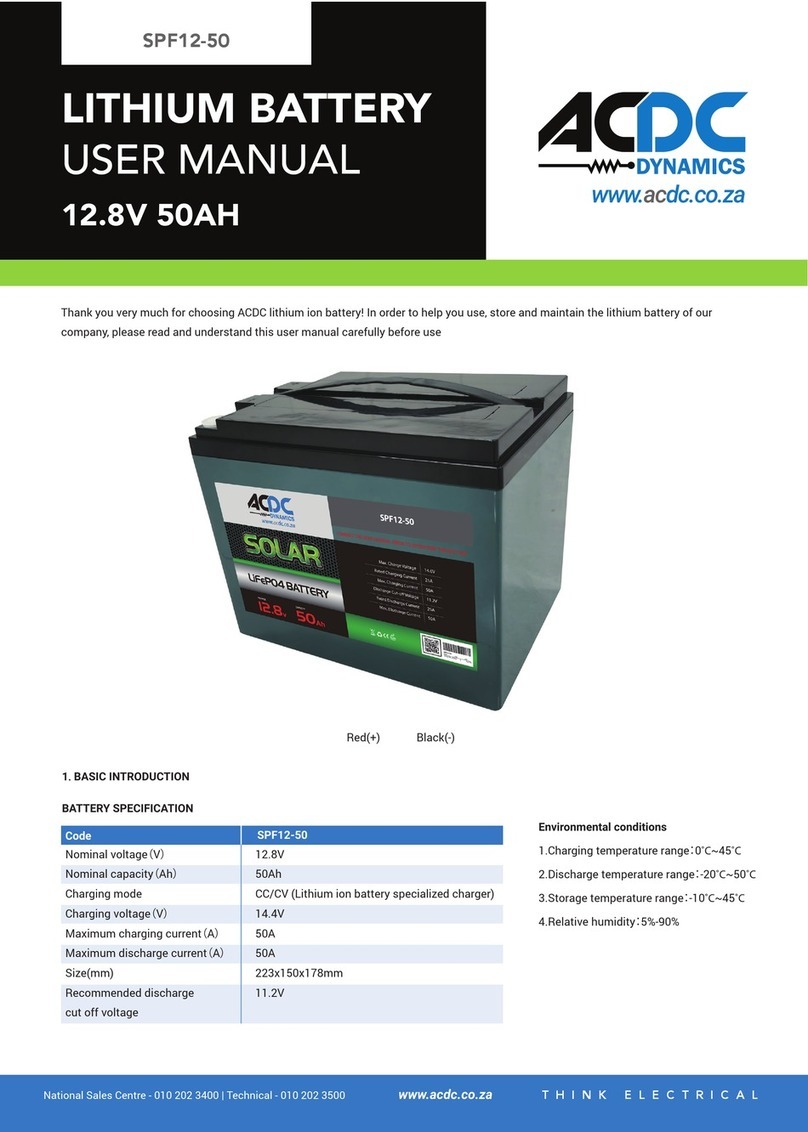
ACDC Dynamics SPF12-50 user manual

ACDC Dynamics

ACDC Dynamics SPF12-50 user manual

Aegis ABL-72020P user manual

Aegis

Aegis ABL-72020P user manual

Dyness TowerESS user manual

Dyness

Dyness TowerESS user manual

Growatt APX 5.0P-S0-US user manual

Growatt

Growatt APX 5.0P-S0-US user manual

CyberPower BCA Series installation manual

CyberPower

CyberPower BCA Series installation manual

Dometic PLB40 operating manual

Dometic

Dometic PLB40 operating manual

V-TAC VT-48280-W2 instruction manual

V-TAC

V-TAC VT-48280-W2 instruction manual

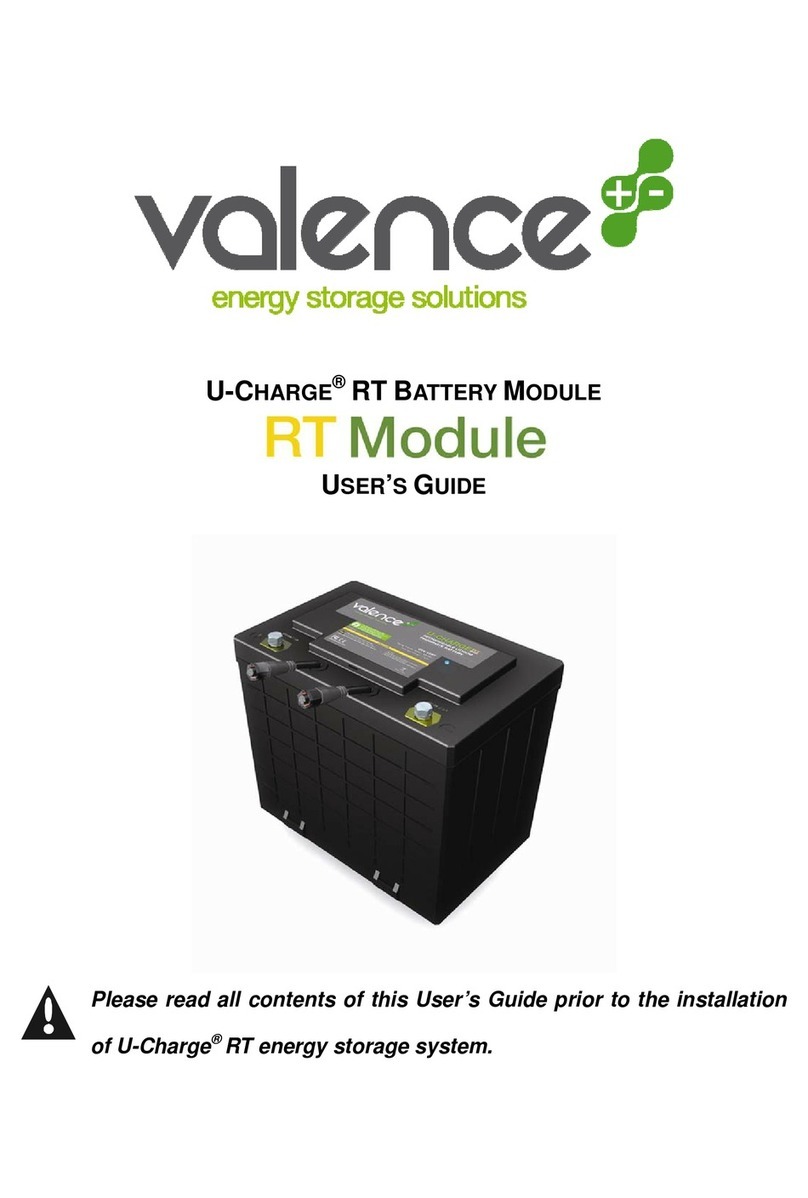
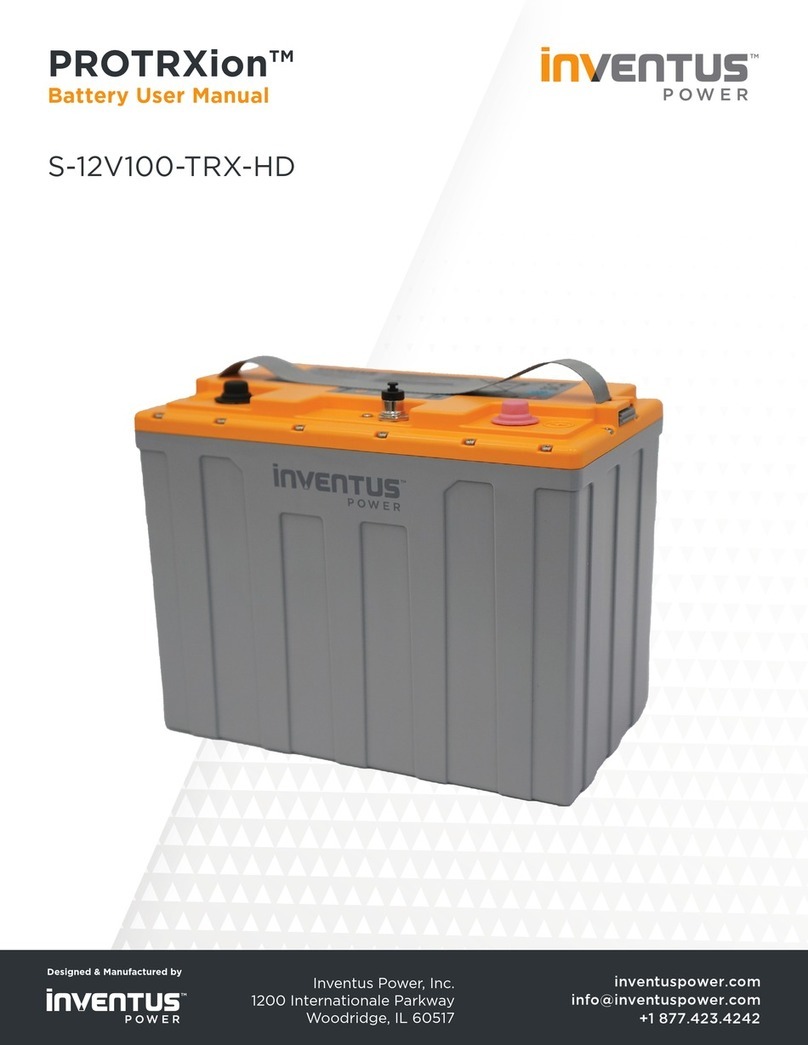
Valence RT user guide

Valence

Valence RT user guide

Nikon MB-D14 user manual

Nikon

Nikon MB-D14 user manual

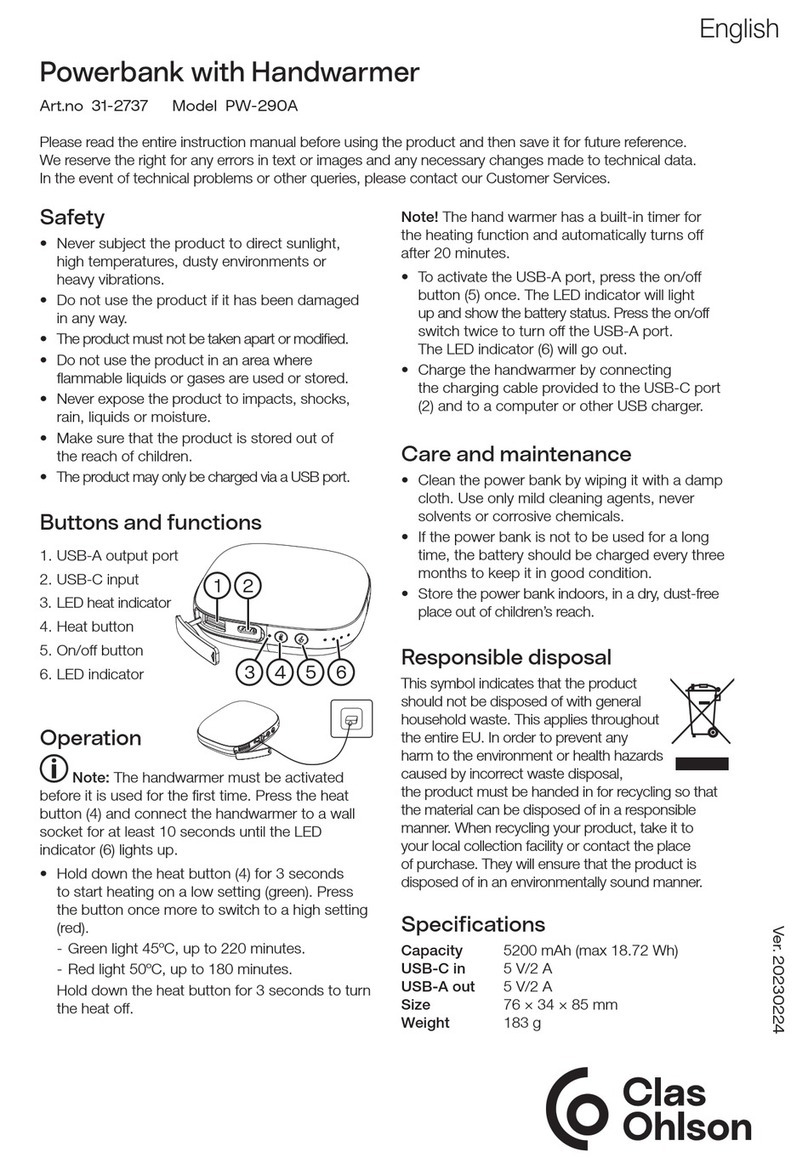
Clas Ohlson PW-290A quick start guide

Clas Ohlson

Clas Ohlson PW-290A quick start guide

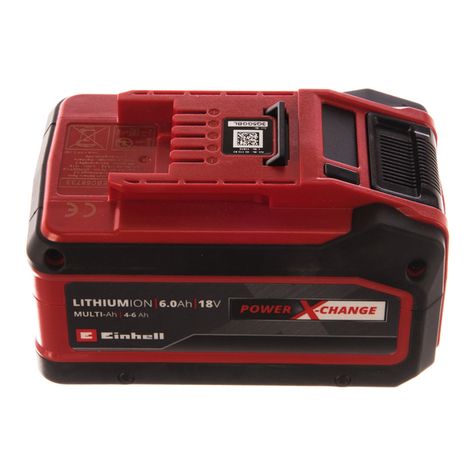
EINHELL MULTI-Ah Power X-Change Plus Original operating instructions

EINHELL

EINHELL MULTI-Ah Power X-Change Plus Original operating instructions

IOGear GBP24V Series user manual

IOGear

IOGear GBP24V Series user manual

Samsung EB-U3300 quick start guide

Samsung

Samsung EB-U3300 quick start guide

ECTIVE LC Series instruction manual

ECTIVE

ECTIVE LC Series instruction manual

Narada 12REXC70 Operation manual

Narada

Narada 12REXC70 Operation manual

Festool BP 12 Original instructions

Festool

Festool BP 12 Original instructions

Simons Voss Technologies CR2450 quick guide

Simons Voss Technologies

Simons Voss Technologies CR2450 quick guide

manuals.online logo
manuals.online logoBrands
  • About & Mission
  • Contact us
  • Privacy Policy
  • Terms and Conditions

Copyright 2025 Manuals.Online. All Rights Reserved.

MANUAL
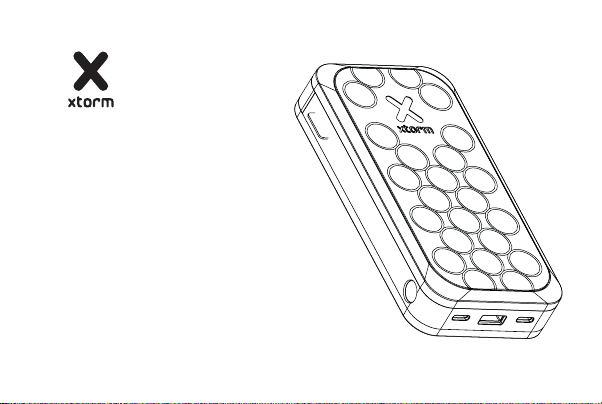
FS5200 POWER BANK 20.000
Gebruiksaanwijzing
Gebrauchsanweisung
Mode d’emploi
Bruksanvisning
Brugsvejledning
Käyttöopas
Uživatelská příručka
Používateľská príručka
Εγχειρίδιο χρήσης
دليل المستخدم
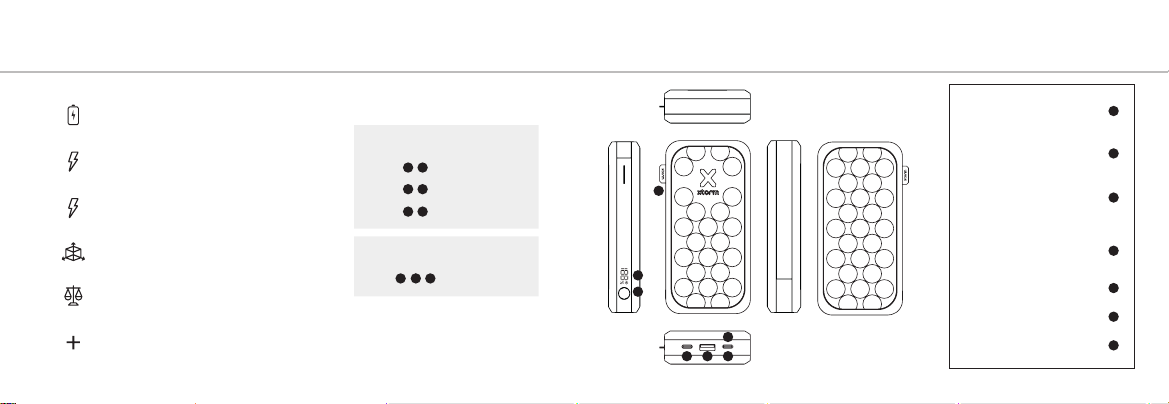
SPECIFICATIONS PRODUCT OVERVIEW1 2
1
2
3
4
5
6
7
20.000 mAh Li-Polymer / 74Wh
2x USB-C PD 35W
1x USB-A 22.5W (QC 3.0 18W / SCP 22.5W)
USB-C PD 35W input
143x77x28 mm
380 grams
1x USB-C PD cable
1x Manual
When using multiple outputs
When using 2 outputs
When using all outputs
Share 15W
21 /
Share 15W
32 /
Share 15W
31 /
Share 15W
3
2
1//
7
6
4
1 2 3
5
Output
USB-C PD 35W
Output
USB-A 22.5W
QC 3.0 18W / SCP 22.5W
Output
USB-C PD 35W
Input
USB-C PD 35W
Power Button
Digital Power Indicator
Official Xtorm Label
CHARGING YOUR DEVICE3 RECHARGING THE POWER BANK 4
A
3A Connect the USB-C end of the charging cable to the USB-C PD output of the Power Bank
and the other end to the input of your device. The charging will start automatically.
3B Charging some devices requires a charging cable other than the one supplied.
E.g. an Apple Lightning®or a Micro USB cable.
4A Connect the USB-C end of the charging cable to output 3 of the Power Bank and the
USB end to a wall charger.
4B For the fastest charging possible use a 35W charger. This will fully recharge the Power
Bank within 3.3 hours.
B
A
COMPATIBLE
DEVICES
B
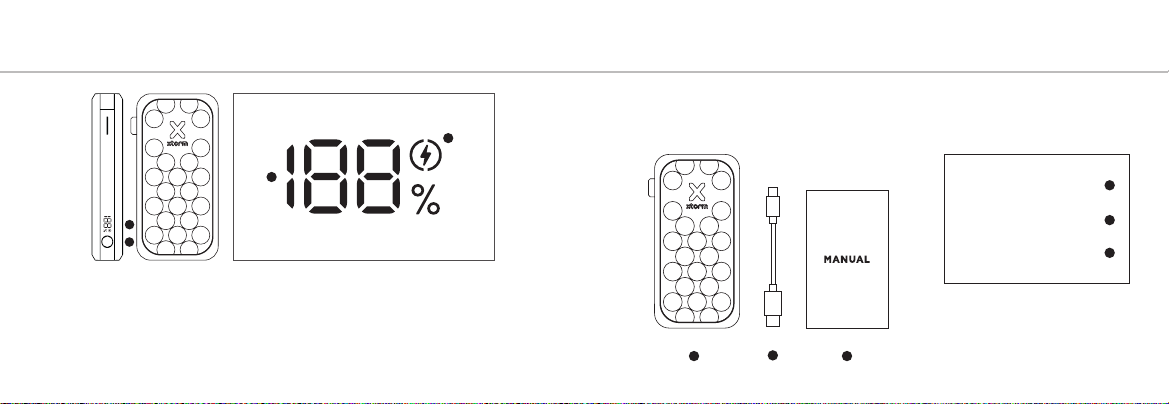
5A Press the Power Button once to display the battery level remaining in the Power
Bank via the LED display. Improved Power Button function:
- single press to turn on/off the diplay
- double press to fully turn on/off the Power Bank
5B The display shows the remaining battery percentage between 0% (empty)
and 100% (fully charged).
LED POWER INDICATOR5 IN THE BOX 6
123
FS5200
Power Bank
USB-C PD Cable
Manual
1
2
3
A
B
C
B
5C The fast charge indicator will light up when you are using the correct cable for
fast charging your device. (35W USB-C PD and higher).
1 SPECIFICATIONS
2 PRODUCT OVERVIEW
3 CHARGING YOUR DEVICE
3.A Connect the USB end of the charging cable to the USB-A output of the Power Bank and
the other end to the input of your device. The charging will start automatically.
3.B Charging some devices requires a charging cable other than the one supplied. E.g. an
Apple Lightning®or a Micro USB cable.
4 RECHARGING THE POWER BANK
4.A Connect the USB-C end of the charging cable to output 3 of the Power Bank and the USB
end to a wall charger.
4.B For the fastest charging possible use a 35W USB-C PD charger. This will fully recharge the
Power Bank within 3.3 hours.
EN - ENGLISH
5 LED POWER INDICATOR
5A Press the Power Button once to display the battery level remaining in the Power Bank via
the LED display. Improved Power Button function:
- single press to turn on/off the diplay
- double press to fully turn on/off the Power Bank
5B The display shows the remaining battery percentage between 0% (empty) and 100% (fully
charged).
5C The fast charge indicator will light up when you are using the correct cable for fast charging
your device. (35W USB-C PD and higher).
6 IN THE BOX
NL - NEDERLANDS
1 SPECIFICATIES
2 PRODUCT OVERZICHT
3 OPLADEN VAN JOUW APPARAAT
3.A Sluit het USB uiteinde van de oplaadkabel aan op de USB-A uitgang van de Powerbank en
het andere uiteinde op de ingang van je apparaat.
3.B Voor het opladen van sommige apparaten is een andere oplaadkabel nodig dan de bijge-
leverde USB naar USB-C kabel. Bijv. een Apple Lightning® of Micro USB kabel.
4 OPLADEN VAN DE POWER BANK
4.A Sluit het USB-C uiteinde van de oplaadkabel aan op uitgang 3 van de Powerbank en het
andere uiteinde op een wandlader.
4.B Gebruik een 35W USB-C oplader voor het snelst mogelijke opladen. Hierdoor is de Power-
bank binnen 3,3 uur weer volledig opgeladen.
5 LED-STROOMINDICATOR
5A Druk één keer op de aan/uit-knop om het resterende batterijniveau in de Power
Bank via het LED-display. Verbeterde powerbutton-functie:
- één keer drukken om de display aan/uit te zetten
- tweemaal drukken om de powerbank volledig in of uit te schakelen
5B Het display toont het resterende batterijpercentage tussen 0% (leeg) en 100% (volledig
opgeladen).
5C De snellaadindicator licht op als je de juiste kabel gebruikt om je apparaat snel op te laden.
(35W USB-C PD en hoger).
6 IN DE DOOS
1 SPEZIFIKATIONEN
2 PRODUKTÜBERSICHT
3 AUFLADEN IHRES GERÄTS
3.A Schließen Sie das USB-Ende des Ladekabels an den USB-A-Ausgang der Power Bank und
das andere Ende an den Eingang Ihres Geräts an. Der Ladevorgang wird automatisch gestartet.
3.B Für das Aufladen einiger Geräte ist ein anderes als das mitgelieferte Ladekabel erforderlich.
Z.B. ein Apple Lightning®- oder ein Micro-USB-Kabel.
4 WIEDERAUFLADEN DER POWER BANK
4.A Schließen Sie das USB-C-Ende des Ladekabels an Ausgang 3 der Power Bank und das
USB-Ende an ein Wandladegerät an.
4.B Für das schnellstmögliche Aufladen verwenden Sie ein 35-W-USB-C-PD-Ladegerät. Damit
wird die Power Bank innerhalb von 3.3 Stunden vollständig aufgeladen.
DE - DEUTSCH
5 LED-POWER-ANZEIGE
5A Drücken Sie die Power-Taste einmal, um den verbleibenden Batteriestand in der Power
Bank über die LED-Anzeige. Verbesserte Powerbutton-Funktion:
- einmaliges Drücken schaltet das Display ein/aus
- doppeltes Drücken schaltet die Powerbank vollständig ein/aus
5B Das Display zeigt den verbleibenden Akkustand in Prozent zwischen 0% (leer) und 100%
(voll geladen) an.
5C Die Schnellladeanzeige leuchtet auf, wenn Sie das richtige Kabel zum Schnellladen Ihres
Geräts verwenden. (35W USB-C PD und höher).
6 IN DER BOX
1 SPÉCIFICATIONS
2 PRÉSENTATION DU PRODUIT
3 CHARGER VOTRE APPAREIL
3.A Connectez l’extrémité USB du câble de charge à la sortie USB-A de la batterie et l’autre
extrémité à l’entrée de votre appareil. La charge démarre automatiquement.
3.B Le chargement de certains appareils nécessite un câble de chargement autre que celui
fourni. Par exemple, un câble Apple Lightning®ou un câble Micro USB.
4 RECHARGE DE LA BANQUE D’ALIMENTATION
4.A Connectez l’extrémité USB-C du câble de charge à la sortie 3 de la batterie et l’extrémité
USB à un chargeur mural.
4.B Pour la charge la plus rapide possible, utilisez un chargeur PD USB-C de 35W. Cela per-
mettra de recharger complètement la batterie en 3.3 heures.
FR - FRANÇAIS
5 INDICATEUR D’ALIMENTATION LED
5A Appuyez une fois sur le bouton Marche/Arrêt pour afficher le niveau de batterie restant
dans le power bank via l’écran LED.
Power Bank par l’intermédiaire de l’écran LED. Fonction améliorée du bouton d’alimentation :
- une simple pression pour allumer/éteindre l’affichage
- une double pression pour allumer/éteindre complètement le powerbank.
5B L’écran affiche le pourcentage de batterie restant entre 0 % (vide) et 100 % (complète-
ment chargé).
5C L’indicateur de charge rapide s’allume lorsque vous utilisez le bon câble pour la charge
rapide de votre appareil. (35W USB-C PD et plus).
6 DANS LA BOÎTE

1 ESPECIFICACIONES
2 DESCRIPCIÓN DEL PRODUCTO
3 CARGA DE SU DISPOSITIVO
3.A Conecta el extremo USB del cable de carga a la salida USB-A del Power Bank y el otro
extremo a la entrada de tu dispositivo. La carga se iniciará automáticamente.
3.B La carga de algunos dispositivos requiere un cable de carga distinto al suministrado. Por
ejemplo, un cable Apple Lightning®o un cable Micro USB.
4 RECARGA DEL POWER BANK
4.A Conecta el extremo USB-C del cable de carga a la salida 3 del Power Bank y el extremo
USB a un cargador de pared.
4.B Para la carga más rápida posible, utiliza un cargador USB-C PD de 35W. Esto recargará
completamente el Power Bank en 3.3 horas.
ES - ESPAÑOL
5 INDICADOR LED DE ENCENDIDO
5A Pulse el botón de encendido una vez para mostrar el nivel de batería restante en la Power
Bank a través de la pantalla LED. Función del botón de encendido mejorada:
- una pulsación para encender/apagar la pantalla
- doble pulsación para encender/apagar completamente el powerbank
5B La pantalla muestra el porcentaje de batería restante entre 0% (vacía) y 100% (totalmente
cargada).
5C El indicador de carga rápida se iluminará cuando estés utilizando el cable correcto para la
carga rápida de tu dispositivo. (35W USB-C PD y superior).
6 EN LA CAJA
1 ESPECIFICAÇÕES
2 VISÃO GERAL DO PRODUTO
3 CARREGAR O SEU DISPOSITIVO
3.A Ligue a extremidade USB do cabo de carregamento à saída USB-A do Power Bank e a
outra extremidade à entrada do seu dispositivo. O carregamento começará automaticamente.
3.B O carregamento de alguns dispositivos requer um cabo de carregamento diferente do
fornecido. Por exemplo, um Apple Lightning®ou um cabo Micro USB.
4 RECARREGAR O BANCO DE ENERGIA
4.A Ligue a extremidade USB-C do cabo de carregamento à saída 3 do Power Bank e a
extremidade USB a um carregador de parede.
4.B Para o carregamento mais rápido possível, utilizar um carregador USB-C PD de 35W. Isto
irá recarregar totalmente o Power Bank dentro de 3.3 horas.
PT - PORTUGUÊS
5 INDICADOR DE ALIMENTAÇÃO LED
5A Prima o botão de alimentação uma vez para visualizar o nível de bateria restante na Power
Power Bank através do ecrã LED. Função melhorada do botão de alimentação:
- pressão única para ligar/desligar o ecrã
- premir duas vezes para ligar/desligar totalmente a Powerbank
5B O ecrã mostra a percentagem de bateria restante entre 0% (vazia) e 100% (totalmente
carregada).
5C O indicador de carregamento rápido acende-se quando estiver a utilizar o cabo correto para
carregar rapidamente o seu dispositivo. (USB-C PD de 35 W e superior).
6 NA CAIXA