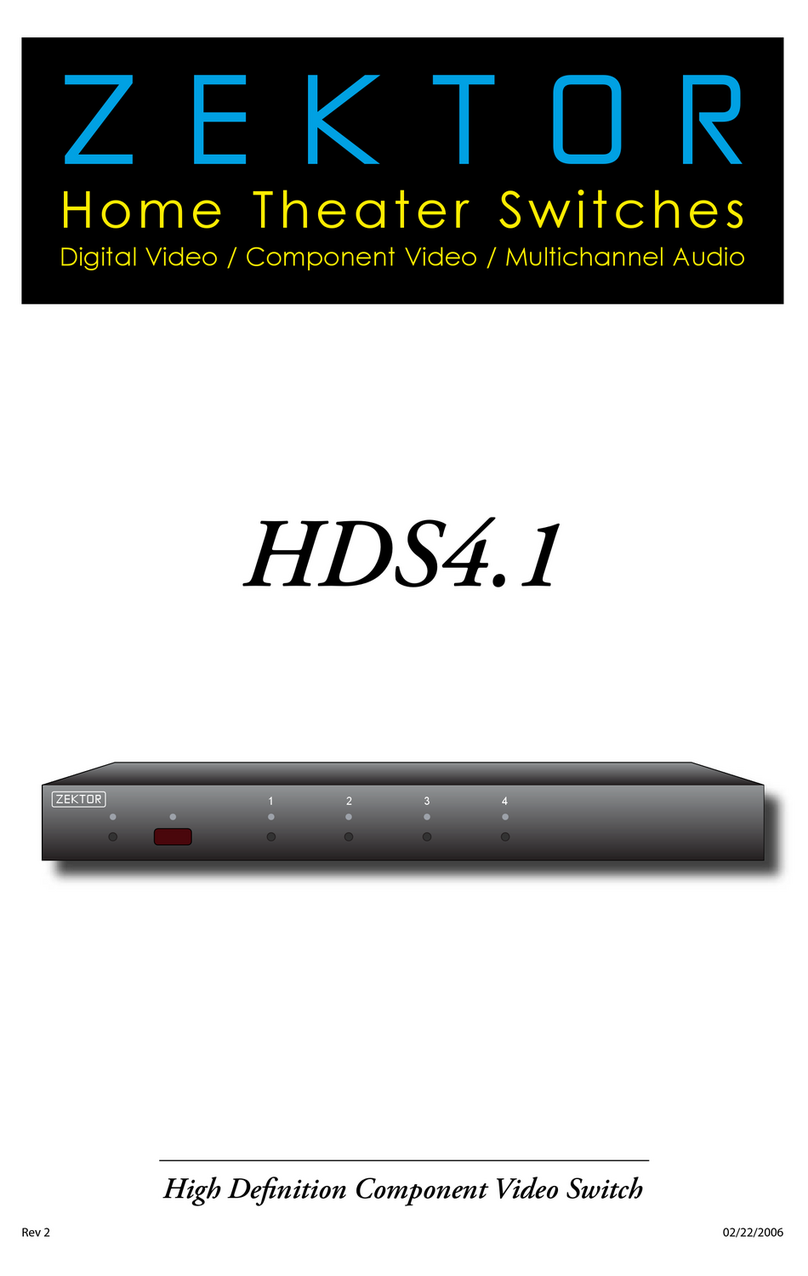
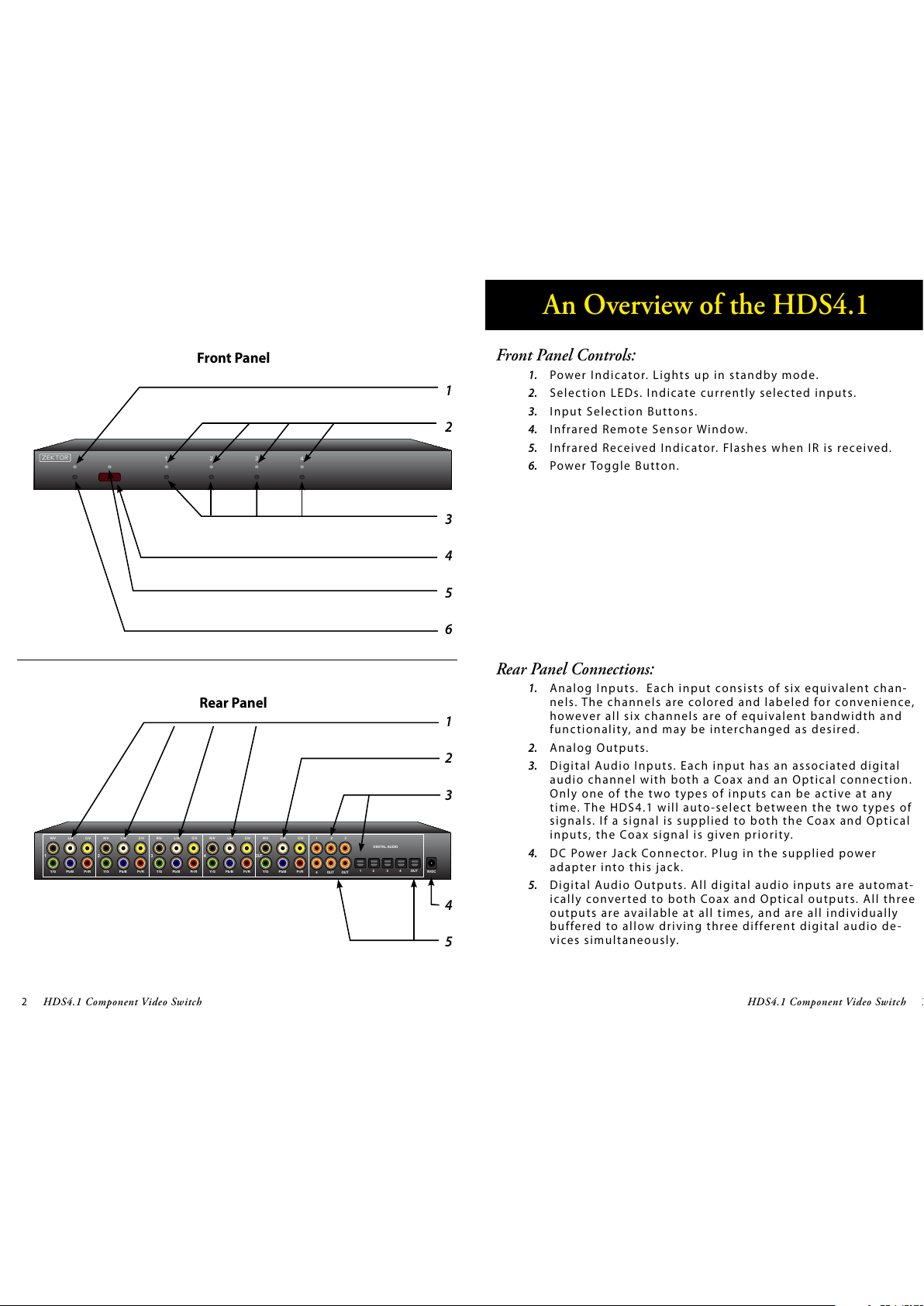
Start by pressing and
holding the Power
button...
12...while continuing to hold the Power
button, press and hold the‘4’ button.
After about 4 seconds, the standby LED
will flash quickly, and the display will indi-
cate the current enable / disable statuses.
3
Disabling Front Panel or Remote
If you are n o t p l a n n i n g o n u s i n g a remote contro l w i t h your HDS4.1,
yo u m i g h t want to disable its re m o t e c o ntrol function.
Or if you have a household with young curious fingers that likes
playing with buttons, you also have the capability of disabling the
front panel switches and only operating the HDS4.1 with a remote.
To enable/disable the front panel switches or remote capabilities...
Step 1: Enter the Enable / Disable control state
First press and hold the Powe r b u t t o n
Wh i l e c o n t i n u i n g to hold the Power Button, pre s s a n d h o l d
the ‘4’ button.
After holding both buttons for about ‘4’ seconds, the stand-
by LED will start flashing quickly indicating you are now
able to enable / disable front panel buttons and IR control
functions.
Th e f ront panel selec t i o n L E D s n o w i n d i c ate the state of the
front panel and IR control settings:
If ‘3’ is l i t , t h e n t h e Fro n t Panel butto n s a re ENABLED.
If ‘4’ is lit, then the IR remote functions are ENABLED.
Step 2: Enable or Disable Front Panel and / or IR control
Use the ‘3’ button to ENABLE / DISABLE the front panel
buttons.
Us e t h e ‘ 4 ’ button to ENABLE / DISABLE the IR re m o t e con-
trol functions.
Wh e n f i n i s h e d , p ress the ‘Powe r ’ b u t ton to save n e w s e t-
tings and return to normal operations.
Note 1 : The HDS4.1 will not allow you to disable both the front
panel and IR co ntrols at the same time.
Note 2: Disabling the front panel buttons does not disable the
ability to ent e r t h e S e t u p M o d e s . Eve n w i t h t h e f r o nt
panel disabled yo u c a n p e r form the above steps, allow -
ing you to once again enable the front panel buttons.
1.
2.
3.
•
•
•
•
Step 2: Enable or Disable Front Panel and / or IR Control Functions