6
Power On and Off
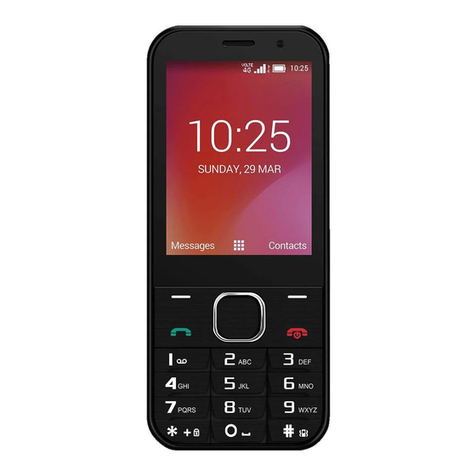
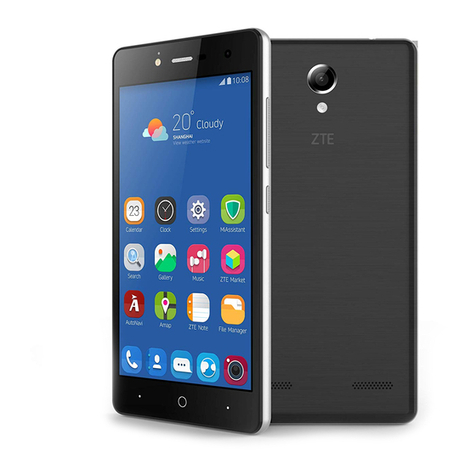
Press and hold the Power Key to turn on your
phone.
When already on press the Power Key to light
up your screen.
Press and hold the Power Key to open the
options menu, touch Power off.
Make Calls
Make a call using the dialer
On the home screen, touch the
button to open the dialer. Touch a recently
called number or press to open the
Dial Pad and touch to make the call.
Make a call from Contacts
On the home screen, touch the icon,
touch the desired contact and touch the
phone number to dial it.
Make a call from Call logs
On the home screen, touch the
button, the call log tab shows recent calls.
Touch the phone icon in a call log to return
it.