manuals.online logo
Brands
  1. Home
  2. •
  3. Brands
  4. •
  5. 3M
  6. •
  7. Laboratory Equipment
  8. •
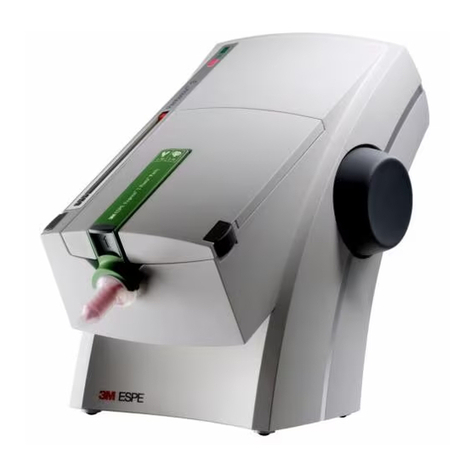
  9. 3M Attest Auto-reader 390 User manual

3M Attest Auto-reader 390 User manual

Other manuals for Attest Auto-reader 390

1

This manual suits for next models

4

Other 3M Laboratory Equipment manuals

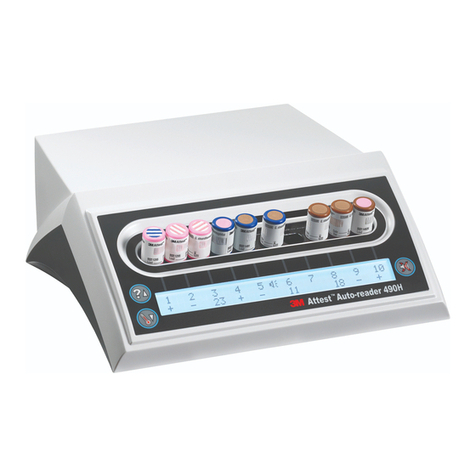
3M Attest Auto-reader 490H User manual

3M

3M Attest Auto-reader 490H User manual

3M Attest 1491 User manual

3M

3M Attest 1491 User manual

3M 1492V User manual

3M

3M 1492V User manual

3M Petrifilm 6408 Instruction sheet

3M

3M Petrifilm 6408 Instruction sheet

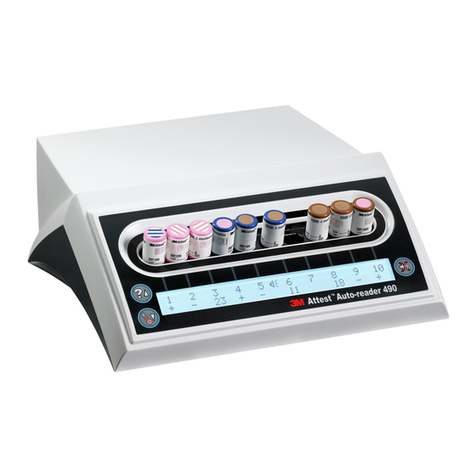
3M Attest Auto-reader 490 User manual

3M

3M Attest Auto-reader 490 User manual

3M Ranger 245 User manual

3M

3M Ranger 245 User manual

3M Pentamix 3 User manual

3M

3M Pentamix 3 User manual

3M Attest 290 User manual

3M

3M Attest 290 User manual

3M Attest Auto-reader 390G User manual

3M

3M Attest Auto-reader 390G User manual

3M Ranger 245 User manual

3M

3M Ranger 245 User manual

3M 6432 Instruction sheet

3M

3M 6432 Instruction sheet

3M Ranger 245 User manual

3M

3M Ranger 245 User manual

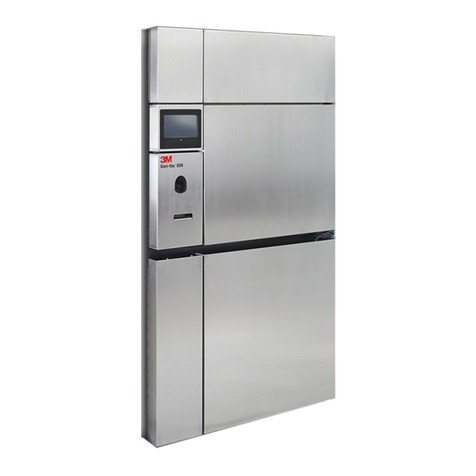
3M Steri-Vac GS Series Technical manual

3M

3M Steri-Vac GS Series Technical manual

3M TP100 Instruction sheet

3M

3M TP100 Instruction sheet

3M Attest Auto-reader 390 User manual

3M

3M Attest Auto-reader 390 User manual

3M Attest 490M User manual

3M

3M Attest 490M User manual

3M Attest 1496V User manual

3M

3M Attest 1496V User manual

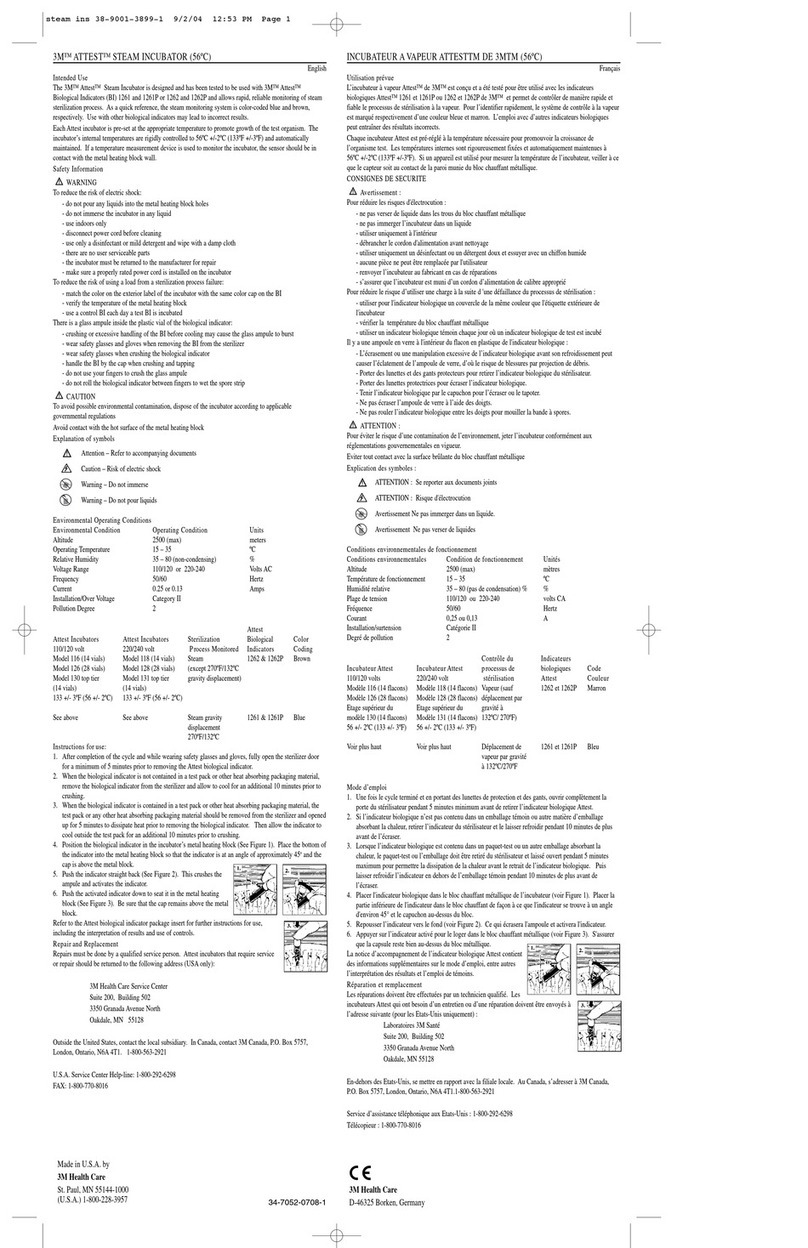
3M Attest Steam incubator User manual

3M

3M Attest Steam incubator User manual

3M Attest 390 User manual

3M

3M Attest 390 User manual

3M 9900 Series User manual

3M

3M 9900 Series User manual

3M 1492V User manual

3M

3M 1492V User manual

3M Steri-Vac GS Series User manual

3M

3M Steri-Vac GS Series User manual

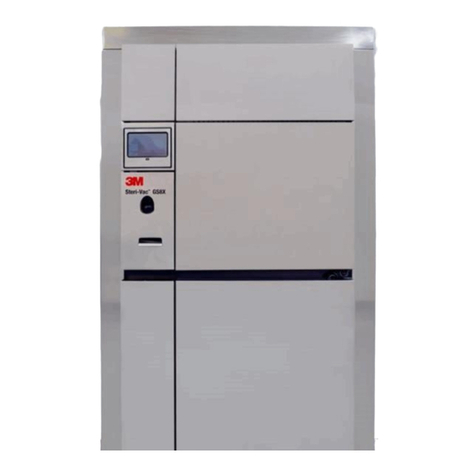
3M Steri-Vac GSX Series User manual

3M

3M Steri-Vac GSX Series User manual

Popular Laboratory Equipment manuals by other brands

Qiagen DML 3000 user manual

Qiagen

Qiagen DML 3000 user manual

Queensgate NANOSCAN OP400 Quick start instructions

Queensgate

Queensgate NANOSCAN OP400 Quick start instructions

Conviron GEN1000-GE Operator's manual

Conviron

Conviron GEN1000-GE Operator's manual

Parr Instrument 4560 Operating instructions manual

Parr Instrument

Parr Instrument 4560 Operating instructions manual

IKA IC control operating instructions

IKA

IKA IC control operating instructions

Integra DOSE IT operating instructions

Integra

Integra DOSE IT operating instructions

Agilent Technologies 5800 ICP-OES user guide

Agilent Technologies

Agilent Technologies 5800 ICP-OES user guide

Endress+Hauser Cleanfit CPA875 operating instructions

Endress+Hauser

Endress+Hauser Cleanfit CPA875 operating instructions

NI PXI-5422 CALIBRATION PROCEDURE

NI

NI PXI-5422 CALIBRATION PROCEDURE

Collomix Aqix operating instructions

Collomix

Collomix Aqix operating instructions

SPEX SamplePrep 6875 Freezer/Mill Series operating manual

SPEX SamplePrep

SPEX SamplePrep 6875 Freezer/Mill Series operating manual

Ocean Insight FLAME-NIR+ Installation and operation manual

Ocean Insight

Ocean Insight FLAME-NIR+ Installation and operation manual

Parker ALIGN-MG-NA Installation, operation and maintenance manual

Parker

Parker ALIGN-MG-NA Installation, operation and maintenance manual

BD 644787 user guide

BD

BD 644787 user guide

DENTAURUM Compact Megaplus Instructions for use

DENTAURUM

DENTAURUM Compact Megaplus Instructions for use

Biuged Laboratory Instruments BGD 626 instruction manual

Biuged Laboratory Instruments

Biuged Laboratory Instruments BGD 626 instruction manual

VWR SAS Super IAQ instruction manual

VWR

VWR SAS Super IAQ instruction manual

illumina MiSeqDx reference guide

illumina

illumina MiSeqDx reference guide

manuals.online logo
manuals.online logoBrands
  • About & Mission
  • Contact us
  • Privacy Policy
  • Terms and Conditions

Copyright 2025 Manuals.Online. All Rights Reserved.

3M™Attest™ Auto-reader Connectivity Technical Specications
3M™Attest™Auto-readers are designed to incubate and
read 3M™Attest™Biological Indicators, which are used to


an Ethernet cable and have an embedded web server that
can be accessed via an internet connected PC’s browser




it in order to either:
a) use the 3M™Attest™
Note:

b)




Security





storage in the user’s web browser to save the data in the









MAC Address:






Requirements
Minimum PC software requirements:
®7
®

Google Chrome™®



Ethernet connection:
• Connection switch/router with auto-negotiation



Connecting Using a Dynamic IP Address



Verifying
Connectivity
For further information, contact the 3M Sterilization Tech Line at 800-441-1922, Option 2.










Infection Prevention Division
3M Health Care




For further information, contact the 3M Sterilization Tech Line at 800-441-1922, Option 2.
Connecting Using a Static IP Address


™Attest™Auto-reader 390, 390G,




1


the 


2




Enter the address into the web browser's address bar


User name: manager
Password: Attest
Press ‘OK’



Enable DHCP





IP Address 
Gateway 
Subnet Mask 
Primary DNS 
 Save Cong


Verifying Connectivity

 



3M™Attest™





Contact your software system representative for
interface support.
Resetting to a Dynamic IP Address


 and 


DHCP ENABLED

will read:
 DHCP DISABLED
 DHCP [No]
• Press 
• Press 
DHCP ENABLED

