manuals.online logo
Brands
  1. Home
  2. •
  3. Brands
  4. •
  5. Adeunis RF
  6. •
  7. Test Equipment
  8. •
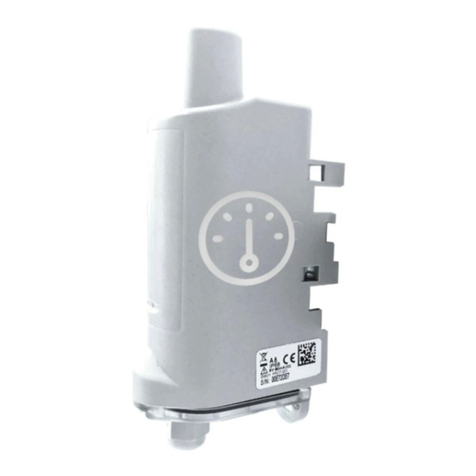
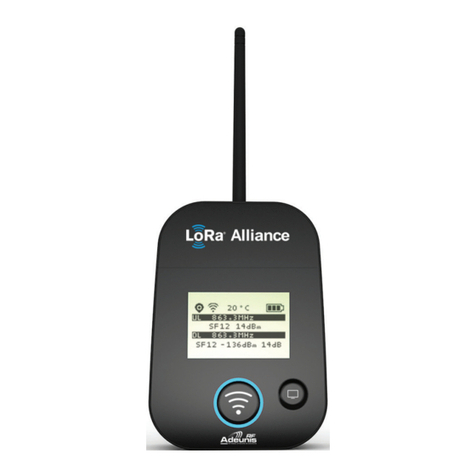
  9. Adeunis RF LoRaWAN AS923 PULSE User manual

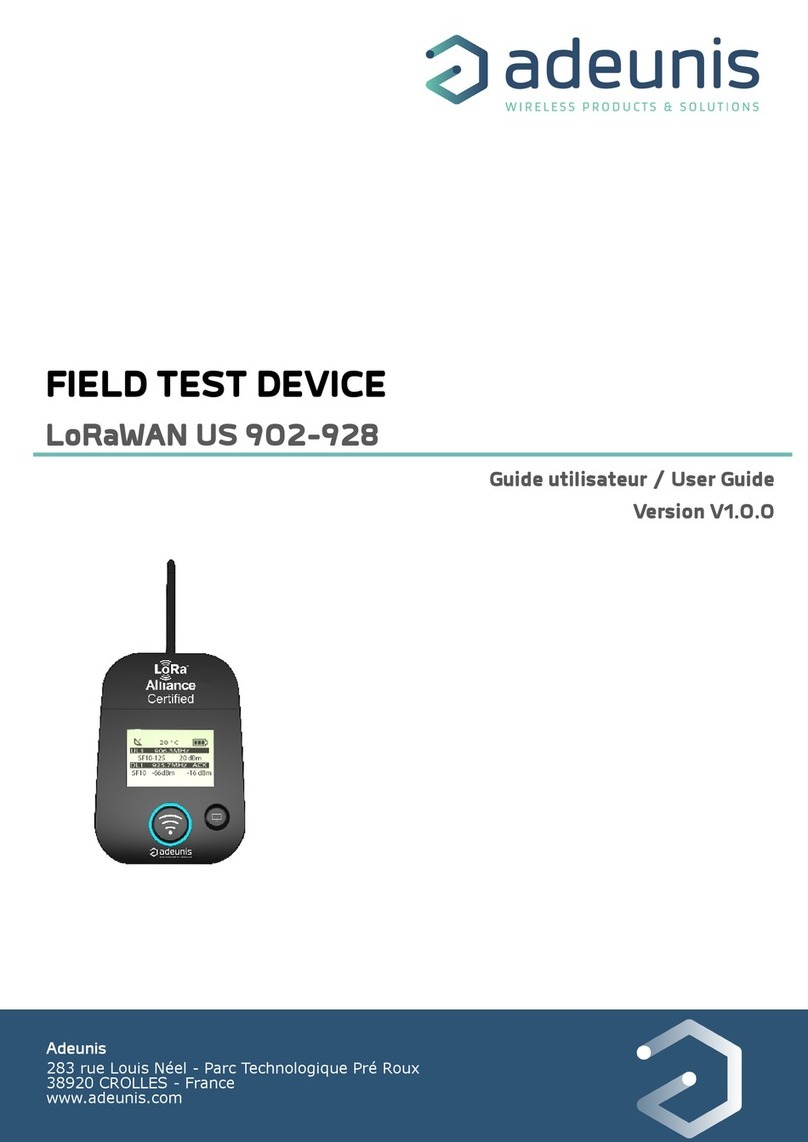
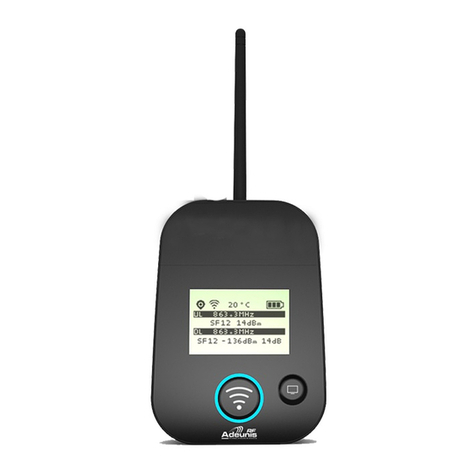
Adeunis RF LoRaWAN AS923 PULSE User manual

Other manuals for LoRaWAN AS923 PULSE

1

This manual suits for next models

1

Other Adeunis RF Test Equipment manuals

Adeunis RF ARF8123AA User manual

Adeunis RF

Adeunis RF ARF8123AA User manual

Adeunis RF LoRaWAN AU 915-928 User manual

Adeunis RF

Adeunis RF LoRaWAN AU 915-928 User manual

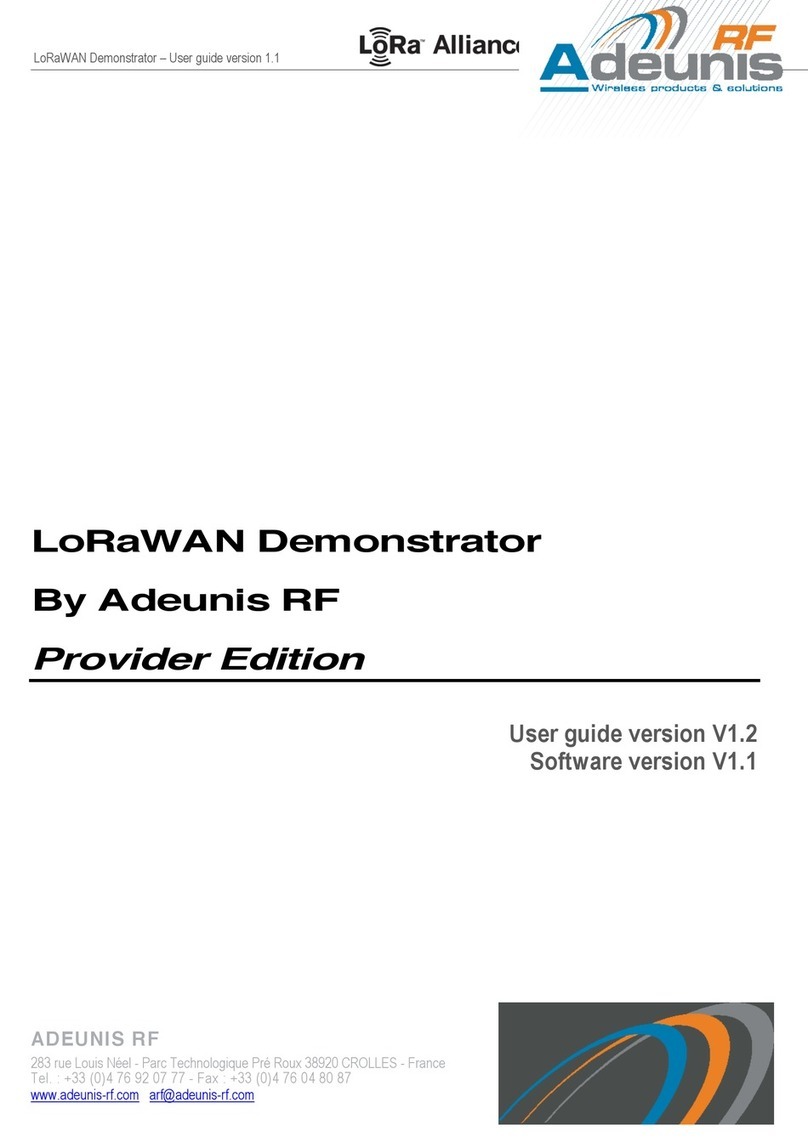
Adeunis RF LoRaWAN Demonstrator User manual

Adeunis RF

Adeunis RF LoRaWAN Demonstrator User manual

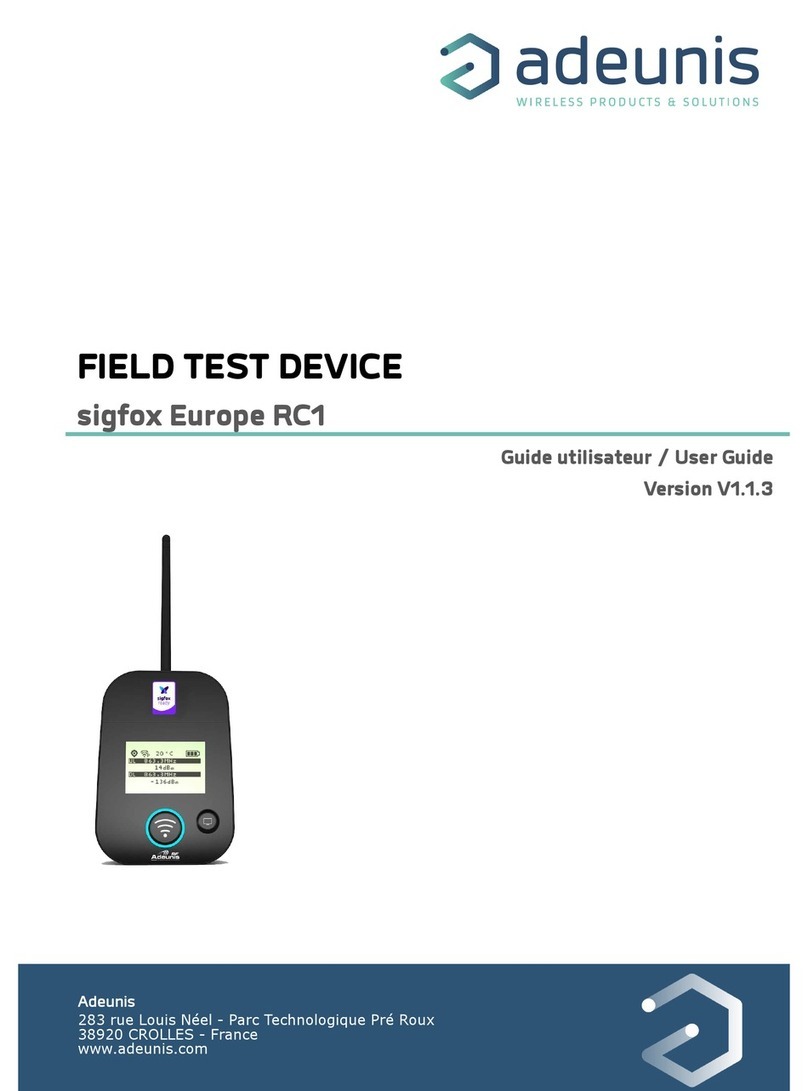
Adeunis RF FIELD TEST DEVICE sigfox Europe RC1 User manual

Adeunis RF

Adeunis RF FIELD TEST DEVICE sigfox Europe RC1 User manual

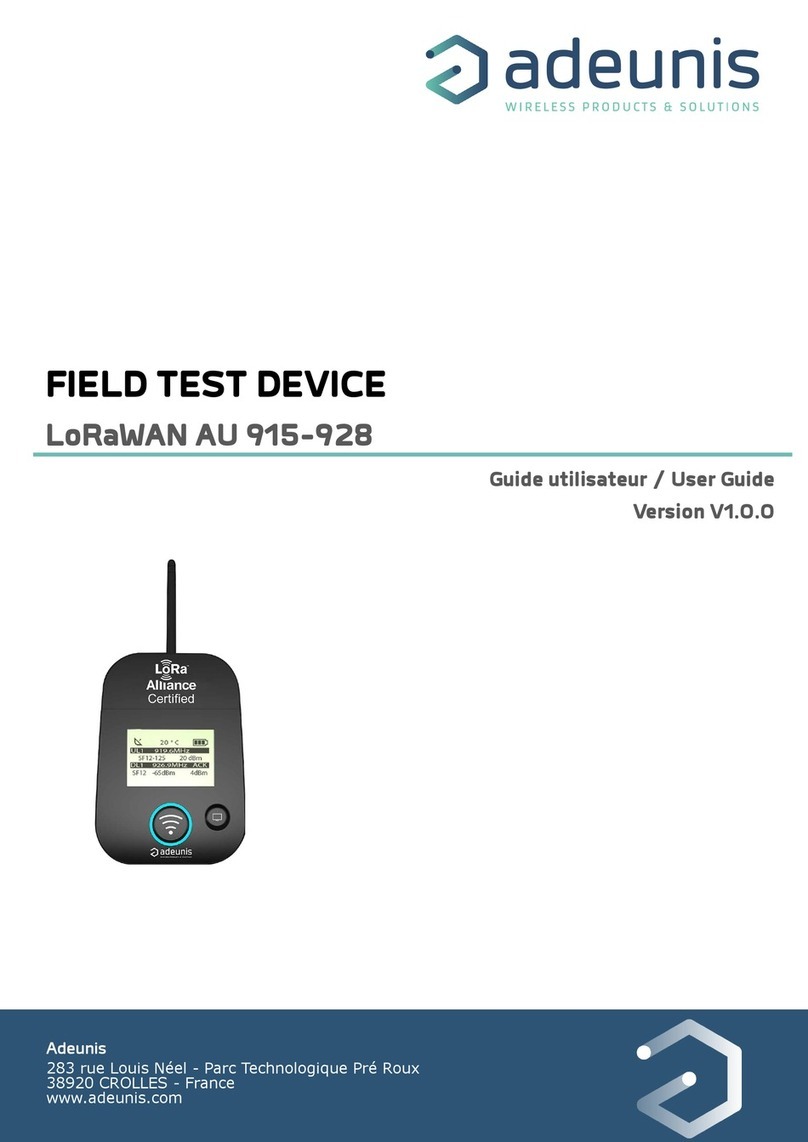
Adeunis RF LoRaWAN US 902-928 User manual

Adeunis RF

Adeunis RF LoRaWAN US 902-928 User manual

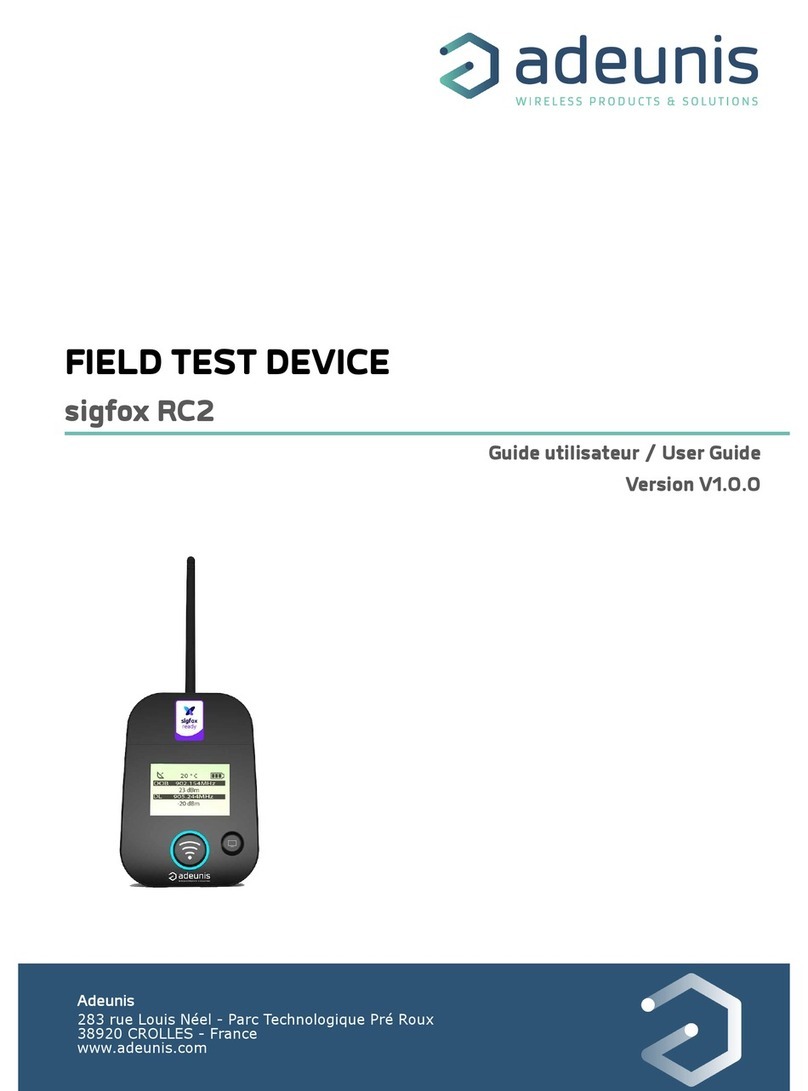
Adeunis RF FIELD TEST DEVICE - sigfox RC2 User manual

Adeunis RF

Adeunis RF FIELD TEST DEVICE - sigfox RC2 User manual

Adeunis RF TEMP IP68 LoRaWAN 863-870 User manual

Adeunis RF

Adeunis RF TEMP IP68 LoRaWAN 863-870 User manual

Adeunis RF LoRaWAN 915 FTD User manual

Adeunis RF

Adeunis RF LoRaWAN 915 FTD User manual

Adeunis RF ARF8123AA-V2 User manual

Adeunis RF

Adeunis RF ARF8123AA-V2 User manual

Adeunis RF LoRaWAN Europe EU863-870 User manual

Adeunis RF

Adeunis RF LoRaWAN Europe EU863-870 User manual

Adeunis RF DRY CONTACTS V2 LoRaWAN 863-870 User manual

Adeunis RF

Adeunis RF DRY CONTACTS V2 LoRaWAN 863-870 User manual

Popular Test Equipment manuals by other brands

SMART KANAAD SBT XTREME 3G Series user manual

SMART

SMART KANAAD SBT XTREME 3G Series user manual

Agilent Technologies BERT Serial Getting started

Agilent Technologies

Agilent Technologies BERT Serial Getting started

Agilent Technologies N3280A user guide

Agilent Technologies

Agilent Technologies N3280A user guide

Lifeloc R.A.D.A.R. quick start guide

Lifeloc

Lifeloc R.A.D.A.R. quick start guide

Fluke T5-600 Service information

Fluke

Fluke T5-600 Service information

Mercury TSL01 user manual

Mercury

Mercury TSL01 user manual

MAHA MBT Series Original operating instructions

MAHA

MAHA MBT Series Original operating instructions

Fuji Electric P-61 instruction manual

Fuji Electric

Fuji Electric P-61 instruction manual

ETC SealerAtor user manual

ETC

ETC SealerAtor user manual

Skyfine ETHYWAY V2 user manual

Skyfine

Skyfine ETHYWAY V2 user manual

Appion G5 Twin Operation manual

Appion

Appion G5 Twin Operation manual

PCB Piezotronics 8159-0112A Installation and operating manual

PCB Piezotronics

PCB Piezotronics 8159-0112A Installation and operating manual

BW Technologies MicroDock II user manual

BW Technologies

BW Technologies MicroDock II user manual

Sun Nuclear 1027 user guide

Sun Nuclear

Sun Nuclear 1027 user guide

Biomark HPR LITE READER user manual

Biomark

Biomark HPR LITE READER user manual

Hioki 3169-20 instruction manual

Hioki

Hioki 3169-20 instruction manual

Ashcroft ATE-100 operating manual

Ashcroft

Ashcroft ATE-100 operating manual

Rohde & Schwarz RTA4000 user manual

Rohde & Schwarz

Rohde & Schwarz RTA4000 user manual

manuals.online logo
manuals.online logoBrands
  • About & Mission
  • Contact us
  • Privacy Policy
  • Terms and Conditions

Copyright 2025 Manuals.Online. All Rights Reserved.

Adeunis
283 rue Louis Néel - Parc Technologique Pré Roux
38920 CROLLES - France
www.adeunis.com
FIELD TEST DEVICE
LoRaWAN AS 923
User Guide
Version V1.0.0
FIELD TEST DEVICE - LoRaWAN AS 923 - Mode d'emploi V1.0.0
2
Page of 27
FR
Table of contents
INFORMATIONS 5
1. INTRODUCING THE DEVICE 9
1.1. Description 9
1.2. Mechanical features 9
1.3. Technical specifications 10
1.4. Charging the FTD 10
2. DEVICE DESCRIPTION 11
2.1. User interface 11
2.2. Button description 11
3. SCREEN DESCRIPTION 12
3.1. Start Screen 12
3.2. Join Screen 12
3.3. Uplink/Downlink screen 13
3.4. GPS screen 14
3.5. PER (Packet Error Rate) screen 14
3.6. Downlink screen 15
4. DECODING THE PAYLOAD 16
4.1. Frame 1 description 16
4.2. Frame 2 description 17
5. DEVICE CONFIGURATION 19
5.1. Connecting the device to a computer 19
5.2. Command mode 20
5.3. AT command 21
5.4. Register description 22
6. DEVICE UPDATES 27
7. DOCUMENT HISTORY 27
FR
FIELD TEST DEVICE - LoRaWAN AS 923 - Mode d'emploi V1.0.0
3
Page of 27
User GUIDE: (DoC) AS923
Declaration of conformity - New Zealand
Manufacturer’s name : adeunis
Manufacturer’s address : Parc Technologique PRE ROUX
283 rue Louis NEEL
38920 CROLLES
Country: FRANCE
Authorised representative in Australia Direct Control Limited
E3441
Address : Wellesley Street,
1141 Auckland
Country: NEW ZEALAND
Authorised representative in Australia Go Wireless NZ Ltd
E678
Address : 1 Kingsford Smith Drive
Unit 5, 7440 Rangiora (North Canterbury)
Country: NEW ZEALAND
Certify and declare under our sole responsibility that the following apparatus:
Description : Field Test Device Wireless transceiver in 915-928MHz band.
Manufacturer: adeunis
Identication: ARF8124C
Conforms with the essential requirements for Australia market:
Harmonised Standards :
• IEC 60950-1 ed.2 and IEC 62368-1(safety)
• AS/NZS 4268:2012
Name and position of person binding the manufacturer Emmanuel MONNET
or his authorised representative: Certication Manager- adeunis
FR
FR
FIELD TEST DEVICE - LoRaWAN AS 923 - Mode d'emploi V1.0.0
4
Page of 27
Préambule / Preamble / Präambel / Preambolo / Preámbulo
• Ce guide décrit les fonctionnalités du produit adeunis®. Il explique les modes de fonctionnement du produit et
la manière de le confi gurer.
• This guide describes the functionalities of the product adeunis®. It explains its functionnments and how to
confi gure it.
• Dieser Leitfaden beschreibt die Funktionalität des Produktes adeunis®. Er erklärt die Betriebsfunktionen des
Produktes und die Art und Weise, um es zu konfi gurieren.
• Questa guida descrive la funzionalità del prodotto adeunis®. Questo spiega come funziona il prodotto e come
confi gurarlo.
• Esta guía describe las funcionalidades del producto adeunis®. En él se explica los modos de funcionamiento
del producto y cómo confi gurarlo.
• Aucun extrait de ce document ne pourra être reproduit ou transmis (sous format électronique ou papier, ou
par photocopie) sans l’accord d’adeunis®. Ce document pourra être modifi é sans préavis. Toutes les marques
citées dans ce guide font l’objet d’un droit de propriété intellectuelle.
• No part of this document may be reproduced or transmitted (in electronic or paper, or photocopying) without
the agreement adeunis®. This document may be changed without notice. All trademarks mentioned in this
guide are the subject of intellectual property rights. adeunis®.
• Kein Teil dieses Dokuments darf reproduziert oder übertragen werden (in elektronischer oder Papierform oder
Fotokopie) ohne die Zustimmung adeunis®. Dieses Dokument darf ohne vorherige Ankündigung geändert wer-
den. Alle Marken in diesem Handbuch erwähnt werden, sind Gegenstand des geistigen Eigentums.
• Nessuna parte di questo documento può essere riprodotta o trasmessa (in fotocopie elettronico o cartaceo, o),
senza il consenso adeunis®. Questo documento può essere modifi cato senza preavviso. Tutti i marchi citati in
questa guida sono oggetto di diritti di proprietà intellettuale.
• Ninguna parte de este documento puede ser reproducida o transmitida (en fotocopias electrónico o en papel,
o) sin el acuerdo adeunis®. Este documento puede ser modifi cada sin previo aviso. Todas las marcas comer-
ciales mencionadas en esta guía son el tema de los derechos de propiedad intelectual.
Adeunis
283, rue Louis Néel
38920 Crolles
France
Web www.adeunis.com
FR
FR
EN
FIELD TEST DEVICE - LoRaWAN AS 923 - Mode d'emploi V1.0.0
5
Page of 27
INFORMATIONS
Document Information
Title FIELD TEST DEVICE
Subtitle LoRaWAN AS 923
Document type User Guide
Version V1.0.0
This document applies to the following products:
Name Reference Firmware Version
FIELD TEST DEVICE - LoRaWAN AS 923 ARF8124C Version RTU: V01.07.01
Version APP: V01.01.02
DISCLAIMER
This document and the use of any information contained therein, is subject to the acceptance of the adeunis®
terms and conditions. They can be downloaded from www.adeunis.com.
adeunis® makes no warranties based on the accuracy or completeness of the contents of this document and
reserves the right to make changes to specifi cations and product descriptions at any time without notice.
adeunis® reserves all rights to this document and the information contained herein. Reproduction, use or disclo-
sure to third parties without express permission is strictly prohibited. Copyright © 2016, adeunis®.
adeunis® is a registered trademark in the EU and other countries.
TECHNICAL SUPPORT
Website
Our website contains a lot of useful information: information on modules and wireless modems, user guides, and
confi guration software and technical documents which can be accessed 24 hours a day.
E-mail
If you have technical problems or cannot fi nd the required information in the provided documents, contact our
Technical Support on our website, section « Technical Support ». This ensures that your request will be processed
as soon as possible.
Helpful Information when Contacting Technical Support
When contacting Technical Support, please have the following information ready:
• Product type
• Firmware version (for example V1.0)
• A clear description of your question or the problem
• A short description of the application
FR
EN
FIELD TEST DEVICE - LoRaWAN AS 923 - Mode d'emploi V1.0.0
6
Page of 27
INTRODUCTION
All rights to this manual are the exclusive property of adeunis®. All rights reserved. Copying this manual (wit-
hout written permission from the owner) via printing, copying, recording or by any other means, translating this
manual (in full or partially) into any other language, including all programming languages, using any electrical,
mechanical, magnetic or optical devices, manually or any by other methods, is prohibited.
adeunis® reserves the right to change the technical specifi cations or functions of its products, or to cease manu-
facturing any of its products, or to cease technical support for one of its products without notice in writing and
urges its customers to make sure that the information they have is valid.
adeunis® confi guration software and programs are available free of charge in a non-modifi able version. adeu-
nis® can make no guarantees, including guarantees concerning suitability and applicability for a certain type
of application. Under no circumstances can the manufacturer, or the distributor of an adeunis® program, be
held liable for any damage caused by the use of the aforesaid program. Program names, as well as all copyright
relating to programs, are the exclusive property of adeunis®. Any transfer, granting of licences to a third party,
leasing, hire, transport, copying, editing, translation, modifi cation into another programming language or reverse
engineering are prohibited without adeunis®’s prior written authorisation and consent.
Adeunis
283, rue Louis Néel
38920 Crolles
France
Web www.adeunis.com
FR
FR
EN
FIELD TEST DEVICE - LoRaWAN AS 923 - Mode d'emploi V1.0.0
7
Page of 27
ENVIRONMENTAL RECOMMENDATIONS
All superfl uous packaging materials have been eliminated. We have done everything possible to make it easy to
separate the packaging into three types of materials: cardboard (box), expanded polystyrene (fi ller material)
and polyethylene (packets, foam protective sheets). Your device is composed of materials that can be recycled
and reused if it is dismantled by a specialist company. Please observe local regulations concerning the manner in
which waste packaging material, used batteries and your obsolete equipment are disposed of.
WARNINGS
Valid for products indicated in the declaration of conformity
Read the instructions in the manual.
The safety of this product is only guaranteed when it is used in accordance with its purpose. Maintenance
should only be carried out by qualifi ed persons.
Risk of explosion if the battery is removed with an incorrect type. Contact Adeunis for more information if
needed.
Risk of explosion if the battery is replaced by an incorrect type
Please note: Do not install the equipment close to a heat source or in damp conditions.
Please note: When the equipment is open, do not carry out any operations other than the ones set out in this
document.
Please note: Do not open the product as there is a risk of electrical shock.
Please note: For your own safety, you must ensure that the equipment is switched off before carrying out
any work on it.
Please note: For your own safety, the power supply circuit must be SELV (Safety Extra Low Voltage) and
must be from limited power sources.
Please note: When the aerial is installed outside, it is essential to connect the cable screen to the buil-
ding’s earth. We recommend using lightning protection. The protection kit chosen must permit the coaxial cable
to be earthed (eg: coaxial lightning arrester with earthing of the cable at diff erent places on the aerial at the base
of pylons and at the entrance, or just before entering the premises).
The product must be equipped with a switching mechanism so that the power can be cut. This must be close to
the equipment. Any electrical connection of the product must be equipped with a protection device against vol-
tage spikes and short-circuits.
Please note: the equipment is not intended for the use by a child.

FR
EN
FIELD TEST DEVICE - LoRaWAN AS 923 - Mode d'emploi V1.0.0
8
Page of 27
RECOMMANDATIONS REGARDING USE
• Before using the system, check that the power supply voltage shown in the user manual corresponds to your
supply. If it doesn’t, please consult your supplier.
• Place the device against a fl at, fi rm and stable surface.
• The device must be installed in a location that is suffi ciently ventilated so that there is no risk of internal hea-
ting and it must not be covered with objects such as newspapers, cloths, curtains, etc.
• The device’s aerial must be free and at least 10 cm away from any conducting material.
• The device must never be exposed to heat sources such as heating equipment.
• Do not place the device close to objects with naked fl ames such as lit candles, blowtorches, etc.
• The device must not be exposed to harsh chemical agents or solvents likely to damage the plastic or corrode
the metal parts.
DISPOSAL OF WASTE BY USERS IN PRIVATE HOUSEHOLDS WITHIN THE EURO-
PEAN UNION
This symbol on the product or on its packaging indicates that this product must not be disposed of with your
other household waste. Instead, it is your responsibility to dispose of your waste by taking it to a collection point
designated for the recycling of electrical and electronic appliances. Separate collection and recycling of your waste
at the time of disposal will contribute to conserving natural resources and guarantee recycling that respects the
environment and human health. For further information concerning your nearest recycling centre, please contact
your nearest local authority/town hall offi ces, your household waste collection company or the shop where you
bought the product
This symbol on the devode or its packaging means the use of a DC voltage.
Warning: If the charger is used with any other batteries or products whatsoever, there is a risk of an ex-
plosion. After use, the batteries must be disposed of at an appropriate recycling centre. They must not be thrown
away to degrade in the environment. When batteries are replaced, the device must be corectly implemented.
Warning for Switzerland : the annex 4.10 of SR 814.013 Standad must be applied for batteries.
FR
FR
EN
FIELD TEST DEVICE - LoRaWAN AS 923 - Mode d'emploi V1.0.0
9
Page of 27
1. INTRODUCING THE DEVICE
1.1. Description
The Field Test Device (FTD) from adeunis® is a Class A LoRaWAN compatible device. This is not a point to point device and may not be used in
this manner. This indicates that it must be used on a private or public operated network.
The LoRaWAN Field Test Device from adeunis® is a ready-to-use device, which makes it possible to communicate with all network operators
using the LoRaWAN protocol. The system makes it possible to transmit and receive radio frames and to instantly view the results.
Equipped with a large LCD screen, you can view various information relating to how the network being used is functioning (Uplink, Downlink,
SF, PER, etc.) in addition to information from sensors (GPS coordinates, temperature, battery level, etc.). This device is specifically adapted for
application validation, such as communicating sensors, tracking, smart building, metering, security and M2M.
Thanks to its rechargeable battery, the FTD allows several hours of functioning and can be recharged using a standard mobile phone micro-usb.
1.2. Mechanical features
Unit specifications
Dimensions H186.20 x L75.20 x P22.80
Weight 140g
Materials
Unit: ABS GP22 + Black Coloring (HB à 1.6mm)
Lexan: Autotex Polycarbonate
Antenna: Thermolast K TC7AA (d) (a) UL#E214855
75.20mm
186.20mm
22.80mm
14
FR
EN
FIELD TEST DEVICE - LoRaWAN AS 923 - Mode d'emploi V1.0.0
10
Page of 27
If the battery is completely empty, it will be necessary to recharge the device for 6 hours in order for it to be fully charged.
1.3. Technical specifications
Radio
Communication LoRaWAN protocol & LoRa Modulation
Network area AS923
Output power +14dBm max (all MAC commands requesting a power adjustment greater than 14dBm will be
readjusted to 14dBm)
Max EIRP 16 dBm
LoRaWAN specifications 1.0.2 revB
Supply
Connector Micro-USB - 5V - 500mA
Battery Lithium-Ion Polymer 3.7V 2Ah 7.4Wh
Operational
Device configuration Via IoT Configurator (android or Windows)
Via AT commands (see relevant chapter to find a full list of available AT commands)
Serial rate 115.2 kbps
Parity None
Amount of data 8
Stop bit 1
Functioning temperature -30°C / +70°C
Network settings
Applicative port (Downlink) 1
DownlinkDwellTime 400ms
UpLinkDwellTime 400ms
1.4. Charging the FTD
The device is equipped with a rechargeable battery. Once the device has been connected to a USB charger or the USB socket of a computer, it
will start to charge automatically; even if the ON/OFF communicator is set to OFF (this functions in exactly the same way as a mobile phone).
The device can be used while it is charging. During charging, the charge indicator will be red. When the device is fully charged, the indicator will
turn green.
Figure 1 : Device charging Figure 2 : Device is fully charged