manuals.online logo
Brands
  1. Home
  2. •
  3. Brands
  4. •
  5. American Time
  6. •
  7. Clock
  8. •
  9. American Time ALLSYNC IQ MASTER Instruction Manual

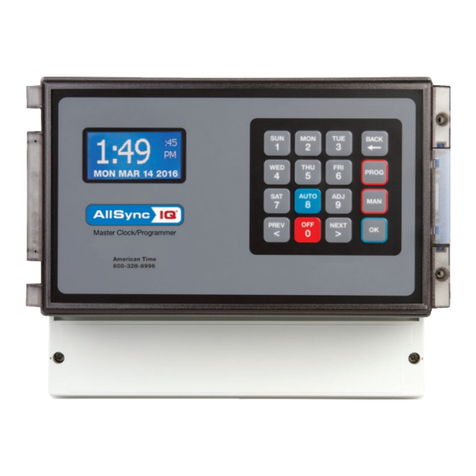
American Time ALLSYNC IQ MASTER Instruction Manual

Other American Time Clock manuals

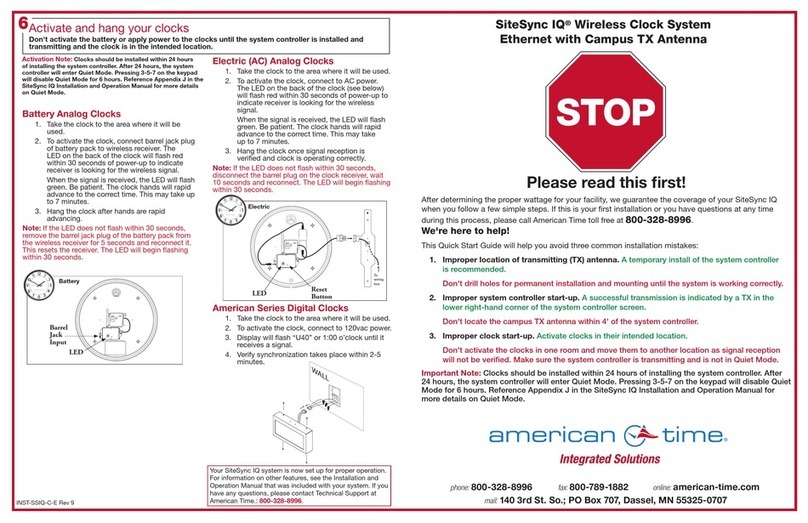
American Time SSIQ Instruction Manual

American Time

American Time SSIQ Instruction Manual

American Time H004817 User manual

American Time

American Time H004817 User manual

American Time ALLSYNC IQ Instruction Manual

American Time

American Time ALLSYNC IQ Instruction Manual

American Time PGE441RFE-W Instruction Manual

American Time

American Time PGE441RFE-W Instruction Manual

American Time AllSync Plus User manual

American Time

American Time AllSync Plus User manual

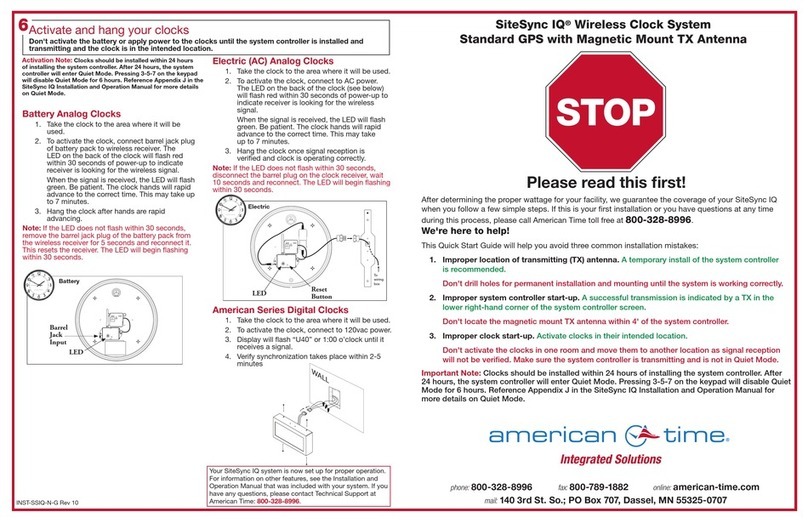
American Time SiteSync IQ Instruction Manual

American Time

American Time SiteSync IQ Instruction Manual

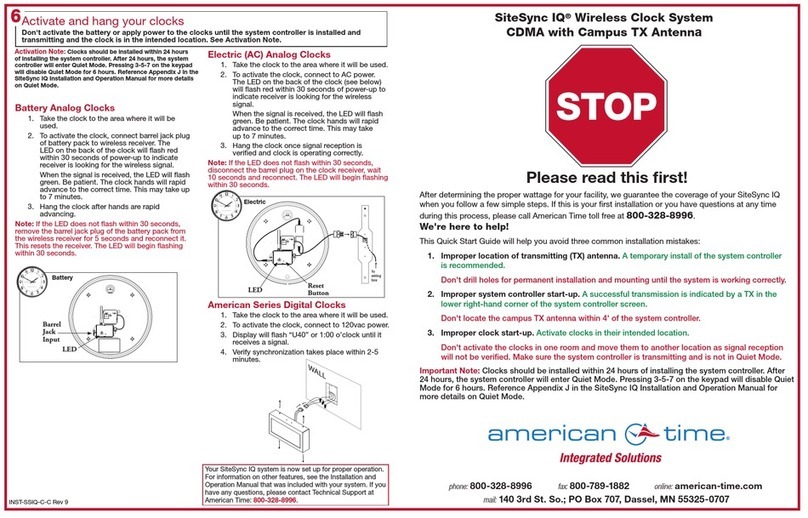
American Time SiteSync IQ Instruction Manual

American Time

American Time SiteSync IQ Instruction Manual

American Time Global Series Instruction Manual

American Time

American Time Global Series Instruction Manual

American Time SiteSync IQ Instruction Manual

American Time

American Time SiteSync IQ Instruction Manual

American Time SiteSync IQ Operating instructions

American Time

American Time SiteSync IQ Operating instructions

American Time SiteSync IQ Instruction Manual

American Time

American Time SiteSync IQ Instruction Manual

American Time SQA261RSAEA User manual

American Time

American Time SQA261RSAEA User manual

American Time SiteSync IQ User manual

American Time

American Time SiteSync IQ User manual

American Time SiteSync IQ Instruction Manual

American Time

American Time SiteSync IQ Instruction Manual

American Time Wi-Fi Battery Analog Clock Instruction Manual

American Time

American Time Wi-Fi Battery Analog Clock Instruction Manual

American Time DSY261RSxE User manual

American Time

American Time DSY261RSxE User manual

American Time SiteSync IQ User manual

American Time

American Time SiteSync IQ User manual

American Time H004595 Setup guide

American Time

American Time H004595 Setup guide

American Time SiteSync IQ Instruction Manual

American Time

American Time SiteSync IQ Instruction Manual

American Time AllSync IQ ASQMSTR-00X8E User manual

American Time

American Time AllSync IQ ASQMSTR-00X8E User manual

American Time SiteSynq IQ User manual

American Time

American Time SiteSynq IQ User manual

American Time DSY261RSAE User manual

American Time

American Time DSY261RSAE User manual

American Time SQA461RSxE User manual

American Time

American Time SQA461RSxE User manual

American Time WN261RSxE User manual

American Time

American Time WN261RSxE User manual

Popular Clock manuals by other brands

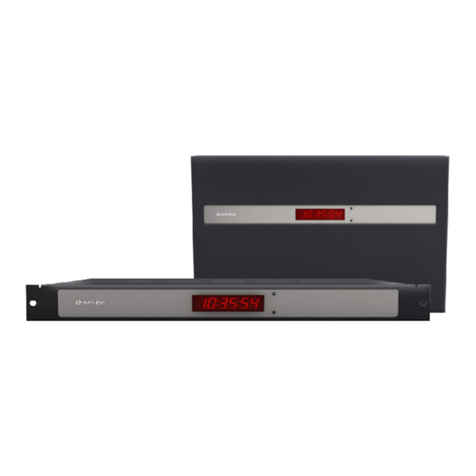
Sapling NTP 7000 Series installation manual

Sapling

Sapling NTP 7000 Series installation manual

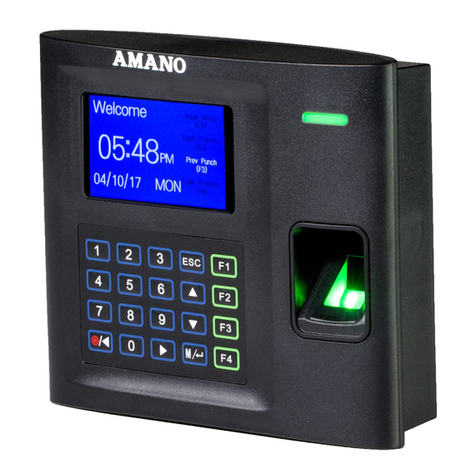
Amano MTX-30F Installation & operation guide

Amano

Amano MTX-30F Installation & operation guide

La Crosse Technology BBB86118v3 Setup guide

La Crosse Technology

La Crosse Technology BBB86118v3 Setup guide

BEARWARE 304474 manual

BEARWARE

BEARWARE 304474 manual

LS & S RTC103U instruction manual

LS & S

LS & S RTC103U instruction manual

BitGen Technologies LED Walk/Don't Walk Clock user manual

BitGen Technologies

BitGen Technologies LED Walk/Don't Walk Clock user manual

Heathkit GC-1005 Assembly manual

Heathkit

Heathkit GC-1005 Assembly manual

Oregon Scientific PRYSMA RMR221P manual

Oregon Scientific

Oregon Scientific PRYSMA RMR221P manual

Andrew O'Malley DOTKLOK Assembly instructions

Andrew O'Malley

Andrew O'Malley DOTKLOK Assembly instructions

Nixie Clock Divergence Meter user manual

Nixie Clock

Nixie Clock Divergence Meter user manual

La Crosse Technology WS-8256-AL user manual

La Crosse Technology

La Crosse Technology WS-8256-AL user manual

Mini Gadgets MCPro user manual

Mini Gadgets

Mini Gadgets MCPro user manual

Casio TMR-200 user guide

Casio

Casio TMR-200 user guide

Progetti KALIMERO Directions

Progetti

Progetti KALIMERO Directions

Progetti ILTEMPOSTRINGE Directions

Progetti

Progetti ILTEMPOSTRINGE Directions

La Crosse Technology WT-3141b Quick setup instructions

La Crosse Technology

La Crosse Technology WT-3141b Quick setup instructions

IKEA ROTBLÖTA manual

IKEA

IKEA ROTBLÖTA manual

U-Line Н-2811 instructions

U-Line

U-Line Н-2811 instructions

manuals.online logo
manuals.online logoBrands
  • About & Mission
  • Contact us
  • Privacy Policy
  • Terms and Conditions

Copyright 2025 Manuals.Online. All Rights Reserved.

Connect cables to the AllSync IQ Master
a. Connect Ethernet patch cable to Ethernet RJ45 port located on left side of AllSync IQ master.
Note: Disconnect and lockout power prior to making power connections.
b. Knock out desired power entry location.
c. Connect power wires to screw terminals labeled H (Hot), N (Neutral) and (ground) through
open knockout location. Use only approved cables, strain relieve and conduit.
d. Turn on power at power source.
e. Turn on power with power switch located on left side of AllSync IQ master.
Use the Setup Wizard
a. PRESS 1to start the Setup Wizard (Page 6 in Installation Manual).
b. Create a 4 digit User Lock or enter 0000 to disable this feature. PRESS O.
c. Create a 4 digit Service Lock (for advanced features) or enter 0000 to disable this feature. PRESS O.
d. Select local time zone by using the <> keys. PRESS O.
e. PRESS 8to select automatic DST (Daylight Saving Time) or 0to disable
DST if your location doesn’t observe DST. PRESS O.
f. PRESS 1for 12-hour mode - AM/PM (1:00PM).
PRESS 2for 24-hour mode - Military (13:00).
g. PRESS 1to Enable DHCP or Press 2to Disable DHCP. PRESS O.
h. Use the keypad to enter the Unit IP Address. PRESS O.
i. Use the keypad to enter the Subnet Mask. PRESS O.
j. Use the keypad to enter the Gateway IP. PRESS O.
k. Use the keypad to enter the DNS IP. PRESS O.
l. PRESS 1to use a Manual IP, or PRESS 2for a DNS IP Time Server. PRESS O.
• If 1Manual IP, use keypad to enter Time Server Address and PRESS Oto accept.
Repeat for Alternative Time Server.
• If 2DNS IP, PRESS O. Note, this value can only be changed in Remote Connect.
m. Use the keypad to enter the Time Server Address. PRESS O.
n. Use the keypad to enter the Alternate Time Server Address. PRESS O.
o. PRESS Oto accept the default (80) Port Number.
p. To conrm proper set, PRESS 8to sync.
• If successful, “Ethernet Sync Successful” will display.
• If not successful, “Ethernet Sync Failed” will display. Refer to the troubleshooting guide in the
Installation Manual.
q. “Setup Wizard Successfully Completed” will display.
QUICK START INSTALLATION GUIDE
Choose location and install AllSync IQ Master
a. Place the AllSync IQ indoors in an area with a network drop, or run an Ethernet
data cable to the unit from a network switch or hub.
b. Locate near 120vac power
c. Locate near signaling and/or clock wiring
1
Mount the AllSync IQ Master
a. Wall Mount - see mounting template on reverse side
1. Use included mounting template to mark hole locations
2. Drill pilot or anchor holes
3. Install keyhole screw (leave screw head 0.1” away from wall)
4. Hang AllSync IQ master
5. Install bottom screws through open wiring compartment
b. Rack Mount - install into 19” server rack (H002944 bracket kit required)
1. Place four (4) screws (not included) into server rack with H002944 kit
2. Follow instruction sheet 1719 (included wtih H002944 kit) to mount to din rail bracket
2
3
BELL 5 BELL 6
COMNO
BELL 4
CLOCK2
COM
BELL 3BELL 2BELL 1
COMNONO COMCOMNONC COM NO
CLOCK1
NO NONCCOM
H N COMNO
1:49
FRI OCT 3 2014
:45
AM
American Time
800-328-8996
ALLSYNC IQ MASTER CLOCK
4
AllSync IQ Terminal Block
For wiring your AllSync IQ, reference your AllSync IQ Installation and Operation Manual.
6
Your AllSync IQ is now set up for proper operation. For information on other features, see the AllSync IQ Installation and
Operation Manual that was included with your unit. If you have any questions or problems that cannot be resolved by following
the steps in the Troubleshooting guide, please contact Technical Support at American Time at 800-328-8996.
Skip if 1
is selected
in step g.
C
e
1:49
FRI OCT 3 2014
:45
AM
American Time
800-328-8996
phone: 800-328-8996 online: american-time.com fax: 8 0 0 -78 9 -18 82
Select Clock Code
a. Reference Appendix H in the manual for clock codes and wiring information. Clock Code 01 is set from the factory. If
01 is the code required, skip to 6 – AllSync IQ Terminal Block. If the code needs to be changed continue to next step.
b. PRESS P6 and enter your service lock to access the Conguration Menu. From the Cong Menu,
PRESS 3. This feature is used to set the clock code for wired clock circuits. Enter the clock code
using the keypad, or choose 00 if you want to disable the clock code feature. Press O.
5

All manuals and user guides at all-guides.com
10 1/16
9
1
/
2
43/443/4
75/8
89/16
INST-ASIQ Rev 2
All manuals and user guides at all-guides.com