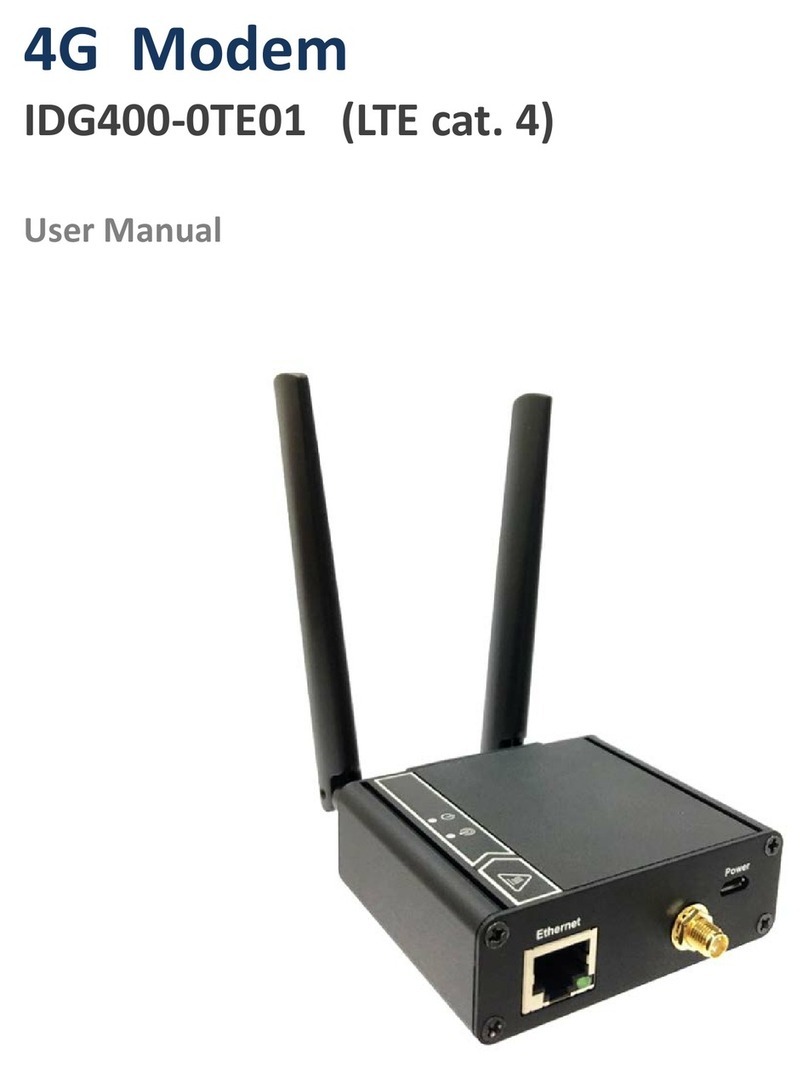
4G Modem
2
Chapter 1 Introduction ....................................................................................................................................4
1.1 Introduction..................................................................................................................................... 4
1.2 Contents List ................................................................................................................................... 5
1.2.1 Package Contents................................................................................................................... 5
1.3 Hardware Configuration .................................................................................................................. 6
1.4 LED Indication................................................................................................................................ 7
1.5 Installation & Maintenance Notice ................................................................................................... 7
1.5.1 SYSTEM REQUIREMENTS................................................................................................ 7
1.5.2 WARNING ........................................................................................................................... 8
1.5.3 HOT SURFACE CAUTION................................................................................................ 10
1.5.4 Product Information for CE RED Requirements ....................................................................11
1.6 Hardware Installation..................................................................................................................... 13
1.6.1 Mount the Unit.................................................................................................................... 13
1.6.2 Insert the SIM Card............................................................................................................. 13
1.6.3 Connecting to the Network or a Host.................................................................................... 14
1.6.4 Setup by Configuring WEB UI ........................................................................................... 14
Chapter 2 Setup............................................................................................................................................15
2.1 Network........................................................................................................................................ 15
2.1.1 Device Mode....................................................................................................................... 15
2.1.2 Cellular............................................................................................................................... 16
2.1.3 Ethernet............................................................................................................................... 18
2.1.4 Port Forwarding .................................................................................................................. 19
2.1.5 DDNS................................................................................................................................. 21
2.2 System ........................................................................................................................................... 22
2.2.1 System Time ........................................................................................................................ 22
2.2.2 Language............................................................................................................................. 23
2.2.3 System Information.............................................................................................................. 23
2.2.4 Scheduling........................................................................................................................... 23
Chapter 3 Administrator................................................................................................................................25
3.1 Manager........................................................................................................................................ 25
3.1.1 FW Upgrade........................................................................................................................ 25
3.1.2 Password & MMI................................................................................................................ 26
3.1.3 Reboot & Reset................................................................................................................... 27