manuals.online logo
Brands
  1. Home
  2. •
  3. Brands
  4. •
  5. AMX
  6. •
  7. Batteries Charger
  8. •
  9. AMX Mio-RCC User manual

AMX Mio-RCC User manual

Other AMX Batteries Charger manuals

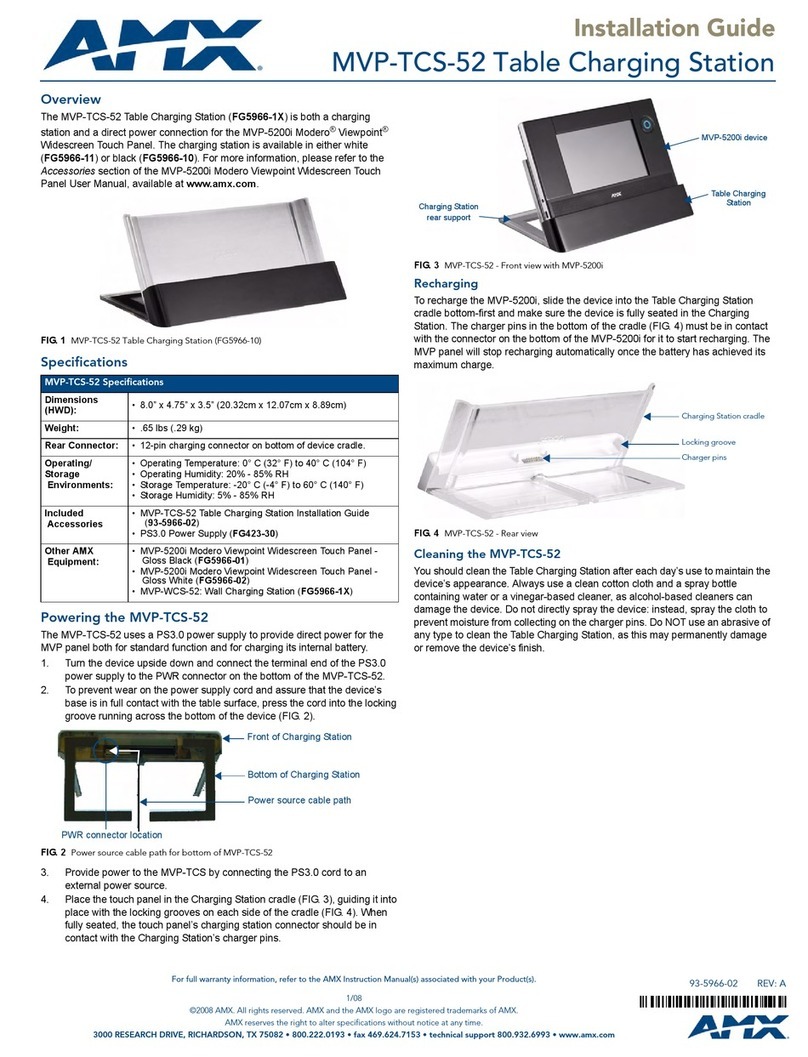
AMX MVP-WCS-52 User manual

AMX

AMX MVP-WCS-52 User manual

AMX NXA-BASE/1 User manual

AMX

AMX NXA-BASE/1 User manual

AMX NXA-BASE/1 User manual

AMX

AMX NXA-BASE/1 User manual

AMX MVP-WCS-52 User instructions

AMX

AMX MVP-WCS-52 User instructions

AMX MVP-TCS-52 User manual

AMX

AMX MVP-TCS-52 User manual

AMX MVP-TCS-52 User manual

AMX

AMX MVP-TCS-52 User manual

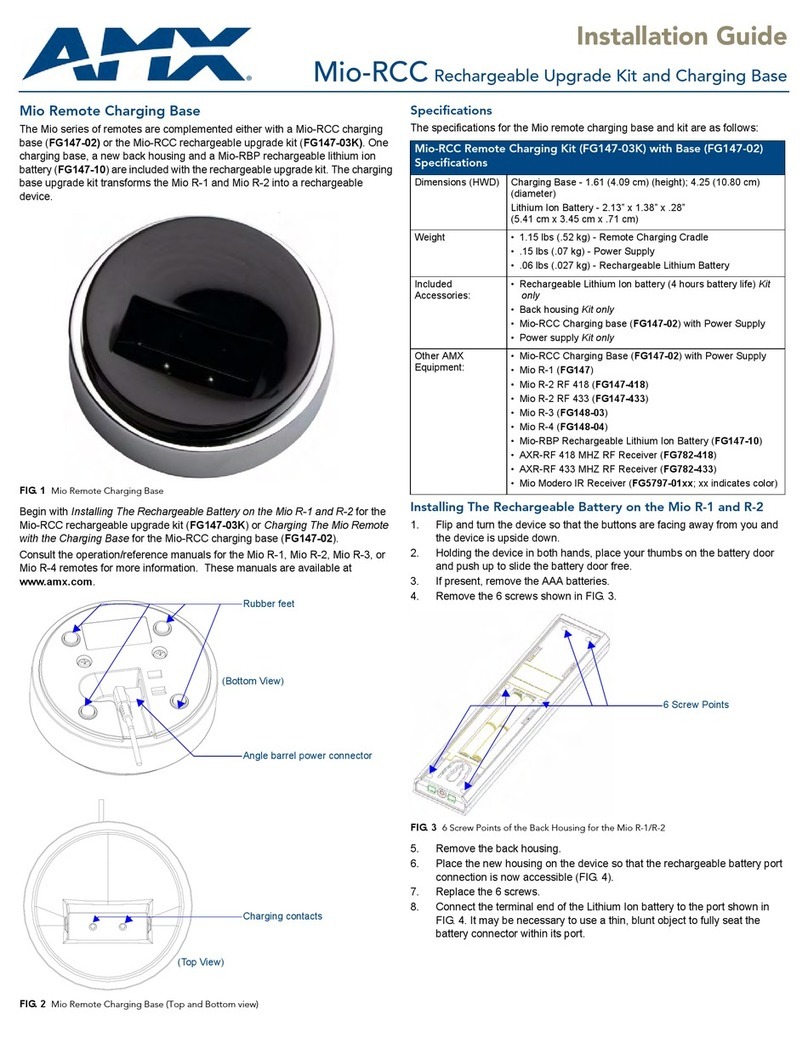
AMX Rechargeable Upgrade Kit and Charging Base... User manual

AMX

AMX Rechargeable Upgrade Kit and Charging Base... User manual

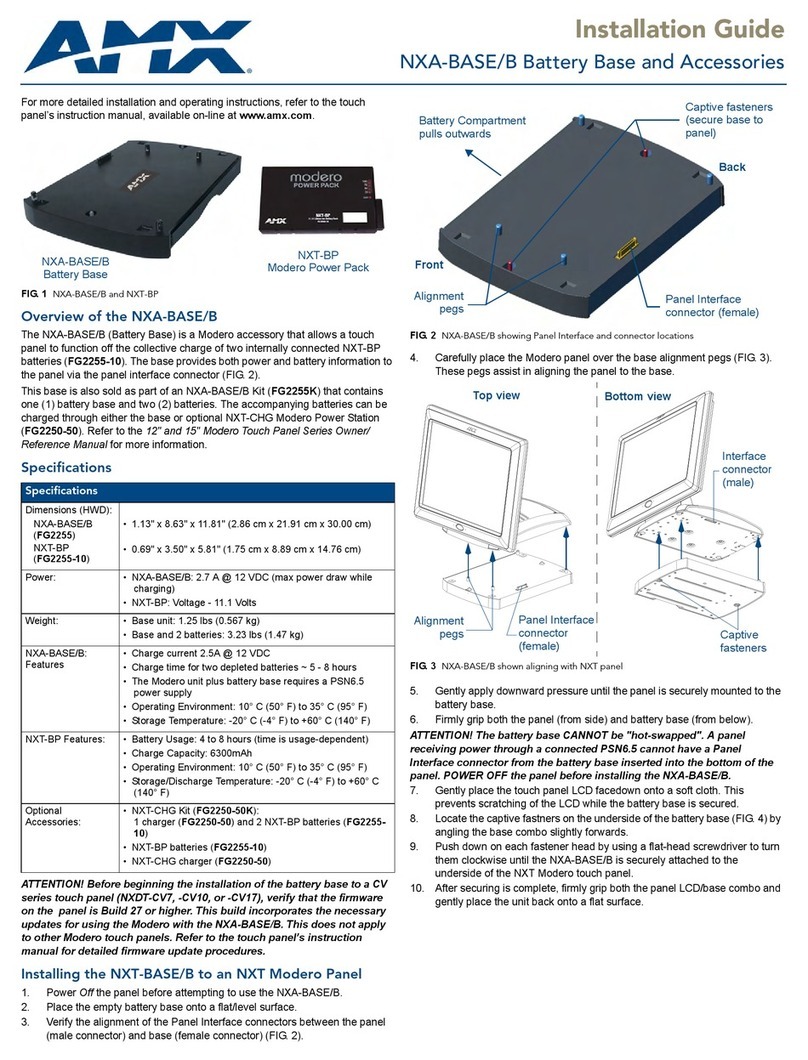
AMX Battery Base and Accessories NXA-BASE/B User manual

AMX

AMX Battery Base and Accessories NXA-BASE/B User manual

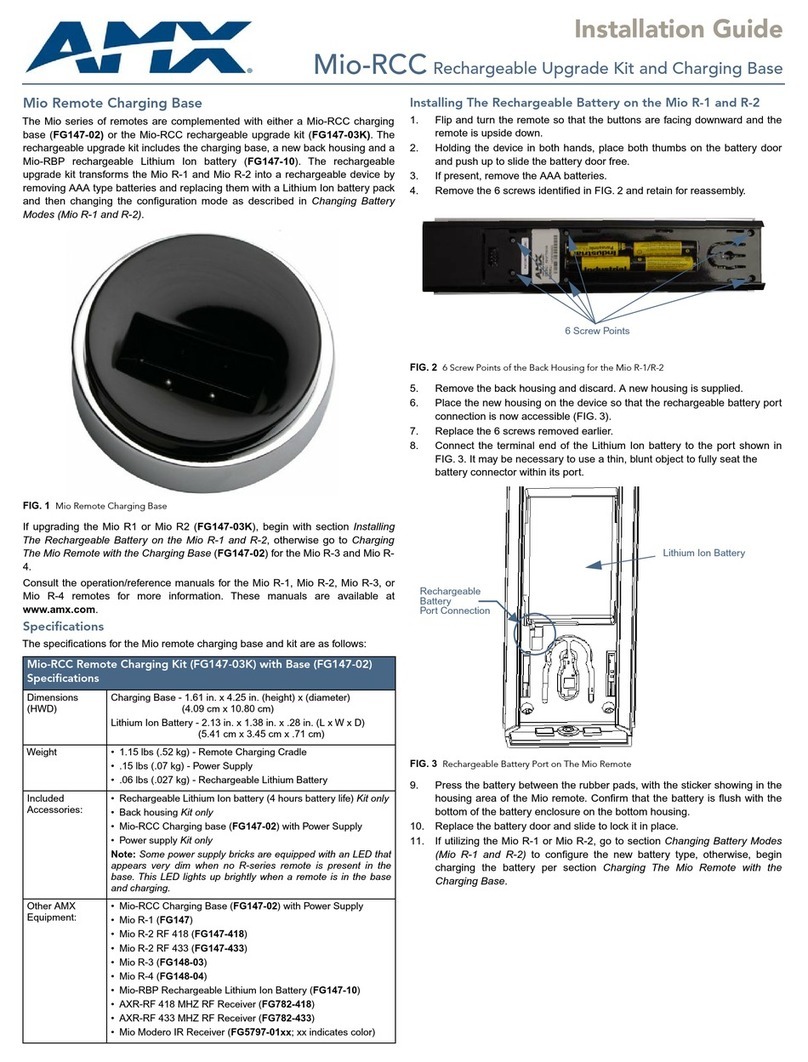
AMX Mio-RCC User manual

AMX

AMX Mio-RCC User manual

AMX NXT-BP User manual

AMX

AMX NXT-BP User manual

Popular Batteries Charger manuals by other brands

EVBox BusinessLine manual

EVBox

EVBox BusinessLine manual

Goobay 71808 user manual

Goobay

Goobay 71808 user manual

Kogan KACRDQIS4XA user manual

Kogan

Kogan KACRDQIS4XA user manual

Sealey WCB3 quick start guide

Sealey

Sealey WCB3 quick start guide

Vanner SP00143/181 owner's manual

Vanner

Vanner SP00143/181 owner's manual

KeyOuest KO037515 quick start guide

KeyOuest

KeyOuest KO037515 quick start guide

Enplus Silk Series user manual

Enplus

Enplus Silk Series user manual

Intermec SF51 user guide

Intermec

Intermec SF51 user guide

Colorovo PowerBox 6800 user guide

Colorovo

Colorovo PowerBox 6800 user guide

Smartech WBC-250 Operator's manual

Smartech

Smartech WBC-250 Operator's manual

PIXO C-USB instruction manual

PIXO

PIXO C-USB instruction manual

Gunson G4104 quick start guide

Gunson

Gunson G4104 quick start guide

Dometic NDS SCE320 Short Operating Manual

Dometic

Dometic NDS SCE320 Short Operating Manual

ABB HT572708 Operation manual

ABB

ABB HT572708 Operation manual

EVOline Square80 manual

EVOline

EVOline Square80 manual

Redarc SBC24025 Operating instructions and owner's manual

Redarc

Redarc SBC24025 Operating instructions and owner's manual

Absaar HV04 manual

Absaar

Absaar HV04 manual

DazeTechnology Cover Dazebox Home installation manual

DazeTechnology

DazeTechnology Cover Dazebox Home installation manual

manuals.online logo
manuals.online logoBrands
  • About & Mission
  • Contact us
  • Privacy Policy
  • Terms and Conditions

Copyright 2025 Manuals.Online. All Rights Reserved.

QUICK START GUIDE
Mio-RCC Rechargeable Upgrade Kit and Charging Base
Mio Remote Charging Base
Elegant and stylish, the R-Series Charging Cradle Kit conveniently charges and stores
Mio remotes so they're always ready to use. The MIO-RCC-KIT includes both the
charging cradle and the rechargeable lithium-ion battery necessary for the MIO R-1 and
MIO R-2 remote controls to use the cradle.
If upgrading the Mio R1 or Mio R2 (FG147-03K), begin with section Installing The
Rechargeable Battery on the Mio R-1 and R-2, otherwise go to Charging The Mio
Remote with the Charging Base (FG147-02) for the Mio R-3 and Mio R-4.
Consult the operation/reference manuals for the Mio R-1, Mio R-2, Mio R-3, or Mio R-4
remotes for more information. These manuals are available at www.amx.com.
Specif ications
The specifications for the Mio remote charging base and kit are as follows:
Installing The Rechargeable Battery on the Mio R-1 and R-2
1. Flip and turn the remote so that the buttons are facing downward and the remote
is upside down.
2. Holding the device in both hands, place both thumbs on the battery door and
push up to slide the battery door free.
3. If present, remove the AAA batteries.
4. Remove the 6 screws identified in FIG. 2 and retain for reassembly.
5. Remove the back housing and discard. A new housing is supplied.
6. Place the new housing on the device so that the rechargeable battery port
connection is now accessible (FIG. 3).
7. Replace the 6 screws removed earlier.
8. Connect the terminal end of the Lithium Ion battery to the port shown in FIG. 3. It
may be necessary to use a thin, blunt object to fully seat the
battery connector within its port.
9. Press the battery between the rubber pads, with the sticker showing in the
housing area of the Mio remote. Confirm that the battery is flush with the bottom
of the battery enclosure on the bottom housing.
10. Replace the battery door and slide to lock it in place.
11. If utilizing the Mio R-1 or Mio R-2, go to section Changing Battery Modes (Mio R-1
and R-2) to configure the new battery type, otherwise, begin charging the battery
per section Charging The Mio Remote with the Charging Base.
FIG. 1 MIO REMOTE CHARGING BASE
MIO-RCC REMOTE CHARGING KIT WITH BASE SPECIF ICATIONS
Dimensions (HWD) Charging Base - 1.61 in. x 4.25 in. (height) x (diameter)
(4.09 cm x 10.80 cm)
Lithium Ion Battery - 2.13 in. x 1.38 in. x .28 in. (L x W x D)
(5.41 cm x 3.45 cm x .71 cm)
Weight • 1.15 lbs (.52 kg) - Remote Charging Cradle
• .15 lbs (.07 kg) - Power Supply
• .06 lbs (.027 kg) - Rechargeable Lithium Battery
Included
Accessories:
• Rechargeable Lithium Ion battery (4 hours battery life) Kit only
•BackhousingKit only
• Mio-RCC Charging base (FG147-02) with Power Supply
• Power supply Kit only
Note: Some power supply bricks are equipped with an LED that appears
very dim when no R-series remote is present in the base. This LED lights
up brightly when a remote is in the base and charging.
Other AMX
Equipment:
• Mio-RCC Charging Base (FG147-02) with Power Supply
• Mio R-1 (FG147)
• Mio R-2 RF 418 (FG147-418)
• Mio R-2 RF 433 (FG147-433)
• Mio R-3 (FG148-03)
• Mio R-4 (FG148-04)
• Mio-RBP Rechargeable Lithium Ion Battery (FG147-10)
• AXR-RF 418 MHZ RF Receiver (FG782-418)
• AXR-RF 433 MHZ RF Receiver (FG782-433)
• Mio Modero IR Receiver (FG5797-01xx; xx indicates color)
FIG. 2 6 SCREW POINTS OF THE BACK HOUSING FOR THE MIO R-1/R-2
FIG. 3 RECHARGEABLE BATTERY PORT ON THE MIO REMOTE
6 Screw Points
Lithium Ion Battery
Rechargeable
Battery
Port Connection

© 2015 Harman. All rights reserved. AMX, AV FOR AN IT WORLD, and HARMAN, and their respective logos are registered trademarks of HARMAN.
Oracle, Java and any other company or brand name referenced may be trademarks/registered trademarks of their respective companies.
AMX does not assume responsibility for errors or omissions. AMX also reserves the right to alter specifications without prior notice at any time.
The AMX Warranty and Return Policy and related documents can be viewed/downloaded at www.amx.com.
3000 RESEARCH DRIVE, RICHARDSON, TX 75082 AMX.com | 800.222.0193 | 469.624.8000 | +1.469.624.7400 | fax 469.624.7153
AMX (UK) LTD, AMX by HARMAN - Unit C, Auster Road, Clifton Moor, York, YO30 4GD United Kingdom • +44 1904-343-100 • www.amx.com/eu/
93-0147-02 REV: F
Last Revised: 11/05/2015
Changing Battery Modes (Mio R-1 and R-2)
Conf iguration Mode
The Configuration Mode enables the user to set the battery type on the Mio R-1 and R-
2 remotes to Normal for standard AAA type batteries, or Recharge if equipped with a
Lithium Ion battery pack upgrade. To enter Configuration Mode:
Press and hold the STOP button and the INPUT button simultaneously as shown in
FIG. 4 step 1.
The two buttons must be pressed within 0.1 seconds of each other and held down for 2
seconds. The device indicates that you are now in Configuration Mode. See below for
available modes.
Battery Type
1. Pressing button "6" on the remote toggles the displayed battery type between
Normal and Recharge. The type of battery installed in the MIO remote dictates the
battery type to be selected.
2. Press the EXIT key shown in FIG. 4 step 3 when selection has been made and is
reflected in the display at the top of the remote.
Note: Settings will not be lost in the event the batteries die or are removed.
Charging The Mio Remote with the Charging Base
The Mio remotes receive power for recharging the battery pack from a charging base.
To recharge the battery pack in a Mio remote, the charging base must first be installed
correctly.
1. Locate the power cord equipped with a power brick AC/DC converter.
2. Connect the angled barrel power connector of the power cord into the bottom
power port on the Mio remote charging base. See FIG. 5 for the location.
3. Route the cable through the provided channel as shown so that it comes out the
side of the base. This will ensure that the base sits flush on a flat surface.
4. Connect the AC power plug from the AC/DC converter power brick to an external
power source (wall outlet, power strip, etc.)
Note: Some power supply bricks are equipped with an LED that appears very dim
when no R-series remote is present in the base. This LED lights up brightly when a
remote is in the base and charging.
5. Place the bottom of the Mio remote into the charging base so the contacts on the
remote are on top of the charging contacts inside the charging base. The Power
LED on the Mio remote blinks red to indicate it is charging and illuminates solid
red when it is done. Full charge cycle for a depleted battery is approximately 3
hours.
Avoid placing units equipped with AAA batteries into the charging
base.
FIG. 4 REMOTE “BATTERY TYPE” PROGRAMMING FEATURES
1. Press and hold the STOP and the
INPUT buttons simultaneously to
enter program mode.
3. Press the EXIT key when complete.
2. Press "6" to toggle between
Normal and Recharge in display.
NORMAL Display indicates battery type selected.
FIG. 5 MIO REMOTE CHARGING BASE (TOP AND BOTTOM VIEW)
Charging Contacts
Rubber Feet
Angled Barrel Power Connector
(Bottom View)
(Top View)