manuals.online logo
Brands
  1. Home
  2. •
  3. Brands
  4. •
  5. Anthro
  6. •
  7. Indoor Furnishing
  8. •
  9. Anthro 298 series User manual

Anthro 298 series User manual

Other Anthro Indoor Furnishing manuals

Anthro Elevate ELTA136 4 Series User manual

Anthro

Anthro Elevate ELTA136 4 Series User manual

Anthro TAB16 User manual

Anthro

Anthro TAB16 User manual

Anthro Steve's Bench RTS90DGM Series User manual

Anthro

Anthro Steve's Bench RTS90DGM Series User manual

Anthro fit 24 User manual

Anthro

Anthro fit 24 User manual

Anthro FAJ30zz/xx3 Series User manual

Anthro

Anthro FAJ30zz/xx3 Series User manual

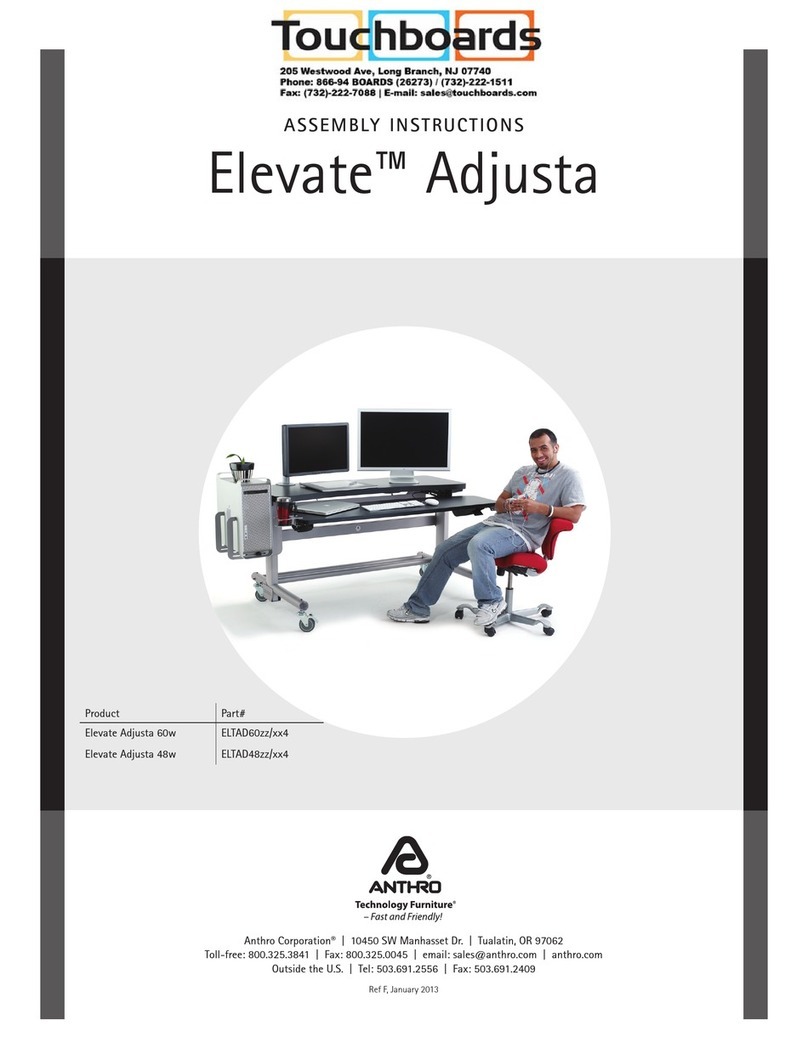
Anthro Elevate Adjusta Series User manual

Anthro

Anthro Elevate Adjusta Series User manual

Anthro Elevate II Adjusta User manual

Anthro

Anthro Elevate II Adjusta User manual

Anthro eNook II User manual

Anthro

Anthro eNook II User manual

Anthro FCCzz/xx3 Series User manual

Anthro

Anthro FCCzz/xx3 Series User manual

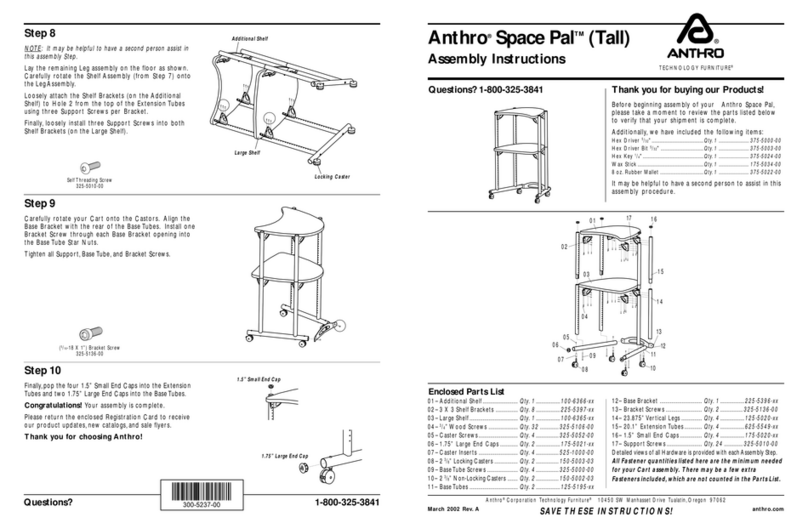
Anthro Space Pal User manual

Anthro

Anthro Space Pal User manual

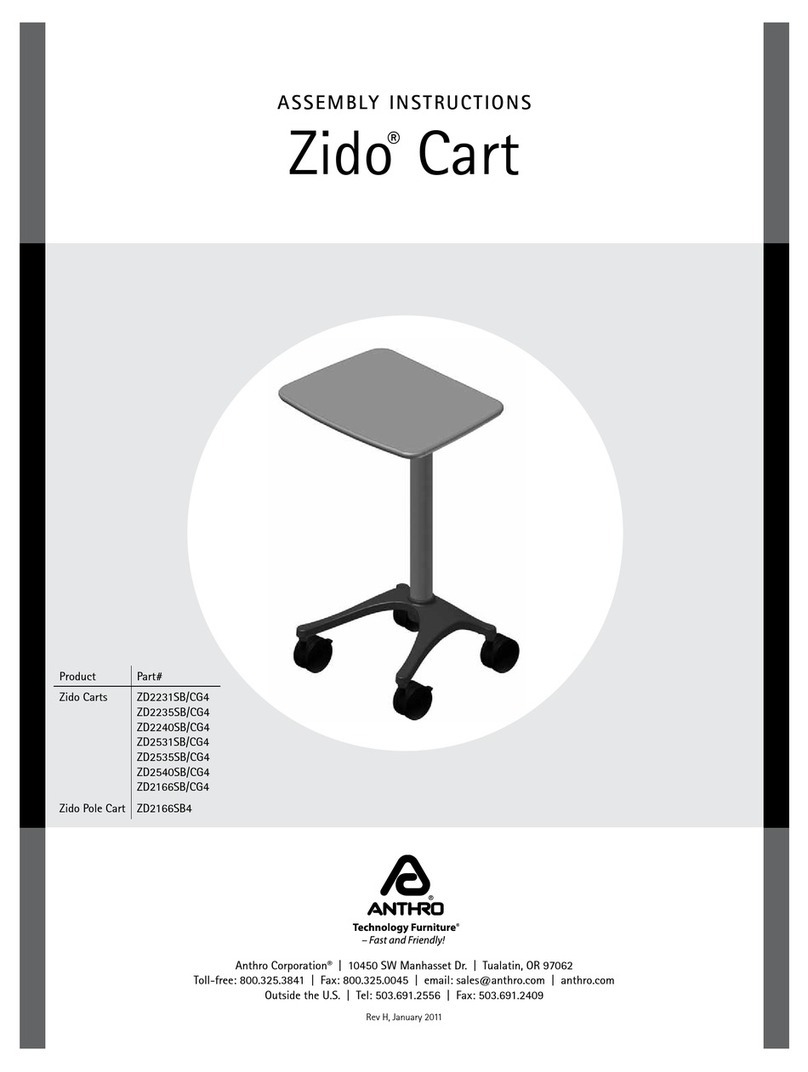
Anthro Zido Cart User manual

Anthro

Anthro Zido Cart User manual

Anthro Zido ZHKzz User manual

Anthro

Anthro Zido ZHKzz User manual

Anthro Steve's Station Advanced User manual

Anthro

Anthro Steve's Station Advanced User manual

Anthro Steve's Station Standard User manual

Anthro

Anthro Steve's Station Standard User manual

Anthro FAJ60zz/xx3 Series User manual

Anthro

Anthro FAJ60zz/xx3 Series User manual

Anthro Elevate Original Corner User manual

Anthro

Anthro Elevate Original Corner User manual

Anthro AnthroCart User manual

Anthro

Anthro AnthroCart User manual

Anthro Elevate II User manual

Anthro

Anthro Elevate II User manual
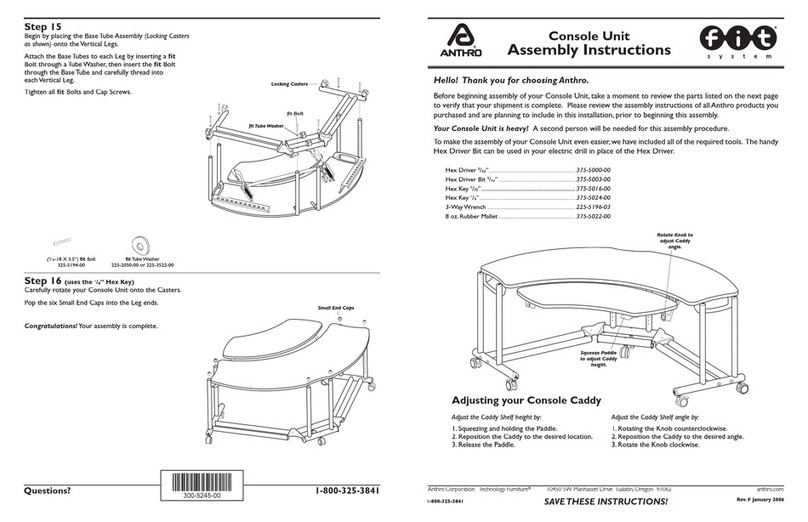
Anthro GT03 Series User manual

Anthro

Anthro GT03 Series User manual

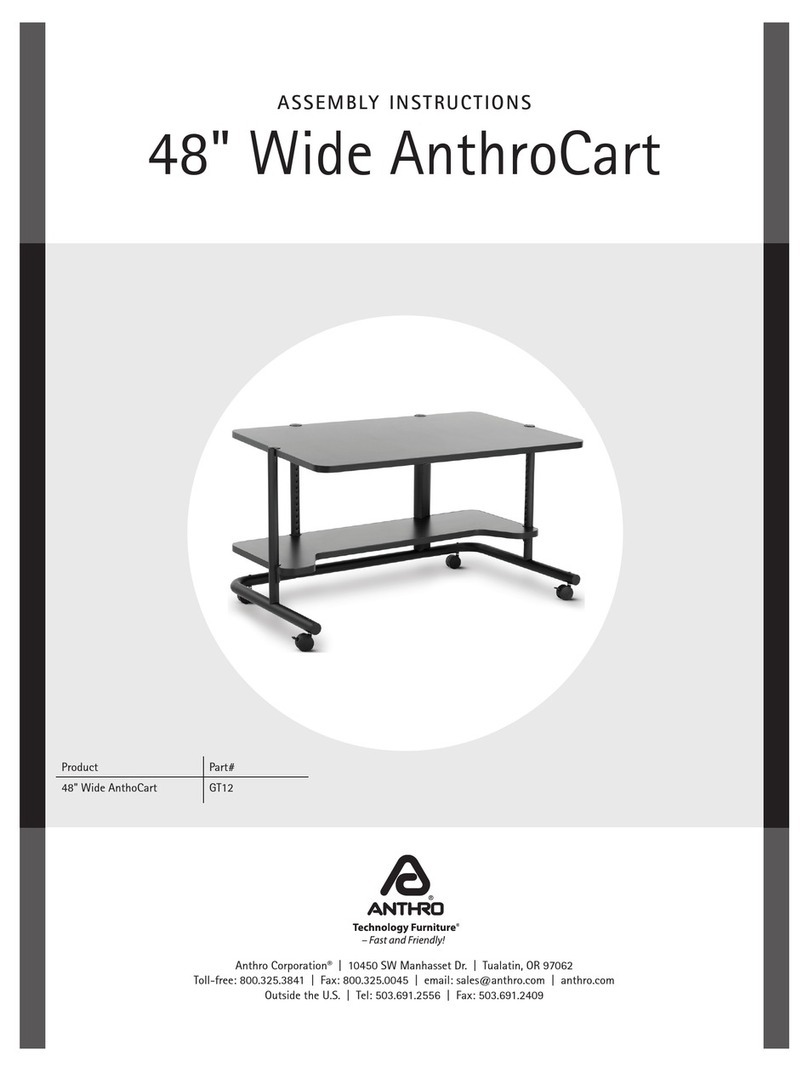
Anthro GT12 User manual

Anthro

Anthro GT12 User manual

Popular Indoor Furnishing manuals by other brands

Regency LWMS3015 Assembly instructions

Regency

Regency LWMS3015 Assembly instructions

Furniture of America CM7751C Assembly instructions

Furniture of America

Furniture of America CM7751C Assembly instructions

Safavieh Furniture Estella CNS5731 manual

Safavieh Furniture

Safavieh Furniture Estella CNS5731 manual

PLACES OF STYLE Ovalfuss Assembly instruction

PLACES OF STYLE

PLACES OF STYLE Ovalfuss Assembly instruction

Trasman 1138 Bo1 Assembly manual

Trasman

Trasman 1138 Bo1 Assembly manual

Costway JV10856 manual

Costway

Costway JV10856 manual

moss DESIGN Caisson Credenza Assembly instructions

moss DESIGN

moss DESIGN Caisson Credenza Assembly instructions

Aquaglide FULL DECK 15.0 owner's manual

Aquaglide

Aquaglide FULL DECK 15.0 owner's manual

AREBOS AR-HE-SW30 user manual

AREBOS

AREBOS AR-HE-SW30 user manual

Till-Hilft Fulda 87005.330 Assembly instructions

Till-Hilft

Till-Hilft Fulda 87005.330 Assembly instructions

Twoey Outside 2010 quick start guide

Twoey Outside

Twoey Outside 2010 quick start guide

Hettich Easys 200 operating instructions

Hettich

Hettich Easys 200 operating instructions

The bedboss RELAX 404 Series owner's manual

The bedboss

The bedboss RELAX 404 Series owner's manual

Oeseder Möbelindustrie Bern 991 720 Assembly instructions

Oeseder Möbelindustrie

Oeseder Möbelindustrie Bern 991 720 Assembly instructions

Costway HW68469 user manual

Costway

Costway HW68469 user manual

Next ALIX A27743 Assembly instructions

Next

Next ALIX A27743 Assembly instructions

BROSA Hans Assembly guide

BROSA

BROSA Hans Assembly guide

Prodigg MINIKA PBA015T-FUR installation manual

Prodigg

Prodigg MINIKA PBA015T-FUR installation manual

manuals.online logo
manuals.online logoBrands
  • About & Mission
  • Contact us
  • Privacy Policy
  • Terms and Conditions

Copyright 2025 Manuals.Online. All Rights Reserved.

Anthro®File-Hanging 2 Drawer
Assembly Instructions
Enclosed Parts List
These Assembly Instructions are for the 298xx.
Before beginning assembly of your Anthro File-Hanging
2 Drawer, please take a moment to review the parts list below
to verify that your shipment is complete.
Review the assembly instructions of all Anthro products you
purchased and are planning to include in this installation prior
to beginning this assembly.
An electric drill and 1/8” drill bit are required for this assembly.
01– Housing Assembly .................... Qty. 1......................225-5481-xx
02– 6” Hanging Drawer Body .......... Qty. 1......................225-5474-xx
03– M4 x 8mm Phillips Screws ........Qty. 4...... 325-A129-18-01-00
04– Drawer Pull (DP 10B) ................ Qty. 2.......175-A138-10-01-03
Step 1
Pull the top drawer all the way out. Locate the drawer glides
on each side of the drawer body, and then locate the lever
inside each glide. Push the levers down to release the drawer
body from the housing and pull the drawer body away from the
housing.
Set aside the top drawer, then remove and set aside the lower
drawer.
TECHNOLOGY FURNITURE®
03
0104
05
Step 2 (requires a Philips Screw Driver)
Position the drawer pulls against the front of the drawers and
secure into place using the two Phillips screws.
05– 11” Hanging File Body............... Qty. 1 .....................225-5476-xx
06– 3/4” Wood Screws (2 extras) ......... Qty. 6......................325-5106-00
Drill Template (not shown)............ Qty.1 ..................... 300-5140-00
A 5/32” Anthro Hex Driver and Phillips Screwdriver (both not included)
will be required for this assembly.
Install the Drawer Pull using the
two Metric Screws.
06
Drawer Pull
Drawer Mounts
Levers
Drawer Glides
Drawers
Housing Assembly
02
M4 x 8MM Philips Screw
325-A129-18-01-00
Anthro® Corporation 10450 SW Manhasset Drive Tualatin, OR 97062
June 2014, Rev D anthro.com
SAVE THESE INSTRUCTIONS!
Step 3 (requires an electric drill and 1/8” drill bit)
Determine the location of your drawer unit on your
assembled workstation. Locate the Drill Template. Follow
its instructions to drill the holes for installing your drawer’s
housing assembly.
Once the holes have been drilled and the four wood screws
are partially installed, align the housing assembly with the
workstation so it opens to the front of the workstation and
the four keyholes on the assembly line up with the wood
screws. Slip the housing assembly over the wood screws
(Figure 1), then slide the housing to the back of the
workstation so the screws rest in the narrow end of the
keyholes on the housing (Figure 2). Tighten the wood screws
(Figure 3).
Install the remaining two wood screws into the center holes.
Step 4
Carefully, rotate your workstation so it’s right side up.
Reinstall the drawers to the housing assembly by aligning
the drawer glides (located on the drawers) with the drawer
mounts (located on the housing assembly). Then firmly push
the drawers all the way to the rear of your Cart.
Congratulations! Your drawer assembly is complete.
Items shown shaded are not included with this Accessory.
Figure 1
Insert Wood Screw
through Keyholes.
Figure 2
Push housing to the
back of the workstation
Figure 3
Fully tighten the
Wood Screws.
Keyholes
Firmly push the drawers towards the
rear of your cart.
Drawer
Glide
Center
Holes
Housing
Assembly
3/4” Wood Screw
325-5106-00
Questions? 1-800-325-3841
For warranty information, please visit:
http://www.anthro.com/support/warranty