manuals.online logo
Brands
  1. Home
  2. •
  3. Brands
  4. •
  5. Antunes
  6. •
  7. Toaster
  8. •
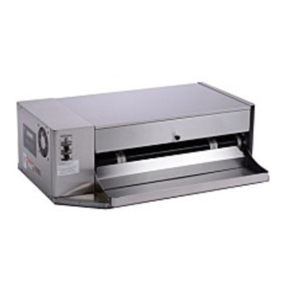
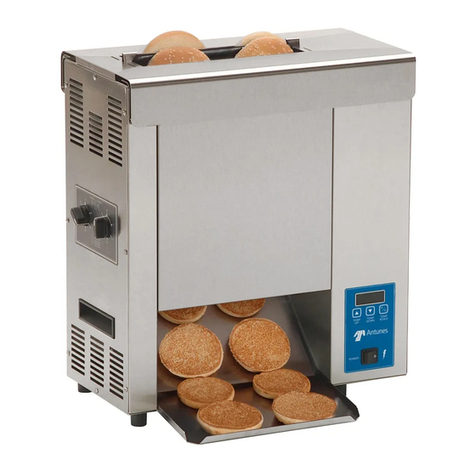
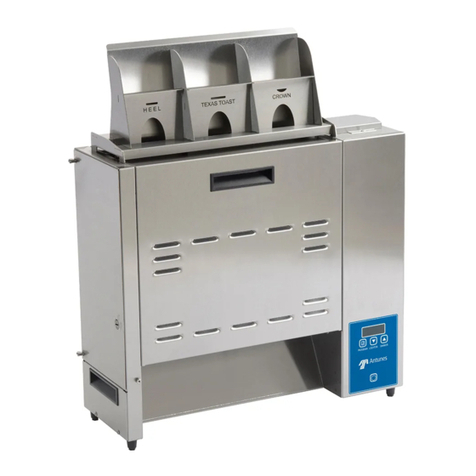
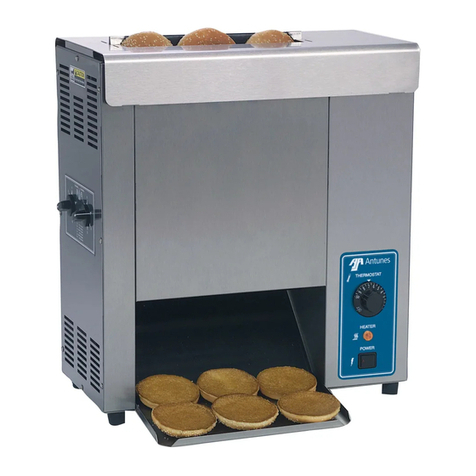
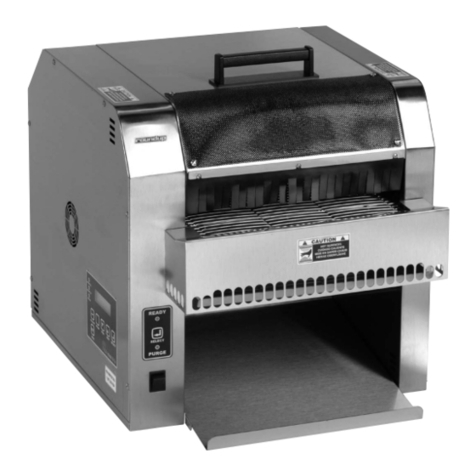
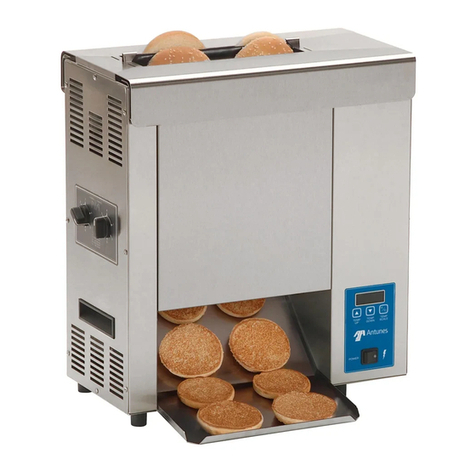
  9. Antunes GST-1H User manual

Antunes GST-1H User manual

Other manuals for GST-1H

1

Other Antunes Toaster manuals

Antunes HCT-5H User manual

Antunes

Antunes HCT-5H User manual

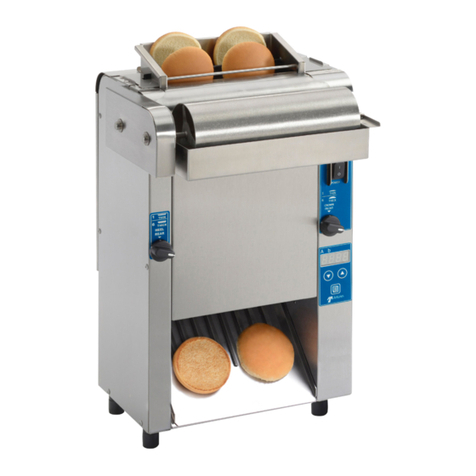
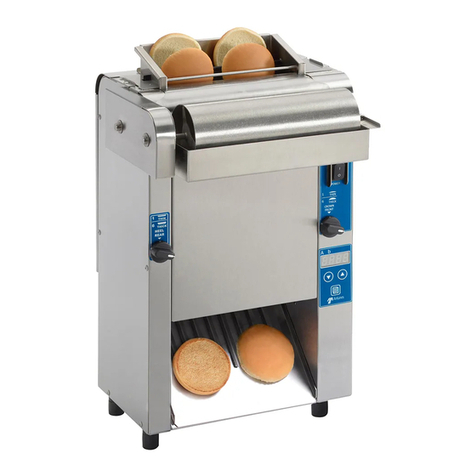
Antunes HEBT-5V User manual

Antunes

Antunes HEBT-5V User manual

Antunes Gold Standard GST-5V User manual

Antunes

Antunes Gold Standard GST-5V User manual

Antunes VCT Series User manual

Antunes

Antunes VCT Series User manual

Antunes VCTM-2 User manual

Antunes

Antunes VCTM-2 User manual

Antunes VCT-2 User manual

Antunes

Antunes VCT-2 User manual

Antunes Roundup VCT-2000 User manual

Antunes

Antunes Roundup VCT-2000 User manual

Antunes Roundup VCT-2000 User manual

Antunes

Antunes Roundup VCT-2000 User manual

Antunes Roundup MT-12 User manual

Antunes

Antunes Roundup MT-12 User manual

Antunes VCT-35 User manual

Antunes

Antunes VCT-35 User manual

Antunes Roundup VCT-2000 User manual

Antunes

Antunes Roundup VCT-2000 User manual

Antunes 9210875 User manual

Antunes

Antunes 9210875 User manual

Antunes VCT-20 User manual

Antunes

Antunes VCT-20 User manual

Antunes Roundup VCT-2000 User manual

Antunes

Antunes Roundup VCT-2000 User manual

Antunes VCT-1000 Series User manual

Antunes

Antunes VCT-1000 Series User manual

Antunes VCT Series User manual

Antunes

Antunes VCT Series User manual

Antunes GST-1H User manual

Antunes

Antunes GST-1H User manual

Antunes VCT-1000CF User manual

Antunes

Antunes VCT-1000CF User manual

Antunes VCT-2 User manual

Antunes

Antunes VCT-2 User manual

Antunes Roundup VCT-2000 User manual

Antunes

Antunes Roundup VCT-2000 User manual

Antunes GST-2V User manual

Antunes

Antunes GST-2V User manual

Antunes VCTM-2 User manual

Antunes

Antunes VCTM-2 User manual

Antunes GST-3V User manual

Antunes

Antunes GST-3V User manual

Antunes Roundup DST-200 User manual

Antunes

Antunes Roundup DST-200 User manual

Popular Toaster manuals by other brands

West Bend SOHO Toaster instruction manual

West Bend

West Bend SOHO Toaster instruction manual

Philips HD2615/80 user manual

Philips

Philips HD2615/80 user manual

Taurus ARCTIC 960648 quick start guide

Taurus

Taurus ARCTIC 960648 quick start guide

KitchenAid KTT570 instructions

KitchenAid

KitchenAid KTT570 instructions

Redfox TO 920 G Instructions for installation and use

Redfox

Redfox TO 920 G Instructions for installation and use

Electrolux EAT978 Instruction book

Electrolux

Electrolux EAT978 Instruction book

SEVERIN SA 9275 manual

SEVERIN

SEVERIN SA 9275 manual

Breville the Big One BTS100 Instruction booklet

Breville

Breville the Big One BTS100 Instruction booklet

Sunbeam TA2540 user guide

Sunbeam

Sunbeam TA2540 user guide

ARENDO 305716 user manual

ARENDO

ARENDO 305716 user manual

Life Crispy AT-001 user manual

Life

Life Crispy AT-001 user manual

Beko TAM 6201 I user manual

Beko

Beko TAM 6201 I user manual

Zephir ZHC485 instruction manual

Zephir

Zephir ZHC485 instruction manual

H.Koenig TOS9 instruction manual

H.Koenig

H.Koenig TOS9 instruction manual

ZIEGELMULLER Ritter ET 10 Operating and assembly instructions

ZIEGELMULLER

ZIEGELMULLER Ritter ET 10 Operating and assembly instructions

HURAKAN HKN-TOP3 manual

HURAKAN

HURAKAN HKN-TOP3 manual

Magio MG-275 instruction manual

Magio

Magio MG-275 instruction manual

Philips HD2565 manual

Philips

Philips HD2565 manual

manuals.online logo
manuals.online logoBrands
  • About & Mission
  • Contact us
  • Privacy Policy
  • Terms and Conditions

Copyright 2025 Manuals.Online. All Rights Reserved.

Belt Removal:
1. Press and release the Power button to turn the unit
off. The Tortilla Warmer enters a cool-down mode.
Wait until the unit automatically shuts down and
OFF appears on the display.
2. Unplug the power cord.
3. Wearing heat resistant gloves, remove the all
accessories, Top cover (if applicable) feeder, chute,
rear panel and set aside (Figure 1)
Figure 1.
(Accessories may be different depending on model number)
4. Facing the front of the unit, move to the right side
panel. Rotate the unit as necessary for access.
5. Unlock the side panel door using a screwdriver,
coin, or similar tool. Open the side panel (Figure 2).
®
GST BELT REPLACEMENT INSTRUCTIONS (P/N 1012999)
Figure 2.
General
If you experience any problems with these instructions, con-
tact the factory Technical Service Department at 630-784-1000
or toll free in the U.S. at 877-392-7854.
WARNING
Turn the unit off, unplug the power cord and allow the
unit to cool down before performing any service or
maintenance on the unit.
ANTUNES www.antunes.com 180 Kehoe Blvd., Carol Stream, Illinois 60188
TOOLS: Heat Resistant Gloves, Flat Head Screw Driver,
Clean Sanitized Towel and Approved Sanitizer
PARTS INCLUDED
Main Belt Replacement Kit
1 Pack: P/N 7001766
2 Pack: P/N 7001659
Instruction Sheet: P/N 1012999
AFFECTED PRODUCTS: GST-1H
TOP COVER
FEEDER
CHUTE
HEATED LANDING ZONE
CLIP
BACK PANEL
BOTTOM
FRONT
ROLLER
SIDE
PANEL
DOOR
LOCK
LEVER
TOP
FRONT
ROLLER
Figure 3.
LIFT THIS
BRACKET
6. TOP BELT:
Remove tension on the Top Belt by pushing the Top
FRONT Roller IN and UP until it locks into position.
7. BOTTOM BELT:
Remove tension on the Bottom Belt by pushing the
Bottom FRONT Roller IN and DOWN.
8. Rotate the knobs shown in gure 3 half turn.
NOTE: If your unit came with clips attached to
the knobs, remove and discard them
9. Lift up on the tension brackets until it locks in the up
position and does not drop down. Repeat process
for opposite side of unit.
KNOB
LOCK LEVER
1
®
P/N 1012999 Rev. A 03/19
NOTE: If the brackets will not move, rotate the knobs
from Step 8 a half turn until the brackets can be
lifted up.
10. Disengage the lock lever by pulling it towards you
while lifting up on the bracket (Figure 3)
11. Slide the Belt(s) to be replaced out of the unit and
discard (Figure 4).
12. With belt(s) removed, wipe all expopsed rollers and
the top and bottom heater cover plates with a clean
sanitized towel to remove any debris (Figure 4).
NOTE: Any debris stuck on the roller/ cover plates
can damage the belts.
GST-BELT REPLACEMENT INSTRUCTIONS (P/N 1012999)
ANTUNES www.antunes.com 180 Kehoe Blvd., Carol Stream, Illinois 60188
Figure 4.
Installing Belts:
1. Wipe both sides of the new Belt(s) with a clean,
sanitized towel sprayed with an approved sanitizer
and allow to air dry.
2. BOTTOM BELT:
Slide the new bottom belt over the bottom rollers
(Figure 4).
3. TOP BELT:
Slide the new top belt over the top rollers (Figure 4).
and allow to air dry.
NOTE: You may need to lift the upper roller
assembly when installing the belts.
NOTE: Make sure the snaps are aligned evenly
on the rollers. The snaps on the belts should
face inside and should be aligned with the
grooves on the roller. Belts must be installed so
the exposed diagonal seam of the belt is away
from the direction of belt travel.
4. Restore tension on the bottom belt by pushing UP and
OUT (Figure 2)
6. Restore the tension on the top belt by pushing DOWN
and OUT (Figure 2)
7. Lock the brackets shown in Figure 5 by rotating the
highlighted knob so the brackets drop down into
place. Push down on each bracket to ensure they are
in position.
8. Engage the lock lever as shown in Figure 3.
Make sure the lock lever is properly inserted into the
slotted grooves.
9. Close and lock the side panel (Figure 7).
Figure 5.
CLIP
CLIP
KNOB
KNOB
LEFT
BRACKET
RIGHT
BRACKET
Figure 7.
10. Reinstall the accessories (Figure 3).
11. Plug the power cord into the appropriate outlet, turn
the unit on. Return the unit to use
2
®
P/N 1012999 Rev. A 03/19