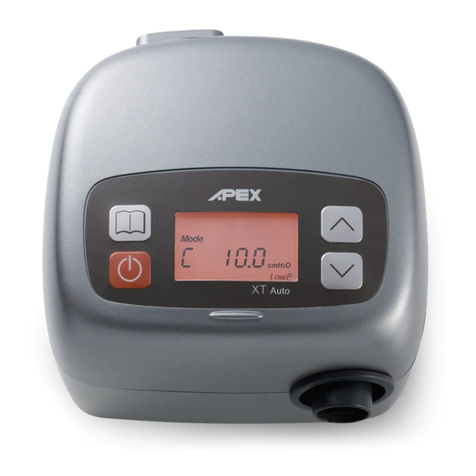
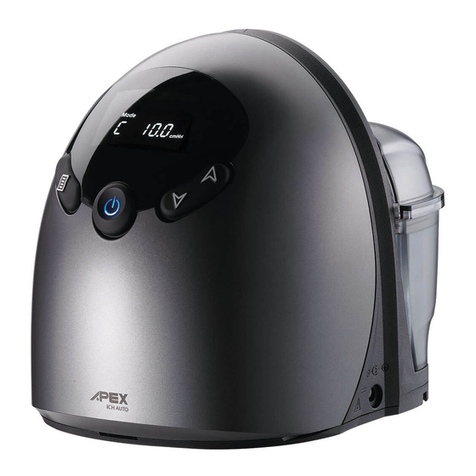
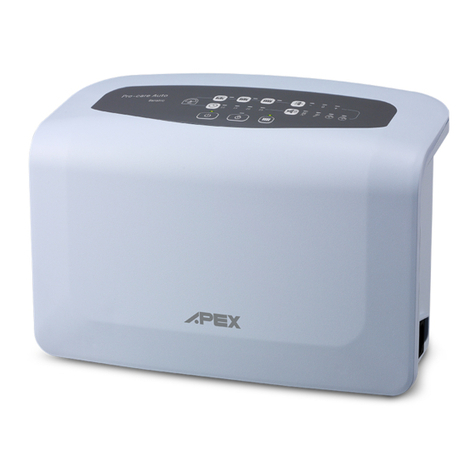
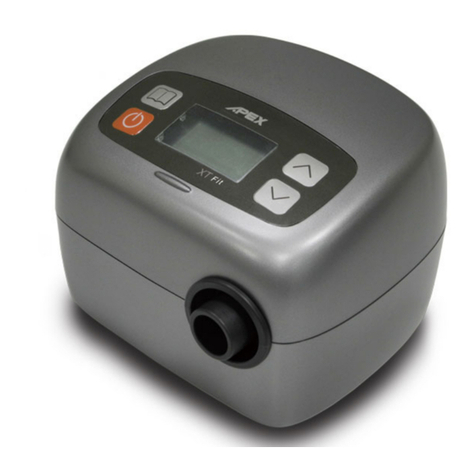
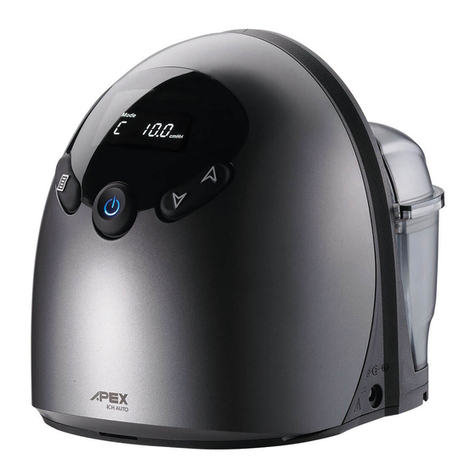
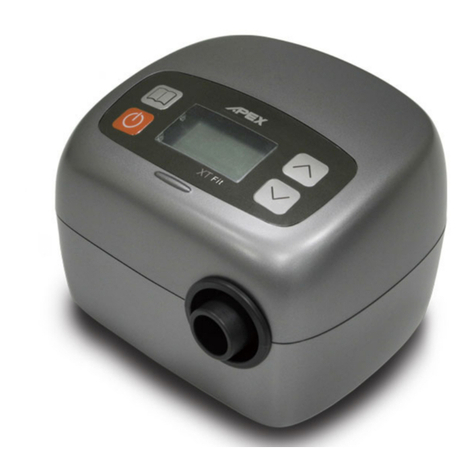
XT Auto CPAP System
CPAP Model No.: 9S-005720
Additional instruction for Physician and Technician
Do not distribute to patients)
1. To Select CPAP or APAP Mode
1. Press
"MENU"
to select
[Mode CPAP]
menu while in the standby screen.
2. Hold the
"UP"
and
"DOWN"
button, and then simultaneously press the
"MENU"
button
for one second. Meanwhile, the LCD screen
[Mode CPAP]
should start blinkin to
allow you to switch the mode from CPAP to APAP.
3. Press
"UP"
or
"DOWN"
button to select CPAP or APAP mode.
4. After selectin the mode, press
"MENU"
to confirm.
5. Press
“START/STANDBY”
button to o back to standby screen or leave the device to
automatically o back to standby screen 5 seconds later.
2. To Set the Pressure
1. Press
"MENU"
to select
[P XX.XcmH
2
O]
menu while in the standby screen in CPAP
mode.
2. Hold the
"UP"
and
"DOWN"
button, and then simultaneously press the
"MENU"
button
for one second. Meanwhile, the LCD screen
[P XX.XcmH
2
O]
should start blinkin to
allow you to adjust the therapy pressure from 4 to 20 cm H2O.
3. Press
"UP"
or
"DOWN"
button to increase or decrease the pressure settin . The
increment or decrement of pressure settin is 0.5 cm H2O.
4. After selectin the prescribed pressure, press
"MENU"
to confirm.
5. Press
“START/STANDBY”
button to o back to standby screen or leave the device to
automatically o back to standby screen 5 seconds later.
6. In APAP mode, follow same instructions to set the initial pressure (Pinit), maximum pressure
(Pmax), and minimum pressure (Pmin) .
NOTE–If you try to set an maximum pressure lower than Pinit and Pmin , Pinit and Pmin will
automatically to be set lower than Pmax.
3. To Re-set the Compliance Meter & Total Meter
1. Press
"MENU"
to select
[TM XXXX.X hr] or [CM XXXX.X hr]
menu while in the
standby screen.
2. Hold the
"UP"
and
"DOWN"
button, and then simultaneously press the
"MENU"
button
for one second. Meanwhile,
[TM XXXX.X hr] or [CM XXXX.X hr]
will start blinkin
and
“CLEAR ”
will show on the LCD display.
3. Press
“UP”
or
“DOWN”
. The LCD screen will show
“CLEAR OK”
and the total meter or
compliance meter record will be erased so the value becomes 0.0 hr.
4. Press
"MENU"
to confirm the reset function.
5. Press
“START/STANDBY”
button to o back to standby screen or leave the device to
automatically o back to standby screen 5 seconds later.
NOTE – When the compliance meter has been cleared, the total meter will also be cleared
at the same time, and vice versa.