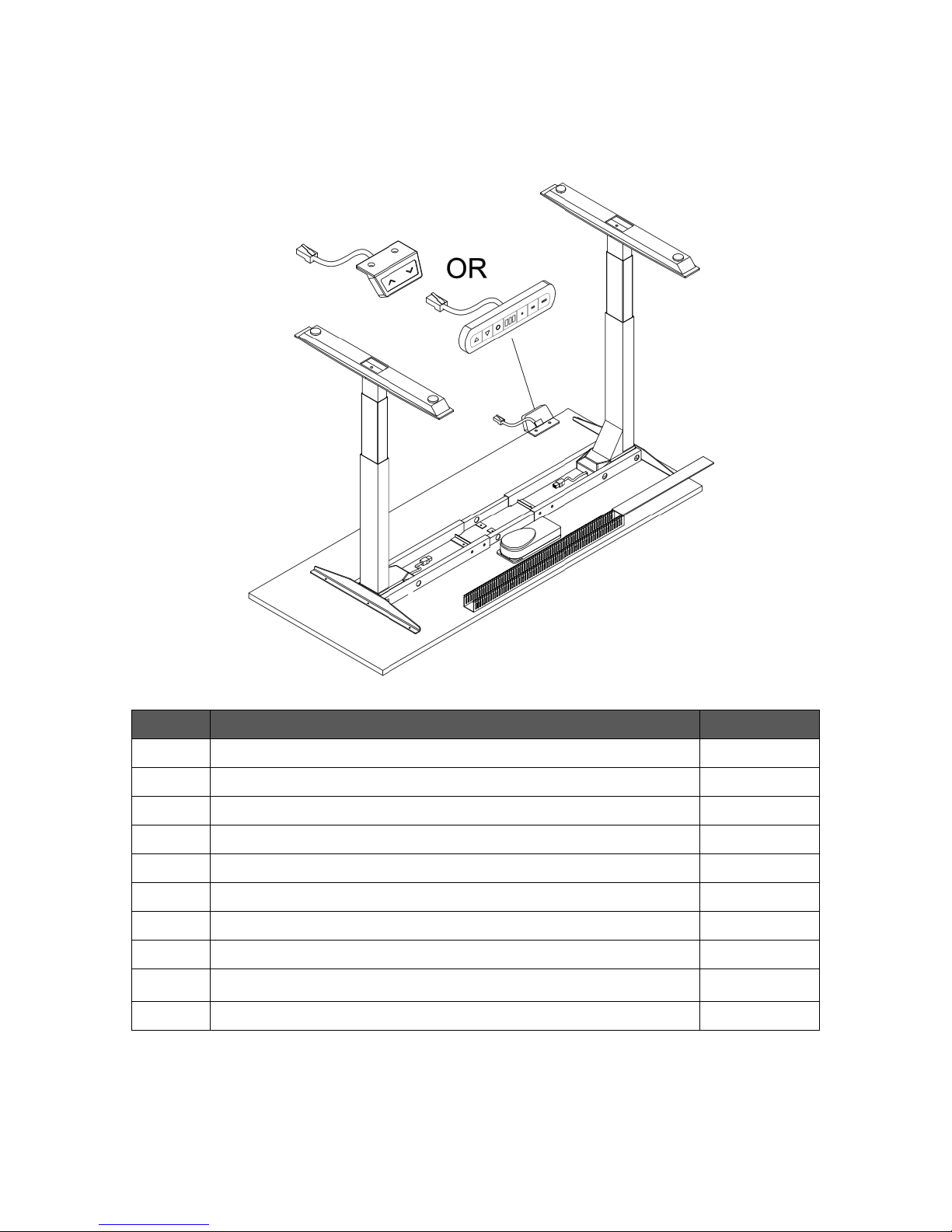
STEP 5: INITIALIZING SYSTEM & SETTING HEIGHT POSITION
DESK MUST BE INITIALIZED BEFORE YOUR FIRST USE, and may need to be re-initialized (reset) from time to time to
work properly. Use Height Controller to initialize. If your desk has Bluetooth option, initializing and programming can
also be done with your phone. Please go to PAGE 10 more detailed instructions.
INITIALIZATION: Press and hold Down Button until RST appears on the display. The desk will first go to the lowest
position, then rise slightly and stop. Release the Down Button when 28.1” is shown on the display. Your desk is now
ready to use.
RESET:Please note that desk needs to be reset from time to time when it is not working properly in events like sudden
power outage and etc. Unlike most electronic devise, the reset process requires more than a simple power-off and
power-on. Unplug the power cord for 20 seconds, plug back in and follow initialization procedure.
PROGRAM HEIGHT LIMITS: Move the desk to your desire upper height limit. Press the Setting Button and Up Button
simultaneously for one second. The upper limit is set when HCF is displayed. To cancel, press the same buttons again.
The upper limit is cancelled when HCL is displayed. To set lower height limit, press Setting Button and Down Button
simultaneously for one second. The lower limit is set when LCF is displayed. To cancel, press the same buttons again. The
lower limit is cancelled when LCL is displayed. If you need to program height limits, always do it before you program
presets.
PROGRAM POSITION PRESETS: Use Up and Down Buttonsto move desk to your desired position, press SETTING button
and one of the three Preset Position buttons simultaneously. You can program up to three presets. The panel will display
1CF, 2CF and 3CF for each preset when it is done.
PROGRAM SPEED: Press Setting Button for seven seconds, the LED will display default speed SP2 (18mm/second). Press
Up Button to change to a high speed (20mm/second), or Down Button to a lower speed (16mm/second).
PROGRAM INCH/CM: Press the Setting Button for 7 seconds until SP2 is display, and then press the first Preset Button.
The LED will show the default unit of measurement, then press Up Button or Down Button to change.
OVERHEAT: To avoid overheating, don’t move the desk up and down continuously for over two minutes within any 20
minute period. If the desk overheats, LED will display OH. Stop using the desk for 10 minutes and let the desk cool down.
3 Preset Position Buttons
Flex Pro Series Assembly Guide 9 |Page