manuals.online logo
Brands
  1. Home
  2. •
  3. Brands
  4. •
  5. APRILIA
  6. •
  7. Scooter
  8. •
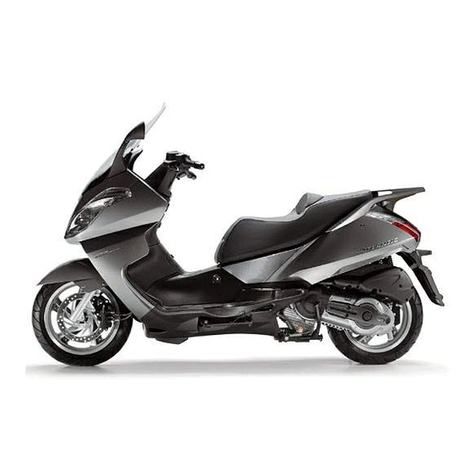
  9. APRILIA ATLANTIC 500 User manual

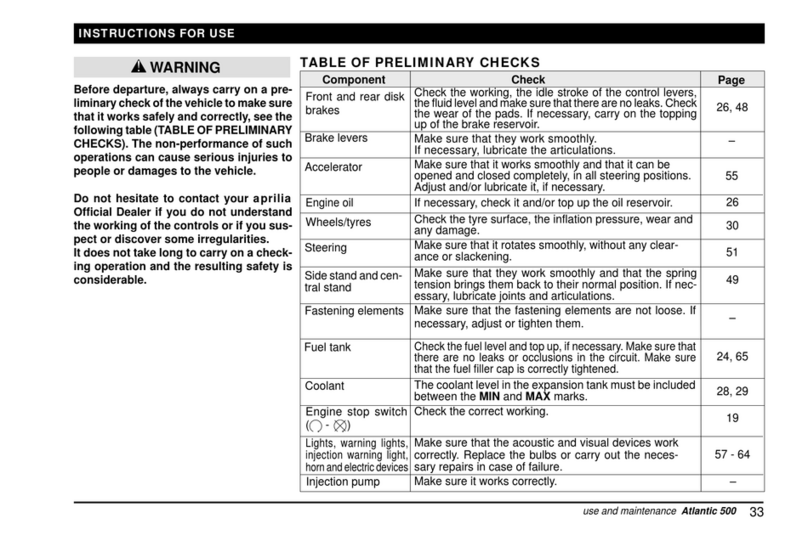
APRILIA ATLANTIC 500 User manual

Other manuals for ATLANTIC 500

4

This manual suits for next models

1

Other APRILIA Scooter manuals

APRILIA SR 50 - BROCHURE 2009 Installation and operating manual

APRILIA

APRILIA SR 50 - BROCHURE 2009 Installation and operating manual

APRILIA SCARABEO 50 - User guide

APRILIA

APRILIA SCARABEO 50 - User guide
APRILIA eSR2 2021 User manual

APRILIA

APRILIA eSR2 2021 User manual

APRILIA ATLANTIC 400 SPRINT - 10-2006 User manual

APRILIA

APRILIA ATLANTIC 400 SPRINT - 10-2006 User manual

APRILIA M125 - 06-2003 User manual

APRILIA

APRILIA M125 - 06-2003 User manual

APRILIA MOJITO 150 - MANUEL 2 User manual

APRILIA

APRILIA MOJITO 150 - MANUEL 2 User manual

APRILIA MOJITO 50 User manual

APRILIA

APRILIA MOJITO 50 User manual

APRILIA eSR1 User manual

APRILIA

APRILIA eSR1 User manual

APRILIA AREA 51 - 1998 User manual

APRILIA

APRILIA AREA 51 - 1998 User manual

APRILIA ATLANTIC 500 User manual

APRILIA

APRILIA ATLANTIC 500 User manual

APRILIA ATLANTIC 500 - 02-2002 PART2 User manual

APRILIA

APRILIA ATLANTIC 500 - 02-2002 PART2 User manual

APRILIA ATLANTIC 500 - 02-2002 PART6 User manual

APRILIA

APRILIA ATLANTIC 500 - 02-2002 PART6 User manual

APRILIA ATLANTIC 300 - Guide

APRILIA

APRILIA ATLANTIC 300 - Guide

APRILIA ATLANTIC 500 Instruction manual
APRILIA

APRILIA ATLANTIC 500 Instruction manual

APRILIA ATLANTIC 500 - 02-2002 PART4 User manual

APRILIA

APRILIA ATLANTIC 500 - 02-2002 PART4 User manual

APRILIA SR 50 - BROCHURE 2009 Parts list manual

APRILIA

APRILIA SR 50 - BROCHURE 2009 Parts list manual

APRILIA ATLANTIC 500 - 02-2002 PART5 User manual

APRILIA

APRILIA ATLANTIC 500 - 02-2002 PART5 User manual

APRILIA MOJITO 150 - 2003 User manual

APRILIA

APRILIA MOJITO 150 - 2003 User manual

APRILIA SCARABEO 200 i.e. User manual

APRILIA

APRILIA SCARABEO 200 i.e. User manual

APRILIA eSR2 User manual

APRILIA

APRILIA eSR2 User manual
APRILIA eSR2 User manual

APRILIA

APRILIA eSR2 User manual

APRILIA SR 50 2018 User manual

APRILIA

APRILIA SR 50 2018 User manual

APRILIA RALLY 50 Parts list manual

APRILIA

APRILIA RALLY 50 Parts list manual

APRILIA ATLANTIC 200 - 2003 User manual

APRILIA

APRILIA ATLANTIC 200 - 2003 User manual

Popular Scooter manuals by other brands

Segway Robotics Loomo Product information guide

Segway Robotics

Segway Robotics Loomo Product information guide

HL Corp ESX3 instruction manual

HL Corp

HL Corp ESX3 instruction manual

F-Wheel DYU S1 instructions

F-Wheel

F-Wheel DYU S1 instructions

Handicare Fortress 2000 SERIES owner's manual

Handicare

Handicare Fortress 2000 SERIES owner's manual

HYOSUNG SF 50 B manual

HYOSUNG

HYOSUNG SF 50 B manual

HOMCOM 371-004 Assembly instruction

HOMCOM

HOMCOM 371-004 Assembly instruction

Kinroad XT125T-10 instruction manual

Kinroad

Kinroad XT125T-10 instruction manual

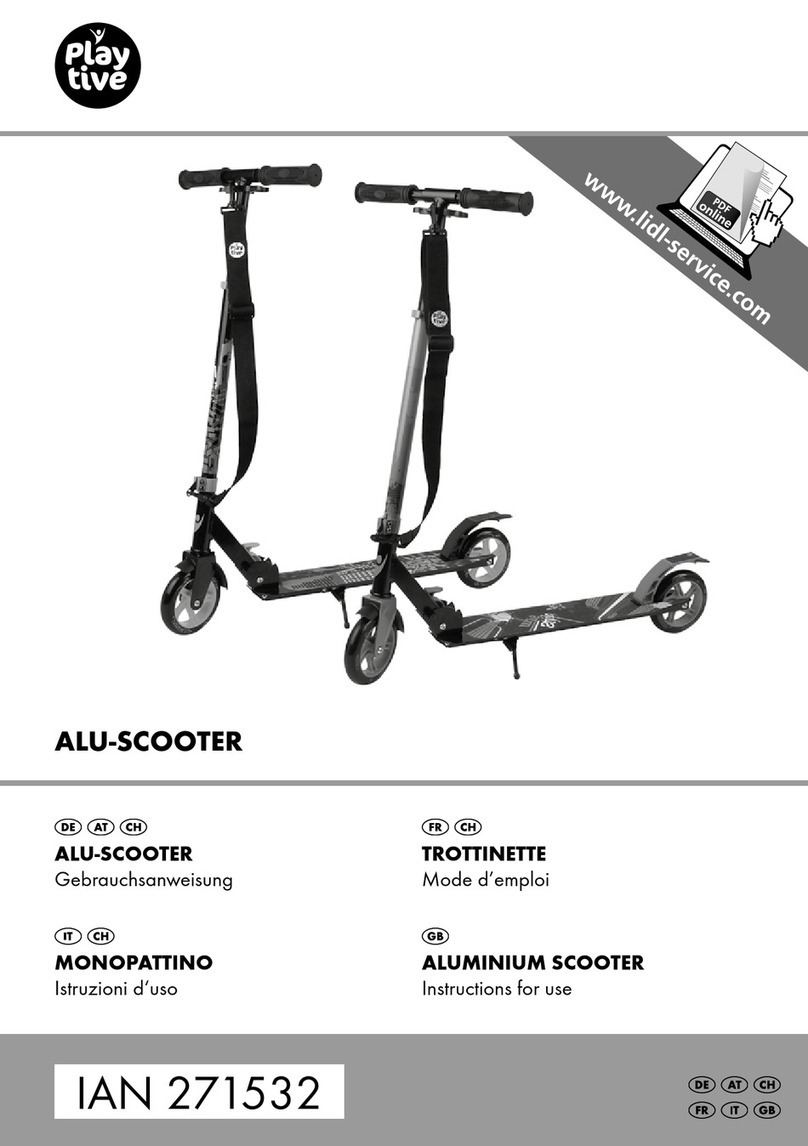
PLAYTIVE AS-2448 Instructions for use

PLAYTIVE

PLAYTIVE AS-2448 Instructions for use

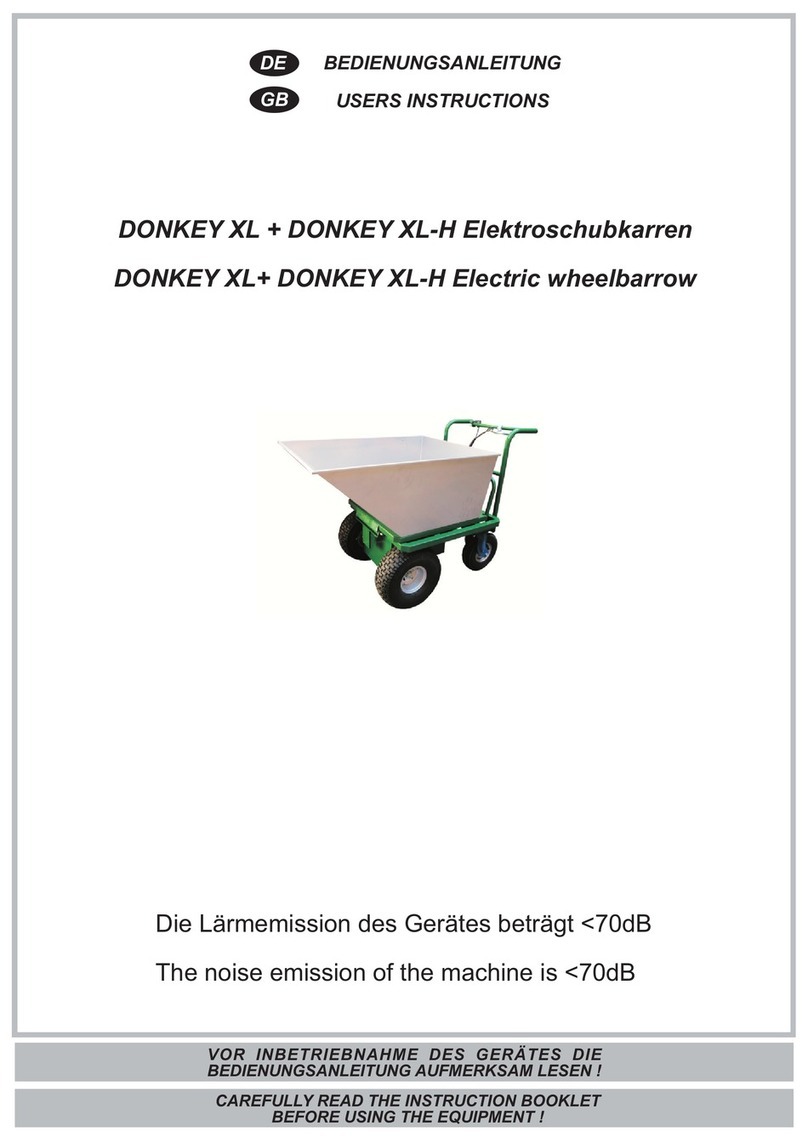
Ebinger DONKEY XL User instructions

Ebinger

Ebinger DONKEY XL User instructions

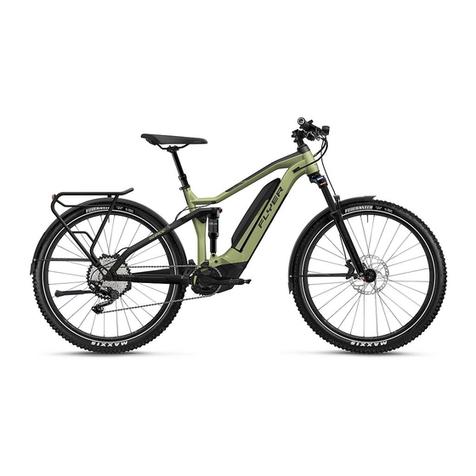
Flyer Mountain Original instruction manual

Flyer

Flyer Mountain Original instruction manual

BackCountry eBikes Storm owner's manual

BackCountry eBikes

BackCountry eBikes Storm owner's manual

Pride Boxter owner's manual

Pride

Pride Boxter owner's manual

equipmed FreeRoam II user manual

equipmed

equipmed FreeRoam II user manual

WESTHILL BIKES LINK user manual

WESTHILL BIKES

WESTHILL BIKES LINK user manual

BAnff eProdigy series Assembly manual

BAnff

BAnff eProdigy series Assembly manual

Winther 475 Assembly instruction

Winther

Winther 475 Assembly instruction

Jetson JBZL17 user manual

Jetson

Jetson JBZL17 user manual

Carrera impel manual

Carrera

Carrera impel manual

manuals.online logo
manuals.online logoBrands
  • About & Mission
  • Contact us
  • Privacy Policy
  • Terms and Conditions

Copyright 2025 Manuals.Online. All Rights Reserved.

17
use and maintenance Atlantic 500
MAIN INDIPENDENT CONTROLS
CONTROLS ON THE LEFT SIDE OF THE HANDLEBAR
IMPORTANTTheelectric componentswork onlywhen theigni-
tion switch is in position “ ”.
1) HORN PUSH-BUTTON ( )
When it is pressed, the horn is operated.
2) DIRECTION INDICATOR SWITCH ( )
Move the switch to the left in order to indicate the turn to the left;
move the switch to the right in order to indicate the turn to the
right. Press the switch on its centre to turn off the direction indi-
cator. With moving vehicle, the automatic return system is trig-
gered and turns off the direction indicator after 40 seconds or
500 m.
3) DIMMER SWITCH ( - ) / HIGH BEAM PUSH-BUTTON
(PASSING )
When the light switch is in position " ": if the dimmer switch is
in position " ", the low beam comes on, while if it is in position
"", the high beam comes on.
Regardless of the light switch position ( - - •), the high beam
signaller is operated by pressing the dimmer switch to position
“PASSING ”.
IMPORTANTWhen releasingthedimmer switch,the high beam
signaller is deactivated.
4) MODE PUSH-BUTTON
Press it more than once to select the data shown on the
multifunction LCD display.
5) HAZARD PUSH-BUTTON ( )
ACTIVATION Press the push-button to activate the four direc-
tion indicators; now it is possible to turn the ignition switch to
position and extract the key.
DEACTIVATION
Insert the key into the ignition switch and turn it to position “ ”,
press the HAZARD push-button again to deactivate the system.
MODE
PASSING
3
14
25
18
use and maintenance Atlantic 500
CONTROLS ON THE RIGHT SIDE OF THE HANDLEBAR
IMPORTANTTheelectric componentswork onlywhen theigni-
tion switch is in position “ ”.
1) LIGHT SWITCH ( - •) (non provided )
Before operating the light switch, make sure that the dimmer
switch ( - ) is in position “ ”.
When the light switch is in position “ •”, the lights are off; when
it is in position “ “, the parking lights and the dashboard light
are on; when the switch is in position “ ” the parking lights, the
dashboard light and the low beams are on.
CAUTION
By means of the dimmer switch, ( - ), it is possible to oper-
ate the high beam.
1a) DIMMER SWITCH ( - )
When it is in position “ ” the parking lights, the dashboard light
and the low beams are always on; when it is in position “ ”, the
high beam comes on.
2) ENGINE STOP SWITCH ( - )
Do not operate the engine stop switch “ - ” in running
conditions.
It is a safety or emergency switch. When it is in position “ ”,the
engine can be started. If it is in position “ ”,the engine stops.
With stopped engine and ignition switch in position “ ” the
battery may run down. With stopped vehicle, stop the engine
and then turn the ignition switch to position “ ”.
3) START PUSH-BUTTON ( )
By pressing the start push-button “ “, the starter makes the
engine run. For the starting, see page 34 (STARTING).
DEACTIVATION
By inserting the key into the ignition switch and turning it to position
“”, the device is automatically disconnected.
WARNING
CAUTION
2
1
3
1a
19
use and maintenance Atlantic 500
IGNITION SWITCH
The ignition switch (1) is positioned on the
right side, near the steering sleeve.
IMPORTANT The key (2) operates the
ignitionswitch /steeringlock,the saddlelock
and the glove compartment flap.
Two keys are delivered along with the vehi-
cle (one spare key).
IMPORTANTDo notkeepthe sparekey
on the vehicle.
WARNING
STEERING LOCK
Never turn the key to position “ ” dur-
ing the ride so as to avoid losing control
of the vehicle.
WORKING
To lock the steering:
♦Turn the handlebar completely leftwards
♦
Turn the key (2) to position “ ”. or, in the
preset versions, to position “
P
” so as to
switch on the front parking light and the
rear parking lights in case of night parking
and poor visibility.
♦Extract the key.
To open the compartments:
♦Press the key (2) and then turn it clock-
wise to open the glove compartment.
♦Pressthekey (2) andthenturnitanticlock-
wise to unlock/lock the saddle and open
the compartment under the saddle.
Position Function Key
removal
Steering
lock
The steering
is locked.
It is not pos-
sible to start
theengine or
switchon the
lights.
It is possible
to remove
the key.
Neither the
engine nor
the lights
canbe oper-
ated.
It is possible
to remove
the key.
The engine
and the
lights can be
operated.
It is not pos-
sible to re-
move the
key.
P
PUSH
ZADI
1
PUSH
ZADI
2
P
Thefrontand
rear parking
lights can be
operated.
It is possible
to remove
the key.
20
use and maintenance Atlantic 500
DIGITAL CLOCK/DATE SETUP
IMPORTANT LCD displays work only
when the ignition switch is in position “ ”.
Describing the LCD display functions (1):
♦Normal display: hours and minutes.
♦Date display: press the key SET (3), the
month and the day are displayed for less
than five seconds.
Setting the clock:
IMPORTANT The clock must be set
when the engine is not running, the vehicle
is at rest and the direction indicators are
deactivated.
♦Press the key W (2) for more than three
secondstoactivatethe clocksetting(ONLY
WHEN THE TIME IS DISPLAYED).
♦Press or keep the key SET (3) pressed to
set the desired time.
♦Press the key W (2) to confirm the time
setting: the clock is brought automatically
to the minute setting.
♦Press or keep the key SET (3) pressed to
set the desired minutes.
♦Press the key W (2) to confirm the minute
setting
♦The clock is now set and it is possible to
return to the normal working.
Setting the date:
♦Press the key W (2) for more than three
secondsto activatethe datesetting(ONLY
WHEN THE DATE IS DISPLAYED).
♦Press or keep the key SET (3) pressed to
set the desired day.
♦Press the key W (2) to confirm the day set-
ting: the instrument is switched automati-
cally to the month setting.
♦Press or keep the key SET (3) pressed to
set the desired month.
♦Press the key W (2) to confirm the month
setting
♦The date is now set and it is possible to
return to the normal working.
The clock and date setting can be carried
on only when the engine is not running,
the vehicle is at rest and the direction in-
dicators are deactivated.
ABS
1
2
3
CAUTION