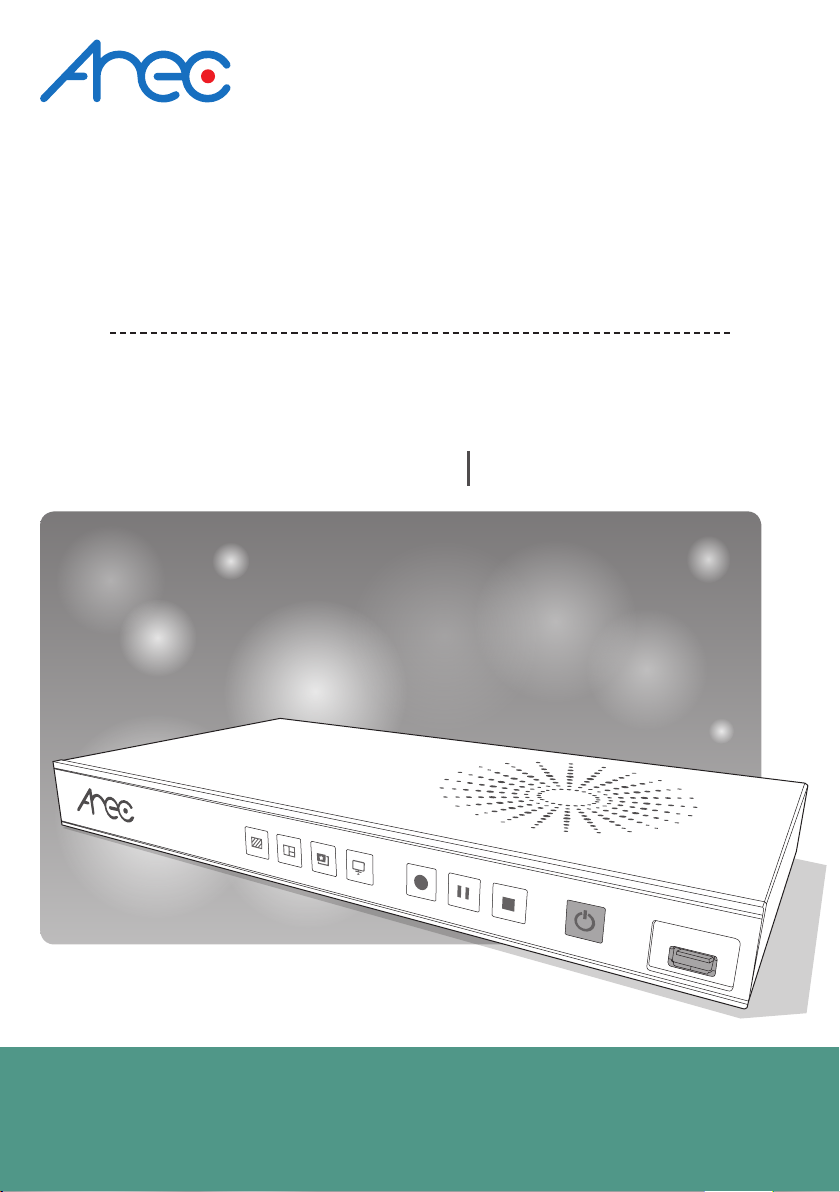
LS-200 User Manual
5www.arec.com
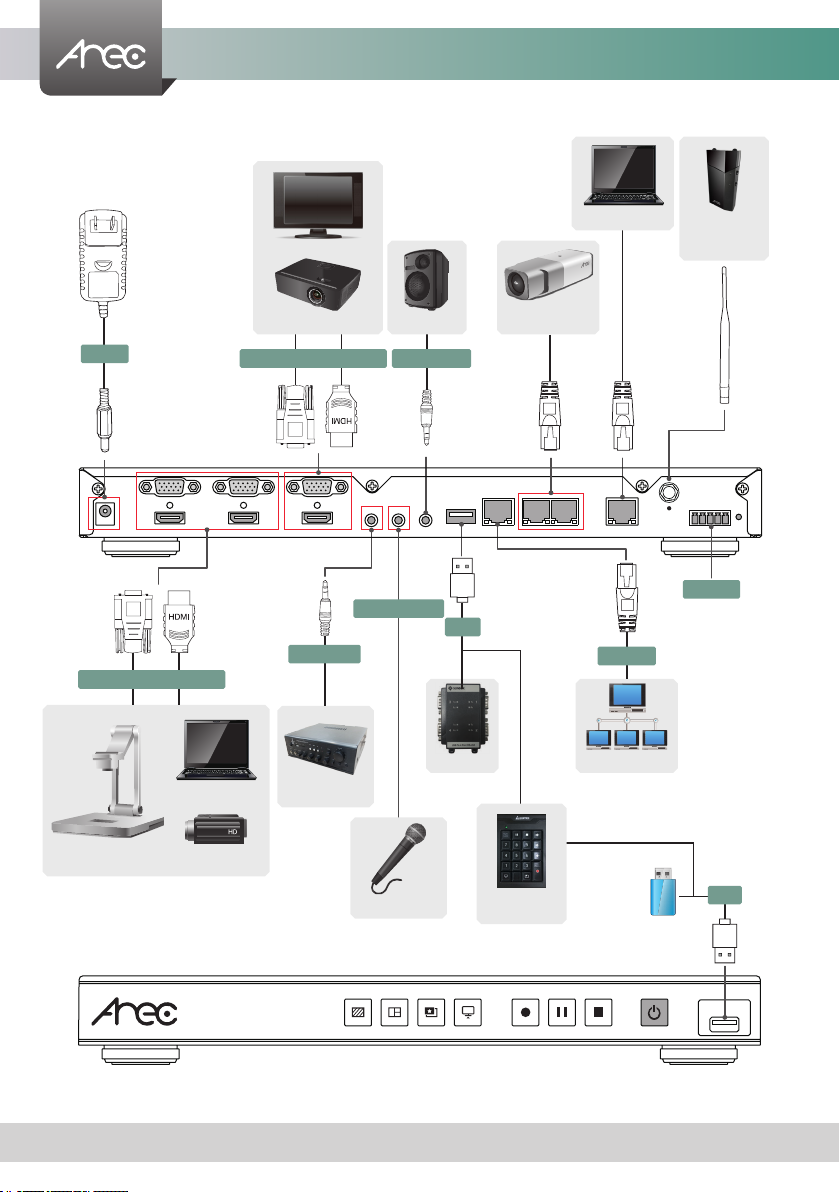
No. Name Brief introduction
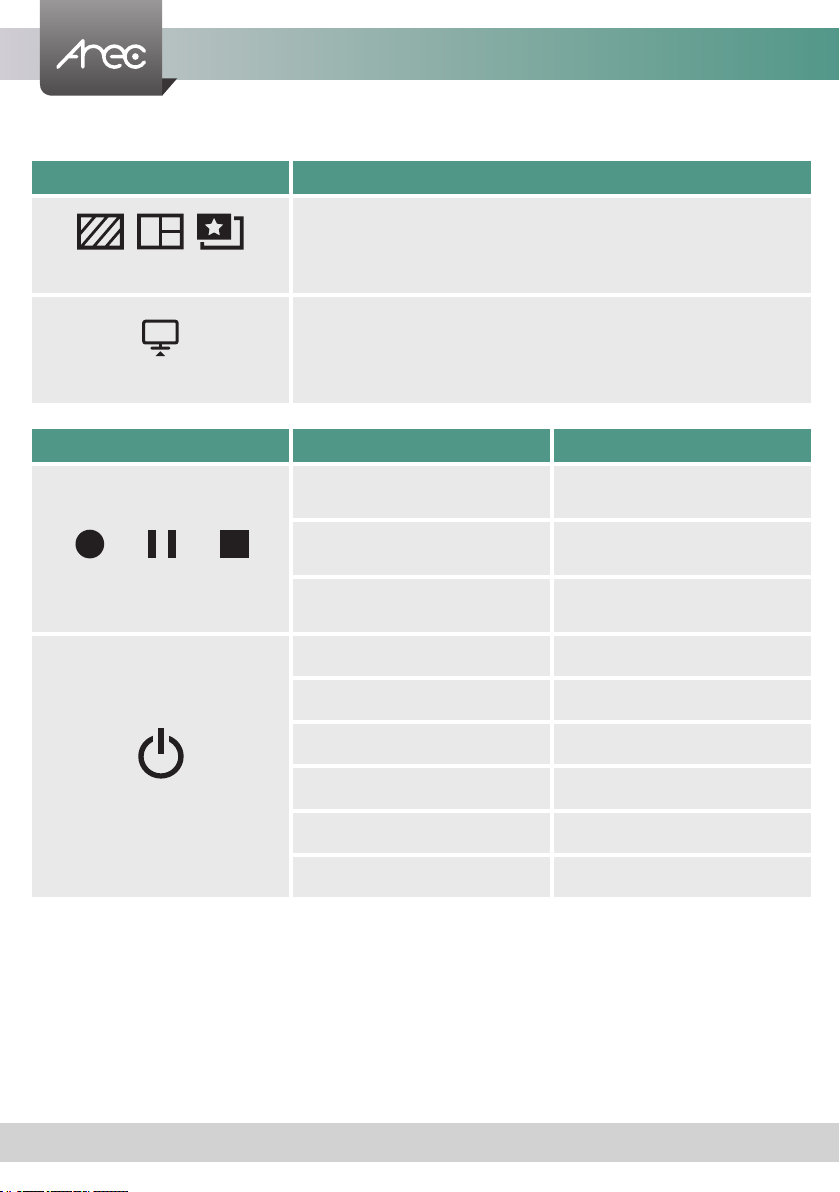
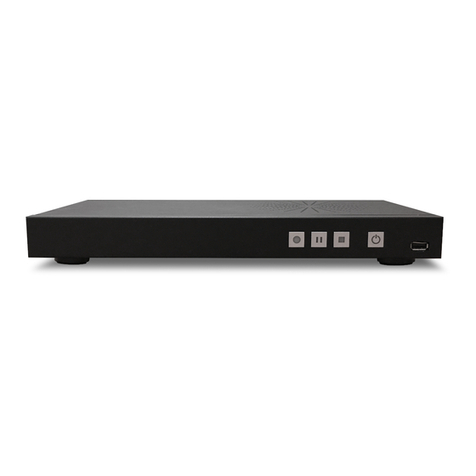
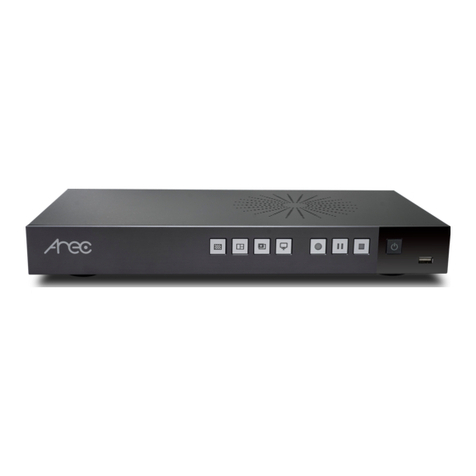
1Background function key Control the Background function
2Layout function keys Control the Layout function
3Record function keys Control the Record, Pause, Stop function
4Power Power on/off the device
5Front USB port
1. For external USB storage device*
2. Firmware update through USB disk
3. For USB numeric keypad
6Power port 12V / 2A
7Video input VGA / HDMI input source for PC [ ]
8Video input VGA / HDMI input source for camera [ ]
9Video output HDMI preview output
10 Video output VGA loop thru from input [ ]
11 Audio input Line audio input
12 Audio input Mic audio input
13 Audio output Line audio output
14 Back USB port 1. USB interface for camera control over RS-232
2. For USB numeric keypad
15 Network port RJ-45 Ethernet connector for network connection
16 Network camera input 1 RJ-45 Ethernet connector for network camera input source
17 Network camera input 2 RJ-45 Ethernet connector for network camera input source
18 Setting port RJ-45 Ethernet connector for device conguration and control
19 Antenna port for Microphone Connected to antenna for wireless microphone
20 RS-232 Captive screw connector for control over RS-232
21 Reset button Restoring devices to its factory default state
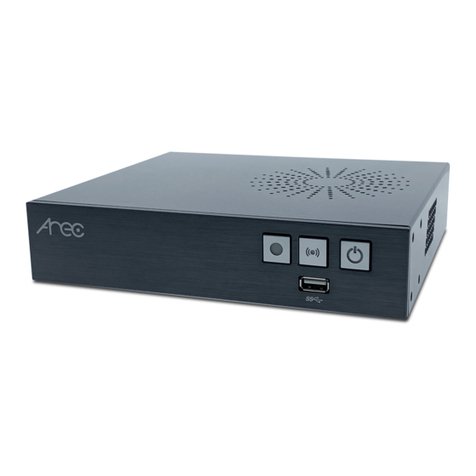
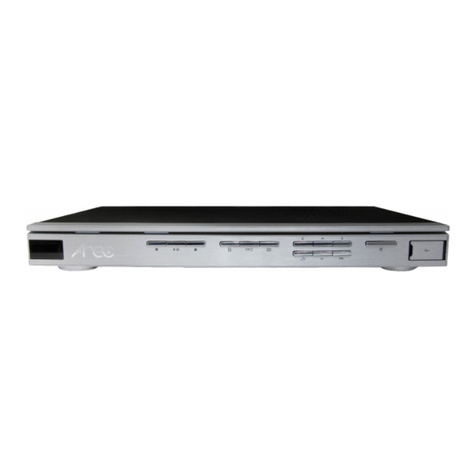
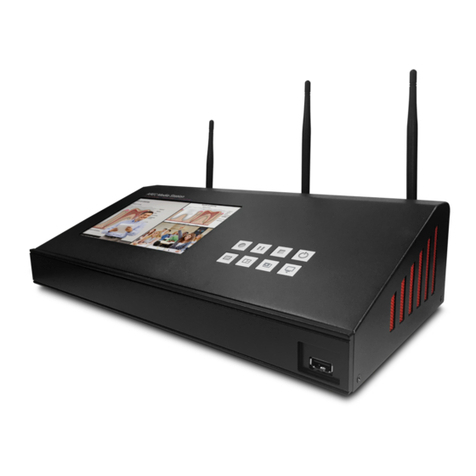
Product Appearance
NOTE: The LS-200 can detect and record to USB storage devices using FAT32, NTFS le systems.
15
2 3 4
Front
6 11 1512 13
14
7 10
9
8 1816 17
Back
19 20 21